 ENEnglish
 LTLietuviškai
 DEDeutsch
 FRFrançais
 RUРусский
 ESEspañol
 PLPolski
 ITItaliano
 UKУкраїнська
 CSČeština
 PTPortuguês
 JA日本語
JA日本語 LVLatviešu valoda
 ETEesti
 HUMagyar
 IDBahasa Indonesia
 TRTürkçe
 HIहिन्दी
 ELΕλληνικά
 ARالعربية
 THไทย
THไทย VITiếng Việt
 RORomână
 MSBahasa Melayu
 BNবাংলা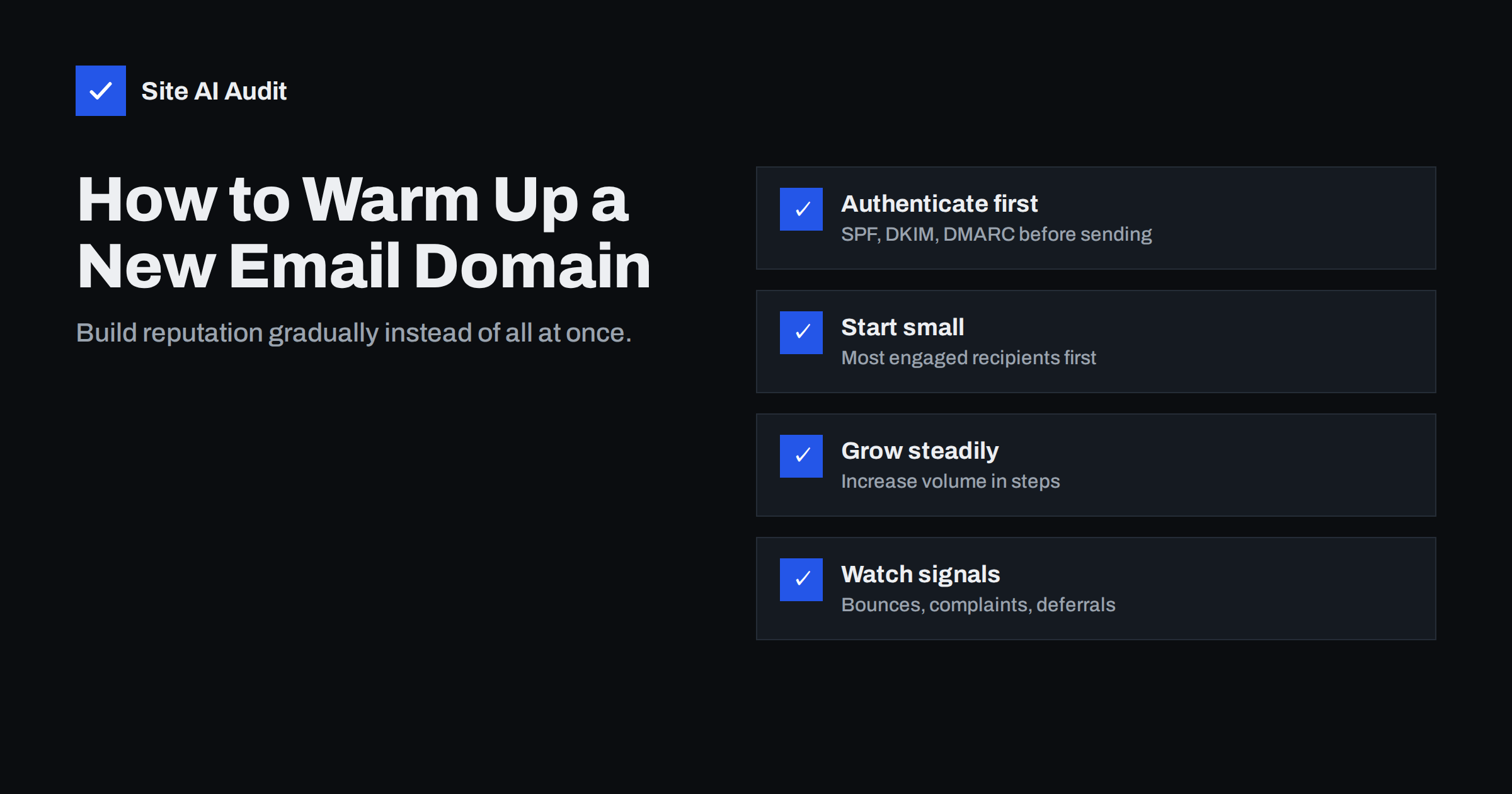
Short answer: Warming up means increasing sending volume from a new domain or IP address gradually, so that mailbox providers can build a reputation from positive signals instead of seeing a sudden flood from an unknown sender. Authenticate the domain fully before the first message, start with small daily volumes to your most engaged recipients, increase in steps over several weeks while complaint and bounce rates stay low, and slow down at the first sign of deferrals or spam-folder placement.
Why new senders need a warm-up
Mailbox providers judge incoming mail partly by history: how have recipients reacted to earlier mail from this domain and this IP address? A new domain or a new dedicated IP has no history at all. That is not neutral. Spammers constantly register new domains and rent new IP addresses precisely because old ones get blocked, so “brand new and sending a lot” is one of the patterns filters watch for.
A warm-up gives providers time to collect good signals, such as opens, replies, messages moved out of spam and a lack of complaints, while the volume is still small enough that mistakes do not cause lasting damage. Providers often throttle unknown senders by temporarily deferring part of their mail; a gradual increase keeps you within what they are willing to accept.
Reputation is tracked both for the IP address and, increasingly, for the domain. That is why a warm-up is needed in more situations than many people expect.
When you need to warm up
- A newly registered domain that will send marketing or transactional mail.
- A new sending subdomain, such as
news.yourdomain.com, for newsletters. Subdomains inherit some trust from the parent domain, but their own history starts from zero. - A new dedicated IP address at an e-mail service provider.
- A move to a new e-mail platform that sends from different IPs, especially if you move to dedicated IPs.
- A domain that has been silent for months and is about to send a large campaign.
- A big jump in volume, for example a list that grows tenfold after a merger or a new sign-up campaign.
You usually do not need a formal warm-up for normal person-to-person mail from Google Workspace or Microsoft 365 on an established domain, or for small volumes sent through a reputable provider’s shared IP pool, where the provider manages IP reputation. Even then, avoid sudden large bursts from a domain that has never sent them.
Before the first message: get the foundations right
Warming up an unauthenticated domain wastes the effort, because the good signals cannot be attributed reliably to you. Before sending anything:
- SPF includes the sending platform, with one record and no more than ten lookups.
- DKIM signs with your own domain (not the platform’s) at the sending service.
- DMARC is published, at least with
p=noneand a report address, and messages align. - Reverse DNS is set for any dedicated IP.
- MXレコード exist so replies and bounces can be received.
- The website on the domain is live, uses HTTPS and clearly shows who you are. Receivers and recipients look at the links in your mail.
- Unsubscribe works in one click for marketing mail.
A sample warm-up schedule
There is no official schedule, and large providers do not publish exact numbers. Sending platforms usually offer their own recommended plans for dedicated IPs; follow those where they exist. The pattern below illustrates the principle for a domain that will eventually send tens of thousands of messages per campaign:
| Period | Daily volume (approximate) | Who receives it |
|---|---|---|
| Days 1 to 3 | A few hundred | Most engaged: opened or clicked in the last 30 days |
| Days 4 to 7 | Roughly double each few days | Engaged in the last 60 days |
| Week 2 | Low thousands | Engaged in the last 90 days |
| Weeks 3 to 4 | Several thousand, rising | Active subscribers, gradually wider |
| Weeks 5 to 6+ | Full volume | Full list, excluding long-inactive contacts |
The exact numbers matter less than the principles: increase gradually, never jump by an order of magnitude overnight, and keep the proportion of engaged recipients high while reputation is forming. Spread sending across the day instead of one large batch, and distribute volume across providers in proportion to your list rather than sending all Gmail addresses first.
Choose the first recipients carefully
The first messages from a new domain shape its reputation more than any later ones. Send them to the people most likely to open, read and reply:
- recent customers who expect mail from you;
- subscribers who opened or clicked recently;
- people who signed up in the last few weeks.
Leave out contacts who have not engaged in many months, addresses imported from old systems and anything with a history of bounces. Those can be reintroduced later, in small portions, once the domain has a solid footing, or removed entirely. Never use a new domain to “test” a bought or scraped list; it will be burned before it has started.
Signals to watch during the warm-up
- Hard bounces: should be very low. A high rate means the list contains dead addresses; stop and clean it.
- Spam complaints: Google recommends staying below 0.1% and never reaching 0.3%. During warm-up, aim well below that.
- Deferrals (temporary 4xx errors): providers slowing you down. Hold the current volume or reduce it until they clear.
- Inbox placement: ask a few colleagues or friendly customers at different providers to report where messages arrive.
- Engagement: opens are less reliable than they used to be because of privacy features, but clicks and replies are useful.
- Google Postmaster Tools: once you send enough to Gmail users, it shows domain reputation and spam rate.
If signals turn bad, the fix is almost never to push harder. Pause the increase, send only to the most engaged segment for a few days, find the cause, then resume more slowly.
Transactional and marketing mail during warm-up
If the same domain will carry both transactional mail and newsletters, the two behave very differently during a warm-up. Transactional messages, such as order confirmations, password resets and booking reminders, are expected by recipients, get opened quickly and rarely draw complaints. They are the best possible reputation builders, and their volume follows real activity, so it rises naturally.
Marketing mail is where the risk lies, because it goes to many people at once and some of them will have forgotten signing up. A sensible approach is to move transactional mail to the new setup first, let it run for a week or two, and only then start introducing newsletters in small segments. If you can, separate the two streams entirely by using different subdomains, so that a weak campaign cannot delay the delivery of receipts and password resets.
Common warm-up mistakes
- Warming up with fake traffic. Services that send your mail to networks of mailboxes that automatically open and “rescue” it try to simulate engagement. Providers are aware of such patterns, and the practice does nothing to prove that real recipients want your mail.
- Buying a domain to hide a bad reputation. Moving to a new domain after damaging the old one repeats the problem unless the list and practices change.
- Using the main business domain for risky outreach. If a new activity is experimental, use a subdomain, and never cold-blast from the domain your invoices come from.
- Forgetting transactional mail. If order confirmations will also come from the new setup, they help build reputation because recipients expect them; include them early.
- Stopping monitoring after week six. Reputation is never finished; a sudden campaign to an old segment can undo months of care.
Checking the domain before you start
A warm-up rests on correct DNS. Site AI Audit checks SPF with its lookup limit, DKIM, DMARC and MX records, plus the website’s SSL and security basics, and explains each finding in plain words, so you can confirm the new domain is ready before its first message. Run a free check on the new domain; paid plans on the pricing page keep checking and alert you if a record breaks during the warm-up.
Related reading
- Gmail and Yahoo Bulk Sender Requirements: A Practical Guide
- Why Are My Emails Going to Spam? 12 Causes and Fixes
- Reverse DNS and PTR Records for Email: What You Need to Know
The bottom line
New domains and IPs start without reputation, and reputation is built from real recipients’ reactions over time. Authenticate everything first, send to your most engaged people, increase volume in steps over several weeks, and slow down at the first sign of trouble. Patience during warm-up is far cheaper than repairing a burned domain.
FAQ
How long does an e-mail warm-up take?
Typically four to eight weeks to reach full volume, depending on the target volume and how recipients respond. Smaller senders can move faster; very large senders often take longer.
Do I need to warm up a new Google Workspace domain?
Not formally for normal person-to-person mail. But avoid sending large batches from a brand-new domain, and set up SPF, DKIM and DMARC before you start.
Is a subdomain warmed up automatically by the main domain?
Not fully. Providers consider the parent domain, but a new sending subdomain has its own history and should be introduced gradually.
Are automated warm-up tools worth it?
Tools that simulate engagement through networks of mailboxes do not prove that real recipients want your mail, and providers watch for artificial patterns. Real, engaged recipients are the reliable way to build reputation.
What should I do if mail goes to spam during warm-up?
Stop increasing volume, send only to your most engaged recipients, check authentication and list quality, and resume slowly once placement improves.
Do shared IPs need a warm-up?
The provider manages the reputation of shared IPs, so you do not warm the IP itself. Your domain still has its own reputation, so a sudden jump in volume should still be avoided.


