 ENEnglish
 LTLietuviškai
 DEDeutsch
 FRFrançais
 RUРусский
 ESEspañol
 PLPolski
 ITItaliano
 UKУкраїнська
 CSČeština
 PTPortuguês
 JA日本語
JA日本語 LVLatviešu valoda
 ETEesti
 HUMagyar
 IDBahasa Indonesia
 TRTürkçe
 HIहिन्दी
 ELΕλληνικά
 ARالعربية
 THไทย
THไทย VITiếng Việt
 RORomână
 MSBahasa Melayu
 BNবাংলা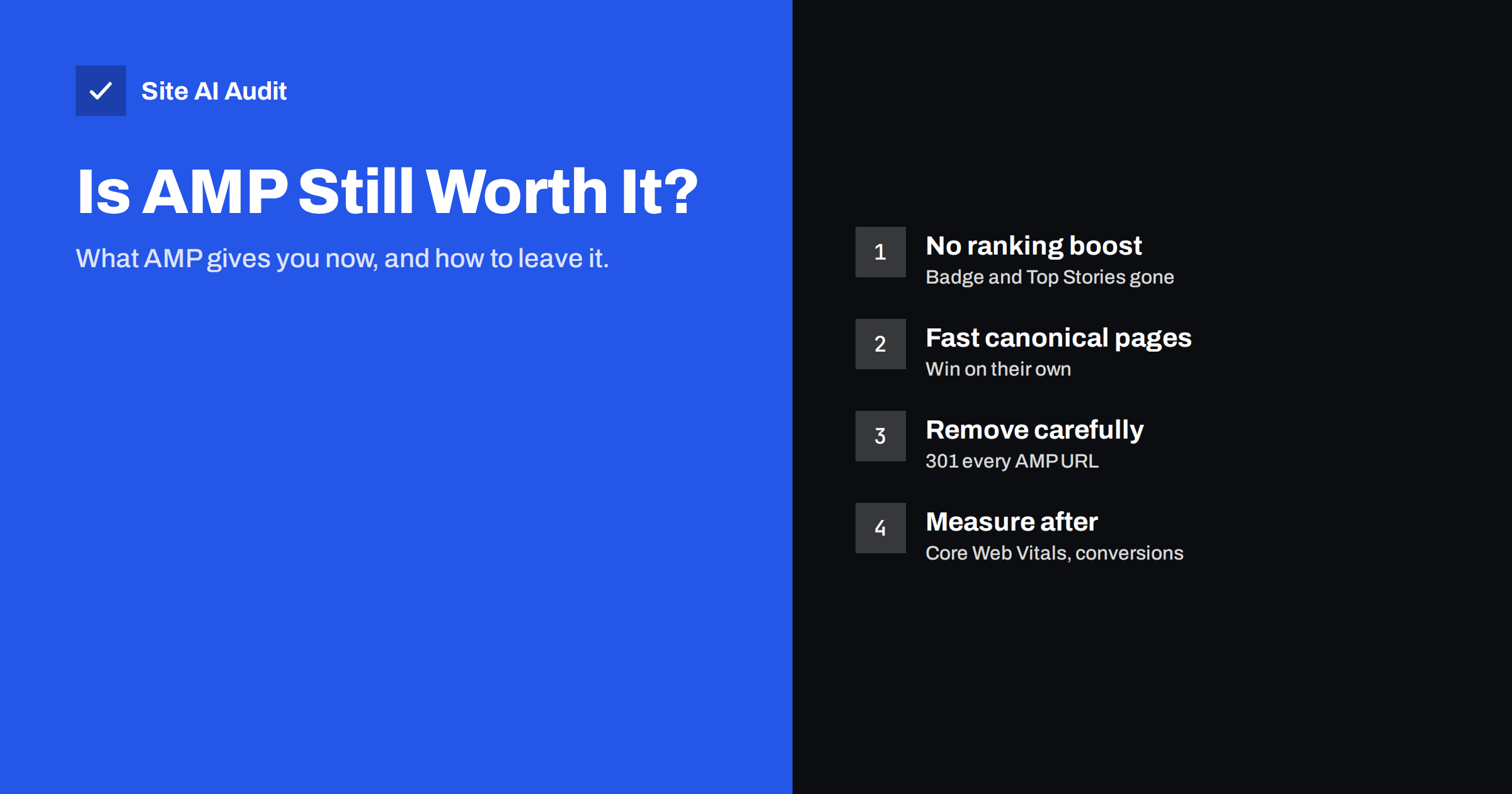
Short answer: For most websites, AMP is no longer worth the extra work. Since Google’s page experience update in 2021, AMP pages get no special badge and are not required for the Top Stories carousel, so a fast normal page competes on equal terms. Keep AMP only if it is genuinely faster than your regular pages and you have the resources to maintain two versions; otherwise make your main pages fast and retire AMP with proper redirects.
What AMP is and why it became popular
AMP (Accelerated Mobile Pages) is an open-source framework introduced in 2015 to make mobile pages load quickly. It works by restricting what a page may do. An AMP page uses a special HTML syntax, loads the AMP runtime, limits custom JavaScript, keeps CSS inline and small, and uses AMP components such as amp-img instead of normal tags. Because the rules are strict, an AMP page is predictable: it cannot block rendering with heavy scripts, and the layout of images and embeds is known in advance.
Google gave AMP a strong push. AMP pages could be served from the Google AMP Cache, appeared with a lightning-bolt badge in mobile results, and for several years were effectively required to appear in the Top Stories carousel for news. Publishers, blogs and even small business sites added AMP versions because it looked like the price of visibility on mobile.
The idea behind AMP was sound: most slow mobile pages are slow because of too much JavaScript, oversized images and third-party tags. AMP simply made those mistakes impossible. The problem was that it did so by creating a second version of every page, with its own rules, templates and bugs.
What changed: AMP lost its search advantages
In 2021 Google rolled out the page experience update and changed how AMP is treated in search. Three changes matter for site owners:
- Top Stories no longer requires AMP. Any page that meets Google News content policies can appear there; speed is judged with the same signals as for every other page.
- The AMP badge disappeared. Users can no longer see which results are AMP, so there is no click-through advantage from the lightning icon.
- Page experience applies to all pages. Core Web Vitals (LCP, CLS and INP today) are measured on whatever version real users load, AMP or not.
Google’s own documentation now describes page experience as a set of signals that any well-built page can satisfy; AMP is one way to build a fast page, not a requirement. You can read Google’s current guidance in its page experience documentation. The practical result is simple: if your normal pages are fast, AMP adds maintenance without adding visibility. If you want to understand how much speed itself influences rankings, see what we actually know about page speed and rankings.
The real costs of running AMP
Many sites kept AMP after 2021 simply because nobody decided to remove it. Before you do the same, list what it costs you:
- Two templates to maintain. Every design change, new block type or form has to work in both the normal and the AMP version. AMP versions are often forgotten and drift out of date.
- Missing features. Custom JavaScript is heavily restricted, so AMP pages often lack calculators, booking widgets, product configurators or newer forms. Visitors on AMP get a weaker page.
- Split analytics. AMP needs its own analytics setup. Sessions can break between the AMP cache domain and your own domain, which makes conversion data harder to trust.
- Weaker conversion paths. Calls to action, cookie consent and checkout flows frequently behave differently on AMP. Many sites find that AMP visitors convert worse simply because the page is simpler than intended.
- Duplicate-content housekeeping. Every AMP page must point to its canonical version, and the canonical must point back with a
rel="amphtml"link. Broken pairs create indexing confusion. Our guide on canonical tags covers how this pairing works.
None of these costs is dramatic alone. Together they mean a second website that someone has to look after, for a benefit that search no longer rewards.
When keeping AMP can still make sense
AMP is not broken, and there are situations where keeping it is a reasonable choice for now:
- Your normal pages are slow and you cannot fix them soon. If the main theme is heavy and a rebuild is months away, AMP pages may be the only version that passes Core Web Vitals for mobile users. Removing them first would make things worse.
- Your platform generates AMP automatically and reliably. Some publishing systems produce clean AMP with no extra effort. If the AMP pages look and convert like the main pages, the maintenance cost may be close to zero.
- You use AMP as your only version. A few sites are built entirely with AMP, so there is no duplicate. In that case AMP is simply a framework choice, and the question is whether it still fits your feature needs.
In every other case, the better long-term investment is to make your regular pages fast. That work benefits all visitors, desktop included, and all search features, not just one.
How to decide: compare the two versions with data
Do not decide on gut feeling. Compare your AMP and non-AMP versions of the same pages for a few weeks of real traffic.
- Pick representative pages. Choose five to ten templates that carry most traffic: article, category, product or service pages.
- Check field data. In Search Console, the Core Web Vitals report groups URLs by status. Look at how your non-AMP URLs perform on mobile. Lab tests help diagnose, but field data reflects real users.
- Run lab tests on both versions. Test the canonical URL and its AMP URL with PageSpeed Insights. Note LCP, CLS and Total Blocking Time for each.
- Compare business results. In analytics, compare bounce, scroll depth, leads or sales for AMP and non-AMP sessions on the same content.
- Decide per template. If the canonical pages already pass Core Web Vitals and convert better, AMP is redundant. If they fail, fix speed first, then remove AMP.
| Situation | Recommendation |
|---|---|
| Canonical pages pass Core Web Vitals on mobile | Remove AMP and redirect AMP URLs |
| Canonical pages fail, fix planned within weeks | Fix speed first, then remove AMP |
| Canonical pages fail, no fix possible soon | Keep AMP for now, schedule a rebuild |
| Site built entirely in AMP | Keep it if features and conversions are fine |
| AMP pages outdated or broken | Remove AMP now; broken AMP is worse than none |
How to make normal pages as fast as AMP
AMP’s speed came from a handful of rules. You can apply the same rules to your normal pages without the framework:
- Limit JavaScript. Remove scripts you do not need, defer the rest and audit third-party tags. Our guide to reducing unused JavaScript shows how to find the worst offenders.
- Reserve space for everything. AMP requires width and height for images and embeds, which prevents layout shift. Add
widthandheightattributes or CSS aspect ratios to your images, ads and iframes. - Keep CSS lean. AMP caps custom CSS at a small inline budget. You do not need a hard cap, but removing unused CSS and inlining the critical part has the same effect.
- Optimise the main image. Serve modern formats, correct sizes and load the largest above-the-fold image first, without lazy loading it.
- Cache and serve close to users. AMP pages were often served from a cache near the visitor. Page caching and a CDN give your own pages the same advantage.
- Fix server response time. A slow server delays every metric. Aim for a quick first byte with caching and up-to-date software.
With these in place, a well-built normal page is usually as fast as its AMP twin, and it keeps every feature you designed.
How to remove AMP safely, step by step
Removing AMP is mostly a redirect project. Done carefully, it causes no loss of visibility.
- Export all AMP URLs. Use your sitemap, crawler or Search Console to list every URL ending in
/amp/,?amp=1or whatever pattern your site uses. - Make sure each canonical page is ready. It should load fast on mobile, show the same main content and work without AMP.
- Disable AMP output. Turn off the plugin or template feature that generates AMP pages and remove the
rel="amphtml"links from canonical pages. - Redirect every AMP URL with a 301. Point each AMP URL to its own canonical URL, not to the home page. A pattern rule on the server is usually enough. See 301 vs 302 redirects if you are unsure which type to use.
- Keep the redirects. Google AMP Cache copies expire over time, and links to AMP URLs live on in social posts and other sites. Keep the redirects for at least a year, ideally permanently.
- Update analytics and tag setup. Remove AMP-specific configurations so reports do not show phantom traffic.
- Monitor. Watch Search Console for crawl errors and the Core Web Vitals report for the canonical URLs over the following weeks.
Common mistakes when leaving AMP
- Deleting AMP without redirects. Every AMP URL then returns a 404, and visitors from old links land on errors.
- Redirecting all AMP URLs to the home page. This is treated like a soft 404 and wastes the value of links to specific pages.
- Removing AMP before fixing slow pages. Mobile users suddenly get the heavy version and your Core Web Vitals drop.
- Forgetting
rel="amphtml"links. Canonical pages keep pointing to AMP URLs that now redirect, which sends mixed signals. - Not checking forms and tracking. Make sure lead forms, phone links and conversion tags work on the pages that now receive the former AMP traffic.
How Site AI Audit helps
Site AI Audit measures mobile speed with Google PageSpeed and Core Web Vitals (LCP, CLS and INP), along with server response time, compression and page weight, so you can see whether your regular pages are fast enough to stand without AMP. The crawl also lists broken links and redirects, which helps you confirm that former AMP URLs redirect cleanly after removal. Each finding is ranked by impact and explained in plain words. You can run a free check, and paid plans add re-checks after every fix and weekly monitoring, as listed on the pricing page.
Related reading
- Core Web Vitals Explained for Small Business Websites
- Why Your Website Is Slow on Mobile and How to Fix It
- How to Improve Largest Contentful Paint (LCP) on Any Website
- Finding Redirect Chains and Loops on Your Website
The bottom line
AMP solved a real problem, but search no longer rewards it with badges or exclusive placements. For most sites the better path is to make the regular pages fast, then retire AMP with one 301 redirect per AMP URL. Keep AMP only where it is clearly faster and your normal pages cannot be fixed soon, and treat that as a temporary arrangement rather than a strategy.
FAQ
Does AMP still help with Google rankings?
No, AMP is not a ranking factor by itself. Google uses page experience signals such as Core Web Vitals for all pages, whether they are built with AMP or not. A fast normal page has the same opportunity as a fast AMP page.
Do I need AMP to appear in Google Top Stories?
No. Since 2021 Google no longer requires AMP for the Top Stories carousel. Pages need to meet Google News content policies, and speed is judged with the same signals as for other pages.
Will removing AMP hurt my traffic?
Not if your normal pages are fast and every AMP URL redirects with a 301 to its canonical page. Traffic problems usually come from missing redirects or from removing AMP while the main pages are still slow on mobile.
How long should I keep the AMP redirects?
Keep them for at least a year, and ideally permanently. Old AMP links live on in social posts, messaging apps and other websites, and the redirects cost almost nothing to maintain.
Is AMP bad for my website?
AMP is not harmful in itself, but maintaining two versions of every page costs time and often leads to outdated or feature-poor AMP pages. Broken or outdated AMP pages are worse than having none at all.


