 ENEnglish
 LTLietuviškai
 DEDeutsch
 FRFrançais
 RUРусский
 ESEspañol
 PLPolski
 ITItaliano
 UKУкраїнська
 CSČeština
 PTPortuguês
 JA日本語
JA日本語 LVLatviešu valoda
 ETEesti
 HUMagyar
 IDBahasa Indonesia
 TRTürkçe
 HIहिन्दी
 ELΕλληνικά
 ARالعربية
 THไทย
THไทย VITiếng Việt
 RORomână
 MSBahasa Melayu
 BNবাংলা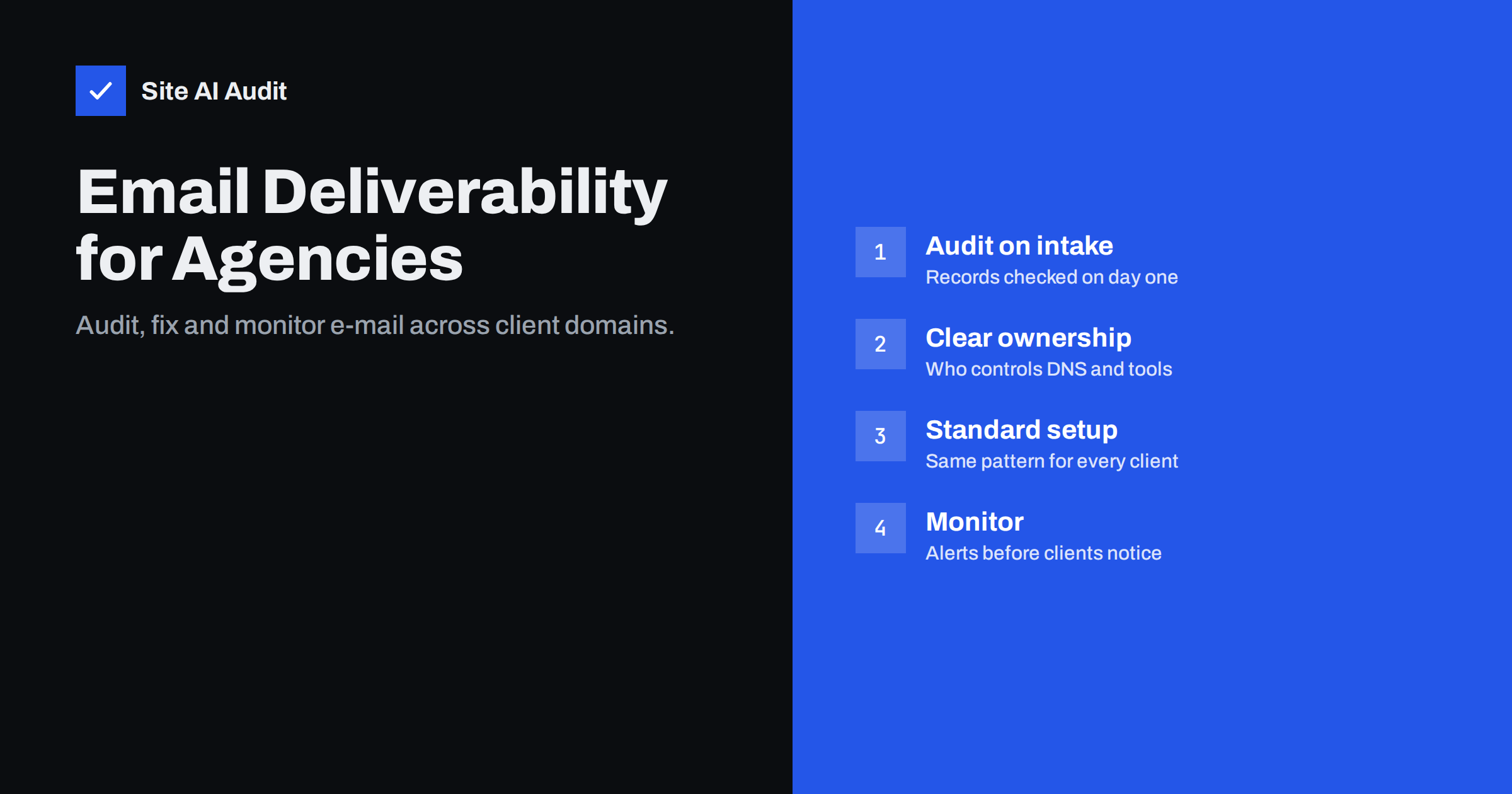
Short answer: Agencies that build websites, run campaigns or manage marketing tools for clients inevitably touch e-mail, even when it is not in the contract. Audit every new client domain for MX, SPF, DKIM and DMARC on day one, document who controls DNS and each sending tool, apply a standard authentication pattern, never change DNS or mail settings without a mail check afterwards, and monitor the records continuously so problems surface before the client’s invoices start landing in spam.
Why e-mail becomes the agency’s problem
Few agencies sell “e-mail deliverability” as a service, yet they cause and discover e-mail problems all the time. A website rebuild moves DNS to a new host and loses a DKIM record. A new contact form sends from the web server without authentication. A marketing automation tool is connected with its default settings and signs with its own domain. A campaign to an old list damages the domain’s reputation. When the client’s invoices or quotes stop reaching customers, the agency that touched the site last usually gets the call.
There is also an opportunity. Clients rarely have anyone who understands SPF, DKIM and DMARC. An agency that can explain and fix these basics adds real value and builds trust, and it protects its own campaigns, whose results depend on the same domain reputation.
Step 1: audit every client domain on intake
Before you change anything, record the current state. For each domain the client uses for e-mail:
- MX records: which provider receives mail, and are there leftovers from old providers?
- SPF: one record, within ten lookups, listing current senders?
- DKIM: which selectors exist, for which services, and does the main mailbox provider sign with the client’s domain?
- DMARC: present, which policy, and where do reports go?
- Website mail: how do forms and shop notifications send mail?
- Secondary domains: old brands, country domains and campaign domains, and whether they are protected.
Save the results with the date. If a problem appears later, you can show what the setup looked like before your work started, which avoids difficult conversations about who broke what.
Step 2: clarify ownership and access
Deliverability problems are often organisational. Before fixing anything, answer:
| Question | Why it matters |
|---|---|
| Who controls the DNS, and how do changes get approved? | Every fix needs DNS changes |
| Who administers the mailbox provider? | DKIM must be enabled in its console |
| Which tools send mail as the client’s domain, and who owns each? | Each needs its own authentication |
| Who reads DMARC reports? | Without a reader, reports are useless |
| Who is responsible if mail stops working? | Prevents gaps between agency, IT provider and client |
Write the answers into the client file. If the client’s IT provider controls DNS, agree on a simple process for requesting changes, including a test after each one.
Step 3: apply a standard authentication pattern
Consistency across clients saves time and reduces mistakes. A typical pattern:
- Mailbox provider: SPF include, custom DKIM enabled, verified in headers.
- Website mail: sent through authenticated SMTP or a transactional service with DKIM for the client’s domain, never directly from the web server.
- Marketing platform: custom domain DKIM and return-path, ideally on a subdomain such as
news.clientdomain.com. - Other tools: custom DKIM where supported; otherwise send from the vendor’s domain with the client’s name as display name.
- DMARC:
p=nonewith a report address the agency or client actually reads, then enforcement once reports are clean. - Unused domains:
v=spf1 -all, DMARCp=reject, null MX.
Document the pattern internally so every team member applies it the same way, and adapt it only when a client’s setup requires it.
Step 4: make every change safe
Most agency-caused e-mail incidents come from changes that were not about e-mail at all. Add these rules to your delivery process:
- Before any DNS or nameserver change, export the full zone and list all mail records, including DKIM selectors.
- After any DNS, hosting or website change, test incoming mail and send test messages from every sending system, checking SPF, DKIM and DMARC in the headers.
- When connecting a new tool that sends mail, complete its domain authentication before the first real send.
- On staging sites, disable outgoing mail so clients’ customers do not receive test orders or notifications.
- Before a campaign to an old or imported list, check consent, clean the list and start with engaged contacts.
Scoping and pricing e-mail work
Because e-mail sits between the website, IT and marketing, it is easy to end up doing it for free. Make it an explicit part of your offer instead. A common structure is a one-off setup or remediation package, covering the audit, the fixes and the move to an enforcing DMARC policy, followed by ongoing monitoring as part of a maintenance plan. Define clearly what is included: which domains, which sending tools, how many DNS change requests, and who handles incidents outside office hours. Clear scope protects the agency and makes the value visible to the client.
Step 5: monitor continuously
E-mail setups degrade quietly, and clients notice only when customers complain. Monitoring lets you spot problems first:
- Scheduled checks of each client’s MX, SPF, DKIM and DMARC records, with alerts when something changes or breaks.
- DMARC report summaries, reviewed monthly, looking for new failing sources.
- Campaign metrics by recipient provider, watching for sudden drops or complaint spikes.
- SSL certificate expiry for client websites, which often shares the same neglect as e-mail records.
Site AI Audit is built for this kind of routine. It checks a website’s SEO, speed, SSL and security headers together with e-mail authentication (SPF with the lookup limit, DKIM, DMARC and MX) and explains every finding in plain words. The Agency plan covers multiple client websites with reports under your own logo and an embeddable audit form for lead generation, while monitoring alerts you when a record or certificate breaks. The pricing page lists what each plan includes, and a free check is a quick way to see a client domain’s current state.
When an incident happens anyway
Even with good processes, a client will one day call to say that customers are not receiving their e-mail. A calm, structured response helps:
- Collect evidence first: one or two affected messages with full headers, any bounce texts, the time the problem started and which recipients are affected.
- Compare with your intake audit and change log. Did anyone change DNS, hosting, the website or a sending tool shortly before?
- Check the records from outside and look for missing DKIM keys, duplicated SPF records or a changed DMARC policy.
- Fix the immediate cause, test with real messages, and confirm with the client that mail flows again.
- Write a short incident note: what happened, what was fixed and what will prevent it next time. Clients remember how an agency handled a problem more than the problem itself.
If the cause lies with a third party, such as the client’s IT provider or a software vendor, provide them with the evidence and the specific record or setting that needs to change. Precise requests get resolved faster than general complaints about “e-mail not working”.
Explaining e-mail issues to clients
Clients do not need to understand DKIM selectors, but they do need to understand risk and responsibility. Useful framing:
- “Your invoices and quotes may be going to customers’ spam folders because the tools that send them are not verified for your domain.”
- “Anyone can currently send e-mail that looks like it comes from your company. One DNS record lets receivers reject those messages.”
- “The website form sends mail in a way that large providers increasingly block. We recommend routing it through your mail provider.”
Avoid alarming language and avoid blaming previous suppliers. Most broken setups are the result of years of small, reasonable decisions, and clients respond better to a clear plan than to a list of past mistakes.
Pair each explanation with a concrete, priced fix and a clear owner. Clients act on specific risks, not on acronyms.
Related reading
- Email Deliverability Checklist: 20 Checks for Small Businesses
- How to Authenticate Third-Party Email Senders for Your Domain
- Website Security Checks for Agencies: A Repeatable Client Process
- Changing DNS Provider Without Breaking Your Email
The bottom line
Agencies touch client e-mail through websites, DNS and marketing tools, whether or not it is in scope. Audit every domain on intake, clarify who owns what, apply a standard authentication pattern, test mail after every change and monitor the records continuously. It prevents the most common incidents and turns a hidden liability into a service clients value.
FAQ
Should agencies be responsible for client e-mail deliverability?
Not always contractually, but agencies often cause or discover e-mail problems through DNS, website and tool changes. Clarifying ownership and testing mail after changes protects both sides.
What should an agency check on a new client domain?
MX records, SPF validity and lookup count, DKIM for each sender, the DMARC policy and report address, how website mail is sent, and whether secondary domains are protected.
Who should receive DMARC reports for a client?
Whoever will actually review them, often the agency via a report-processing service, with a summary shared with the client. Reports nobody reads provide no value.
How can agencies avoid breaking e-mail during website launches?
Export the DNS zone before changes, recreate every mail record, compare zones before switching nameservers, and test incoming and outgoing mail right after launch.
Can agencies monitor many client domains efficiently?
Yes, with scheduled automated checks and alerts for record changes, plus periodic review of DMARC summaries and campaign metrics.
How should agencies explain SPF, DKIM and DMARC to clients?
Focus on business risk: messages landing in spam and criminals impersonating the company. Pair each risk with a concrete fix and a responsible person.


