ENEnglish
 LTLietuviškai
 DEDeutsch
 FRFrançais
 RUРусский
 ESEspañol
 PLPolski
 ITItaliano
 UKУкраїнська
 CSČeština
 PTPortuguês
 JA日本語
JA日本語 LVLatviešu valoda
 ETEesti
 HUMagyar
 IDBahasa Indonesia
 TRTürkçe
 HIहिन्दी
 ELΕλληνικά
 ARالعربية
 THไทย
THไทย VITiếng Việt
 RORomână
 MSBahasa Melayu
 BNবাংলা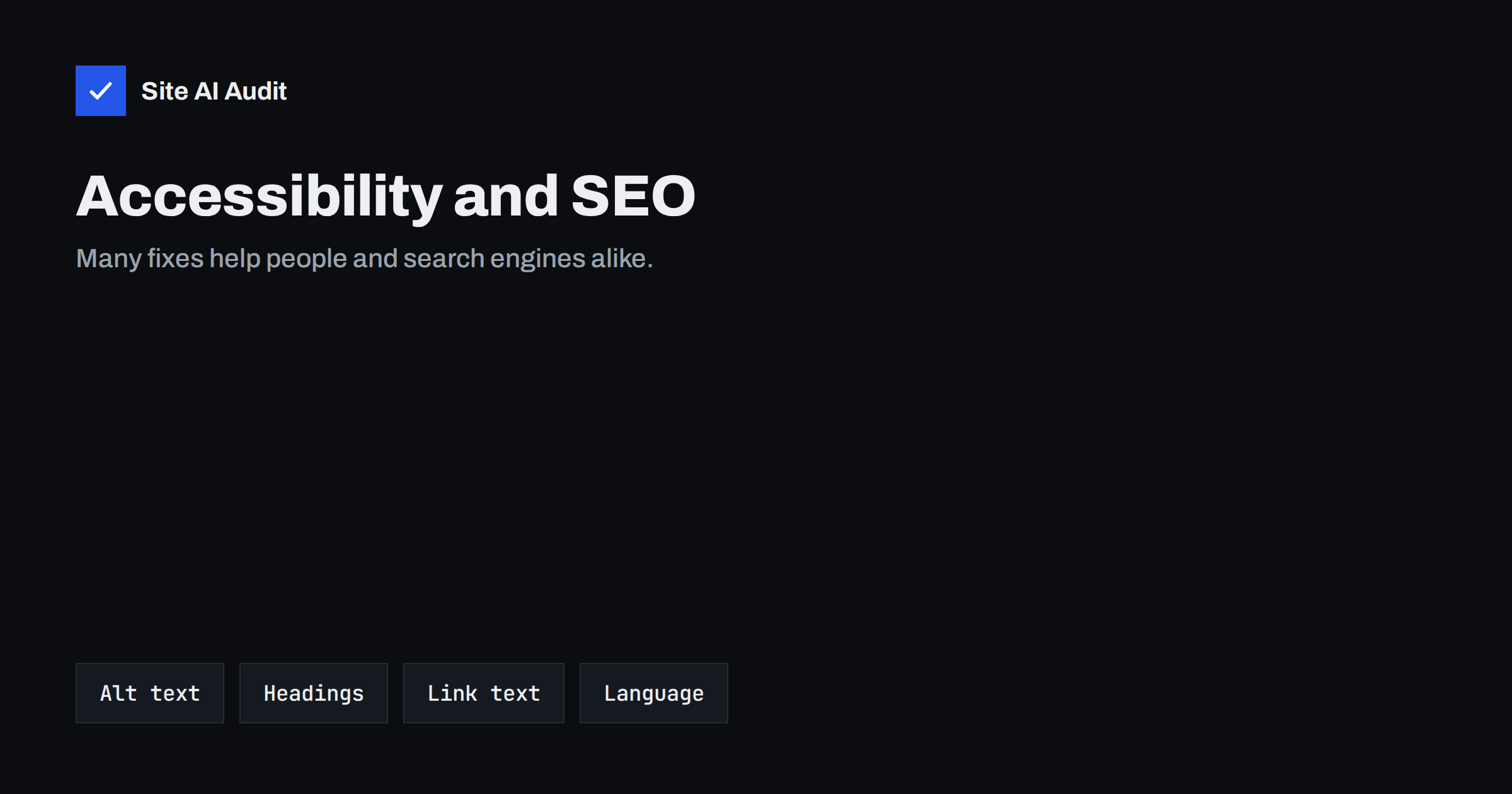
Short answer: Accessibility is not a confirmed ranking factor, but the two goals overlap strongly. Descriptive alt text, a logical heading outline, meaningful link text, clear page titles and a declared page language help people who use assistive tools and also help search engines understand your pages. Fixing these basics once usually improves both.
Why the two topics belong together
Accessibility means that people can use your website whatever their situation: someone who is blind and uses a screen reader, someone with limited movement who navigates by keyboard, someone with poor eyesight, or simply a person reading on a phone in bright sunlight. SEO means that search engines can find, read and understand your pages so they can show them to the right searchers.
At first these look like different projects, run by different people. In practice both depend on one thing: well-structured, honestly described content. A screen reader and a search crawler are both software that reads your code and cannot see the page the way a human does. If the code explains the page clearly, both succeed. If the page only looks good, both struggle.
This is why many accessibility fixes show up in an SEO audit as well. You do not need to treat them as two separate lists. One careful pass through the page can serve both goals, and the work is mostly simple editing rather than development.
Alt text for images
Alt text is the clearest overlap. A screen reader reads the alt text aloud so a blind visitor knows what the image shows. A search engine uses the same text to understand the image and, for images that matter, to help them appear in image search. You can read more in image alt text for SEO.
- Describe what the image shows or does. “Baker placing a tray of rolls in an oven” helps far more than “image1” or “bakery”.
- Keep it short. One clear sentence is enough. Do not stuff keywords into it.
- Use an empty alt attribute for decoration. A purely decorative line or background flourish should have alt=”” so that screen readers skip it.
- Do not put text inside images. If a banner contains the offer as part of the picture, repeat that text on the page or in the alt text. Neither a screen reader nor a crawler can read it from the picture alone.
When an image is also a link, such as a logo that returns to the home page, the alt text should describe the destination or action, for example “Company name, home page”, not the picture itself.
Headings give the page an outline
People who use screen readers often move through a page by jumping from heading to heading, much as sighted visitors scan. Search engines use headings to understand the topics and the structure of a page. Both groups need the same thing: one clear main heading and sub-headings that follow a sensible order.
- Use a single H1 that names the page topic.
- Use H2 for the main sections and H3 for the parts inside them. Do not skip levels just to get a smaller font.
- Choose the heading level by meaning, then use styling to set the size.
- Do not turn ordinary sentences or buttons into headings for visual effect.
Many themes create headings by accident, for example in footers and widgets. If your page has ten H2 headings, but only two belong to the content, the outline is noisy for everyone. The guide to heading tags for SEO shows how to review them.
Link text that makes sense alone
Screen reader users can pull up a list of all links on the page. A list of ten entries that all say “click here” or “read more” tells them nothing. The same weakness hurts SEO, because anchor text is one of the signals that describes the target page, as explained in anchor text best practices.
Write link text that makes sense out of context: “download the price list” or “read the delivery terms” is better than “here”. For a card with a picture, a heading and a “read more” link, place the link on the heading or add hidden text that names the target, so the link has a unique, descriptive name.
Also make sure that links look like links. Underlined or clearly coloured text is easier for everyone to find, and a target that is large enough to tap helps visitors on phones.
Page titles, language and basic markup
A few simple items in the page code serve both audiences.
- A unique page title. Screen readers announce the title first when a page loads, and search engines often show it in results. See how to write title tags.
- The page language. The lang attribute on the html element tells a screen reader which pronunciation rules to use and helps search engines and browsers know which language the page uses. For sites in several languages, combine it with the approach in hreflang for multilingual SEO.
- Real lists and tables. Use list markup for lists and table markup only for real data. Layout built from tables confuses both groups of readers.
- Landmarks. Elements such as header, nav, main and footer let assistive tools jump to the right part of the page, and they give crawlers a clear sense of the main content.
Video, audio and text alternatives
Captions and transcripts are essential for people who are deaf or hard of hearing, and they are also useful for people who watch with the sound off, which is common on phones. A transcript puts the spoken words on the page as text that search engines can read, so it can help the page appear for the topics discussed. A short transcript below an embedded video is often one of the most valuable additions you can make. See video SEO for small businesses for more on that side.
The same idea applies to charts and infographics. Describe the key finding in text near the image, so that the information is available to anyone who cannot see it and to every crawler.
Where they differ
The overlap is large, but not complete. Some accessibility work has little direct effect on search: colour contrast, visible keyboard focus, form labels, error messages, and avoiding content that flashes. These matter greatly for real visitors, and a better experience can lead to longer visits and more completed forms, but you should not expect a ranking jump from them.
In the other direction, some SEO tasks have no accessibility value: canonical tags, XML sitemaps, redirects and structured data are for machines only. Treat the overlap as a reason to do the shared basics well, not as a promise that one project replaces the other.
Be careful with overlay widgets that claim to make a site accessible with one line of script. They cannot fix the underlying markup, they add weight to every page, and many users of assistive tools find them unhelpful. Fixing the source content is slower but works for everyone.
A practical review order
- Check that each page has one H1 and a sensible heading outline.
- Review the images that carry meaning and write honest alt text. Mark the decorative ones with an empty alt attribute.
- Search your content for “click here” and “read more” and replace them with descriptive link text.
- Confirm that each page has a unique title and a language attribute.
- Add transcripts or captions to the most important videos.
- Try your key pages with the keyboard only: press Tab and see whether you can reach every link and button, and whether you can see where you are.
Start with the pages that bring the most visits or enquiries. A short review of ten key pages takes a few hours and gives a better return than trying to fix every page at once. For a broader plan, see the blog post SEO checklist.
How Site AI Audit helps
Site AI Audit does not run a full accessibility test, and it cannot judge contrast, keyboard use or screen reader behaviour. It does check several of the shared basics on the SEO side: titles and descriptions, headings, alt texts, broken links, redirects, sitemap and robots.txt, together with speed, security headers, SSL and e-mail authentication. The first check is free, covers up to 50 pages and needs no sign-up. You can run a free check of your website or see the plans for weekly monitoring.
Related reading
- Writing Image Alt Text: A Practical Checklist for Your Site
- Heading Tags for SEO: How to Use H1, H2 and H3 Properly
- Anchor Text Best Practices: How to Write Better Link Text
- Technical SEO vs On-Page SEO vs Off-Page SEO: The Differences
The bottom line
Accessibility and SEO are not the same project, but they share a foundation: clear structure and honest descriptions. Write real alt text, keep a logical heading outline, use link text that makes sense alone, give every page a title and a language, and add transcripts to video. These fixes help every visitor and every crawler, and they cost far more to ignore than to do.
FAQ
Is accessibility a Google ranking factor?
It is not a confirmed ranking factor. However, many accessible practices, such as alt text and clear headings, also help search engines understand a page, so the two often improve together.
Will an accessibility overlay plugin fix my site?
No. Overlays do not repair the underlying content, can slow the page and often do not help real users of assistive tools. Fix the page source instead.
Should every image have alt text?
Every image that carries meaning should. Purely decorative images should have an empty alt attribute so screen readers can skip them.
Do I need a transcript for every video?
It is best practice, and most helpful for important videos. Start with the ones that explain your products or services, then add the rest over time.
How can I test my site quickly?
Try navigating your key pages with the Tab key only, read the page with headings in mind, and review images and links. An SEO audit will also flag missing alt text, headings and titles.