 ENEnglish
 LTLietuviškai
 DEDeutsch
 FRFrançais
 RUРусский
 ESEspañol
 PLPolski
 ITItaliano
 UKУкраїнська
 CSČeština
 PTPortuguês
 JA日本語
JA日本語 LVLatviešu valoda
 ETEesti
 HUMagyar
 IDBahasa Indonesia
 TRTürkçe
 HIहिन्दी
 ELΕλληνικά
 ARالعربية
 THไทย
THไทย VITiếng Việt
 RORomână
 MSBahasa Melayu
 BNবাংলা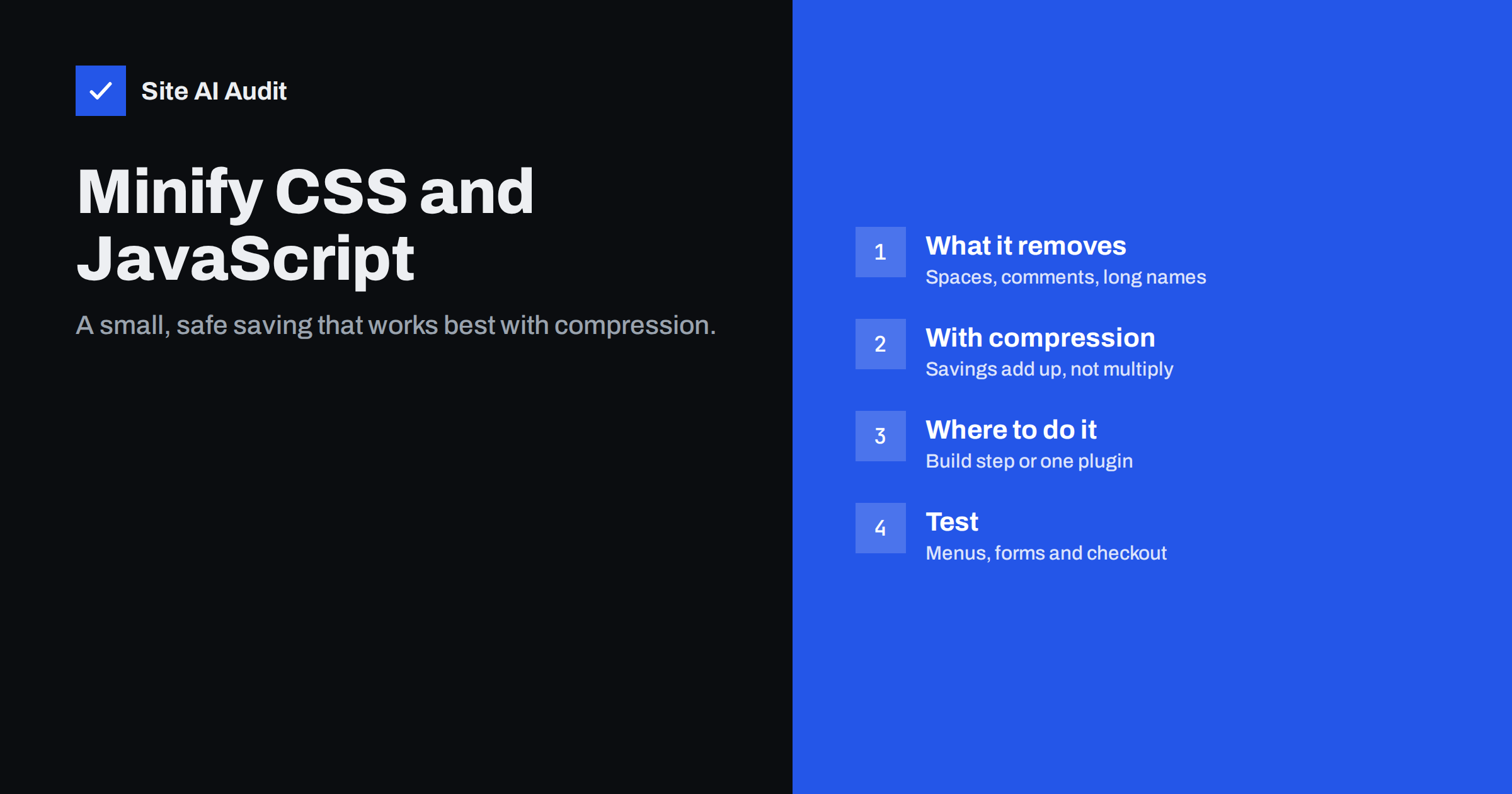
Short answer: Minification removes characters that browsers do not need from CSS and JavaScript files, such as whitespace, line breaks and comments, and for JavaScript can also shorten variable names. It typically reduces file size noticeably, but once files are compressed with Gzip or Brotli, the additional saving from minification is smaller than most people expect. It is still worth doing because it is cheap and safe when done in one place, but it will not rescue a slow site on its own. Removing unused code and compressing files matter more.
“Minify CSS” and “Minify JavaScript” appear in almost every speed checklist and are among the first options in any optimisation plugin. They are easy to understand and easy to switch on, which is part of their appeal. But it is worth knowing what they really achieve, how they interact with compression, and why they sometimes break layouts and scripts, so that you can use them sensibly rather than expecting miracles.
What minification does
Code is written for humans: indentation, line breaks, comments explaining what a block does, descriptive names. Browsers need none of that. A minifier transforms files into the smallest equivalent form:
- Removes whitespace and line breaks that have no meaning to the browser.
- Removes comments, except licence comments that must be preserved.
- Shortens CSS values, for example turning
#ffffffinto#fffand0pxinto0, and merges duplicate rules. - Renames local JavaScript variables and functions to short names (often called mangling).
- Removes dead code that can never run, when the minifier can prove it safely.
The result behaves identically but is harder for humans to read. That is why developers keep the original source and ship the minified version, often with source maps for debugging.
Minification vs compression
Compression (Gzip or Brotli) happens on the server for every text response, and it is very good at shrinking repetitive text, including whitespace. That means a lot of what minification removes would have been compressed away anyway.
| Minification | Compression | |
|---|---|---|
| What it does | Rewrites code into a smaller equivalent | Encodes bytes for transfer, decoded by the browser |
| When it happens | Once, at build or on first request | On every response (or pre-compressed) |
| Typical saving alone | Moderate | Large |
| Extra saving when combined | Smaller than alone, but still real | Still large |
| Also reduces parse work | Slightly | No (browser decompresses first) |
| Risk of breaking code | Low to moderate | Very low |
The practical conclusion: if you do only one thing, enable compression. If you already compress, minification is a worthwhile extra step with a smaller payoff. Either way, removing unused CSS and JavaScript entirely beats both, because code that is not sent at all costs nothing to download, parse or execute.
Where minification should happen
- In a build process. Custom themes, headless sites and applications should minify during the build using standard tools. This is the most reliable approach because it happens once, with full control, and can be tested before deployment.
- Already done by vendors. Most well-maintained plugins, libraries and themes already ship minified files (often named
.min.jsand.min.css). Minifying them again saves nothing. - In an optimisation plugin. For WordPress sites with many unminified plugin files, a performance plugin can minify on the fly and cache the result. Convenient, but it adds another layer that can break things.
- At the CDN. Some CDNs offer automatic minification. If you use it, do not also minify in a plugin.
Pick one layer. Minifying in both a plugin and a CDN, or minifying already-minified files, wastes processing and increases the chance of errors.
Combining files: less important than it was
Optimisation plugins often offer to combine (concatenate) all CSS or all JavaScript into single files alongside minification. On HTTP/1.1 servers this reduced the number of requests and was valuable. With HTTP/2 and HTTP/3, many files load in parallel over one connection, so combining brings less benefit and has downsides: one large file is invalidated in the cache whenever any part changes, pages load code they do not use, and combining scripts in the wrong order breaks functionality. On modern servers, prefer minification without aggressive combining, and focus on loading only what each page needs.
Minifying HTML
Some tools also offer to minify HTML by removing whitespace and comments from the page itself. The saving is usually small, because HTML is compressed well and the markup is rarely the heaviest part of a page. It can also interfere with inline scripts, preformatted text and some plugins that insert markers into the HTML. For most business sites, HTML minification is optional. If you enable it, check pages that contain code examples, forms and embedded widgets.
Source maps and debugging
Minified code is hard to read, which makes debugging production problems harder. Build tools can generate source maps, files that let the browser’s developer tools map minified code back to the original source. They are only downloaded when developer tools are open, so they do not affect visitors. For agency and developer teams, keeping source maps available, at least on staging, saves a lot of time when something goes wrong after an update. If you prefer not to publish your original source, keep source maps private and load them only in your own tools.
When minification breaks things
Minification is usually safe, but problems happen, especially with on-the-fly minification of older code:
- JavaScript relying on missing semicolons. Some older scripts depend on automatic semicolon insertion; joining lines can change their meaning.
- Inline scripts referencing renamed functions. If a minifier mangles names that other code calls, those calls fail.
- CSS hacks and unusual syntax that some minifiers interpret differently.
- Combination with deferral. Minifying and deferring at the same time makes it harder to tell which change caused a problem.
Symptoms include menus that do not open on mobile, sliders that stop, forms that do not submit, missing styles on some pages, and errors in the browser console.
How to enable minification safely
- Check which files are not yet minified. PageSpeed Insights lists “Minify CSS” and “Minify JavaScript” opportunities with estimated savings; if they are small, the task is low priority.
- Make sure compression is enabled first.
- Enable minification in one place: build process, plugin or CDN.
- Clear all caches and test key pages and interactions on desktop and mobile.
- Open the browser console and look for JavaScript errors.
- If something breaks, exclude the specific file from minification rather than turning the feature off completely.
Keep a short note of which files you excluded and why. After future plugin updates, you can try removing the exclusions, because the underlying problem may have been fixed. Without such a note, exclusion lists tend to grow forever, and nobody remembers which entries are still needed.
An example of realistic expectations
Imagine a WordPress site whose theme ships minified files, but three plugins load unminified stylesheets and scripts, together a few hundred kilobytes before compression. With Brotli already enabled, those files are small on the wire. Enabling minification in the caching plugin trims them further, perhaps by a few dozen kilobytes in total. On a fast connection, visitors will not notice; on a slow mobile connection, it helps a little. Meanwhile, the same site loads a slider script and a large icon font on every page. Removing those from pages that do not use them saves far more. Minification is worth switching on, but it belongs at the end of the list, not the beginning.
How Site AI Audit helps
Site AI Audit checks whether your pages are served compressed and how heavy they are, and runs Google PageSpeed for mobile to report Core Web Vitals. That tells you whether minification is a meaningful next step or whether bigger wins, like compression, images or unused scripts, come first. Findings are explained in plain words and ranked by impact. Run a free check to see your priorities.
Related reading
- Gzip vs Brotli: How to Enable Text Compression on Your Server
- How to Reduce Unused JavaScript and Speed Up Your Pages
- HTTP/2 vs HTTP/3: Do They Make Your Website Faster?
- How to Eliminate Render-Blocking Resources on Your Website
The bottom line
Minification is a small, safe optimisation when it is done in one place and tested. It saves less than compression and far less than removing unused code, so enable compression first, clean up what each page loads, and then minify what remains. Test menus, forms and checkout after switching it on, and exclude any file that breaks.
FAQ
Does minifying CSS and JavaScript improve page speed?
Yes, but usually modestly, especially when files are already compressed with Gzip or Brotli. The improvement is largest for big unminified files on slow connections. Removing unused code and enabling compression usually help more.
Is minification the same as compression?
No. Minification rewrites the code into a smaller equivalent once. Compression encodes the file for transfer and the browser decodes it. They complement each other, and compression alone typically saves more.
Should I combine CSS and JavaScript files?
On HTTP/2 and HTTP/3 servers, combining brings less benefit and can hurt caching and load unnecessary code. Minify files but avoid aggressive combining. Focus on loading only the code each page needs.
Why did my site break after enabling minification?
Some older scripts rely on formatting or names that minification changes, or files were combined in the wrong order. Check the browser console for errors and exclude the problematic file from minification. Test after clearing all caches.
Do I need to minify files that end in .min.js?
No. Files with .min in the name are usually already minified by their developers. Minifying them again saves nothing and can occasionally cause problems.


