ENEnglish
 LTLietuviškai
 DEDeutsch
 FRFrançais
 RUРусский
 ESEspañol
 PLPolski
 ITItaliano
 UKУкраїнська
 CSČeština
 PTPortuguês
 JA日本語
JA日本語 LVLatviešu valoda
 ETEesti
 HUMagyar
 IDBahasa Indonesia
 TRTürkçe
 HIहिन्दी
 ELΕλληνικά
 ARالعربية
 THไทย
THไทย VITiếng Việt
 RORomână
 MSBahasa Melayu
 BNবাংলা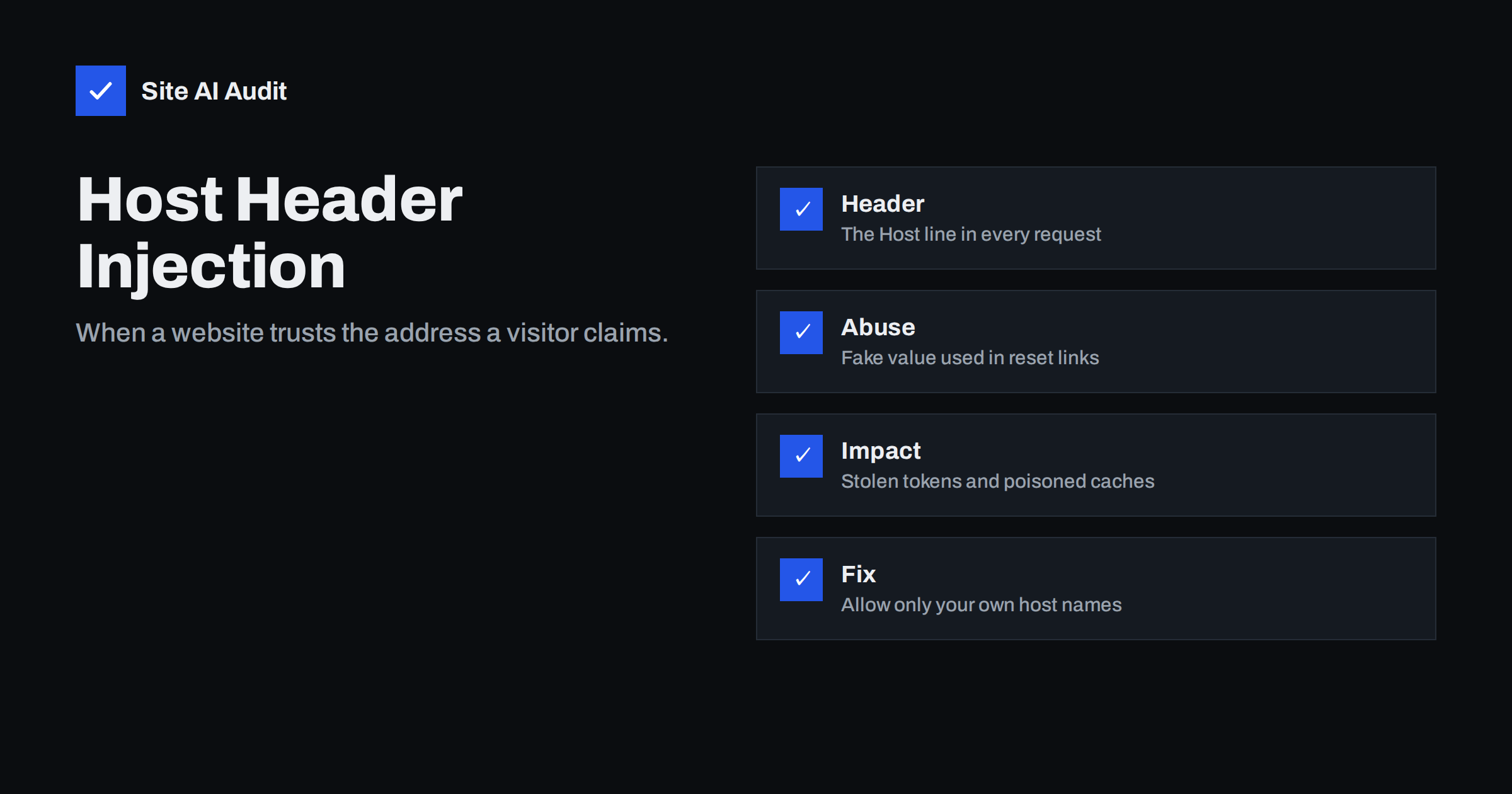
Short answer: Every web request carries a Host header that tells the server which website the visitor wants. If an application uses that value to build links, for example in a password reset email, an attacker can send a fake value and make the site produce links that point to the attacker’s domain. The fix is to allow only known host names and to build important links from a fixed setting, not from the request.
What the Host header does
One server can host many websites on the same IP address. To know which one a visitor wants, the browser sends the domain name in a header called Host. The web server reads it and picks the matching site. Reverse proxies, load balancers and content delivery networks read it too, and many of them also add headers such as the forwarded host to pass the original value on.
Applications use the same value for convenience. When code needs the site’s own address, for example to build a link in an email, a redirect or a canonical tag, the quickest way is to read the Host header. The problem is that the header is supplied by the sender. A normal browser sends the right value, but an attacker’s tool can send anything.
How host header injection works
Host header injection happens when an application trusts that header without checking it against a list of allowed names. The server must accept the request in the first place, which is often the case when the site is the default one on the machine or when a proxy forwards any host name. The attacker then changes the header and watches how the application reacts.
Typical outcomes:
- Poisoned links. Links in pages or emails contain the attacker’s domain.
- Redirects to other sites. The application builds a redirect from the header value. This is close to the problem described in our article on open redirects.
- Cache poisoning. A cache stores a page built from a fake header and then serves it to real visitors.
- Access to internal sites. A front server forwards the request to a hidden internal site based on the header value, which resembles the risks in server-side request forgery.
Password reset poisoning: the classic example
The best-known case is the password reset email. The attacker visits the reset form and enters the email address of a real user, such as an administrator. At the same time, the attacker sends the request with a Host header that points to a domain the attacker controls.
If the application builds the reset link from that header, the real user receives a genuine email from your real mail server, but the link points to the attacker’s domain. The email passes SPF, DKIM and DMARC because it really came from you. When the user clicks the link, the browser sends the secret reset token to the attacker’s server. The attacker then uses the token on your real site and sets a new password.
The attack needs the victim to click, so it is not fully automatic. But the email looks fully legitimate, which makes success likely. Two-factor login, described in website two-factor authentication, limits the damage because a stolen password alone is not enough.
Cache poisoning and routing tricks
Caches are another target. Suppose a page includes a link or a script address built from the Host header, and the cache stores the page keyed only by the path. An attacker requests the page with a fake host. The cache keeps the poisoned copy and serves it to everyone who requests that path. Visitors then load a script from the attacker’s domain.
A related problem appears in setups with a front proxy and several back-end sites. If the proxy routes requests based on the Host header without strict rules, an attacker may reach internal sites that were never meant to be public, such as admin tools or staging copies.
Is WordPress affected?
WordPress mostly builds its own links from the site address stored in its settings, which makes it safer than applications that read the header on every request. That is a good design, but it is not a guarantee. A plugin, a theme or a custom snippet may read the host name from the request. Some setups also define the site address dynamically in the configuration file from the Host header, which removes the protection.
The safest practice is to define the home and site address as fixed values and to avoid dynamic code that reads the host from the request. It is also worth checking how your server answers requests for host names that do not belong to you. Our guide on hardening wp-config.php covers the configuration side.
How to test your own website
You can test your own site from a command line. Send a request with a made-up host name and see what happens. A well-configured server should answer with an error or a generic default page. It should not serve your real site or put the fake name into any link on the page.
Also check for the forwarded host header. Many frameworks and plugins read it when a proxy is present. Send a request with a fake value in that header and look at the HTML that comes back. If the fake name appears in links, canonical tags or scripts, you have a problem.
Only test servers that you own or are allowed to test. Sending crafted requests to other people’s websites can be illegal.
How to fix and prevent it
- Define a fixed site address. Build emails, redirects and canonical links from a stored setting, not from the request.
- Use an allow list. Most frameworks have a setting for allowed host names. Fill it with your real domains only.
- Configure a default server block. Make the web server’s default site reject or ignore requests for unknown host names, and list your real names explicitly in each site.
- Trust forwarded headers only from your own proxy. Configure the application to read the forwarded host only when the request really comes from your load balancer or CDN.
- Make caches vary on the host. Include the host name in the cache key, or strip unknown values before caching.
- Add a web application firewall. A firewall rule can block requests with unexpected host names, as explained in web application firewalls.
It is also worth thinking about who else reads the Host header on your server. Besides the main application, other components may use it: analytics scripts that build page addresses, redirect rules in the web server, plugins that generate absolute links, and caching layers. Each place that trusts the value is a small risk, and the combination can be bigger than any single one. A short review of the configuration, with a search for every use of the host value, is often enough to find them.
Developers sometimes ask whether validating the header is really needed when a firewall or a CDN sits in front. The answer is yes. A firewall may block many crafted requests, but a rule can be bypassed, a proxy can be misconfigured and the origin server can sometimes be reached directly through its own address. The application should defend itself and not depend on a single outside layer.
For site owners without a developer, the practical steps are modest. Ask your host whether the default site on the server rejects unknown host names, make sure the site address is fixed in the settings, keep plugins updated and enable two-factor login for administrators. Those steps cost little and cover the most common versions of this attack.
What Site AI Audit can and cannot tell you
Site AI Audit checks your site from the outside: the SSL certificate, the HTTP to HTTPS redirect, security headers and exposed software versions. It does not send forged Host headers, so it cannot confirm or rule out this flaw. It can show whether the basic public setup is in order and point out outdated software that deserves attention. You can run a free check of your website or review the plans.
Related reading
- SSRF Explained: How Server-Side Request Forgery Works
- Open Redirects: How Attackers Abuse Your Website’s Links
- Website Security Audit Checklist: What to Check and in What Order
- WordPress Security Checklist: 20 Steps That Actually Matter
The bottom line
The Host header looks harmless, but it is controlled by whoever sends the request. Never use it to build links that matter, accept only host names you own, and make sure caches and proxies treat unknown names with suspicion. These changes are small and remove a whole group of attacks.
FAQ
Can an attacker really change the Host header?
Yes. A browser sets it automatically, but command line tools and scripts can send any value. That is why servers and applications must never treat it as trusted input.
Does HTTPS protect against this attack?
No. HTTPS encrypts the traffic between a visitor and your server, but the attacker is the visitor in this case. The server still receives the forged header over a perfectly valid connection.
Why does the reset email pass SPF and DKIM?
Because it is sent by your real mail server for a real request. Only the link inside the email has been poisoned. This is why the attack is hard for users to spot.
Do I need to worry on shared hosting?
Your host controls the web server defaults, but your application still builds its own links. Check that your site uses a fixed address in settings, and ask your host how unknown host names are handled.
What is the quickest fix?
Set the site address as a fixed value, add an allow list of host names where your software supports it, and make the default server block reject unknown names.