 ENEnglish
 LTLietuviškai
 DEDeutsch
 FRFrançais
 RUРусский
 ESEspañol
 PLPolski
 ITItaliano
 UKУкраїнська
 CSČeština
 PTPortuguês
 JA日本語
 LVLatviešu valoda
 ETEesti
 HUMagyar
 IDBahasa Indonesia
 TRTürkçe
 HIहिन्दी
 ELΕλληνικά
 ARالعربية
 THไทย
 VITiếng Việt
 RORomână
 MSBahasa Melayu
 BNবাংলা
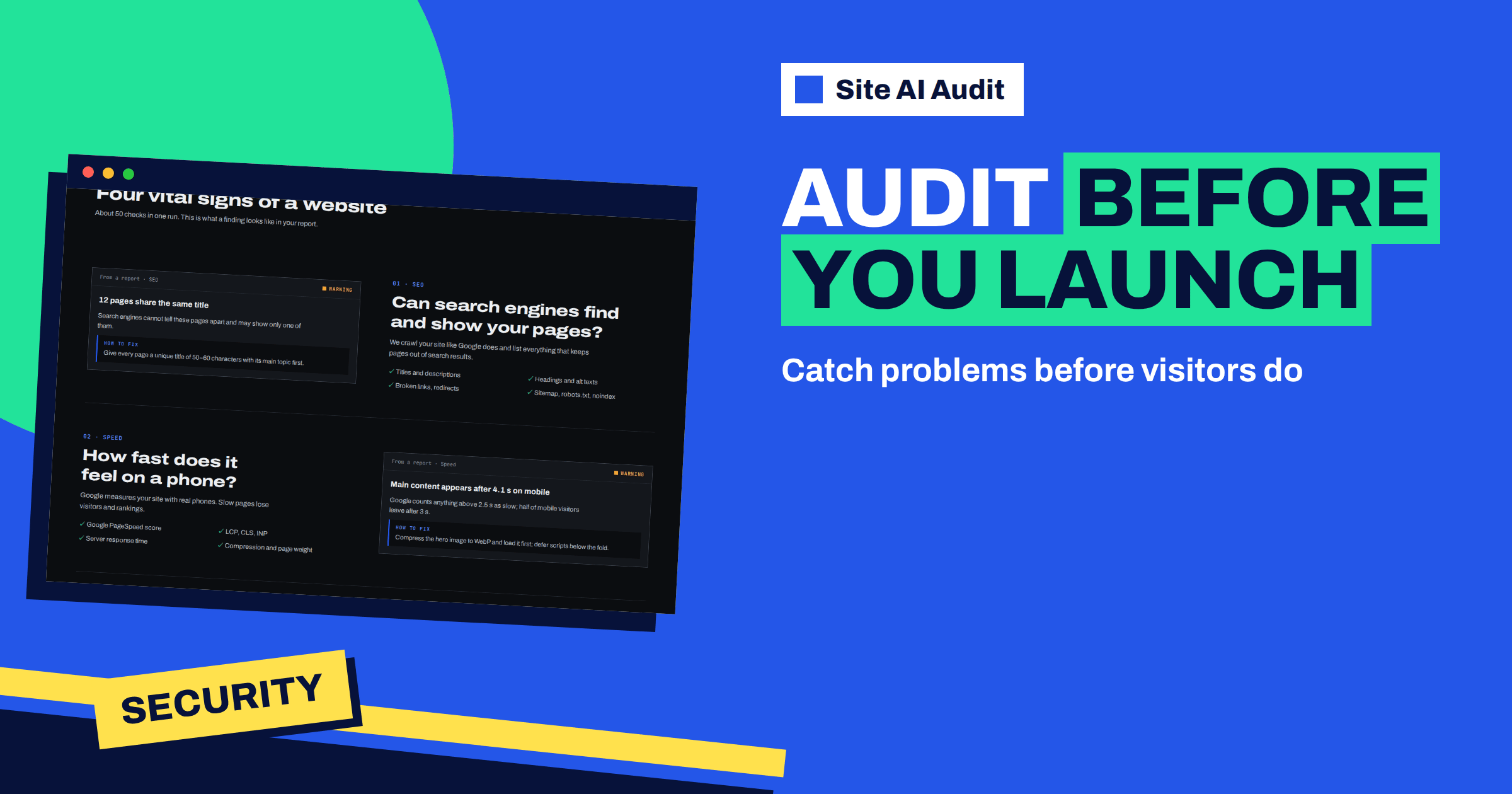
Short answer: The best moment for a Site AI Audit check is right after a new website goes live on its real address, and again a week later. The audit looks at the site as a stranger does, so it catches what a launch checklist often misses: a noindex tag left over from development, a robots.txt that blocks everything, a certificate problem, a missing redirect, mixed content, empty titles, broken links and e-mail records that were lost when the DNS changed. Fix the critical findings the same day.
Why launches go wrong in the same ways
A new website is built in a hidden place. It is blocked from search engines, protected by a password or served from a temporary address, so that nobody sees it half finished. On launch day, someone has to undo each of those protections and move the site to its real address. That is a list of small manual steps by different people, and each step can be forgotten: a setting that discourages search engines, a rule that blocks crawlers, a certificate for the old address, redirects from the old pages, the mail records at the DNS provider.
The result is the classic launch problem: the site looks perfect in a browser, and yet it is invisible to Google, flagged as insecure or missing half of its links. Nobody notices for weeks, because the site itself works. An audit run from the outside, on the real address, is the quickest way to test all those hidden steps at once.
What the audit can and cannot check before launch
The audit works from the outside, the way visitors and search engines see a site. That has one important consequence: it needs a public address. It cannot see pages that sit behind a login or a password prompt, and it cannot read a hidden staging copy. So the most useful time to run it is after the site is live on its real domain, in the first hour. If you want to test earlier, you can open the staging copy to the public for a short time, but be careful: a public staging copy that search engines find can be indexed, as described in the article on staging sites indexed by Google.
The audit does not test your forms, your checkout or the look of the pages. It does not replace a human walk-through of the new site. It tells you about the technical state: what the server sends, what the pages declare and how the domain is set up.
The launch-day routine
- Go live. Move the site to the real domain and install the SSL certificate.
- Turn off the protections. Switch off any option that discourages search engines, remove the password and remove blocking rules from robots.txt.
- Run the audit on the final address, the one visitors will type, with https://. The check takes about one to two minutes.
- Read the critical findings first. They will often point at exactly the launch mistakes listed in this article.
- Fix, then re-check. A plan with re-checks lets you confirm each fix on the same day.
- Run a second check a week later, after caches have expired and search engines have started to visit.
What to look at first
When the report arrives, go through these findings in this order, because they are the ones that cost most if missed:
- The home page tells search engines not to index it, and robots.txt blocks the whole site. The leftovers from development. See the guides on noindex findings and robots.txt and sitemap findings.
- SSL certificate findings: expired, untrusted or issued for the wrong name, which are common when a certificate was made for the temporary address.
- http:// does not redirect to https:// and the site opens on more than one address. The redirect rules that were not moved.
- Pages load insecure resources. Images or scripts with an old http:// address that were copied from the test site.
- Broken internal links. Links that still point to the temporary address or to pages that did not make it to the new site.
- Missing titles and descriptions, and no sitemap. The SEO basics that templates sometimes skip.
- E-mail findings. If the DNS was moved, the MX, SPF and DMARC records may be missing.
When you replace an old website
A redesign of an existing site adds a risk that a brand new site does not have: the old addresses. Search engines and other sites know the old pages, and visitors have them bookmarked. If the new site uses different addresses, each old address must redirect to its new equivalent. The audit helps you check the new site from one side, with its list of broken internal links, but you should also test a sample of old addresses by hand. The article on website migration and SEO explains how to plan the redirects, and the new website SEO checklist covers what to do before and after launch.
A good habit is to run the audit on the old site before you replace it. That gives you a baseline report. After launch, run it again and compare the two: the score should be at least as high, and no critical finding should be new.
Speed on launch day
New sites are often slower than expected, because the test copy had no visitors and no real content. The speed findings in the report tell you quickly whether the live site meets a reasonable standard for mobile. Typical causes are unoptimised images that were uploaded in full size, scripts added late in the project and caching that has not been turned on yet. The website speed checklist lists the checks to do before and after launch, and the audit shows which of them matter for your site.
Security on launch day
Security basics are often left to the end and then forgotten. The report’s security area shows the certificate, the redirect, mixed content, the security headers and exposed versions. Test pages and default accounts are not visible to the audit, so close those yourself: remove sample content, change default passwords and delete setup pages, as explained in default passwords and setup pages: close them before launch.
Keep the first report
The report from launch day is valuable later. It is a snapshot of the site as delivered, with its score and its list of open findings. If something goes wrong a month later, you can compare it with the new report and see what changed. If the agency or developer says the site was perfect at hand-over, the dated report is the evidence. Save the PDF if your plan includes it, or at least write down the score and the number of findings in each area.
Agree who fixes what before launch
A common launch problem is not the finding but the argument about whose job it is. Decide in advance: the developer fixes site and server findings, the host handles server settings and the person who owns the domain handles the DNS records for e-mail. When the report arrives, the list can be divided in five minutes, and each person gets only the findings that belong to them. Add the audit to the hand-over checklist, so that a clean report is part of what finished means.
A worked example
A small accounting firm launches a redesigned WordPress site on a Friday. The agency says everything is done. The owner runs a Site AI Audit check on the live address. The report shows a critical finding: the home page tells search engines not to index it. The agency had enabled the option that discourages search engines during development and not switched it off. A warning shows that the site opens on both the www and non-www address, and three broken internal links point to the old staging address. The agency fixes all three within an hour. A re-check shows that the critical finding and the warnings are gone. A week later, the second check shows the SPF record missing: the DNS had been moved, and the records for the firm’s mail did not come with it. The agency restores them the same day.
Without the audit, the firm’s site would have stayed invisible for weeks, and its mail would have started landing in spam. To run your own launch check, check your website with Site AI Audit. The check needs a free account; the plans unlock the full report and the re-checks you will want on launch day.
Related reading
- Website Security Audit Checklist: What to Check and in What Order
- Changing WordPress Permalinks Without Losing Rankings
- Why Your Website Got Slower After a Redesign (and How to Fix It)
- SEO Audit Checklist for Small Business Websites
The bottom line
Launches fail in predictable ways, and almost all of them are visible from the outside. Run the audit on the live address in the first hour, fix the critical findings the same day and run it again a week later.
FAQ
Can I check a site before it is public?
The audit works from the outside, so it needs a public address. It cannot see pages behind a login or a password prompt.
How soon after launch should I run the check?
Within the first hour on the real domain, and again after about a week, once caches have expired.
What is the most common launch mistake?
A noindex setting or a robots.txt rule left over from development. The audit reports both as critical.
Do I need a paid plan for a launch check?
A free account runs one check, but the report is locked. A plan unlocks the findings and the fixes, and includes re-checks for confirming your changes.
Does the audit check my old addresses for redirects?
It reports broken internal links on the new site. Test a sample of old addresses by hand as well.


