 ENEnglish
 LTLietuviškai
 DEDeutsch
 FRFrançais
 RUРусский
 ESEspañol
 PLPolski
 ITItaliano
 UKУкраїнська
 CSČeština
 PTPortuguês
 JA日本語
JA日本語 LVLatviešu valoda
 ETEesti
 HUMagyar
 IDBahasa Indonesia
 TRTürkçe
 HIहिन्दी
 ELΕλληνικά
 ARالعربية
 THไทย
THไทย VITiếng Việt
 RORomână
 MSBahasa Melayu
 BNবাংলা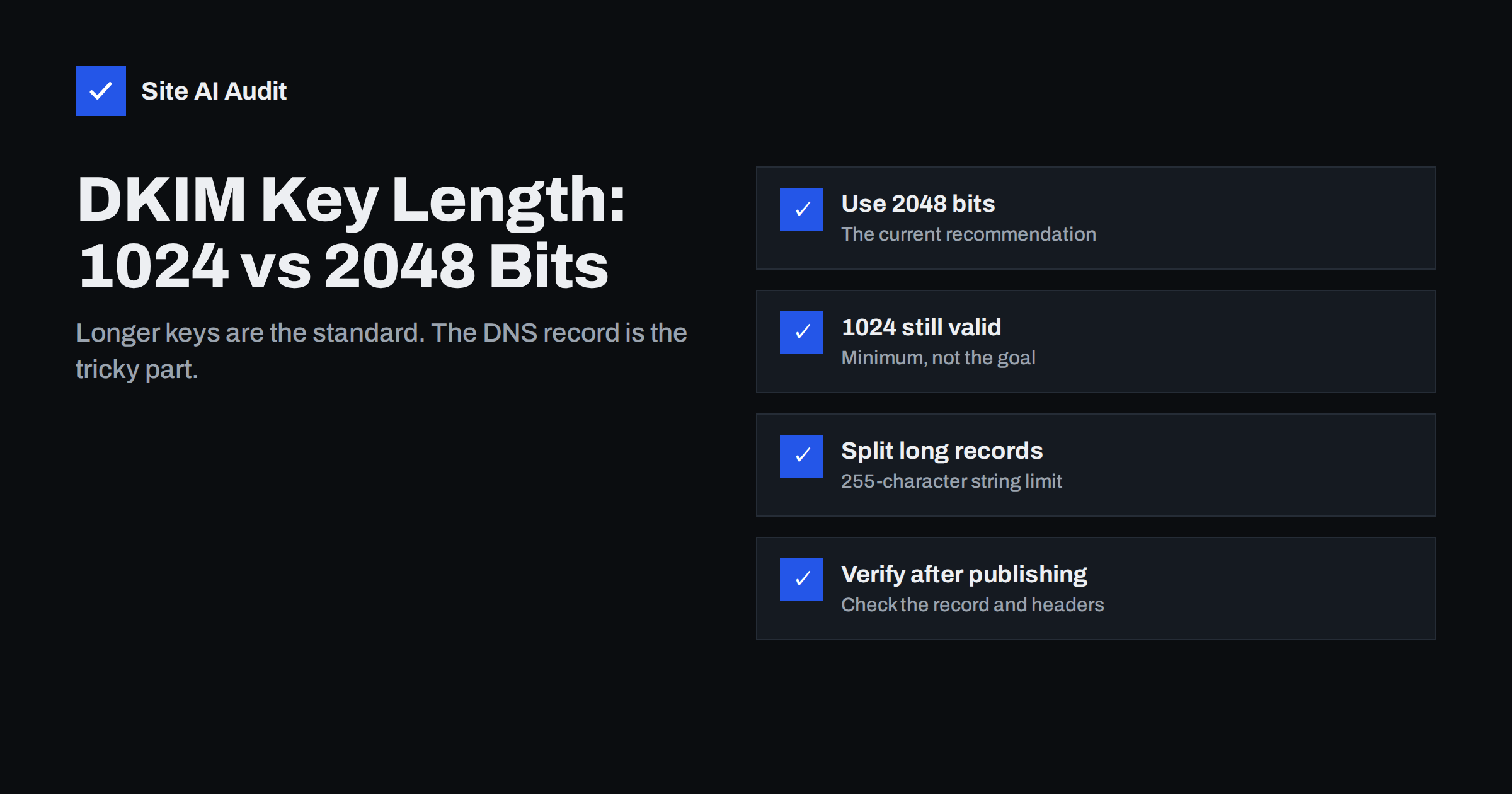
Short answer: Use 2048-bit DKIM keys where your e-mail provider and DNS host support them. The DKIM standard requires at least 1024 bits and recommends 2048, and 1024-bit keys are increasingly seen as the minimum rather than a good choice. A 2048-bit public key is longer than the 255-character limit of a single DNS text string, so it must be published as one TXT record split into several quoted strings. Most DNS panels handle this automatically; if yours does not, split it correctly and then verify the record.
What the key length means
DKIM works with a pair of keys. Your mail provider keeps a private key and uses it to sign every outgoing message. The matching public key is published in DNS, under a name such as selector._domainkey.example.com, so that receiving servers can verify the signature. Our DKIM setup guide walks through the basic configuration.
Most DKIM keys use the RSA algorithm, and their strength depends on the key length in bits. A longer key is much harder to break by working out the private key from the public one. If someone could do that, they could sign mail as your domain, and DKIM and DMARC would no longer protect you from impersonation.
Key length does not change how mailbox providers score an ordinary, valid signature; a 1024-bit and a 2048-bit signature both simply “pass”. The difference lies in how much protection each gives against a determined attacker over the years a key may stay in use.
What the standard says
The current rules for DKIM cryptography are set out in RFC 8301, published in 2018. In summary:
- Signers must use RSA keys of at least 1024 bits, and should use at least 2048 bits.
- Verifiers must be able to validate signatures with keys from 1024 to 4096 bits.
- The older SHA-1 hash must no longer be used for signing;
rsa-sha256is the standard algorithm.
Keys shorter than 1024 bits are considered insecure and may be treated as invalid by receivers. Well before the current RFC, 512-bit keys were shown to be breakable with modest resources, which is why the minimum was raised.
1024 vs 2048 bits at a glance
| 1024-bit key | 2048-bit key | |
|---|---|---|
| Status in the standard | Minimum allowed | Recommended |
| Security margin | Lower; ageing | Comfortable for current needs |
| Public key length in DNS | Fits in one 255-character string | Needs to be split into two strings |
| DNS host compatibility | Universal | Almost universal today; some old panels struggle |
| Verification by receivers | Supported everywhere | Supported everywhere |
| When to choose | Only if your DNS host cannot publish longer records | Default choice |
Some providers still default to 1024 bits, or offer 1024 as an option for DNS hosts that cannot handle long records. If you have the choice, and your DNS host supports it, choose 2048.
Why 2048-bit keys cause DNS trouble
A DNS TXT record is made of one or more character strings, and each string can be at most 255 characters long. A 2048-bit public key, encoded in base64 with the v=DKIM1; k=rsa; p= prefix, is roughly 400 characters. It does not fit in one string.
The standard solution is simple: publish one TXT record containing two or more quoted strings. Receiving servers join the strings together without spaces before reading the key. In a zone file it looks like this, shortened for readability:
selector._domainkey  IN  TXT  ( "v=DKIM1; k=rsa; p=MIIBIjANBgkqh...first part..."
                                 "...second part...IDAQAB" )
Problems arise when this is done incorrectly:
- The panel rejects long values with an error, or silently truncates them.
- Two separate TXT records are created instead of one record with two strings. Receivers then see two unrelated records and the key is broken.
- Extra spaces or quotes are inserted at the split point, corrupting the key.
- Line breaks from copying the key out of an e-mail or document get pasted into the value.
A related trap is the DNS host that shows the record correctly in its own panel but publishes something different. The only reliable check is to query the published record from outside, as described below, and compare the joined value character by character with the key your mail provider gave you. Pay particular attention to the last characters, which are the most likely to be cut off by length limits.
Most modern DNS hosting panels accept the full key in one field and split it automatically when publishing. If yours asks you to split manually, split only between quoted strings, never inside the prefix, and do not add spaces.
How to check your DKIM key and its length
- Find the selector. Open the raw source of a message sent from your domain and look at the
DKIM-Signatureheader. Thes=value is the selector andd=is the signing domain. Our guide to reading email headers shows where to look. - Look up the record with
dig TXT selector._domainkey.example.comor an online DNS lookup tool. You should see exactly one record starting withv=DKIM1. - Check the length. Many online DKIM checkers report the key size in bits. As a rough guide, a public key value (
p=) of about 216 characters is 1024 bits, and about 392 characters is 2048 bits. - Confirm signatures pass. Send a test message to a mailbox you control and check that the
Authentication-Resultsheader showsdkim=passfor your domain.
If the result is dkim=fail or a “key syntax error” after changing the record, the split is the first thing to check. See troubleshooting dkim=fail and dkim=none for other causes.
Upgrading from 1024 to 2048 bits safely
Changing key length means creating a new key pair. Do it as a rotation, so no messages fail during the switch:
- Generate a new 2048-bit key in your mail provider’s admin console, preferably with a new selector.
- Publish the new public key in DNS under the new selector, keeping the old record in place.
- Wait for DNS to propagate and verify the new record from outside.
- Switch signing to the new key in the provider’s console.
- Send test messages and confirm
dkim=passwith the new selector. - Keep the old public key published for some days, so messages still in transit or being re-checked can verify, then remove it.
The same process is used for routine key changes; the article on DKIM key rotation explains timing and selector naming in more detail.
Every sender needs its own key
Most domains have more than one DKIM key: one for the business mailbox provider, others for the newsletter platform, the helpdesk, the invoicing tool or the web shop. Each service signs with its own selector. When you review key length, check all of them, not only the main mailbox provider. Third-party services often let you choose the length, and some older integrations still publish 1024-bit keys by default.
Also check for keys that are no longer used. Old selectors from services you cancelled can stay published for years. They do no harm while the private key is safe, but a clean list makes troubleshooting easier and reduces the number of keys that could be exposed if a former provider were compromised. When you move DNS hosting, make sure every active DKIM record is copied exactly; the guide to changing DNS provider without breaking email covers this.
What about Ed25519 keys?
DKIM also supports Ed25519 keys, defined in RFC 8463. They are much shorter than RSA keys and fit easily in one DNS string while offering strong security. However, support among receiving servers has been limited, so signing only with Ed25519 risks signatures that many receivers cannot verify. Where used at all, Ed25519 is typically added as a second signature alongside an RSA signature. For most businesses, a 2048-bit RSA key remains the practical choice.
How Site AI Audit helps
Site AI Audit checks your domain’s e-mail authentication, including DKIM signatures, the SPF record and its lookup limit, the DMARC policy and MX records, as part of a full website check that also covers SEO, speed, SSL and security headers. Each finding is explained in plain words and ranked by impact. Start with a free check; paid plans on the pricing page add re-checks and monitoring.
Related reading
- SPF vs DKIM vs DMARC: What Each One Does and Why You Need All
- Google Workspace SPF, DKIM and DMARC Setup, Step by Step
- Microsoft 365 Email Authentication: SPF, DKIM and DMARC Setup
The bottom line
Use 2048-bit DKIM keys for every service that signs mail for your domain, as the standard recommends. Publish each key as a single TXT record, split into quoted strings if needed, and verify the record and a live signature afterwards. Upgrade from 1024 bits through a normal key rotation with a new selector, and remove keys you no longer use.
FAQ
Is a 1024-bit DKIM key still acceptable?
It is the minimum allowed by the current standard and is still verified by receivers. The recommendation is 2048 bits, so use 1024 only if your DNS host cannot publish longer records.
Why does my DNS panel reject my 2048-bit DKIM key?
A single TXT string is limited to 255 characters, and a 2048-bit key is longer. Some panels split it automatically; others require you to enter it as several quoted strings in one record.
Should I create two TXT records for a long DKIM key?
No. It must be one TXT record containing several strings. Two separate records at the same name break the key and cause DKIM failures.
How do I find my DKIM key length?
Look up the TXT record for your selector and check it with a DKIM checker that reports the key size. A public key of about 392 characters is typically 2048 bits.
Does a longer DKIM key improve deliverability?
Not directly; a valid signature passes either way. A longer key protects your domain better against forged signatures, which supports your reputation over time.


