ENEnglish
 LTLietuviškai
 DEDeutsch
 FRFrançais
 RUРусский
 ESEspañol
 PLPolski
 ITItaliano
 UKУкраїнська
 CSČeština
 PTPortuguês
 JA日本語
JA日本語 LVLatviešu valoda
 ETEesti
 HUMagyar
 IDBahasa Indonesia
 TRTürkçe
 HIहिन्दी
 ELΕλληνικά
 ARالعربية
 THไทย
THไทย VITiếng Việt
 RORomână
 MSBahasa Melayu
 BNবাংলা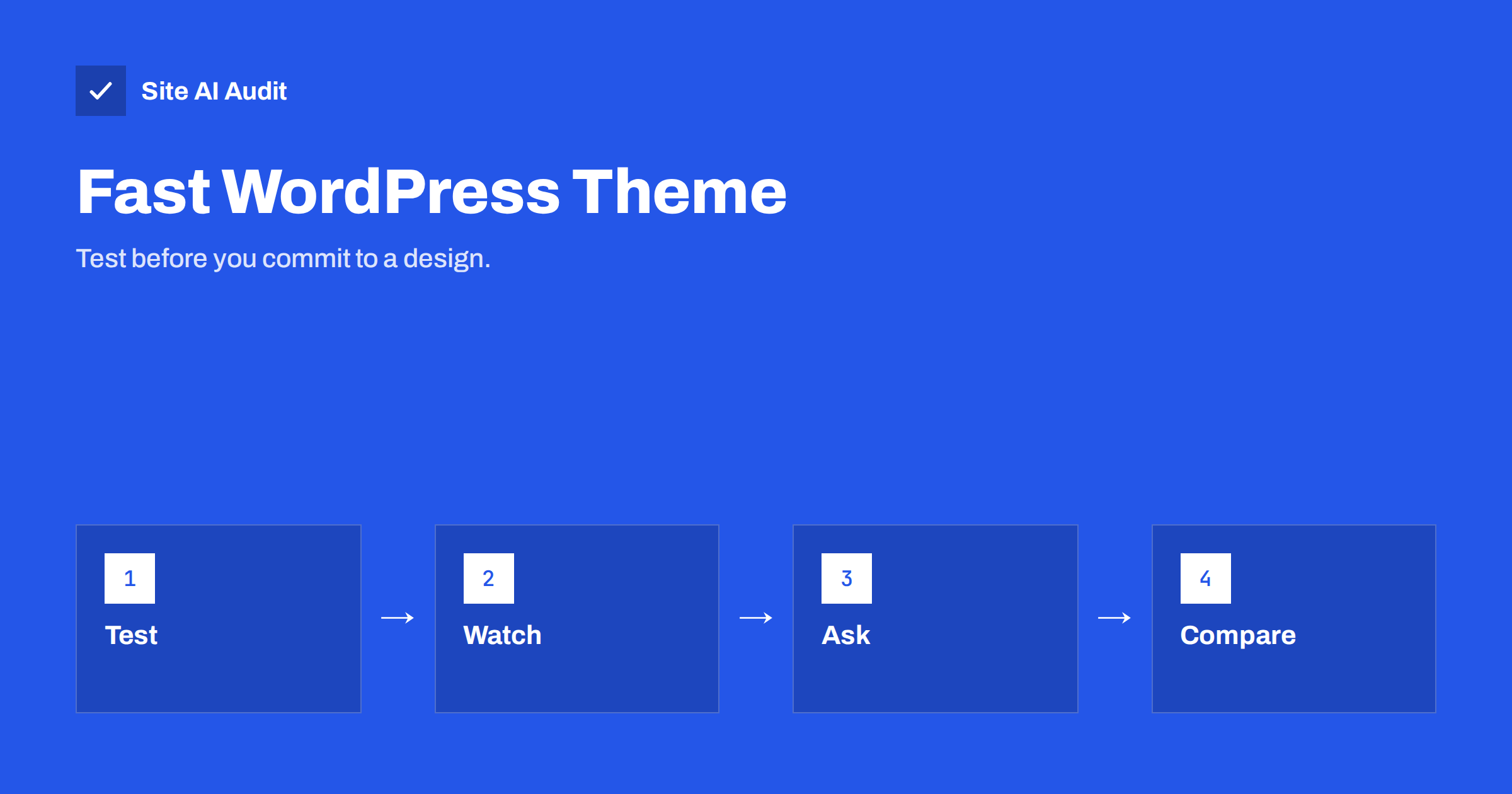
Short answer: A WordPress theme decides how much code, styling and fonts load on every page, so it sets the speed ceiling for your whole site. To choose a fast one, install candidates on a test copy with your own content, measure a real page with PageSpeed Insights, check what loads on every request, and avoid themes that bundle features you will never use. A demo that scores well proves little, because demos are tuned and empty.
Why the theme matters so much
A theme controls the layout, the fonts, the stylesheets, the scripts and often several bundled features such as sliders, icon sets and animation libraries. These files load for every visitor on every page. Plugins can add weight, but a heavy theme starts you in a hole that no amount of caching fully fills.
The effect shows in the metrics that Google measures. A theme that ships a large stylesheet and several scripts slows the first paint, and one that loads big fonts or images in the header delays the main content. If you are not familiar with these numbers, our overview of Core Web Vitals explains what they measure and why they matter for visitors and for search.
The theme also shapes how easy it is to keep the site fast over time. A clean theme leaves room for the plugins, images and tracking tools that every real business site eventually adds. A bloated one uses up that room before the first blog post is published, and every later addition pushes the page further into the slow range.
Why demo scores are misleading
Almost every theme seller shows a demo site with a high speed score. Treat it carefully. A demo is built by the seller, often with a tuned server, a few well-compressed images and sometimes a caching setup you will not copy. It also does not contain your content, your plugins or your tracking scripts.
The fair comparison is simple: install the theme on a test copy of your site, with your logo, your real text and your typical images, and test a page that looks like the ones your visitors use. Two themes tested the same way on the same hosting give you a useful answer. Two demo scores from different servers do not.
What to test
Keep the test short and repeatable. Use the same page on every candidate and write the numbers down:
- The mobile score and the main timings in PageSpeed Insights, including the largest paint and the layout shift.
- The total page weight and the number of requests, which you can read in the browser developer tools.
- The size of the stylesheets and scripts that load when the page is empty of content.
- Whether the page looks right on a small phone without horizontal scrolling.
Run each test a few times, because results vary. Our guide to reading a PageSpeed Insights report shows which parts of the report deserve your attention and which are only advice.
Test on a phone as well as on a computer screen. Many themes look polished on a wide monitor and then load slowly on a mid-range phone over a mobile network, which is exactly how many of your visitors will see the site. If you have an older phone, use it for the test.
Features that add hidden weight
Many multipurpose themes are sold on the length of their feature list. Every feature has a cost, even when you do not use it, because the code often loads anyway. Watch for these common sources of weight:
- Bundled sliders and carousels, which add scripts and frequently large images.
- Several icon and font libraries, loaded in full while you use five icons. See our notes on web font loading.
- Animation and effects libraries that run on every scroll.
- Built-in page builders that generate deep, heavy markup. Our article on page builders and performance covers the trade-offs.
- Demo importers and unused widgets that leave extra styles behind.
A lean theme with a few well-made blocks usually beats a theme that promises everything. If you need a feature, it is often better to add it through one small plugin than to carry a whole toolkit.
Block themes, classic themes and frameworks
WordPress now supports block themes, which use the site editor and tend to load less code than older classic themes built around heavy option panels. Classic themes can still be fast, particularly small ones with few options. The theme type is not a guarantee in either direction, and a badly built block theme can be slower than a careful classic one.
Frameworks and starter themes are another route. They are very light but need a developer to build the design. For a small business without in-house skills, a well-reviewed lightweight theme that is actively maintained is usually the practical middle way. Choose one that is updated regularly, because outdated themes become a security problem, a point we raise in our warning about nulled themes and plugins.
Questions to ask before buying
Before paying, read the documentation and ask the seller or the support forum a few direct questions. How large is the stylesheet on an empty page? Can unused modules be switched off so that their code does not load? Does the theme use system fonts or require external fonts? How often is it updated, and is it tested with the current WordPress version? What happens to your design if you change the theme later, for example if content is stored in shortcodes that stop working?
Read the recent reviews and the support threads. Complaints about slowness, broken updates or unanswered tickets are more telling than praise for a demo. A theme with active support and a clear update history is worth more than one with a flashy gallery.
A simple scorecard for comparing candidates
When you test two or three themes, a small scorecard keeps the decision honest. Write one line for each candidate and fill in the same columns every time. Speed numbers go first, but they are not the only column that counts.
- Mobile speed: the PageSpeed score and the largest paint time on your test page.
- Weight: total page size and number of requests for an empty page and for a typical page.
- Design fit: how close the theme gets to the layout you need without custom code.
- Maintenance: date of the last update, number of open support problems and the quality of the documentation.
- Exit cost: how much content depends on theme-specific shortcodes or blocks that would break if you change later.
A theme that is slightly slower but needs almost no custom code can be the better choice, because custom code is also something that has to load, be maintained and be paid for. On the other hand, a theme that is very fast but forces you to rebuild every page by hand may cost more than it saves. The point of the scorecard is to make these trade-offs visible before you have spent a weekend on one design.
Share the scorecard with whoever maintains the site. A short note explaining why you chose a theme helps the next person understand the decision, and it prevents someone from replacing a good choice with a flashier one a year later.
Plan the switch safely
Changing a theme on a live site is a risky step, so do it on a staging copy first. Check your key pages, forms and menus, compare the speed numbers with the old theme, and make a backup before going live. Our article on a safe website update strategy describes a simple routine for this.
After the switch, test again. Cached files, old stylesheets and plugin settings can hide problems for a few hours. If the numbers are better and the pages look right, you have made a lasting improvement. If they are worse, you can return to the old theme without losing visitors.
How Site AI Audit helps
Site AI Audit’s speed results include the Google PageSpeed score, LCP, CLS and INP, server response time and the compression and weight of your pages. Run a check before changing the theme and again afterwards to see the difference on your own site, not on a demo. It cannot judge the design or say which theme is best, but it gives you comparable numbers. You can run a free check of your website or see the plans.
Related reading
- How to Fix a Slow WordPress Site: A Step-by-Step Guide
- How to Find Which WordPress Plugin Is Slowing Your Site
- How to Improve Largest Contentful Paint (LCP) on Any Website
- PageSpeed Insights vs GTmetrix vs WebPageTest: Which to Use
The bottom line
The theme is the foundation of your site’s speed, and the best way to choose one is to test it on your own content. Ignore polished demo scores, avoid bundled features you will not use, check how the code loads on an empty page, and prefer a maintained, lightweight theme. A short test now saves months of fighting a slow site later.
FAQ
Can a good caching plugin fix a slow theme?
Caching helps with server time, but it cannot remove heavy stylesheets, scripts and fonts that the theme sends to the browser. A lean theme and caching work best together.
Are free themes slower than paid ones?
Not necessarily. Price does not decide speed. Some free themes are very light, and some paid multipurpose themes are heavy. Test the theme itself.
Should I use a page builder with my theme?
Only if you need it. Page builders add markup and scripts. If you use one, choose a theme that works well with it and test the result on a real page.
How often should I update my theme?
Install updates when they are released, after a backup and a quick test on a staging copy. Updates fix security problems and keep the theme compatible with WordPress.
Will changing the theme hurt my search rankings?
It can if the structure, headings or speed get worse. Keep the same content and addresses, test before launch and compare the numbers afterwards.