ENEnglish
 LTLietuviškai
 DEDeutsch
 FRFrançais
 RUРусский
 ESEspañol
 PLPolski
 ITItaliano
 UKУкраїнська
 CSČeština
 PTPortuguês
 JA日本語
JA日本語 LVLatviešu valoda
 ETEesti
 HUMagyar
 IDBahasa Indonesia
 TRTürkçe
 HIहिन्दी
 ELΕλληνικά
 ARالعربية
 THไทย
THไทย VITiếng Việt
 RORomână
 MSBahasa Melayu
 BNবাংলা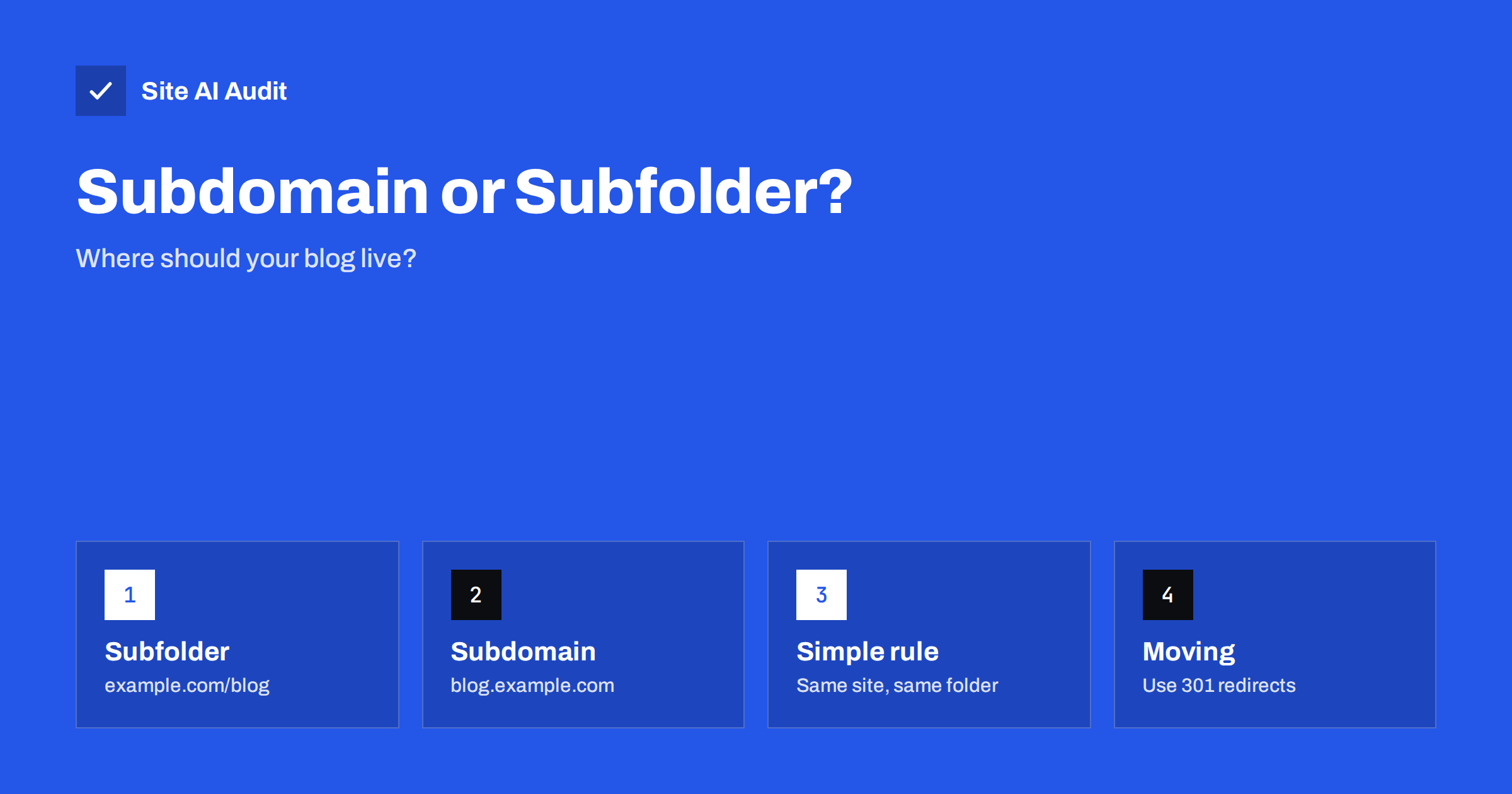
Short answer: For most small businesses, put the blog in a subfolder, such as example.com/blog. It is simpler to run, easier to measure and keeps your content together with the rest of the site. A subdomain such as blog.example.com can rank perfectly well, but it is treated more like a separate website, so it needs its own setup, tracking and linking. Choose a subdomain only when there is a real technical reason.
The two options in plain words
A subfolder (also called a subdirectory) is a path on your main domain: example.com/blog/. To a visitor and to a search engine it is simply another part of the same website.
A subdomain is a prefix in front of the domain: blog.example.com. Technically it is a separate host name with its own DNS record. It can point to a different server, a different content system or even a different company, while the main domain stays as it is.
Both are common. Large sites use each, and neither is forbidden by search engines. The question is which one is easier to keep healthy for your business.
What search engines say
Google has said for years that it can handle both and does not give one an automatic advantage. In practice, though, a subdomain is crawled and evaluated as its own set of pages, and it does not automatically share everything with the main site. Many SEO professionals have seen content in a subfolder grow faster together with the rest of a site, because links to the blog and links to the shop all point to the same host. Others have seen subdomains do very well.
The honest summary is that a subfolder removes uncertainty. You do not have to ask whether the blog’s authority helps the main site. It is the same site, with the same internal links, so the question does not arise. This matters most for smaller sites that have few links and cannot afford to split them.
Why a subfolder is usually better for small sites
- One site to build. Every link to a blog article is also a link to your domain. There is only one set of signals to grow.
- Easier internal linking. Articles link to service pages and products on the same host, and service pages link back. See our guide to internal linking.
- One place for tools. You use one sitemap, one robots.txt file and one analytics property. With a subdomain you must check that each of them is set up for both hosts.
- Simpler reporting. In Search Console a domain property covers subdomains, but many people set up only a URL-prefix property for the main site and then miss the blog. See how to set up Search Console.
- Fewer security tasks. Each host name needs a certificate and a proper redirect from HTTP to HTTPS, and each forgotten subdomain is a possible weakness, as explained in subdomain takeover prevention.
When a subdomain makes sense
A subdomain is a reasonable choice when the blog or content area truly is a separate thing:
- Different technology. Your main site runs on a closed platform that cannot host a blog in a folder, while the blog runs on WordPress.
- Different team and release process. The blog is managed by another company, and sharing a server is not practical.
- Different audience or language. A support portal, a community forum or a separate regional site can sit on its own host name.
- Risk separation. You want a risky or experimental application away from the main site, so that a problem does not affect it.
If you pick a subdomain, treat it as a project of its own: give it a clear link from the main navigation, link back to the main site in articles, and monitor it separately.
A subfolder with a different system behind it
Many people think the choice is forced by technology, but often it is not. A web server or a content delivery network can send requests for /blog/ to a different application while the visitor still sees one domain. This is called a reverse proxy. It is a technical task, but a developer or hosting provider can set it up, and it gives you the SEO benefits of a subfolder with the freedom of a separate system. Test it carefully, because wrong settings often produce duplicate pages or broken links.
Practical points that decide the question
- Who will do the work? If you have one person and little time, take the subfolder.
- Can your platform host it? Check whether your website system supports a blog inside the main site.
- Do you already have a blog? If it ranks well where it is, think hard before moving it. A move always carries risk.
- Do you need certificates for several hosts? A single certificate for the main domain covers the subfolder automatically, but a subdomain needs coverage too. See wildcard and multi-domain certificates.
- Is the blog a core part of the business? If it supports the sale of your services, keep it close to those pages.
How to move a blog from a subdomain to a subfolder
Some businesses started with a subdomain because it was easy and now want to merge it. This can pay off, but do it carefully:
- List all addresses. Export the blog’s URLs from the sitemap and from Search Console.
- Build the new structure. Keep the same slugs where possible, so that blog.example.com/my-article/ becomes example.com/blog/my-article/.
- Redirect each old address to its new address. Use permanent redirects, and always one step, never a chain. Read 301 versus 302 redirects and how to fix redirect chains.
- Update canonical tags and the sitemap. The new pages must point to themselves, as described in canonical tags explained.
- Update internal links. Do not leave links to the old host in your menus and articles.
- Check Search Console afterwards. Watch for errors and for the new addresses being indexed. Follow the steps in our site migration SEO checklist.
Expect a short period of fluctuation in traffic. Pages that are well redirected normally recover, but do not make this change right before an important season.
Common mistakes
- Using both. A blog available at both addresses without redirects creates duplicate content.
- Forgetting the sitemap. The subdomain needs its own sitemap or an entry in a sitemap index.
- Different design with no links. A blog that looks like a different company confuses visitors and gets few clicks to the main site.
- No tracking on the blog. Without the same analytics setup you cannot see how a blog visitor becomes a customer.
- Moving for a rumour. A move should solve a clear problem. Do not do it only because someone claimed a folder ranks better.
How to measure whether the structure works
Whatever you choose, track the same few numbers every month. In Search Console, look at impressions, clicks and the average position of blog pages. In your analytics tool, count how many visitors reach a service or contact page after reading an article. Also watch how many blog pages are actually indexed compared with how many you published; a large gap points to technical trouble such as blocked pages or duplicates.
If the numbers grow steadily, the structure is not your problem, and you should spend your time on the content itself instead of rebuilding the site. Change the structure only when the data, or a clear technical limit, tells you to.
What Site AI Audit can and cannot tell you
Site AI Audit crawls up to 50 pages of the site you enter, so it will show titles, descriptions, headings, broken links, redirects, your sitemap and robots.txt for that address. If your blog is on a subdomain, run a separate check for it. It cannot tell you which structure is better for your business; it can only show whether the pages in each place are healthy. Check your site for free, or see the plans if you want to re-check after a move.
Related reading
- Technical SEO vs On-Page SEO vs Off-Page SEO: The Differences
- XML Sitemaps Explained: How to Create and Submit One
- Blog Post SEO Checklist: What to Check Before You Publish
The bottom line
A subfolder is the simple and safe choice for most small sites, because everything works as one website. A subdomain is justified when technology, teams or risk require separation, and then it needs its own setup and monitoring. If you must move, plan every address, use single-step permanent redirects and check Search Console afterwards.
FAQ
Is a subfolder better than a subdomain for SEO?
For most small sites a subfolder is the safer choice, because the blog shares links and signals with the main site. Search engines can rank both, but a subdomain is evaluated more like a separate site and needs extra setup.
Will moving my blog hurt my rankings?
A short fluctuation is normal. With correct one-step permanent redirects, updated canonical tags and internal links, pages normally recover. Mistakes such as missing redirects or redirect chains cause lasting losses.
Can I use a subfolder if my blog runs on another system?
Often yes. A reverse proxy at the web server or content delivery network can show the other system under your /blog/ path. A developer or your hosting provider can set it up.
Do I need a separate sitemap for a subdomain?
Yes. A sitemap must list addresses on its own host, so the subdomain needs its own sitemap file and its own robots.txt. Submit it in Search Console as well.
Does the choice affect page speed?
Not directly. A subdomain may need an additional DNS lookup and connection for visitors who move from the main site, but the effect is small. Hosting quality, caching and page weight matter far more.