 ENEnglish
 LTLietuviškai
 DEDeutsch
 FRFrançais
 RUРусский
 ESEspañol
 PLPolski
 ITItaliano
 UKУкраїнська
 CSČeština
 PTPortuguês
 JA日本語
JA日本語 LVLatviešu valoda
 ETEesti
 HUMagyar
 IDBahasa Indonesia
 TRTürkçe
 HIहिन्दी
 ELΕλληνικά
 ARالعربية
 THไทย
THไทย VITiếng Việt
 RORomână
 MSBahasa Melayu
 BNবাংলা
#DKIM
DKIM (DomainKeys Identified Mail) adds a cryptographic signature to every outgoing message. The public key is published in DNS under a selector, and receiving servers use it to confirm that the message was signed by the domain and not altered on the way. Each sending service, such as a mail host or a newsletter platform, usually needs its own DKIM key. DKIM survives most forwarding, which makes it the most reliable basis for DMARC alignment. The articles under this tag explain setup, key length, rotation and signature failures.
 2026. okt. 4. · 8 perc olvasás
DKIM Selectors Explained: How to Find Yours and Use Several
A DKIM selector tells receivers where to find your public key. Learn how to find the selector you use, run several senders and rotate…
 2026. szept. 29. · 7 perc olvasás
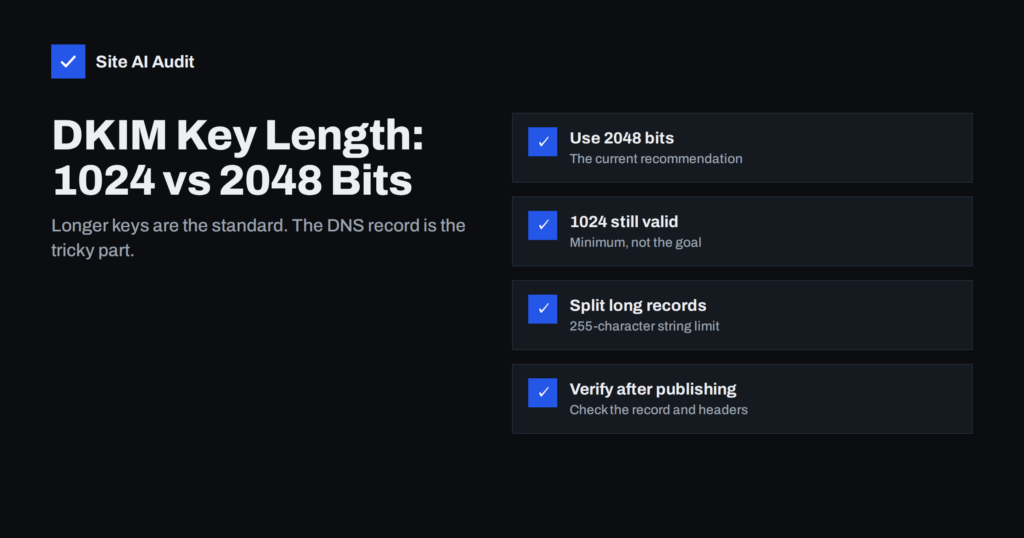
DKIM Key Length: 1024 vs 2048 Bits and Long DNS Records
Should your DKIM key be 1024 or 2048 bits? Learn what the standard recommends, how to publish long keys in DNS without errors and…
 2026. szept. 19. · 7 perc olvasás
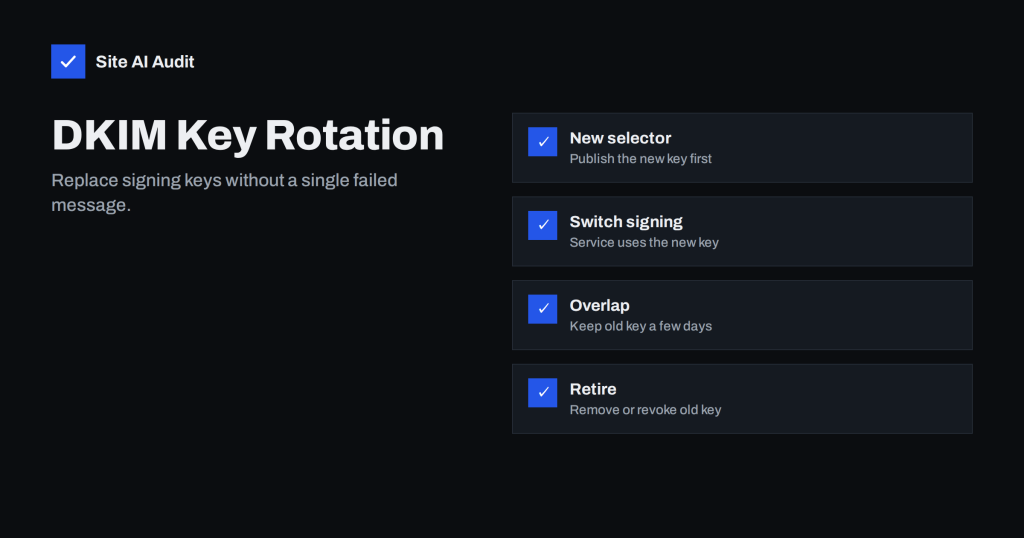
DKIM Key Rotation: When and How to Replace Your Keys Safely
DKIM keys should not live forever. Learn why to rotate them, how often, and a step-by-step process that replaces keys without breaking e-mail delivery.
 2026. szept. 14. · 7 perc olvasás
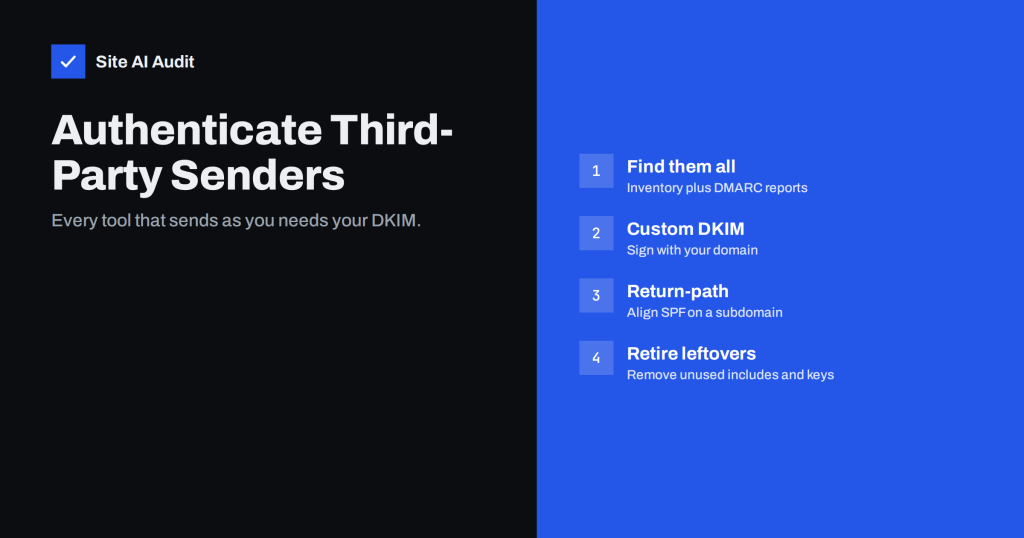
How to Authenticate Third-Party Email Senders for Your Domain
CRMs, helpdesks, newsletter and invoicing tools often send as your domain without proper authentication. Learn how to find them and align each with DMARC.
 2026. szept. 11. · 8 perc olvasás
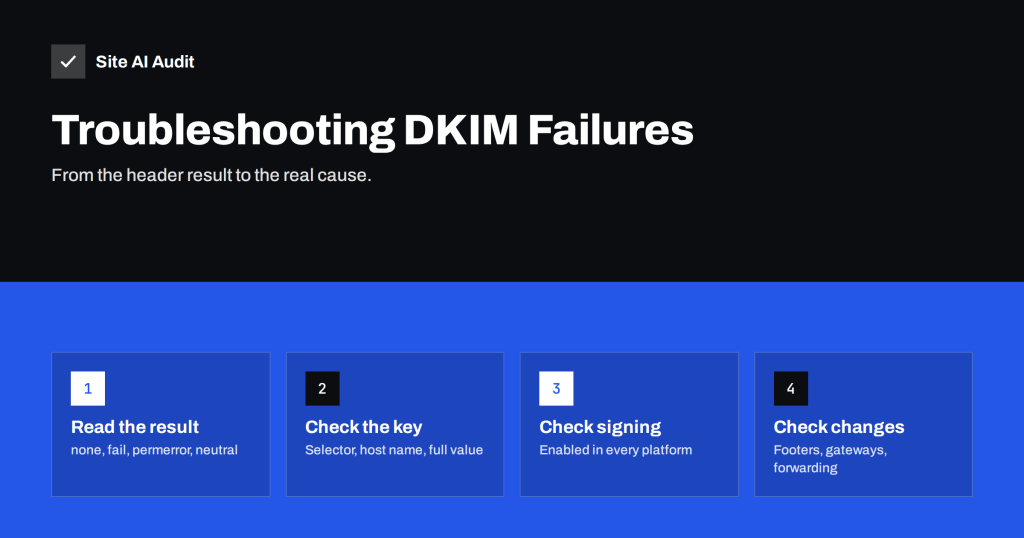
DKIM Failing? How to Troubleshoot dkim=fail and dkim=none
A step-by-step guide to fixing DKIM failures: missing keys, wrong selectors, truncated records, modified messages and signatures that use the wrong domain.
 2026. szept. 8. · 8 perc olvasás
DMARC Alignment Explained: Relaxed vs Strict Mode
DMARC passes only when SPF or DKIM aligns with your From domain. Learn how relaxed and strict alignment differ, and which mode suits your…
 2026. aug. 28. · 8 perc olvasás
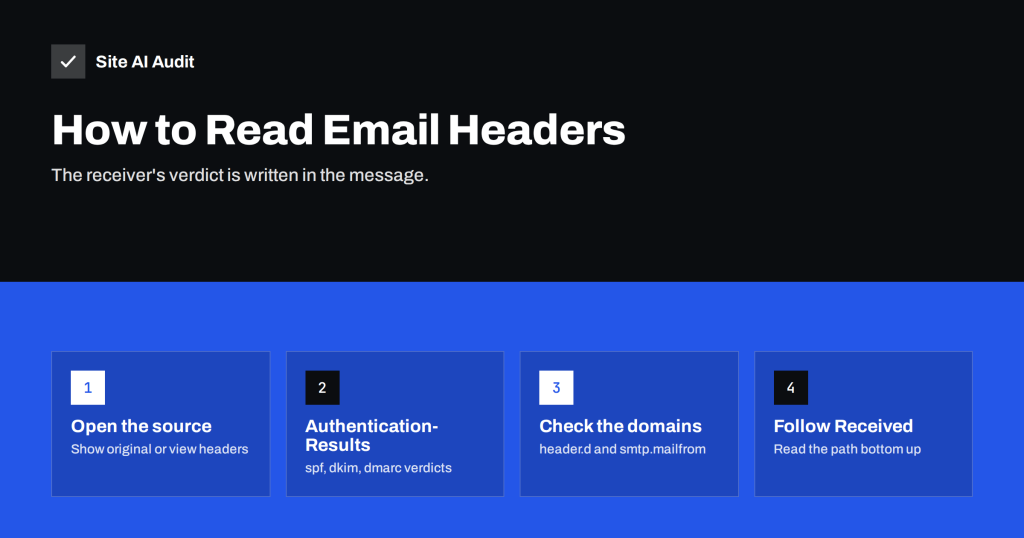
How to Read Email Headers to Check SPF, DKIM and DMARC
E-mail headers show exactly why a message passed or failed authentication. Learn how to open them in Gmail and Outlook and read Authentication-Results.
 2026. aug. 15. · 8 perc olvasás
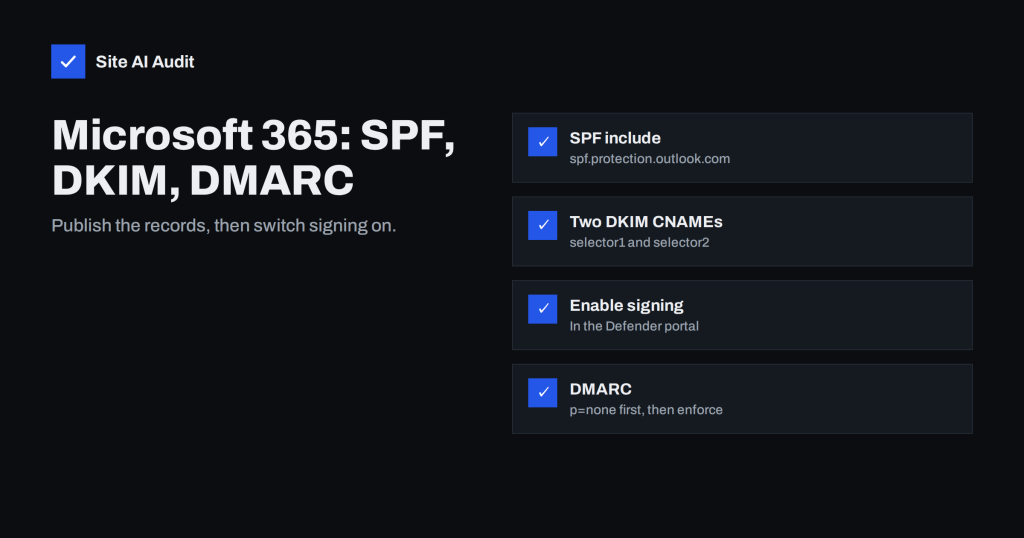
Microsoft 365 Email Authentication: SPF, DKIM and DMARC Setup
A practical guide to SPF, DKIM and DMARC for Microsoft 365: the records to publish, how to enable DKIM in the Defender portal and…
 2026. aug. 14. · 8 perc olvasás
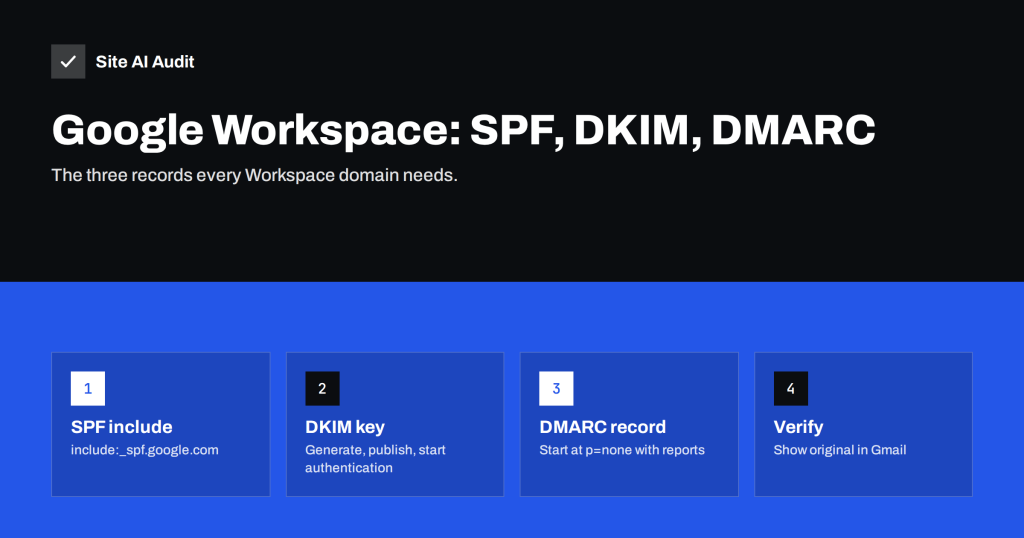
Google Workspace SPF, DKIM and DMARC Setup, Step by Step
Set up SPF, DKIM and DMARC correctly for Google Workspace: the exact records, where to enable DKIM signing, and how to confirm everything passes…
 2026. aug. 5. · 8 perc olvasás
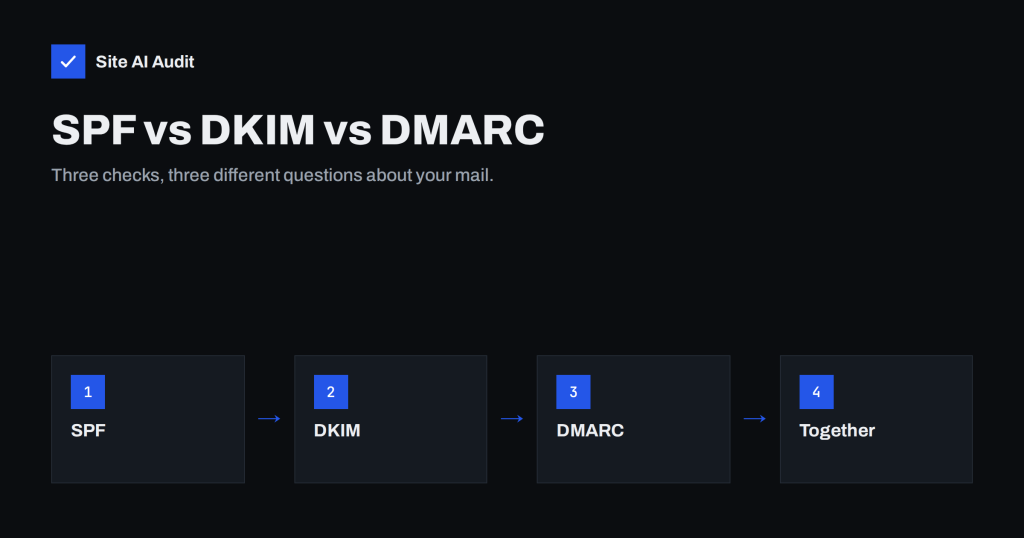
SPF vs DKIM vs DMARC: What Each One Does and Why You Need All
SPF, DKIM and DMARC solve different parts of e-mail trust. See what each checks, how they work together and in which order to set…
 2026. aug. 3. · 8 perc olvasás
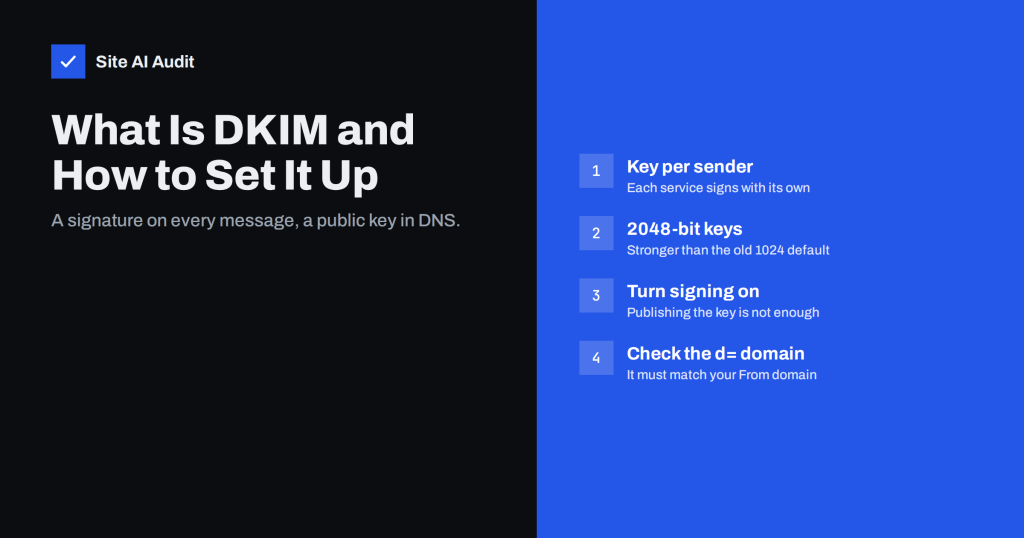
What Is DKIM and How to Set It Up for Your Domain
DKIM signs every message so receivers can trust it came from your domain. Learn how it works, how to set it up for each…