 ENEnglish
 LTLietuviškai
 DEDeutsch
 FRFrançais
 RUРусский
 ESEspañol
 PLPolski
 ITItaliano
 UKУкраїнська
 CSČeština
 PTPortuguês
 JA日本語
 LVLatviešu valoda
 ETEesti
 HUMagyar
 IDBahasa Indonesia
 TRTürkçe
 HIहिन्दी
 ELΕλληνικά
 ARالعربية
 THไทย
 VITiếng Việt
 RORomână
 MSBahasa Melayu
 BNবাংলা
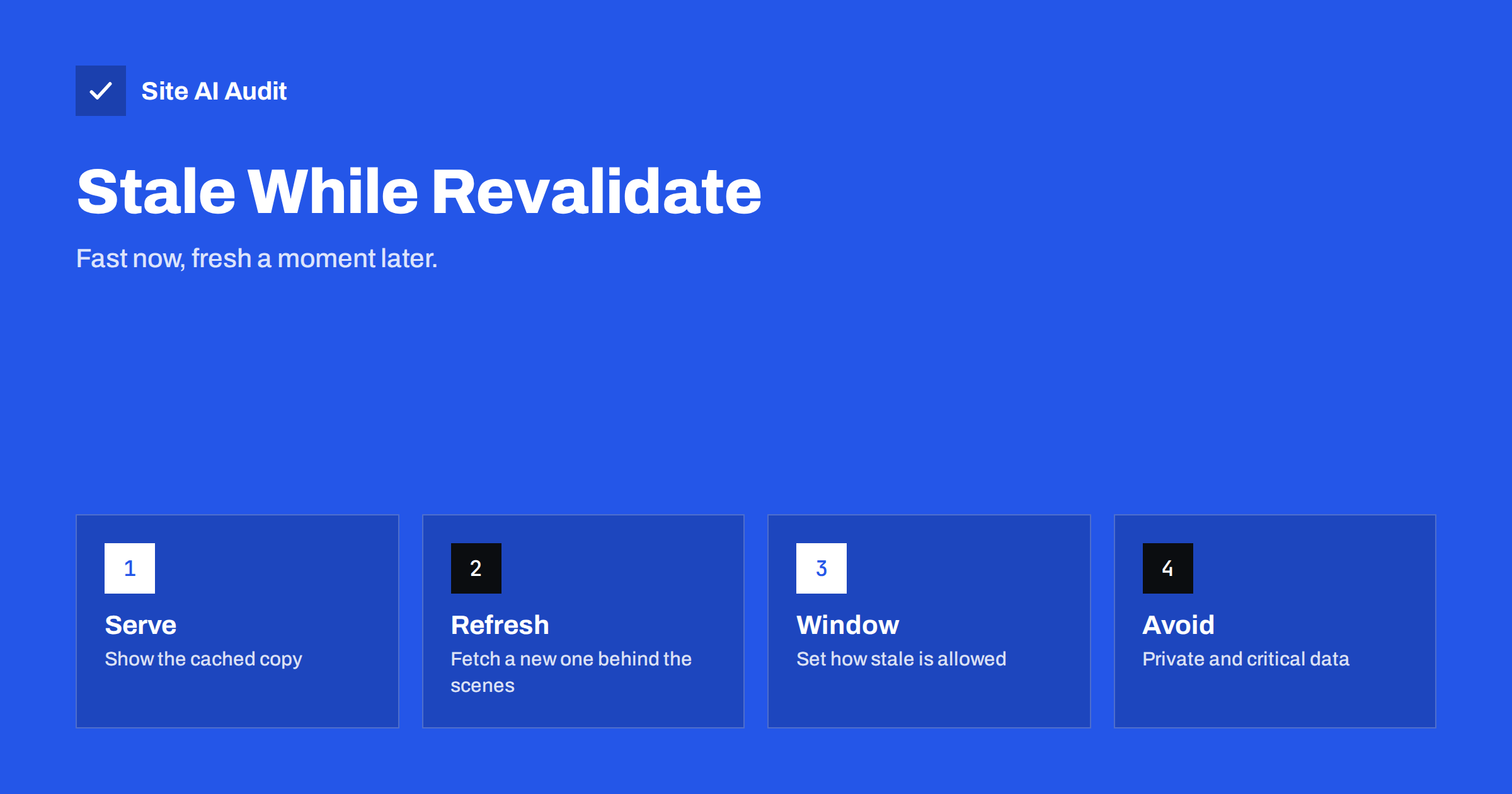
Short answer: stale-while-revalidate is a Cache-Control setting that lets a cache give a visitor an expired copy of a page or file at once, while it fetches a fresh copy in the background for the next visitor. It removes waiting time at the moment content expires. Use it for content that can be a little old, such as articles, product lists and API data, and avoid it for private or critical information.
The problem it solves
Ordinary caching has a sharp edge. As long as a stored copy is fresh, the cache serves it instantly. When it expires, the next visitor has to wait while the cache asks your server for a new copy. If the server is slow, that unlucky visitor gets a slow page, and under heavy traffic many visitors can hit the expiry at once. The speed that caching gave you disappears for a moment, again and again.
Stale-while-revalidate smooths this edge. Instead of making someone wait, the cache says: “This copy is out of date, but it is only slightly old, so I will serve it now and refresh it behind the scenes.” The visitor sees a page immediately. The next visitor gets the updated copy. In effect, nobody waits for the refresh, which is exactly what you want for content where a delay of a few seconds or minutes does no harm.
How the directive works
The setting is part of the Cache-Control response header, which your server or application sends with each page or file. A typical example is:
Cache-Control: max-age=60, stale-while-revalidate=300
The two numbers are seconds, and they describe two periods:
- max-age=60. For 60 seconds the copy is fresh. The cache serves it without asking anyone.
- stale-while-revalidate=300. For the next 300 seconds, the copy is stale but may still be served immediately, while the cache asks the server for a new copy in the background.
- After that. Once both periods are over, the copy is too old. The next request has to wait for a fresh response, as with normal caching.
The directive is described in a standard, RFC 5861, and works in browsers and in many content delivery networks and reverse proxies. Support differs between products, so check the documentation of the one you use. If a cache does not support it, it simply behaves as with a normal expiry, so adding the directive is low risk.
Where it works well
- Article and blog pages. A page that changes a few times a month can be served stale for minutes while it refreshes.
- Category and listing pages. A list of products or posts does not need to be accurate to the second.
- Public API responses. Data such as exchange rates, weather summaries or public statistics that updates every few minutes.
- Static resources with changing content. Files such as a feed, a sitemap or a JSON file that is generated regularly.
- Pages behind a content delivery network. Edge caches serve the stale copy near the visitor while they fetch an update from your server. See the guide to caching HTML at the CDN edge.
Where to avoid it
- Private pages. Never let a shared cache store pages that are specific to a user. For such pages, read about no-store and private instead.
- Checkout, account and payment steps. These must show current information.
- Stock levels and prices that must be exact. A stale copy might show an item that has sold out.
- Security-related responses. Login state, tokens and anything that decides access should not be stale.
- Content that must disappear at once. If a legal or safety reason requires removal, you need a purge, not a tolerance for stale copies.
Choosing the numbers
The right values depend on how often the content changes and how much error is acceptable. A few examples help.
- A news home page that changes every few minutes:
max-age=60, stale-while-revalidate=120. - A blog article:
max-age=600, stale-while-revalidate=86400, since the page rarely changes and a day-old copy is harmless for one visit. - A public price list updated hourly:
max-age=300, stale-while-revalidate=600.
Start with short periods, watch the result and lengthen them if you are comfortable. Remember that the stale period adds to the maximum age of what a visitor could see. In the first example, a visitor might see a copy that is up to three minutes old.
The related directive stale-if-error allows a cache to serve a stale copy when your server returns an error or is down. It is useful for resilience, because visitors still see something during a short outage. The guide to browser caching and Cache-Control covers the basic directives that go with these.
How to set it
- In your web server or application. Add the header for the paths you choose. In nginx and Apache this is a short configuration block, and in WordPress a caching plugin or a code snippet can set it.
- In your CDN or proxy. Many have a setting such as “serve stale content while revalidating” that applies the behaviour at the edge, even if the origin headers are different.
- Test with the browser developer tools. Load the page twice and look at the response headers. Check the age of the response and whether a refresh happens in the background.
- Test an update. Change the content, wait for the fresh period to pass, load the page, and then load it again. The first load may show the old content, and the second the new.
- Watch your cache hit ratio. The article on CDN cache hit ratio explains how to see whether more requests are served from cache.
Interaction with other speed measures
Stale-while-revalidate helps most when the refresh itself is slow, for example when a page is built from several database queries. It also lowers the load spike when many visitors arrive at once, because only one background request, rather than hundreds, goes to your server. It does not make a slow page fast on the first uncached request, so combine it with page caching and other fixes, as in the article on reducing server response time. Be aware that browsers and tools measure a page differently when it comes from cache, so test with a cold cache as well as a warm one.
Common mistakes
- Setting a very long stale period on pages that change often, so that visitors see old content for hours.
- Forgetting that it applies to shared caches and browsers, which may store the copy for different users.
- Combining it with
no-storeorprivateand expecting it to work. - Not testing the update path, so that nobody notices that the background refresh fails.
- Using it on pages that include personalised parts such as a user name in the header.
A worked example: a busy blog on a small server
A blog on a small virtual server gets a burst of visitors every time a newsletter goes out. Pages are cached for ten minutes. When the cache expires during a burst, many visitors ask for the same page at once, the server builds it again and again, and response times jump from 200 milliseconds to four seconds. With max-age=600, stale-while-revalidate=3600 the cache keeps serving the old copy, sends one request to the server and replaces the copy as soon as it arrives. The server does a fraction of the work, and visitors see the page immediately every time. The only cost is that, in the worst case, a visitor sees a copy that is a few minutes older than it could have been, which for a blog article is no problem.
Many content delivery networks add a related feature called request collapsing, which combines simultaneous requests for the same expired item into one. Together with stale serving, it protects your origin server from the load spike that comes with popular content.
How to check that it works
Open your browser developer tools, go to the network panel and load a page that should use the directive. Click the request and read the response headers: you should see the Cache-Control line with both numbers. Many content delivery networks add an extra header that shows the cache status, such as hit, miss, stale or revalidated, and an age header that shows how many seconds the copy has been stored. Load the page after the fresh period has passed but before the stale period ends, and look for a stale status together with a fast response. Then load it again to see the updated copy. If you only ever see misses, either the headers are missing, the response is marked as private, or a cookie in the request makes the cache skip it. Fix that before you tune the numbers.
How Site AI Audit helps
Site AI Audit does not read your Cache-Control rules in detail, so it cannot judge your choice of numbers. It measures the result that visitors feel: server response time, the Google PageSpeed score, Core Web Vitals, compression and page weight. If your response time is high, caching is a strong candidate, and a re-check after the change shows whether it helped. The free check covers up to 50 pages and needs no sign-up. You can run a free check of your website or see the plans for re-checks and weekly monitoring.
Related reading
- Browser Caching Explained: How to Set Cache-Control Headers
- Page Caching Explained: How to Speed Up a Dynamic Website
- Cache Warming: Keep Your Site Fast After a Cache Purge
- ETag and Last-Modified: How Conditional Requests Save Time
The bottom line
Stale-while-revalidate trades a small amount of freshness for a large gain in perceived speed. Use it for public content that tolerates a short delay, pick modest numbers, keep private data out of shared caches and test both the first load and the update. It is a one-line change that removes waiting at the worst moment.
GYIK
Is stale content bad for SEO?
Not when the stale period is short. Search engines care that pages are available and reasonably current. A copy that is a few minutes old does not harm rankings.
Does it work in every browser?
Support varies by browser and by cache. Where it is not supported, the cache behaves as it would without the directive, so the setting is safe to add.
How is it different from max-age alone?
With max-age alone the visitor waits for a new copy once the old one expires. With stale-while-revalidate the visitor gets the old copy immediately while the new one is fetched.
Can I use it for logged-in users?
Not in shared caches. Personal pages should use private or no-store rules so that one user never sees another user’s content.
What if the background refresh fails?
The cache keeps the stale copy until the stale period ends, and then the next visitor waits for a fresh response. Add stale-if-error if you want more tolerance during outages.


