 ENEnglish
 LTLietuviškai
 DEDeutsch
 FRFrançais
 RUРусский
 ESEspañol
 PLPolski
 ITItaliano
 UKУкраїнська
 CSČeština
 PTPortuguês
 JA日本語
JA日本語 LVLatviešu valoda
 ETEesti
 HUMagyar
 IDBahasa Indonesia
 TRTürkçe
 HIहिन्दी
 ELΕλληνικά
 ARالعربية
 THไทย
THไทย VITiếng Việt
 RORomână
 MSBahasa Melayu
 BNবাংলা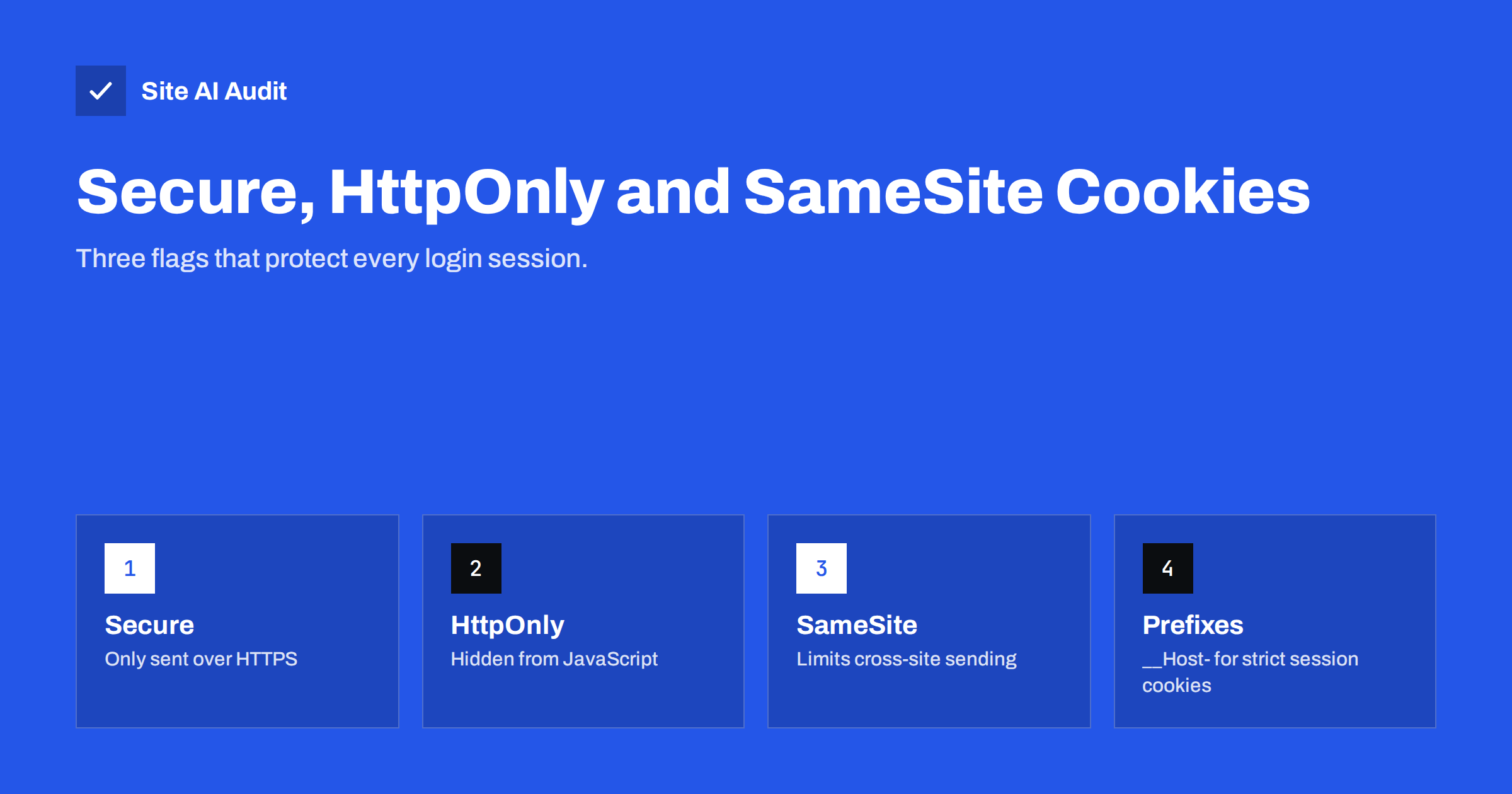
Short answer: Cookies that keep people logged in should carry three attributes. Secure makes the browser send the cookie only over HTTPS, so it cannot leak on an unencrypted connection. HttpOnly hides the cookie from JavaScript, so an injected script cannot steal it. SameSite=Lax (or Strict) stops the browser from sending it with most requests triggered by other websites, which blocks many cross-site request forgery attacks. Set them in your application or server configuration and verify them in the browser’s developer tools.
Cookies are how websites remember visitors: login sessions, shopping carts, language choices, consent decisions. A session cookie is effectively a temporary password – whoever holds it is logged in as that user. Yet cookie settings are rarely reviewed after a site launches. Many sites still issue session cookies that can travel over plain HTTP, be read by any script on the page, or be sent along with requests from other sites. This guide explains the three flags that fix that, plus a few related settings, in practical terms.
How cookies work in one paragraph
When a server wants the browser to remember something, it sends a Set-Cookie header with a name, a value and optional attributes, for example Set-Cookie: session=abc123; Path=/; Secure; HttpOnly; SameSite=Lax. The browser stores the cookie and sends it back in a Cookie header with later requests to the same site. The attributes control when the cookie is sent, who can read it and how long it lives. Everything in this guide is about choosing those attributes well.
The Secure flag
What it does: the browser sends the cookie only over HTTPS connections, never over plain HTTP.
Why it matters: even a site that redirects everything to HTTPS still receives the occasional HTTP request – a typed address, an old link, an image with an http:// URL. Without the Secure flag, the browser attaches the session cookie to that unencrypted request, where anyone on the same network could capture it. With the flag, the cookie stays out of HTTP requests entirely.
What to do: set Secure on every cookie on an HTTPS site. There is no downside once the site runs fully on HTTPS. Combined with HSTS, which stops browsers from making HTTP requests to your domain at all, it closes this leak completely.
The HttpOnly flag
What it does: the cookie is not accessible to JavaScript through document.cookie. The browser still sends it with requests, but scripts running in the page cannot read it.
Why it matters: if an attacker manages to inject a script into your pages – through a vulnerable plugin, an unescaped comment field or a compromised third-party script – one of the first things that script typically tries is to read session cookies and send them to the attacker. HttpOnly blocks that specific theft.
What to do: set HttpOnly on session and authentication cookies, and on any cookie your front-end code does not need to read. Cookies that JavaScript must read, such as some consent or preference cookies, cannot be HttpOnly – but they should never contain secrets.
The SameSite attribute
What it does: controls whether the browser sends the cookie with requests that originate from other websites.
SameSite=Strict– the cookie is sent only when the request comes from your own site. Following a link to your site from an e-mail or another site arrives without the cookie, so the visitor may appear logged out on that first page.SameSite=Lax– the cookie is sent with same-site requests and with top-level navigation from other sites (clicking a normal link), but not with cross-site form posts, images, iframes or background requests. This is the default in modern browsers when no value is set.SameSite=None– the cookie is sent in all contexts, including cross-site. It must be combined with Secure, or browsers reject it. Needed only for cookies that genuinely must work across sites, such as some embedded widgets and single sign-on flows.
Why it matters: cross-site request forgery (CSRF) works by making the visitor’s browser send a request to your site from another site – for example a hidden form that changes the account e-mail. If the session cookie is not attached to such requests, the forged request arrives unauthenticated and fails. SameSite also reduces clickjacking risk, because framed pages from another site do not receive Lax or Strict cookies.
What to do: set SameSite=Lax explicitly on session cookies; consider Strict for highly sensitive applications such as admin panels. Use None only where a documented cross-site need exists. Keep anti-CSRF tokens in forms as well – SameSite is a strong layer, not a replacement.
Other attributes worth getting right
| Attribute | Recommendation for session cookies |
|---|---|
| Secure | Always on HTTPS sites |
| HttpOnly | Always, unless scripts truly need the value |
| SameSite | Lax by default, Strict for admin areas, None only when required |
| Domain | Omit it, so the cookie stays on the exact host that set it |
| Path | / unless a narrower path is needed |
| Expires / Max-Age | As short as usability allows; session-only where possible |
| Name prefix | __Host- for the strictest session cookies |
Domain: setting Domain=example.com makes the cookie available to every subdomain, including ones run by third parties or forgotten test systems. Leaving the attribute out restricts the cookie to the host that set it, which is safer.
Cookie prefixes: a cookie named __Host-session is accepted by browsers only if it has Secure, Path=/ and no Domain attribute. The prefix locks in the safe settings so they cannot be accidentally weakened or overwritten by a subdomain. __Secure- is a weaker prefix that only requires Secure. MDN’s guide to HTTP cookies covers these details.
Session lifetime and logout
Flags protect a cookie while it exists; lifetime decides how long a stolen or forgotten cookie remains useful. A few practical rules help:
- Issue a new session identifier at login and when a user’s privileges change, so a session value set before login cannot be reused.
- Make logout invalidate the session on the server, not only delete the cookie in the browser.
- Offer “remember me” as a choice rather than the default, and keep those longer-lived cookies separate from the normal session.
- Expire idle admin sessions sooner than customer sessions.
These settings live in the application, but they complete the picture: a well-flagged cookie that never expires is still a long-term risk on shared or lost devices.
How to check your cookies
- Open your site, log in, and open the browser’s developer tools.
- Go to the Application tab (Chrome, Edge) or Storage tab (Firefox) and select Cookies for your domain.
- Check the Secure, HttpOnly and SameSite columns for each cookie, especially the session cookie set at login.
- Alternatively, look at the raw headers:
curl -sI https://example.com/for cookies set on the home page, or the Network tab for the login response.
Also check cookies set by the checkout, account pages and admin area, since they may be issued by different parts of the application.
How to set the flags
PHP applications and WordPress
For native PHP sessions, set session.cookie_secure = 1, session.cookie_httponly = 1 and session.cookie_samesite = "Lax" in php.ini or via session_set_cookie_params(). WordPress sets HttpOnly on its authentication cookies and adds Secure when the site runs over HTTPS with correct HTTPS URLs in its settings; plugins that set their own cookies may need separate attention.
Frameworks
Most frameworks have session configuration options for secure, httpOnly and sameSite – for example in Laravel’s session configuration, Django’s SESSION_COOKIE_SECURE and related settings, or Express session options. Enable them in production configuration.
At the server level
When you cannot change the application, some servers can modify Set-Cookie headers – for example Nginx’s proxy_cookie_flags directive in newer versions, or Apache’s Header edit Set-Cookie. This is a workaround; fixing the application is cleaner.
Common mistakes
- Session cookies without Secure on a site that is “fully HTTPS” – one stray HTTP request is enough to leak them.
SameSite=Noneset everywhere to “fix” a single integration, removing CSRF protection for all cookies.- Cookies scoped to the whole domain with
Domain=, exposing sessions to every subdomain. - Very long-lived session cookies that keep users logged in for months on shared computers.
- Storing personal data or secrets in cookies that JavaScript can read.
How Site AI Audit helps
Site AI Audit checks the HTTPS foundation that secure cookies depend on – a valid SSL certificate, the HTTP to HTTPS redirect and security headers such as HSTS – and explains each finding with the fix. With those in place, the cookie flags described here work as intended. Run a free check of your site.
Related reading
- HSTS Explained: How to Enable Strict-Transport-Security Safely
- Clickjacking Protection: X-Frame-Options vs frame-ancestors
- Content Security Policy for Beginners: A Practical Setup Guide
The bottom line
Session cookies are keys to user accounts, and three attributes protect them: Secure keeps them off unencrypted connections, HttpOnly keeps them away from scripts, and SameSite keeps them out of most cross-site requests. Add a host-only scope, sensible lifetimes and, where possible, the __Host- prefix, and check the result in the browser after every major change.
GYIK
Do I still need the Secure flag if my site redirects to HTTPS?
Yes. The redirect happens after the browser has already sent the HTTP request, and without the Secure flag that request includes the cookie. The flag keeps the cookie out of any unencrypted request.
Will SameSite=Strict log users out?
It can seem that way: when visitors arrive by clicking a link on another site or in an e-mail, the first request is sent without the cookie. Lax avoids this while still blocking most cross-site attacks, which is why it is the common default.
Does HttpOnly protect against cross-site scripting?
It prevents injected scripts from reading the cookie, which stops a common way of stealing sessions. It does not stop the script from performing actions in the page, so preventing the injection itself remains essential.
Are cookie flags related to cookie consent banners?
Not directly. Consent rules govern which cookies you may set and why, while flags govern how securely they are handled. Both apply at the same time.
Why does the browser reject my SameSite=None cookie?
Modern browsers require cookies with SameSite=None to also have the Secure attribute. Add Secure and serve the site over HTTPS, and the cookie will be accepted.


