ENEnglish
 LTLietuviškai
 DEDeutsch
 FRFrançais
 RUРусский
 ESEspañol
 PLPolski
 ITItaliano
 UKУкраїнська
 CSČeština
 PTPortuguês
 JA日本語
JA日本語 LVLatviešu valoda
 ETEesti
 HUMagyar
 IDBahasa Indonesia
 TRTürkçe
 HIहिन्दी
 ELΕλληνικά
 ARالعربية
 THไทย
THไทย VITiếng Việt
 RORomână
 MSBahasa Melayu
 BNবাংলা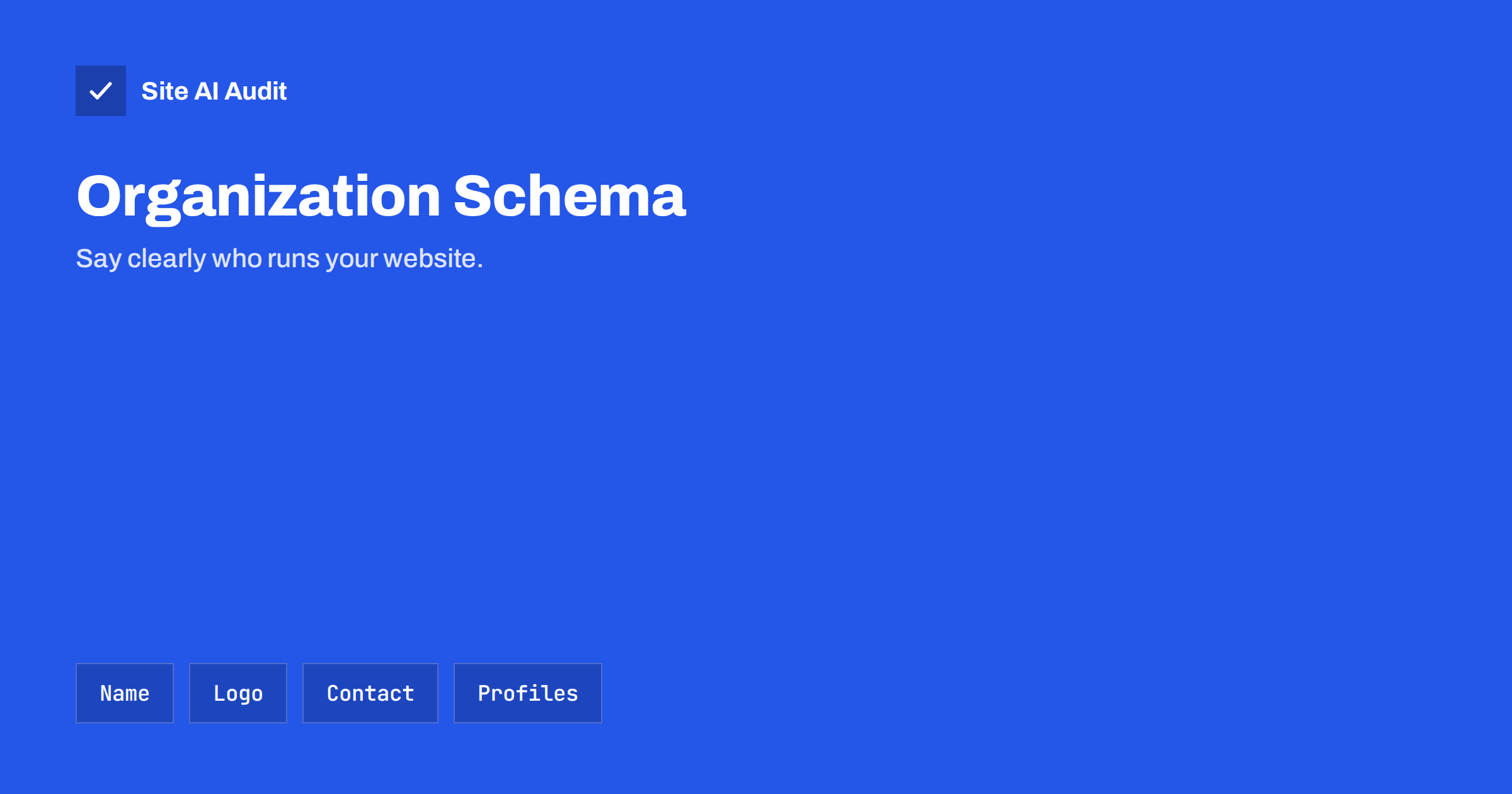
Short answer: Organization schema is structured data that describes the business behind a website: its name, address, logo, contact details and official profiles. It helps search engines connect your site to the right entity and may support details such as the logo in results. Add it once, usually on the home page, in JSON-LD, keep it identical to what visitors can see, and test it with a validator.
What Organization schema is
Structured data is code that describes a page in a format that software can read. The vocabulary comes from schema.org, which defines types for things such as articles, products, events and organizations. The Organization type describes a company, a charity, a club or any other group. A related type, LocalBusiness, adds details for businesses that serve customers at a place, such as opening hours.
The markup does not change how the page looks. It sits in the background and tells machines what your name is, where you are and which official pages belong to you. It works best as a small, accurate record of facts that you already show to visitors.
Why it is worth adding
- Clarity. Search engines meet many businesses with similar names. Clear markup reduces the chance of confusion.
- Logo and name. Google documents how it can use the logo and the name of an organization it understands. There is no guarantee that they will be shown.
- Connection of profiles. Links to your official social and directory pages help systems link them to the same entity.
- Trust. Real contact details, a real address and a consistent name support the signals described in the guide to E-E-A-T for small business websites.
Be realistic. The markup is not a ranking shortcut, and it will not by itself make a knowledge panel appear. It is a tidy way to state facts, and its value comes from being correct.
The properties that matter
You do not need to fill in every property that the vocabulary allows. A short list of accurate values is better than a long one with guesses.
- name: the official name of the business, written the same way everywhere.
- url: the address of the main website.
- logo: the address of a logo image file. Use a clear image on a plain background, with a reasonable size, and make sure that it is reachable by crawlers.
- sameAs: a list of addresses of official profiles, such as social networks, a business listing or a company register.
- contactPoint: a way to reach you, such as a customer service telephone or an e-mail address, with the type of contact.
- address: the postal address, if you want it public.
- description: a short, factual sentence about what you do.
- foundingDate, legalName and similar details, only if you want them public and they are true.
A simple JSON-LD example
Most sites add the markup as a JSON-LD script in the head or the body. In words, a minimal block declares the context as schema.org, the type as Organization, and then lists the name, the website address, the logo address and the list of official profile addresses. Each property is a name and a value, separated by a colon, and the whole block is wrapped in curly brackets. If you are unsure about the syntax, use a plugin or a generator, and then check the result with a validator. The guide to structured data for small business websites explains the format step by step.
Remember that your theme or SEO plugin may already print an Organization block. Two blocks that disagree are worse than one. Look at the source of your home page before adding a second one.
Where to place it
- Home page. This is the usual place, because the home page represents the whole organization.
- Contact or about page. You may repeat key details here if they match.
- Not on every page. A full block on every page adds weight and risks conflicts. Some sites reference the organization from an article by name only, which is fine.
If you run a local business, use the LocalBusiness type, or the more specific type for your trade, instead of the general one. Then add the address, the opening hours and the area that you serve, matching what your location pages say, as covered in the article on location pages.
How to keep it correct
- Match the markup to the visible page: the same name, address and telephone number as in the footer and on the contact page.
- Update it whenever you move, rebrand or change your profiles. Old data confuses people and machines.
- Use only official profile links that you control. Do not add pages that you do not own.
- Do not invent ratings, awards or counts. False details can lead to manual actions.
- Remember that name changes affect many things. The advice in the guide to site names and favicons in Google applies here too.
How to test it
- Run the home page through a structured data validator, such as the Rich Results Test or the Schema Markup Validator.
- Read the detected items. Is the type correct? Are the name, logo and links as you expect?
- Fix errors first, then warnings that matter, such as a logo that cannot be fetched.
- Open the logo address in a private window to confirm that it loads without a login.
- After publishing, watch the Search Console reports for structured data, as explained in the guide to structured data errors in Search Console.
Be patient. Search engines recrawl pages on their own schedule, so changes can take days or weeks to appear, if they appear at all.
Common mistakes
- Using a different business name in the markup, the footer and the social profiles.
- Pointing the logo to a file that is blocked or removed in robots.txt.
- Adding the markup for a business that the page does not actually describe.
- Leaving an old address after a move.
- Printing duplicate blocks from a theme and a plugin.
A few further details are worth knowing. The logo should be a file that represents the brand clearly even when it is small, so avoid thin lines and very light colours on a transparent background, which can disappear on a white results page. Use a stable address for the file, and do not change its location every time you redesign, because crawlers may keep the old address for a while. If your business has several brands or sites, describe each one with its own markup on its own site, and use the parent organization property only when the relationship is real and public.
For businesses that take bookings or orders, there are more specific types and properties for opening hours, service areas and accepted payment methods. They are optional, and each one adds a duty to keep it current. Start with the basics, confirm that they validate and appear correct, and add more only when someone in the team is responsible for updating them. A short block that is always right is more useful than a large one that quietly goes out of date.
Lastly, treat the markup as part of your regular site review. When you change the footer, the contact details, the logo or the social links, check the markup at the same time. A quarterly look at the home page source, plus a run through the validator, takes five minutes and catches most problems before search engines do.
If you are unsure where to begin, write down the facts first: the exact legal and trading name, the web address, the logo file, the main telephone number and the list of official profiles. Once these are agreed and written on one page, adding the markup, updating the footer and filling in business listings all use the same source, which keeps everything consistent.
How Site AI Audit helps
Site AI Audit does not validate your Organization markup in detail. It checks the foundations that the markup relies on: titles and descriptions, headings, broken links and redirects, the sitemap, robots.txt and noindex rules, along with speed, SSL, security headers and e-mail authentication for your domain. The first check is free, covers up to 50 pages and needs no sign-up. You can run a free check of your website or see the plans for re-checks and weekly monitoring.
Related reading
- Structured Data for Small Business Websites: A Beginner Guide
- Structured Data Errors in Search Console: How to Fix Them
- Local SEO Basics: How Small Businesses Get Found Nearby
- Breadcrumbs for SEO: Why They Help and How to Add Them
The bottom line
Organization schema is a small, honest label for your business. Use one consistent name, a clean logo, real contact details and official profile links. Add it once on the home page, test it and keep it in step with the visible site. It will not do the work of good content, but it helps search engines understand who you are.
GYIK
Does Organization schema improve rankings?
Not directly. It helps search engines understand your business and may support some displays, but it is not a ranking factor on its own.
Do I need LocalBusiness instead?
If customers visit you at a location, the LocalBusiness type or a more specific subtype is a better fit. Online-only businesses can use Organization.
Which profiles should I list in sameAs?
List official pages that you control, such as your main social accounts and business listings. Leave out fan pages, old accounts and pages that you do not manage.
Can a plugin add it for me?
Yes, many SEO plugins do. Check the output in your page source and with a validator, and make sure that only one source prints the block.
Will it create a knowledge panel?
It cannot force one. Search engines decide based on many signals. Correct markup, a consistent name and clear official profiles simply make it easier for them.