 ENEnglish
 LTLietuviškai
 DEDeutsch
 FRFrançais
 RUРусский
 ESEspañol
 PLPolski
 ITItaliano
 UKУкраїнська
 CSČeština
 PTPortuguês
 JA日本語
JA日本語 LVLatviešu valoda
 ETEesti
 HUMagyar
 IDBahasa Indonesia
 TRTürkçe
 HIहिन्दी
 ELΕλληνικά
 ARالعربية
 THไทย
THไทย VITiếng Việt
 RORomână
 MSBahasa Melayu
 BNবাংলা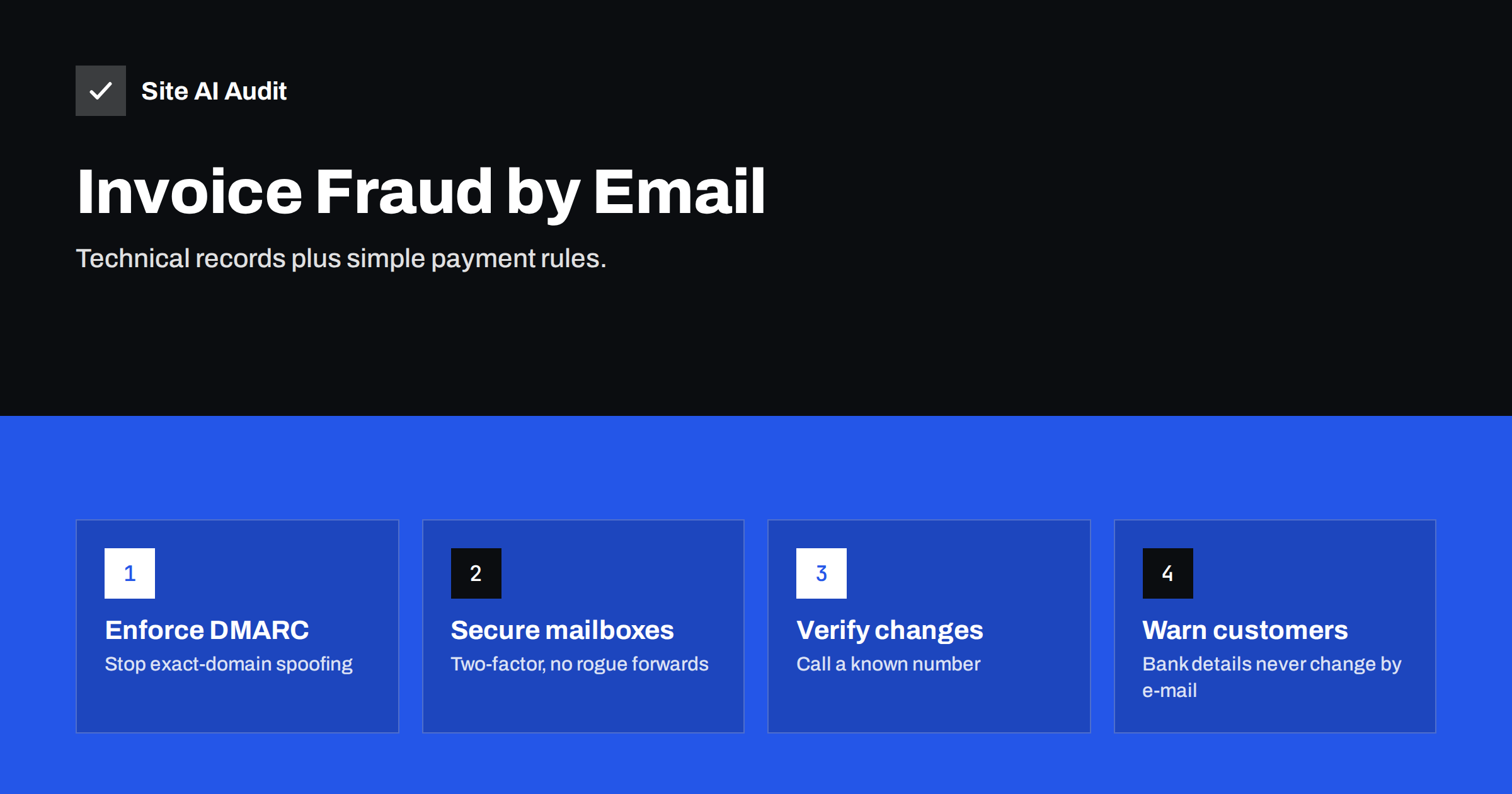
Short answer: Invoice fraud, a form of business e-mail compromise, tricks a company or its customers into paying a criminal, usually by sending a fake invoice or a message announcing “new bank details”. Protect your business on three fronts: stop criminals from sending mail as your exact domain with SPF, DKIM and an enforcing DMARC policy; secure mailboxes with two-factor authentication and checks for hidden forwarding rules; and adopt a simple rule that any change of payment details is confirmed by phone using a number already on file.
How invoice fraud works
The schemes vary, but most follow one of a few patterns:
- Spoofed supplier: a message appears to come from a supplier you work with, announcing that their bank account has changed. The next payment goes to the criminal.
- Spoofed you: your customers receive an invoice or payment reminder that appears to come from your company, with a different bank account.
- Compromised mailbox: a criminal gains access to a real mailbox, yours or a supplier’s, reads ongoing conversations and inserts a payment request at exactly the right moment, often replying in an existing thread.
- Lookalike domain: the message comes from a domain that differs by a character or two, such as a swapped letter or an added word, and passes all authentication checks because the criminal owns that domain.
- Executive impersonation: a message “from the managing director” asks the finance team for an urgent, confidential transfer.
Small businesses are attractive targets for a simple reason: they often have fewer approval steps, fewer security tools and staff who handle several roles at once. A single person may receive the invoice, approve it and make the transfer on the same afternoon, with nobody else in the loop to notice something odd.
What makes these attacks effective is that they rarely contain malware or obvious spam signals. They are ordinary-looking business messages, often well written, sent at a plausible moment.
Layer 1: stop exact-domain spoofing with DMARC
If criminals can send mail with your exact domain in the From address and receivers accept it, your customers have little chance of spotting the fake. DMARC with an enforcing policy tells receivers to reject or quarantine such messages.
- Publish SPF listing your legitimate senders.
- Set up DKIM with your own domain in your mail provider and every tool that sends invoices, reminders or quotes, including accounting and invoicing software.
- Publish DMARC with
p=noneand a report address, then use the reports to fix any unaligned legitimate sender. - Move to
p=quarantineand thenp=reject, and make sure subdomains are covered. - Protect unused domains you own with
v=spf1 -alland DMARCp=reject.
Invoicing software deserves special attention: it is exactly the mail criminals imitate, and it is often the last system to be authenticated. If your invoices fail DMARC, enforcement will hurt you; if they are not aligned before enforcement, you cannot enforce at all.
Layer 2: secure the mailboxes
DMARC cannot help when a criminal sends from inside a real, compromised mailbox, because that mail is genuinely authenticated. Mailbox security is therefore just as important:
- Two-factor authentication for every mailbox, especially finance, management and anyone who handles payments.
- Check forwarding and inbox rules. Attackers commonly add a hidden rule that forwards mail to an external address or moves replies about payments into an obscure folder. Review rules regularly, and consider blocking automatic external forwarding in your mail admin settings.
- Review sign-in activity for unfamiliar locations or devices.
- Disable legacy authentication methods that bypass two-factor protection, where your provider allows.
- Remove access promptly when staff leave, and do not share mailbox passwords.
Layer 3: payment verification rules
Technology reduces the risk; a simple process stops the remaining attacks. The most effective rules are short enough that everyone remembers them:
- Any change of bank details is verified by phone, using a number from your own records or the supplier’s contract, never a number from the e-mail requesting the change.
- Urgency is a warning sign. A request to pay immediately and keep it confidential should trigger verification, not speed.
- Two people approve new payees or payments above a threshold.
- Test payments of a small amount to new accounts can be confirmed with the supplier by phone before the full amount is sent.
The same rules apply in the other direction. If your company announces a genuine change of bank details, do it in a way customers can verify: tell them in advance by phone or letter, not only by e-mail, and invite them to call you to confirm.
Write the rules down, include them in onboarding for finance staff, and make it explicit that nobody will be criticised for delaying a payment to verify it.
Layer 4: tell your customers
Your customers are targets too, because criminals impersonate you to them. Help them protect themselves and you:
- State on invoices and in your e-mail footer that your bank details never change by e-mail.
- Publish the correct contact phone number on your website so customers can verify requests.
- Send invoices consistently from the same address and system, so unusual messages stand out.
- If you learn of an attempt, warn customers promptly and clearly.
Layer 5: watch for lookalike domains
Lookalike domains are the attacker’s answer to DMARC. Once your exact domain is protected, a criminal can register yourdomain-invoices.com, a version with a swapped or doubled letter, or the same name under a different top-level domain, and send fully authenticated mail from it. Technical records on your domain cannot stop that, but several measures reduce the risk:
- Register the most obvious variants yourself if they are cheap and relevant to your brand, and lock them down with
v=spf1 -all, DMARCp=rejectand a null MX record. - Use monitoring offered by some registrars and security services, which alerts you when domains similar to yours are registered.
- Enable external sender tagging in your mail platform, so staff see a clear warning on messages from outside the organisation, including lookalikes pretending to be colleagues.
- Train people to read the full address, not just the display name. Many mobile mail apps show only the name by default, which is exactly what lookalike and display-name attacks rely on.
When you find a lookalike domain used for fraud, report it to the registrar’s abuse contact and to the hosting provider, and warn customers who may be targeted. Takedowns are not always fast, which is why the payment verification rule remains the most reliable defence.
Recognising the warning signs
| Sign | Why it matters |
|---|---|
| New or changed bank account | The core of almost every invoice fraud |
| Slightly different sender domain | Lookalike domains pass authentication |
| Reply-To differs from From | Replies go to the criminal, not the real sender |
| Unusual urgency or secrecy | Pressure prevents verification |
| Change of tone or language in a known thread | May indicate a compromised mailbox |
| Request to switch to another channel or personal address | Moves the conversation away from records and colleagues |
If it happens
- Contact your bank immediately. Speed matters for any chance of stopping or recalling a transfer.
- Report the crime to the police or the relevant national fraud reporting service.
- Secure the affected mailboxes: reset passwords, enforce two-factor authentication, remove unknown forwarding rules and sessions.
- Warn affected customers or suppliers.
- Review DMARC reports and mail logs to understand whether the attack used spoofing, a lookalike domain or a compromised account.
- Fix the gap that allowed it, whether technical or procedural.
Checking your domain’s defences
The technical part of layer 1 is visible from outside. Site AI Audit checks whether your domain has SPF (within the lookup limit), DKIM and a DMARC policy, and whether that policy actually enforces, alongside MX records and the website’s SSL and security headers. Findings are explained in plain words with the fix. A free check shows your current protection; paid plans on the pricing page monitor it and alert you if a record is removed or weakened.
Related reading
- Email Spoofing: How to Stop People Sending Mail as Your Domain
- DMARC for Subdomains: How the sp Tag Protects Your Domain
- How to Authenticate Third-Party Email Senders for Your Domain
The bottom line
Invoice fraud combines technical tricks with human pressure, so the defence must do both. Enforce DMARC so your exact domain cannot be forged, secure mailboxes against takeover, verify every change of bank details by phone, and tell customers how you communicate payment information. Each layer covers gaps the others leave open.
GYIK
Can DMARC stop invoice fraud?
It stops fraud that forges your exact domain. It does not stop lookalike domains or attacks from compromised mailboxes, which is why mailbox security and payment verification are also needed.
What is business e-mail compromise?
It is a type of fraud in which criminals impersonate or take over business e-mail accounts to trick people into paying money or sending sensitive information.
How do criminals know when to send a fake invoice?
Often they have access to a real mailbox and read ongoing conversations, or they time messages to typical billing periods. Hidden forwarding rules are a common sign of such access.
What should I do if a supplier asks to change bank details?
Call the supplier using a phone number from your own records, not from the message, and confirm the change before paying.
Should I check mailbox forwarding rules?
Yes. Attackers often create rules that forward or hide messages. Review them regularly and consider blocking automatic forwarding to external addresses.
How can I stop criminals from using lookalike domains?
You cannot prevent registration, but you can monitor for lookalikes, tell customers how you communicate, and rely on payment verification rules that work regardless of the sender’s domain.


