 ENEnglish
 LTLietuviškai
 DEDeutsch
 FRFrançais
 RUРусский
 ESEspañol
 PLPolski
 ITItaliano
 UKУкраїнська
 CSČeština
 PTPortuguês
 JA日本語
JA日本語 LVLatviešu valoda
 ETEesti
 HUMagyar
 IDBahasa Indonesia
 TRTürkçe
 HIहिन्दी
 ELΕλληνικά
 ARالعربية
 THไทย
THไทย VITiếng Việt
 RORomână
 MSBahasa Melayu
 BNবাংলা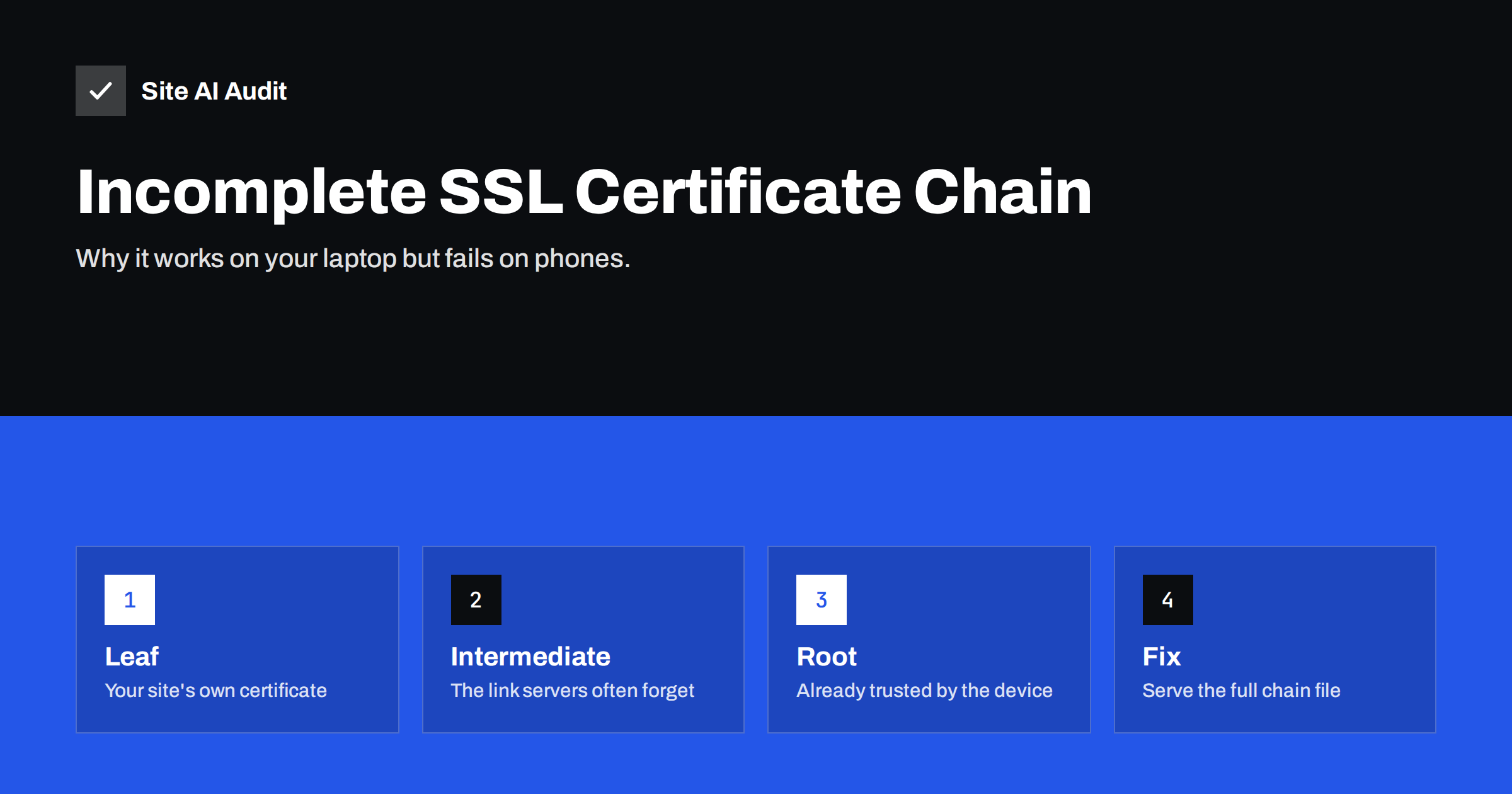
Short answer: An incomplete certificate chain means your server sends its own certificate but not the intermediate certificate that links it to a trusted root. Desktop browsers often repair this silently, so the site looks fine, while some phones, apps, payment gateways and command-line tools reject the connection. The fix is to configure the server with the full chain file (your certificate followed by the intermediates, for example fullchain.pem with Certbot), reload the server, and verify the chain with a tool that does not fill the gaps for you.
Chain problems are among the most confusing HTTPS errors, because they are inconsistent. You open your site on your laptop: padlock, no warnings. A customer writes that their phone says the connection is not private. Your payment provider’s webhooks start failing. A developer’s script throws “unable to get local issuer certificate”. All of these can have the same root cause – a missing intermediate certificate. This guide explains what the chain is, why the symptoms vary, and how to fix it on common servers.
How a certificate chain works
Browsers and operating systems trust a limited set of root certificates, stored on the device. Certificate authorities almost never sign website certificates directly with those roots. Instead, the root signs one or more intermediate certificates, and an intermediate signs your website’s certificate (called the leaf or end-entity certificate). The result is a chain:
- Leaf certificate – issued for your domain names.
- Intermediate certificate(s) – issued to the certificate authority, signed by the root.
- Root certificate – already present in the visitor’s trust store.
To verify your site, the client must build a path from your leaf certificate up to a root it trusts. It has the root; it gets the leaf from your server. The intermediate must also come from your server. That is the part that goes missing.
Why it works in some places and fails in others
Clients handle a missing intermediate differently:
| Client | Typical behaviour with a missing intermediate |
|---|---|
| Desktop Chrome, Edge, Safari | Often succeed, by using a cached intermediate or downloading it from a URL in the certificate |
| Firefox | Uses a preloaded set of known intermediates, so it often succeeds too |
| Some Android versions and in-app browsers | May fail with a certificate authority error |
| curl, wget, Python, PHP, Java and other HTTP libraries | Usually fail: “unable to get local issuer certificate” or similar |
| Payment gateways, webhooks, monitoring and API clients | Usually fail, because they run on server libraries |
This is why the problem so often slips through. The person who installed the certificate checked it in a desktop browser and saw a padlock. The failures appear later, in places that are harder to connect to the certificate: a lost order confirmation, a failed integration, a complaint from one mobile user.
Symptoms that point to a chain problem
Because the problem hides in desktop browsers, it usually reaches you as a symptom elsewhere. Suspect the chain when you see any of these:
- A payment provider, marketplace or CRM reports that it cannot deliver webhooks or notifications to your site.
- Uptime or monitoring tools report SSL errors while your own browser shows a padlock.
- Link previews in messaging apps or social networks stop showing images and titles for your pages.
- A mobile app that talks to your API fails for some users with a certificate error.
- Developers see errors such as “certificate verify failed” or “PKIX path building failed” in logs.
- The problem started right after a certificate renewal, a server move or a change of certificate vendor.
If two or more of these appear together, check the chain before spending time on firewalls, DNS or application code.
Common causes of an incomplete chain
- Installing only the certificate file. Certificate vendors typically deliver the leaf certificate and a separate “CA bundle” file. Installing only the first one leaves the chain incomplete.
- Using cert.pem instead of fullchain.pem. Certbot creates several files;
cert.pemcontains only the leaf. Web servers should usefullchain.pem. - Apache configuration on older versions. Older Apache versions required a separate
SSLCertificateChainFiledirective; configurations migrated from them sometimes lose it. - Wrong order in a bundle file. The leaf must come first, followed by intermediates in order. A reversed bundle can fail on strict clients.
- Old intermediate after renewal. Certificate authorities occasionally change intermediates. If you renew the leaf but keep an old bundle file, the chain may no longer match.
- Load balancers and appliances that have separate fields for certificate and chain, where only one was filled in.
How to check your chain
Use a tool that shows what the server actually sends, rather than what a browser reconstructs.
OpenSSL:
openssl s_client -connect example.com:443 -servername example.com -showcerts </dev/nullCount the certificates between BEGIN CERTIFICATE and END CERTIFICATE. With a complete chain you normally see two or three: the leaf and one or two intermediates. The line Verify return code: 0 (ok) at the end confirms that OpenSSL could build a path to a trusted root. A code such as 21 (“unable to verify the first certificate”) points to a missing intermediate.
curl: curl -sv https://example.com -o /dev/null fails with a certificate error when the chain is incomplete, because curl does not fetch missing intermediates.
Online TLS testers report “chain issues: incomplete” or “extra download” when intermediates are missing. They also show the chain path they built.
Test every hostname you use, and every server behind a load balancer, since each may be configured separately.
How to fix it on common servers
Nginx
Nginx expects the leaf and intermediates in one file:
ssl_certificate     /etc/letsencrypt/live/example.com/fullchain.pem;
ssl_certificate_key /etc/letsencrypt/live/example.com/privkey.pem;
For a purchased certificate, create the file yourself by concatenating the leaf and the CA bundle: cat example_com.crt ca_bundle.crt > example_com_chain.crt. Make sure there is a line break between the certificates. Run nginx -t and reload.
Apache
Current Apache versions (2.4.8 and later) accept a full chain in SSLCertificateFile:
SSLCertificateFile    /etc/letsencrypt/live/example.com/fullchain.pem
SSLCertificateKeyFile /etc/letsencrypt/live/example.com/privkey.pem
On older setups, keep the leaf in SSLCertificateFile and add the bundle with SSLCertificateChainFile. Then run apachectl configtest and reload.
Hosting control panels
When installing a purchased certificate in a panel, paste the certificate into the certificate field and the CA bundle into the field labelled “CA bundle”, “chain” or “intermediate”. Panel-issued free certificates normally include the chain automatically; if not, reissuing usually fixes it.
Load balancers and CDNs
Upload the full chain where the service asks for the certificate, or fill in the separate chain field. Remember the origin server behind a CDN may need a complete chain too, if the CDN validates it.
Do not include the root
A common overcorrection is adding the root certificate to the bundle. It is not needed, because clients already have it, and sending it only adds bytes to every handshake. In some cases an old cross-signed root in the bundle can even lead clients to build a path to an expired root. Send the leaf and the intermediates your CA tells you to use – no more.
Cross-signed intermediates and older devices
Certificate authorities sometimes offer more than one chain for the same certificate. A newer chain ends at a modern root, while an alternative chain is cross-signed by an older root to stay compatible with devices that have not received the newer root in their trust store. Which chain you serve affects which devices can connect.
For most websites, the default chain your certificate authority or ACME client provides is the right choice. If you have a large audience on very old Android devices, embedded systems or legacy business software, check your CA’s documentation on compatibility and test with the oldest client you need to support. Do not mix intermediates from different chains in one bundle, and remove intermediates that have expired, because some clients stop at the first expired certificate they find instead of trying another path.
Keeping the chain correct after renewals
- Point server configuration at files that renewal updates automatically, such as
fullchain.pem, never at copies. - When renewing a purchased certificate, always download the current CA bundle together with the new certificate.
- Add the chain check to your post-renewal test: an OpenSSL verify code of 0 and a successful curl request.
- Use outside monitoring that connects the way strict clients do, so a broken chain is noticed before integrations fail.
How Site AI Audit helps
The first step of every Site AI Audit check connects to your website and verifies the SSL certificate from the outside – validity, expiry and whether HTTP redirects to HTTPS – so certificate problems that a desktop browser hides can still show up in the report, explained in plain words with a fix. Paid plans add re-checks after you change the configuration and monitoring with alerts. Check your site for free.
Related reading
- SSL Certificate Name Mismatch: Causes and How to Fix It
- SSL Certificate Expired: What Happens and How to Fix It Fast
- What Is an SSL Certificate and Why Does Your Website Need One?
The bottom line
An incomplete chain is an installation mistake, not a problem with the certificate itself. Desktop browsers often hide it; phones, apps and server integrations do not. Serve the full chain – leaf plus intermediates, in order, without the root – check it with OpenSSL or curl rather than a browser, and make chain verification part of every renewal.
GYIK
Why does my site work in Chrome but not in my app or on some phones?
Desktop browsers can often find a missing intermediate certificate themselves, while apps, some mobile browsers and server libraries cannot. The server must send the intermediate certificate so every client can verify the chain.
What does “unable to get local issuer certificate” mean?
The client could not build a path from your certificate to a trusted root. On a public website this almost always means the server does not send the intermediate certificate.
Should I include the root certificate in my chain file?
No. Clients already trust the root, so sending it only adds overhead and can sometimes cause path-building problems. Include your certificate and the intermediates only.
Which Certbot file should my web server use?
Use fullchain.pem for the certificate and privkey.pem for the key. The cert.pem file contains only your certificate without intermediates, which leads to an incomplete chain.
Can an incomplete chain affect search engines?
Major search crawlers are generally tolerant, but many other services that fetch your pages – link previews, feed readers, monitoring tools – may fail. It is best to fix the chain rather than rely on each client repairing it.


