 ENEnglish
 LTLietuviškai
 DEDeutsch
 FRFrançais
 RUРусский
 ESEspañol
 PLPolski
 ITItaliano
 UKУкраїнська
 CSČeština
 PTPortuguês
 JA日本語
JA日本語 LVLatviešu valoda
 ETEesti
 HUMagyar
 IDBahasa Indonesia
 TRTürkçe
 HIहिन्दी
 ELΕλληνικά
 ARالعربية
 THไทย
THไทย VITiếng Việt
 RORomână
 MSBahasa Melayu
 BNবাংলা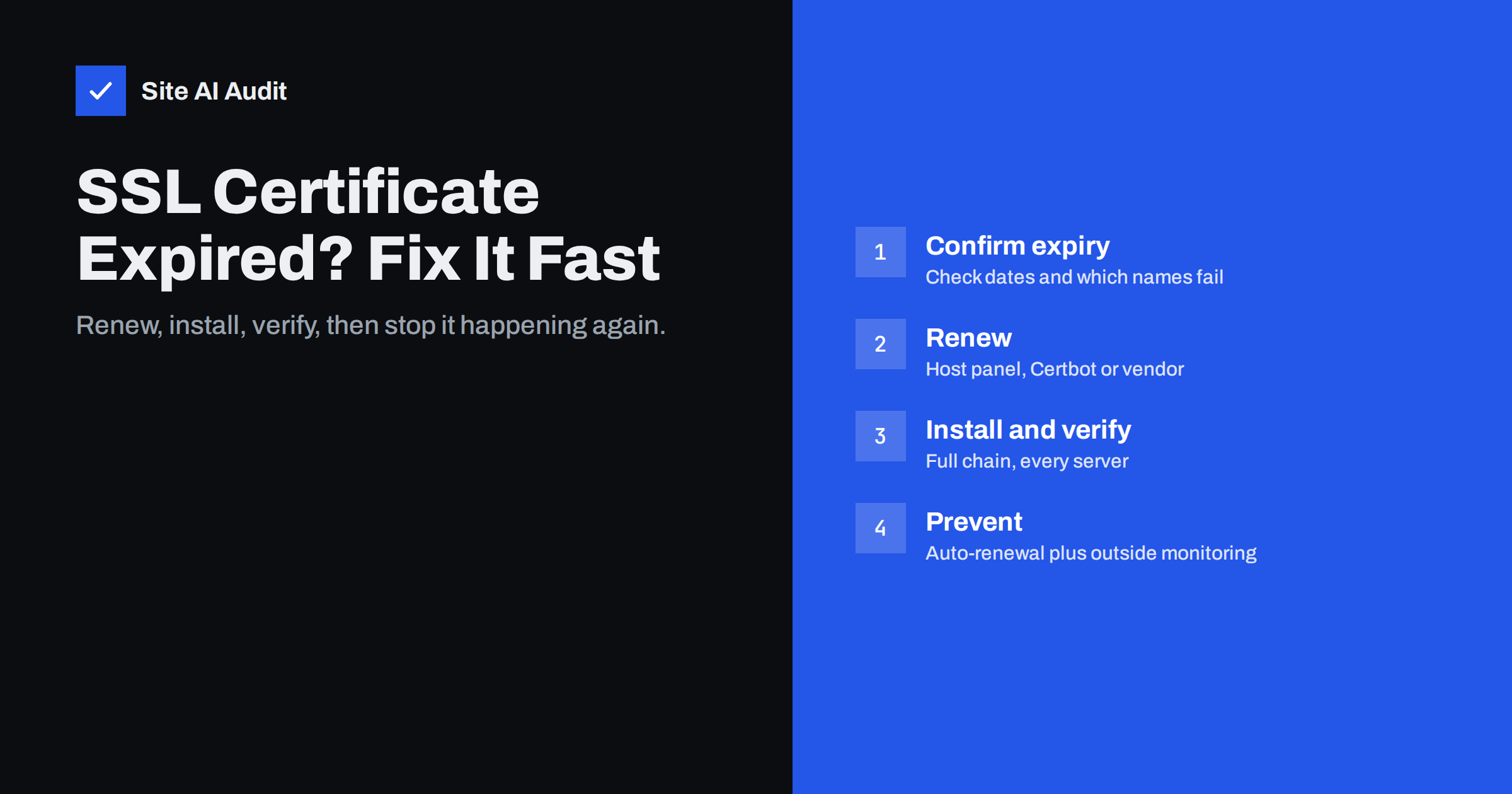
Short answer: When an SSL certificate expires, browsers stop trusting your site and show a full-page security warning, so most visitors leave. To fix it, renew or reissue the certificate (through your hosting panel, Certbot, or your certificate vendor), install it with its full chain on every server that answers for the domain, and clear any caches or CDN copies. Then find out why renewal failed and add outside monitoring so it cannot happen silently again.
An expired certificate is one of the most visible failures a website can have. Nothing is wrong with your content or your server, yet visitors see a red warning page instead of your site. The good news: it is usually one of the quickest problems to fix, once you know where the certificate comes from. This guide walks through the fix step by step and then shows how to make sure it does not happen again.
What visitors see when the certificate expires
The moment the expiry date passes, every major browser treats the connection as untrusted. Visitors see messages such as “Your connection is not private” in Chrome, “Warning: Potential Security Risk Ahead” in Firefox, or “This Connection Is Not Private” in Safari. Chrome typically shows the error code NET::ERR_CERT_DATE_INVALID.
The consequences go beyond the browser page:
- Most visitors leave. Few people click through a security warning, and many cannot, because sites with HSTS enabled do not offer a “proceed anyway” option at all.
- Integrations break. Payment callbacks, webhooks, mobile apps and API clients refuse to connect to a server with an invalid certificate.
- Search engines and link previews fail. Crawlers and social networks may not be able to fetch your pages until the certificate is fixed.
- Trust suffers. Customers who saw the warning may hesitate to enter card details even after you fix it.
Step 1: Confirm that expiry is really the problem
Certificate warnings have several causes, and the fix depends on which one you have. Before changing anything, check:
- Click the warning details or the certificate viewer in the browser and look at the “Valid to” or “Expires on” date.
- Check the computer’s own clock. A wrong system date on a single device produces the same error, but only for that device.
- Check both
example.comandwww.example.com, and any subdomains such asshop.ormail.. Often only one name has an expired certificate. - From a terminal, run
openssl s_client -connect example.com:443 -servername example.com | openssl x509 -noout -datesto see the exact dates the server presents.
If the dates show the certificate has expired, continue. If the dates are fine but the browser still complains, the problem is more likely a name mismatch or a missing intermediate certificate.
Step 2: Find out who issues your certificate
This is where most of the lost time goes. The certificate can come from several places, and you need to renew it where it was issued:
- Your hosting control panel (cPanel, Plesk, DirectAdmin, ISPConfig and similar) often issues free Let’s Encrypt certificates automatically.
- A CDN or proxy such as Cloudflare may terminate HTTPS in front of your server. In that case the visitor sees the CDN’s certificate, but the CDN may also need a valid certificate on your origin server.
- Certbot or another ACME client on your own server, run by cron or a systemd timer.
- A commercial certificate vendor, where someone bought a one- or two-year certificate and installed it manually.
- A managed platform (website builders, managed WordPress hosts, e-commerce platforms), where renewal is usually automatic and a failure means a configuration or DNS issue on the platform side.
The “Issuer” field in the certificate viewer gives a strong hint. “Let’s Encrypt” (often shown as R10, R11 or E5-style intermediate names) points to an automated setup. A commercial CA name points to a purchased certificate that probably needs manual renewal.
Step 3: Renew or reissue the certificate
How you renew depends on the source you just identified.
Hosting panel with free certificates
Open the SSL/TLS section of the panel, find the domain and press the renew or reissue button. If renewal fails, the panel usually shows the reason. The most common is that the domain no longer points to that server, for example after a DNS change or a move to a CDN.
Certbot on your own server
Run sudo certbot renew and read the output carefully. If a certificate fails, run sudo certbot renew --cert-name example.com --dry-run to see the error. Typical causes are a firewall blocking port 80, a redirect or rule that hides the /.well-known/acme-challenge/ path, or DNS pointing elsewhere. After a successful renewal, reload the web server (for example sudo systemctl reload nginx), because the running server keeps using the old certificate until it reloads.
Purchased certificate
Renew the order with the vendor, generate a new certificate signing request (CSR) if required, complete domain validation, and download the new certificate together with the intermediate bundle. Install both on the server.
CDN or managed platform
Check the platform’s SSL settings and status page. Edge certificates are normally renewed automatically; failures usually come from DNS records that no longer match what the platform expects, or from a domain validation record that was removed.
Step 4: Install it everywhere and verify
A renewed certificate only helps if every server that answers for your domain actually uses it. Check these points:
- Full chain. Install the certificate together with its intermediate certificates. With Certbot, point the server to
fullchain.pem, notcert.pem. - Every server. Load balancers, several web servers, a separate mail server or a staging copy may each hold their own copy.
- Every name. Make sure the new certificate includes all names you use: bare domain, www and any subdomains.
- Reload services. Web servers, proxies and mail servers need a reload or restart to pick up the new files.
- Test from outside. Open the site in a private window, on a phone using mobile data, and with the openssl command above. Confirm the new expiry date appears.
Step 5: Find out why renewal failed
Fixing today’s expiry without finding the cause means it will happen again in 60 to 90 days, or at the next yearly renewal. Common root causes include:
| Cause | How to recognise it | Lasting fix |
|---|---|---|
| DNS changed or domain moved to a CDN | Renewal log shows validation failed or wrong IP | Use DNS validation, or issue the certificate where traffic now ends |
| Renewal job not running | No recent entries in renewal logs | Re-enable the cron job or systemd timer and test it |
| Challenge path blocked | 404 or redirect errors on /.well-known/acme-challenge/ | Exclude that path from redirects, security rules and caching |
| Server not reloaded | New files exist but browsers see the old date | Add a reload hook to the renewal process |
| Manual certificate forgotten | Commercial issuer, no automation | Calendar reminder plus monitoring, or switch to automated certificates |
| Payment or account lapsed | Vendor or host account shows expired service | Update billing details and assign an owner |
How to stop it from happening again
Certificate lifetimes are getting shorter. The CA/Browser Forum has approved a gradual reduction of the maximum lifetime of public certificates over the coming years, which means manual renewal will become impractical for most sites. The durable solution has three parts:
- Automate renewal wherever possible, with a reload step included.
- Assign ownership. Write down who is responsible for each domain’s certificate, especially when an agency, freelancer or former employee set it up.
- Monitor from the outside. A renewal job can report success while the web server still serves an old file, or while one of several servers is left behind. Only an external check that connects the way a visitor does shows what people actually see.
Good monitoring warns you well before the expiry date – typically when a certificate has less than two or three weeks left – so there is time to fix a failed renewal calmly.
How Site AI Audit helps
Every Site AI Audit check starts by connecting to your site and checking the SSL certificate, its expiry date and the HTTP to HTTPS redirect, and it reports problems in plain words with the fix. The free check shows your current state. Paid plans add weekly monitoring with an e-mail alert when the certificate is close to expiry, and the Business and Agency plans check SSL daily. That way a broken renewal shows up as an alert, not as a customer complaint. See the plans and what each includes.
Related reading
- Why Your Website Says “Not Secure” and How to Fix It
- How to Redirect HTTP to HTTPS the Right Way (Without Loops)
- What Is an SSL Certificate and Why Does Your Website Need One?
The bottom line
An expired certificate is urgent but usually simple: confirm the dates, renew where the certificate was issued, install it with its full chain on every server, reload, and verify from outside. Then spend ten more minutes on the cause, because the real failure is almost always a broken automation or a missing owner. Combine automatic renewal with external monitoring and an expiry warning becomes a routine task instead of an outage.
GYIK
Can visitors still use my site while the certificate is expired?
Some can click through the warning, but most will not, and sites with HSTS do not allow it at all. Apps, payment providers and APIs usually refuse the connection completely, so treat an expired certificate as an outage.
How long does it take to fix an expired SSL certificate?
With an automated certificate from your host or Certbot, renewal typically takes a few minutes once the cause is removed. A purchased certificate can take longer if the vendor needs to repeat domain or organisation validation.
Why did my certificate expire when auto-renewal was turned on?
The most common reasons are DNS changes that stop domain validation, a blocked challenge path, a renewal job that stopped running, or a server that was never reloaded after renewal. The renewal log usually shows which one it was.
Does an expired certificate hurt my SEO?
A short expiry that is fixed quickly usually has no lasting effect, but while it lasts crawlers may fail to fetch pages and visitors bounce. A long outage can lead to pages dropping out of search results until they are crawled again successfully.
How early should I be warned before a certificate expires?
For automated 90-day certificates, a warning when about 14 to 21 days remain gives enough time to fix a failed renewal. For manually renewed certificates, start at least 30 days before expiry, because validation and installation take longer.


