 ENEnglish
 LTLietuviškai
 DEDeutsch
 FRFrançais
 RUРусский
 ESEspañol
 PLPolski
 ITItaliano
 UKУкраїнська
 CSČeština
 PTPortuguês
 JA日本語
 LVLatviešu valoda
 ETEesti
 HUMagyar
 IDBahasa Indonesia
 TRTürkçe
 HIहिन्दी
 ELΕλληνικά
 ARالعربية
 THไทย
 VITiếng Việt
 RORomână
 MSBahasa Melayu
 BNবাংলা
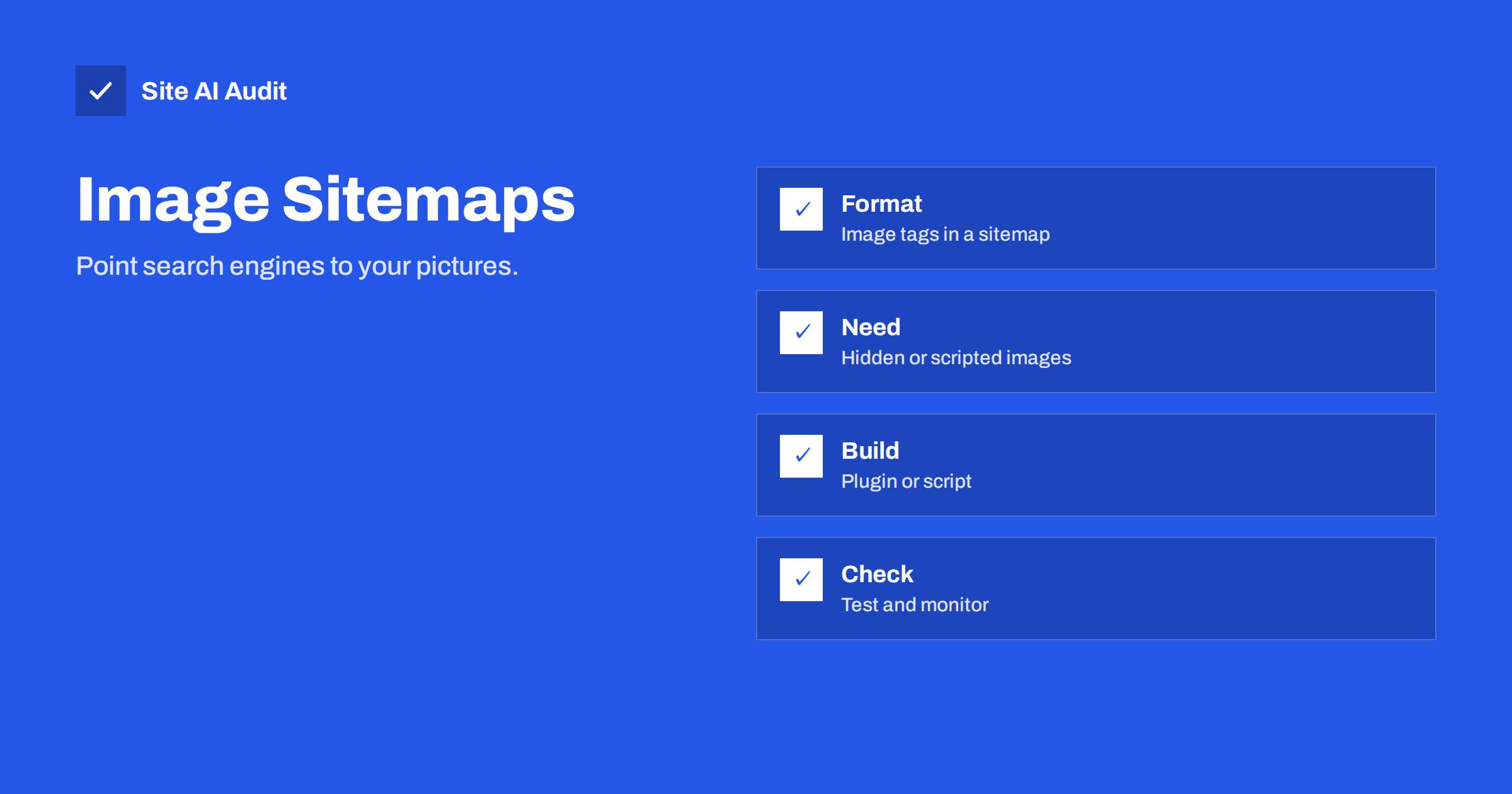
Short answer: An image sitemap is an XML sitemap that lists the images found on each page, so that search engines can discover pictures they might otherwise miss, for example images loaded by scripts. If your images are normal tags in the page code and your pages are crawled well, you may not need one. It is a discovery aid and not a ranking boost.
What an image sitemap is
A regular XML sitemap tells search engines which pages exist. An image sitemap adds a list of the images that belong to each page. Search engines already find most images by reading page code, so the extra list helps in particular cases, and it does not replace good image practices.
You do not need a separate file. The image information is added to the entries of a normal sitemap with an extension, so that one file can hold both page addresses and picture addresses. The format is defined by Google, and other search engines read sitemaps in similar ways. The general idea is explained in the guide to XML sitemaps.
What the format looks like
Each page address in the sitemap can contain one or more image entries. Each image entry has one required piece of information: the address of the image file. The sitemap file declares the image extension in its opening tag, and every page entry then lists images with the image tag and the location tag.
- Page address. The normal location entry for the page that contains the images.
- Image entry. An image tag inside the page entry.
- Image location. The full address of the image file, with the protocol.
Google once supported extra optional fields, such as a caption, a title, a geographic location and a licence address. It has since dropped them, so only the location is needed for Google. Put the descriptive information in the places that matter: the alt text, the file name, the text around the image and, where relevant, structured data. Google allows up to a thousand images for each page address in a sitemap. If your sitemap grows large, split it as shown in the guide to sitemap index files.
When an image sitemap helps
- Images loaded by JavaScript. Galleries, sliders and lightboxes that add pictures to the page only after scripts run. Crawlers may not see them in the page code. See JavaScript SEO basics.
- Images set as CSS backgrounds. Pictures that are styled in, and not placed with an image tag, are harder to discover. The article on CSS background images explains the problem.
- Images served from a CDN or another domain. A sitemap can list images hosted elsewhere, which makes the link to your page clear. See image CDNs.
- Sites where images are the product, such as photographers, designers, stock libraries, recipe sites and shops.
- Large or new sites where crawling is slow, and where you want to make sure that important pictures are seen.
- Lazy-loaded images that depend on scripts rather than native loading. See lazy loading images.
When you can skip it
If your images are ordinary image tags in the HTML, with real addresses in the source, search engines will normally find them as they crawl the page. A small business site with twenty photos usually gains little from a special file. Fix the basics first: sensible file names, alt text, appropriate sizes and a crawlable page. The article on Google Images SEO covers them.
An image sitemap also does not make images rank. It tells search engines that the images exist and belong to certain pages. Whether they appear in results depends on quality, relevance and the context of the page.
A simple way to decide
Ask three questions. First, can a crawler see each important image address in the HTML of the page, without running scripts? Second, are the pages that hold those images already in your sitemap and indexed? Third, do the images matter for your business, for example because people look for your products by picture or because you sell photographs?
If the answers are yes, yes and no, you can skip the file. If images appear only after scripts run, or sit in a gallery that loads on demand, add them to the sitemap. If images are central to the business, add them even when everything else is in order, because the cost is small and the file gives you a place to check what search engines were told. In every case, test a few important pages with the URL inspection tool and look at the rendered result. That test shows what the crawler really sees, and it is the quickest way to find out whether a sitemap is needed at all.
Photographers and shops should also think about the context of each picture. A product photo on a page with a clear title, a description and a price is more useful to a search engine than the same photo alone on a page with no text. The sitemap shows where the pictures are, but the page decides what they mean.
How to create one
- Choose which images to list. List images that matter for search, such as product photos, original photographs and illustrations. Leave out icons, logos repeated on every page, tracking pixels and decorative backgrounds.
- Use the tool that you already have. Many SEO plugins and content management systems can add images to the sitemap automatically. Check the settings before you write anything by hand.
- Or generate the file. A script can crawl your pages or read your database and write the file. Re-run it whenever content changes.
- Use full, public addresses. Every image address must open without a login and return the image with a normal success status.
- Keep addresses stable. If a file name changes, update the sitemap.
- Stay within the limits. A sitemap file can hold up to fifty thousand addresses and must not exceed 50 MB uncompressed. Split it if needed.
- Escape special characters in addresses, for instance the ampersand, so that the XML stays valid.
How to publish and submit it
- Place the file on your own domain, usually at the root, and make sure that it opens in a browser.
- List it in robots.txt with a sitemap line, so that crawlers can find it. See the robots.txt guide.
- Submit it in Search Console and check the report for errors. The tool shows how many addresses were read and any problems.
- Do not block the images. If robots.txt blocks the folder that holds the pictures, they cannot be crawled, and the sitemap cannot help.
- Allow images hosted on another domain to be fetched. The other host needs to permit crawling, and verifying it in Search Console can make reports clearer.
Common mistakes
- Listing images that return errors. Deleted or renamed files create noise and waste crawling.
- Listing every thumbnail size. List the main version of each image, and not every generated size. See WordPress image sizes.
- Including blocked or noindexed pages. Do not list a page that you do not want in results.
- Expecting a ranking jump. The file is a delivery route and not a ranking signal.
- Forgetting alt text and file names. The sitemap carries no description now, so the page and the file must do that work. See the checklist in writing image alt text.
- Ignoring format and size. Large files slow pages, and modern formats such as those compared in WebP, AVIF and JPEG help.
- Letting other sites copy everything. If you do not want your images reused, consider hotlink protection.
How to check that it works
Open the file in a browser and confirm that it is valid and complete. Check a few image addresses by opening them. In Search Console, look at the sitemap status and the number of discovered items. Search for your site in image results with a distinctive subject and see whether your pictures appear, keeping in mind that it can take weeks. If an important image does not appear, test the page with the URL inspection tool and look at the rendered version to see whether the image loads for the crawler. The guide to the URL Inspection tool shows how.
How Site AI Audit helps
Site AI Audit does not read image tags inside your sitemap, but it checks the foundation: whether your sitemap and robots.txt can be fetched, whether pages return errors or redirect, and whether images have alt texts. It also measures page weight and the Google PageSpeed score, which shows when images are too heavy. The free check covers up to 50 pages and needs no sign-up. You can run a free check of your website or see the plans for weekly monitoring and alerts.
Related reading
- Google Images SEO: Help Your Photos Get Found in Search
- XML Sitemaps Explained: How to Create and Submit One
- Writing Image Alt Text: A Practical Checklist for Your Site
- Sitemap Index Files: How to Split a Large XML Sitemap
The bottom line
An image sitemap is a helpful list for sites whose pictures are hard to find or matter a lot, and it is optional for the rest. Add it where images load by script or come from a CDN, list only the images that matter and keep the file correct. Spend your main effort on file names, alt text, size and context.
GYIK
Do I need an image sitemap for my blog?
Probably not, if your images are normal tags in the page code. A page-level sitemap and good alt text are usually enough.
Does it improve my ranking in image search?
No. It helps discovery. Ranking depends on relevance, quality and the page around the image.
Can I list images hosted on another domain?
Yes. A sitemap can list images on a CDN or other domain, as long as the crawler is allowed to fetch them.
Are captions and titles still used?
For Google they are no longer used in the sitemap. Put that information in alt text, nearby text and file names.
How often should I update it?
Whenever pages or images change. If your tool builds the file automatically, check it periodically for errors.


