 ENEnglish
 LTLietuviškai
 DEDeutsch
 FRFrançais
 RUРусский
 ESEspañol
 PLPolski
 ITItaliano
 UKУкраїнська
 CSČeština
 PTPortuguês
 JA日本語
JA日本語 LVLatviešu valoda
 ETEesti
 HUMagyar
 IDBahasa Indonesia
 TRTürkçe
 HIहिन्दी
 ELΕλληνικά
 ARالعربية
 THไทย
THไทย VITiếng Việt
 RORomână
 MSBahasa Melayu
 BNবাংলা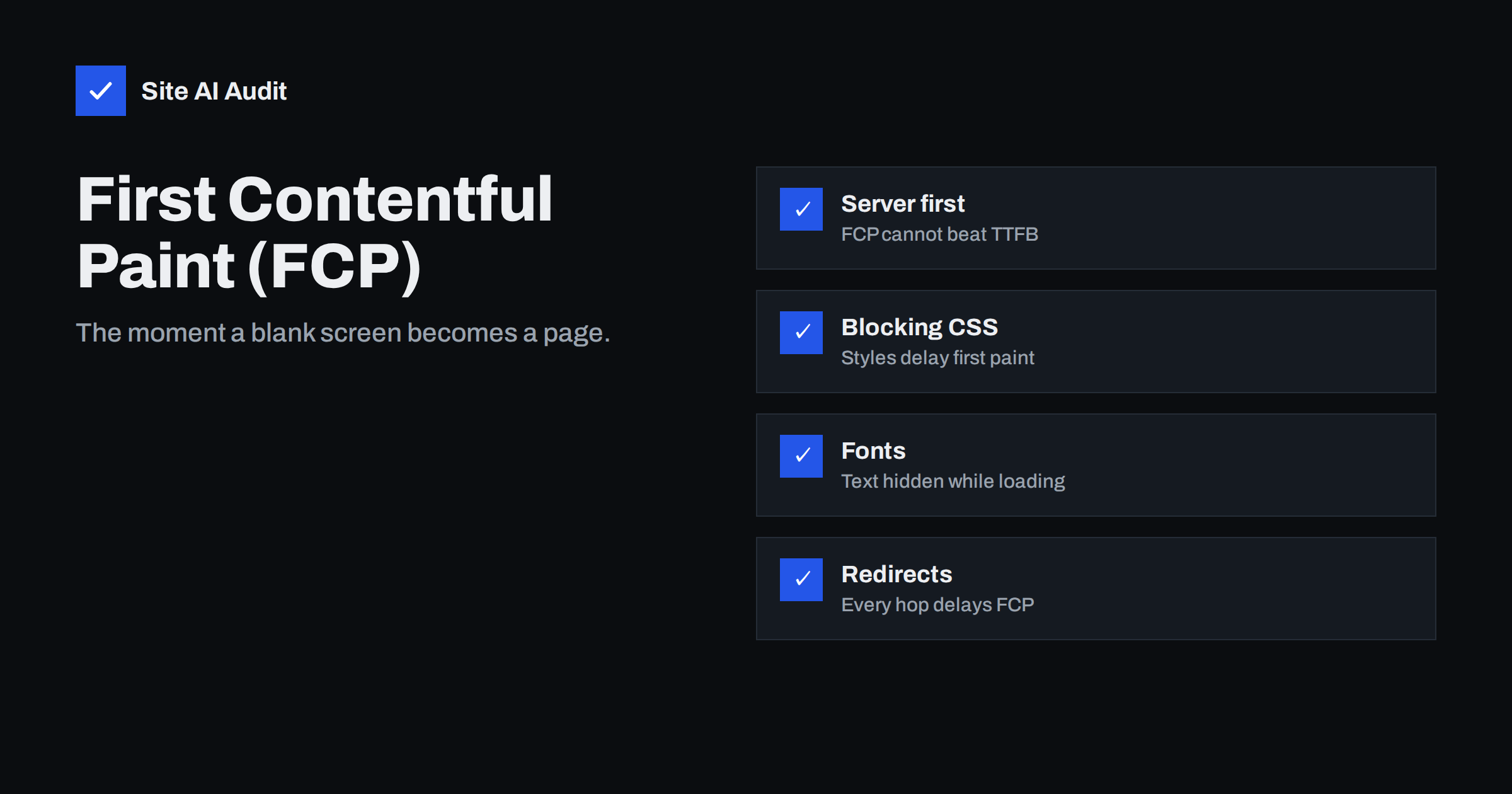
Short answer: First Contentful Paint (FCP) is the time from when a page starts loading until the browser renders the first piece of content: text, an image, an SVG or a non-white canvas. Google considers FCP of 1.8 seconds or less good. FCP is not a Core Web Vital, but it is an important diagnostic: it tells you how long visitors stare at a blank screen. It depends mostly on server response time, redirects, render-blocking CSS and JavaScript, and web fonts that hide text, so those are the areas to improve.
When someone taps a link, the first thing they want is a sign that something is happening. A white screen that stays white for several seconds makes people wonder whether the link works, and some give up before the page appears. First Contentful Paint measures exactly that moment. It is one of the metrics reported in PageSpeed Insights, and although it is not one of the three Core Web Vitals, improving it usually improves Largest Contentful Paint too.
What FCP measures
FCP marks the first time the browser paints any content from the page’s DOM. That includes:
- text, even a single word in a navigation menu;
- images, including background images;
- SVG graphics;
- non-white canvas elements.
It does not count a plain background colour or content inside iframes. FCP often happens when the header or navigation appears, which may be well before the main content (measured by LCP) is visible.
What counts as good
| FCP | Assessment |
|---|---|
| 1.8 s or less | Good |
| 1.8–3.0 s | Needs improvement |
| More than 3.0 s | Poor |
As with Core Web Vitals, these thresholds apply to the 75th percentile of real visits, separately for mobile and desktop. PageSpeed Insights shows FCP in both the field data section (when available) and the lab results, where it also contributes a small share of the Lighthouse performance score.
FCP vs LCP vs TTFB
- TTFB is when the first byte of HTML arrives. Nothing can be painted before it.
- FCP is when the first content appears.
- LCP is when the largest content element appears, usually the main image or headline.
The gaps between them are diagnostic. A large gap between TTFB and FCP points to render-blocking resources or fonts. A large gap between FCP and LCP points to the main image or content loading late. If TTFB itself is large, the server or redirects are the problem, and both FCP and LCP will be slow.
What delays FCP
- Slow server response. Everything waits for the HTML. Missing page caching, slow hosting or database queries show up directly in FCP.
- Redirects. Each redirect before the final page, such as http to https to www, adds a round trip.
- Render-blocking CSS. Browsers do not paint until stylesheets in the head are loaded and processed.
- Render-blocking JavaScript. Synchronous scripts in the head pause parsing and delay painting.
- Web fonts hiding text. With default font loading, text can be invisible for a moment while the font downloads, so text does not count as painted.
- Client-side rendering. If the page is built by JavaScript in the browser, nothing appears until the script has downloaded and run.
- Large HTML documents with a lot of inline data before the visible content.
- Anti-flicker snippets used by some A/B testing tools, which hide the whole page until the testing script has loaded.
How to improve FCP
Make the server answer quickly
- Enable full-page caching for anonymous visitors.
- Use a current PHP version and efficient plugins for uncached pages.
- Consider a CDN if your visitors are far from your server.
- Remove redirect chains and link directly to final URLs.
Reduce render-blocking resources
- Add
deferto scripts that do not need to run before first paint. - Remove unused CSS and stylesheets from plugins that are not used on the page.
- Inline a small amount of critical CSS for the top of the page if large stylesheets remain.
- Avoid
@importchains in CSS.
Show text immediately
- Use
font-display: swaporoptionalso text appears in a fallback font right away. - Self-host fonts and preload the main font file used above the fold.
- Limit the number of font files.
Render content on the server
- Serve meaningful HTML from the server rather than building the first view with JavaScript.
- Review A/B testing tools that hide the page while loading; use them only on pages being tested, or server-side alternatives.
How to diagnose FCP
- Run PageSpeed Insights on mobile and look at FCP, TTFB and the render-blocking requests list.
- Open the filmstrip or screenshots view to see what appears first and when.
- In Chrome DevTools, record a load in the Performance panel and find the FCP marker; check which resources finished before it.
- Check the HTML document’s timing in the Network panel to separate server time from connection and redirect time.
An example: reading the gaps
Suppose PageSpeed Insights reports, for a mobile test of a company’s service page, a TTFB of around 0.4 seconds, an FCP of 3.1 seconds and an LCP of 3.6 seconds. The server is clearly not the main problem, because the HTML arrives quickly. The large gap between TTFB and FCP says the browser is waiting for something before it can paint. The render-blocking list shows four stylesheets, two of them from plugins not used on this page, a synchronous script for a cookie tool and a stylesheet from an external font service. The fix list is short: stop loading the unused plugin styles on this page, defer the cookie tool’s script if its vendor allows it, and self-host the font with font-display: swap. After those changes, FCP falls well under two seconds, and because the hero image can now start painting earlier, LCP improves too. The small gap between FCP and LCP confirms that the main image itself was never the problem.
Now imagine the opposite pattern: TTFB of 2.5 seconds and FCP of 2.8 seconds. Here, nothing in the front end will help much until the server responds faster; page caching and hosting are the place to start. Once the server is fast, run the test again, because the front-end bottlenecks that were hidden behind the slow response may then become visible and deserve attention next.
FCP on WordPress sites
On WordPress, slow FCP typically comes from a combination of three things: no page caching, several plugin stylesheets loaded on every page, and fonts loaded from an external service without a sensible font-display setting. A caching plugin or host-level cache fixes the first. Asset management, either through your theme, a performance plugin or a few lines of code, fixes the second. Self-hosting fonts, which several plugins can do automatically, fixes the third. Many page builders also have an option to load only the CSS needed for the widgets on each page, which directly reduces render-blocking CSS. After each change, clear all caches and run the same mobile test again, so you can see which step made the difference.
Why FCP still matters if it is not a Core Web Vital
Google chose LCP rather than FCP for Core Web Vitals because the first paint can be just a header or a loading indicator, which does not mean the page is useful yet. But FCP remains a good measure of perceived responsiveness, and it is closely linked to the causes of slow LCP. A fast FCP reassures visitors that the page is coming. Most FCP improvements, such as faster server response and fewer render-blocking resources, also improve LCP, so work on FCP is rarely wasted.
How Site AI Audit helps
Site AI Audit measures server response time, checks compression and page weight, and runs Google PageSpeed for mobile to report Core Web Vitals, which together reveal why the first paint is late. Each finding is explained in plain words with a concrete fix and ranked by impact across speed, SEO, security and e-mail. Run a free check to see what your visitors wait for.
Related reading
- How to Reduce Server Response Time (TTFB) for Faster Pages
- How to Eliminate Render-Blocking Resources on Your Website
- How to Improve Largest Contentful Paint (LCP) on Any Website
- Web Font Performance: How to Load Fonts Without the Wait
The bottom line
First Contentful Paint is the end of the blank screen. Keep it at 1.8 seconds or less on mobile by making the server respond quickly, removing redirects, cutting render-blocking CSS and JavaScript, letting text appear before fonts load, and rendering content on the server. The same fixes usually bring LCP down as well.
GYIK
What is a good First Contentful Paint?
Google considers an FCP of 1.8 seconds or less good, between 1.8 and 3 seconds as needing improvement, and more than 3 seconds as poor, measured at the 75th percentile of visits.
Is FCP a Core Web Vital?
No. The Core Web Vitals are LCP, CLS and INP. FCP is a supporting metric that helps diagnose loading problems and appears in PageSpeed Insights and Lighthouse.
What is the difference between FCP and LCP?
FCP is when the first content of any kind appears, such as the header. LCP is when the largest content element, often the main image or headline, appears. LCP better reflects when the page feels useful.
Why is my FCP slow when my server is fast?
Render-blocking CSS and JavaScript in the head, web fonts that hide text, client-side rendering or anti-flicker snippets from testing tools are the usual causes. Check the render-blocking requests list in PageSpeed Insights.
Do redirects affect FCP?
Yes. Each redirect requires an extra request and response before the final page can load. Linking directly to final URLs and avoiding redirect chains improves FCP, especially on mobile.


