ENEnglish
 LTLietuviškai
 DEDeutsch
 FRFrançais
 RUРусский
 ESEspañol
 PLPolski
 ITItaliano
 UKУкраїнська
 CSČeština
 PTPortuguês
 JA日本語
 LVLatviešu valoda
 ETEesti
 HUMagyar
 IDBahasa Indonesia
 TRTürkçe
 HIहिन्दी
 ELΕλληνικά
 ARالعربية
 THไทย
 VITiếng Việt
 RORomână
 MSBahasa Melayu
 BNবাংলা
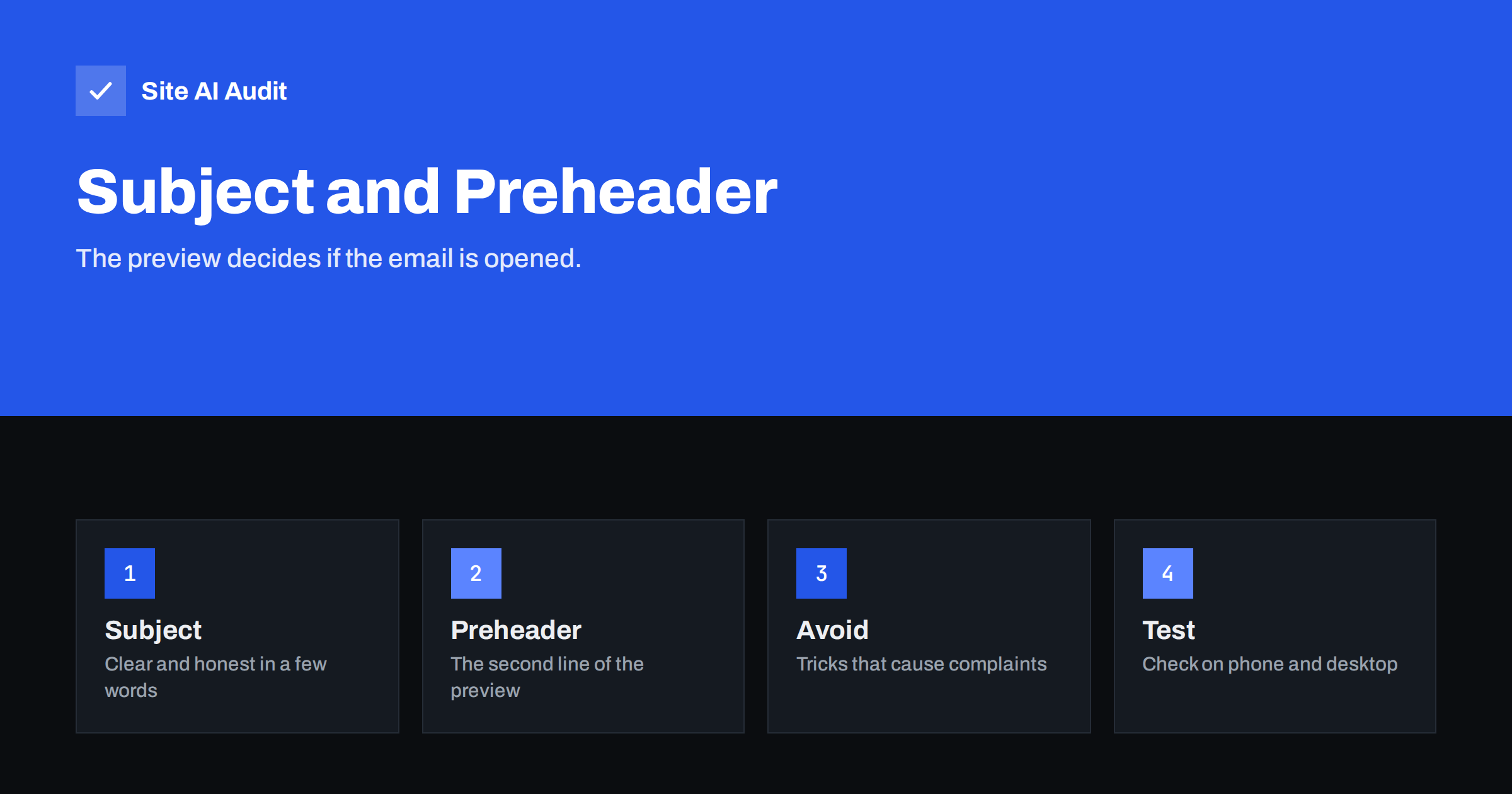
Short answer: The subject line and the preheader form the preview that a reader sees before opening an email. Write them to say plainly what is inside, keep the key words near the start, make the preheader add information instead of repeating the subject, and avoid tricks such as fake replies or shouting capitals. Honest previews earn opens from the right people, and fewer complaints keep your messages out of the spam folder.
What the preview is
In an inbox list, each message shows a sender name, a subject line and a short snippet of text. That snippet is the preheader. Some mail apps show it on a second line, others on the same line after the subject, and a few do not show it at all. If you do not set a preheader, the app takes the first text it finds in the body, which is often a useless phrase such as “View this email in your browser” or a row of menu links.
The sender name, subject and preheader work as one unit. The reader glances at them for a second and decides to open, delete or ignore. Treat the three as a single message and design them together. The sender name, covered in the article on the from name and address, tells the reader who is writing. The subject says what it is about, and the preheader adds a reason to open.
How long a subject line should be
There is no ideal length that works for every list. Phones show fewer characters than desktop programs, and the number depends on the app, the screen and the font size. A common guideline is to put the most important words in roughly the first forty characters, so that they remain visible on a phone. Longer subjects are not forbidden, but the end may be cut off.
- Put the key words first. “Invoice 1042 is ready” works better than “Your monthly account update with the invoice you requested”.
- Be specific. A date, a number or a clear topic is more useful than a vague promise.
- Do not rely on the ending. Assume that part of it may be cut.
- Keep it natural. Write the way a person would write to a colleague or a customer.
Write subjects that are honest
Subject lines are the place where marketers are most tempted to exaggerate, and where the damage to deliverability starts. A reader who opens a message because of a misleading subject often feels tricked and clicks the spam button. Mailbox providers watch complaint rates closely, as described in the guide to reducing email spam complaints, and a high rate can send later messages to the junk folder.
These habits cause trouble and are worth avoiding:
- Fake replies and forwards. Starting a subject with “Re:” or “Fwd:” when no conversation exists is deceptive and is often treated as a sign of spam.
- False urgency. “Last chance” on every message teaches readers to ignore you. Use deadlines only when they are real.
- Capital letters and repeated punctuation. A subject in capitals with several exclamation marks looks like an advertisement from a dubious sender.
- A subject unrelated to the content. If the email is a sales offer, do not call it an account notice.
- Claims you cannot support, such as “you have won” or “your account is blocked” when neither is true. These also resemble phishing.
Filters do not rely on a list of forbidden words, a point made clearly in the article on spam trigger words. They look at the sender’s reputation, the authentication of the message and how readers react. A natural subject that readers welcome is safer than one that has been scrubbed of words but still feels pushy.
Use the preheader to add to the subject
A good preheader continues the thought. If the subject says “Your invoice is ready”, the preheader might say “Due on 15 May, pay online in two clicks”. The reader now has the main facts without opening anything. A bad preheader repeats the subject or shows leftover navigation text.
- Write it on purpose. Set the preheader in your email tool or template, and check how it looks in the preview.
- Keep it short. Many apps show somewhere between forty and one hundred and thirty characters, depending on the device.
- Complement, do not repeat. Add detail, a benefit or a date.
- Match the content. The first lines of the email should deliver on what the preview promised.
- Avoid hidden padding tricks that stuff the preview with invisible characters. They can look odd in some apps and add nothing for the reader.
If your template hides the preheader text inside the page, make sure it is plain, accurate text. Hidden text that differs from the visible message can look like an attempt to deceive, and some filters treat it with suspicion.
Personalisation and emoji
A first name or an order number in the subject can help when it is correct and relevant, for example “Your order 5521 has shipped”. Personalisation that fails, such as an empty field that shows “Hello ,”, looks careless and damages trust. Test with records that have missing data before you send.
Emoji are allowed, and some audiences like them, but they are not magic. A single relevant symbol can help a message stand out, while a string of them looks like promotion and may display differently on older devices. Judge by your own results and by the habits of your readers. For a transactional message such as a password reset, a plain subject is almost always better, as discussed in the article on transactional and marketing email.
Test what works for your list
Advice about subject lines is general. Your readers are specific. Use simple tests to learn what they prefer.
- Send two versions of the subject to small, random parts of your list and compare how many people open and how many complain, then send the winner to the rest.
- Look at complaints and unsubscribes, not only opens. A subject that raises opens but also complaints is not a winner.
- Remember privacy features. Some mail apps load images automatically, which inflates open numbers, as explained in the article on Apple Mail Privacy Protection. Use clicks and replies as a second measure.
- Preview on a phone and on a desktop before sending, and check the dark mode view as well.
Keep the rest of the message consistent
A strong preview cannot rescue a message that has other problems. If the domain is not authenticated, if your list is full of old addresses or if you send much more than usual, the message may never reach the inbox where the preview is seen. Follow the basics from the email deliverability checklist: sign your mail, clean your list, send to people who asked for it and make unsubscribing easy.
Consistency matters in the other direction too. If readers learn that your subject lines are honest, they open the next message more readily, and mailbox providers see the steady engagement that supports your reputation. If some messages mislead and others do not, readers cannot tell which ones to trust, and the complaints from the misleading ones damage the rest.
Finally, keep the subject line and the first lines of the email in the same tone. A friendly subject followed by a stiff legal paragraph feels odd, and so does a plain subject followed by a loud promotion. Read the three parts together, subject, preheader and opening, and ask whether they sound like one person speaking. If they do, you are probably on the right track.
How Site AI Audit helps
Site AI Audit does not read your campaigns or your subject lines. It checks the foundation that decides whether your mail can reach the inbox: SPF with its lookup limit, DKIM, your DMARC policy and your MX records. The free check covers up to 50 pages and takes one to two minutes. You can run a free check of your website and see the plans for weekly monitoring and alerts when something changes.
Related reading
- Spam Trigger Words: What Really Gets an Email Filtered
- How to Reduce Spam Complaints and Keep Your Spam Rate Low
- From Name and Address: Email Sender Details That Build Trust
- Email Engagement and Inbox Placement: How Providers Judge You
The bottom line
Treat the sender name, subject and preheader as one short message. Be clear, put the main words first, add new information in the preheader and never mislead. Honest previews bring the right readers, keep complaints low and protect your sender reputation, which matters more for inbox placement than any single word you choose.
GYIK
What is a preheader in email?
It is the short preview text that many mail apps show next to or under the subject line. If you do not set it, the app uses the first text from the body.
How long should a subject line be?
There is no fixed rule. Put the important words in roughly the first forty characters so they stay visible on phones, and expect the end to be cut off in some apps.
Do certain words in a subject send email to spam?
Not on their own. Filters judge sender reputation, authentication and reader behaviour. Misleading or pushy subjects cause complaints, and complaints do hurt delivery.
Should I use emoji in subject lines?
You may, in moderation, if your readers like them. Test on your own list and avoid them in serious notices such as security or billing messages.
Why does my email show odd text in the preview?
The app is probably using the first text in the body, such as a link to view the email in a browser. Set a preheader in your template to control what appears.