 ENEnglish
 LTLietuviškai
 DEDeutsch
 FRFrançais
 RUРусский
 ESEspañol
 PLPolski
 ITItaliano
 UKУкраїнська
 CSČeština
 PTPortuguês
 JA日本語
JA日本語 LVLatviešu valoda
 ETEesti
 HUMagyar
 IDBahasa Indonesia
 TRTürkçe
 HIहिन्दी
 ELΕλληνικά
 ARالعربية
 THไทย
THไทย VITiếng Việt
 RORomână
 MSBahasa Melayu
 BNবাংলা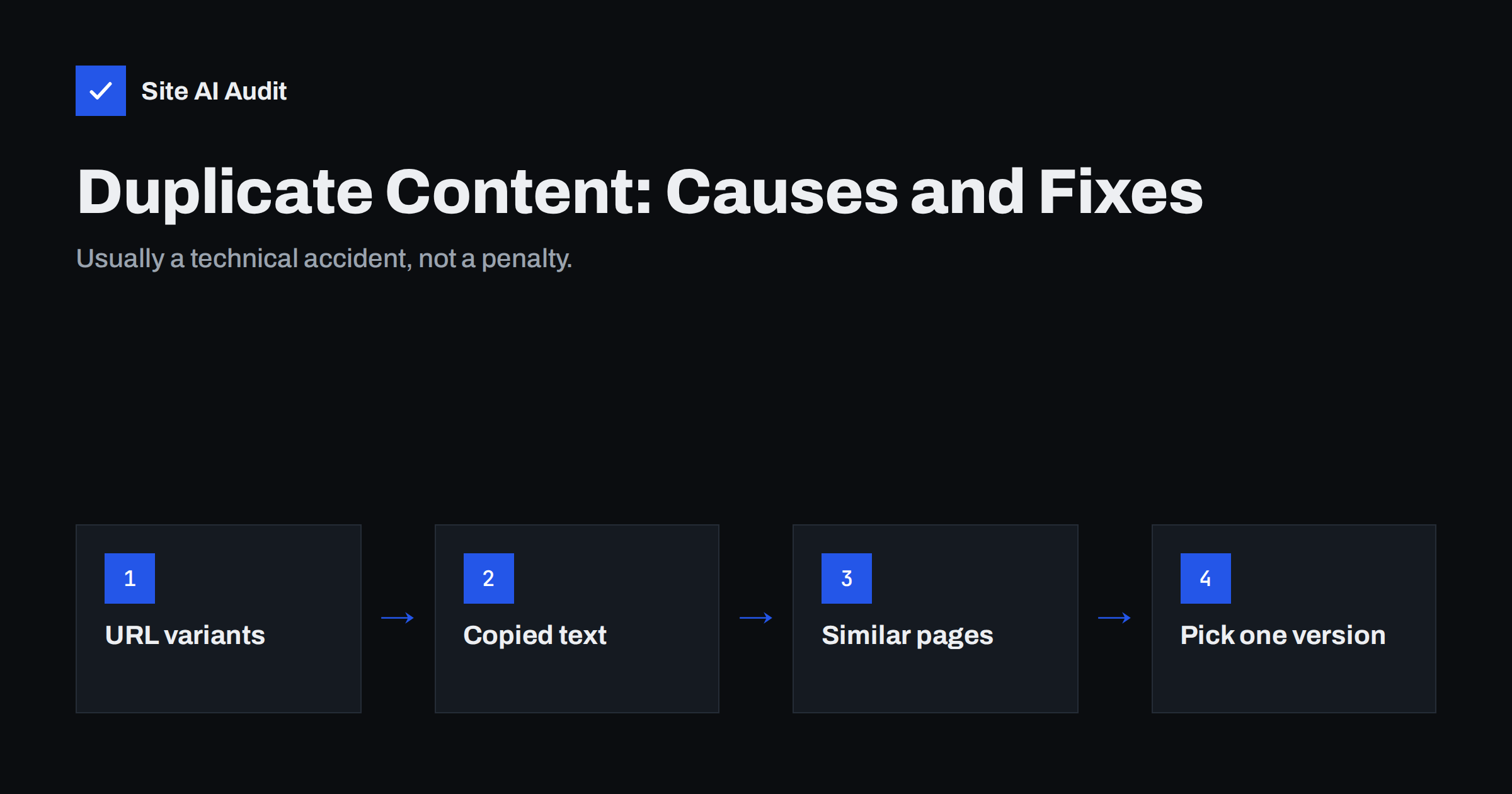
Short answer: Duplicate content means the same or very similar content is available at more than one URL, on your site or across sites. It is almost never a penalty; the real cost is that search engines must choose which version to show and may split links and other signals between versions. Most duplicates are technical, caused by URL variants, parameters and templates, and are fixed with 301 redirects, canonical tags, consistent internal links or by merging similar pages.
What counts as duplicate content
Search engines consider content duplicate when a substantial block of it is identical or nearly identical at different addresses. That includes several quite different situations:
- Exact technical duplicates. The same page served at several URLs, such as with and without
www, or with tracking parameters added. - Near duplicates within a site. Pages that differ only slightly, like a product in five colours with five separate pages and identical descriptions, or twenty location pages where only the town name changes.
- Cross-site duplicates. The same text on several websites: manufacturer product descriptions used by every retailer, press releases, syndicated articles or content copied without permission.
- Boilerplate repetition. Long identical blocks, such as legal text or a big “about us” section, repeated on every page, so the unique part of each page is tiny by comparison.
Short repeated elements, such as navigation, footers and a brief company description, are normal. Search engines are good at recognising page templates and focusing on the main content.
Is duplicate content a penalty?
This is the most common misunderstanding. For ordinary websites, duplicate content does not trigger a penalty. Google has said this repeatedly: it filters duplicates, it does not punish them. Penalties are reserved for deliberate manipulation, such as scraping other sites’ content at scale or creating many near-identical pages purely to capture searches.
The real costs are more practical:
- The wrong version may be shown. Search engines pick one URL to represent a set of duplicates. It may be a version with a tracking parameter, an old URL or a printer view.
- Signals get split. If some sites link to one version and others to another, the value of those links is spread across URLs rather than concentrated on one.
- Crawling is wasted. Crawlers spend time fetching copies instead of discovering new or updated pages. On small sites this rarely matters; on large shops it can.
- Weak pages may not be indexed. Near-duplicate pages often end up as “Duplicate without user-selected canonical” or “Crawled – currently not indexed” in Search Console.
The technical causes behind most duplicates
On most sites, duplicates are created by the system, not by writers. The usual culprits:
- Protocol and host variants.
http://andhttps://,wwwand non-www. If all four combinations load the page without redirecting, every page exists four times. - Trailing slashes and case.
/contactand/contact/, or/About/and/about/, both returning the page. - Index file names.
/and/index.htmlor/index.phpboth loading the home page. - URL parameters. Sorting, filtering, tracking codes, session IDs and pagination parameters creating many URLs for one piece of content.
- Multiple paths to the same item. A product reachable through several category paths, or a blog post under both its category and its date archive.
- Printer-friendly, AMP or preview versions left open to crawling.
- Staging and development copies that are publicly accessible and indexable, showing the whole site on a second domain.
- Tag and category archives that list the same few posts with the same excerpts.
A quick self-test: try opening your home page and one inner page with and without www, with http, with and without the trailing slash, and with ?test=1 added. Every variant should either redirect to the main version or show a canonical tag pointing to it.
Content causes: copied and near-identical pages
Some duplicates are created on purpose, usually to save time:
- Manufacturer descriptions. Shops that use the supplier’s text share it with every other shop selling that product. Search engines then have little reason to choose one shop over another based on content.
- City and service variants. “Plumber in Leeds”, “Plumber in York”, “Plumber in Bradford” with identical text except the town. These rarely perform well and can look like doorway pages.
- Reused service descriptions. The same paragraphs copied onto several service pages because the services are similar.
- Republished articles. Your blog posts republished on partner sites or platforms without a canonical pointing back.
Here, technical tags help less. The fix is content: rewrite, differentiate or consolidate.
How to fix duplicate content: choose the right tool
Each fix suits a different situation:
| Situation | Best fix |
|---|---|
| Host, protocol or slash variants | Site-wide 301 redirects to one version |
| Parameter, sort and tracking URLs | Canonical tag to the clean URL; keep internal links clean |
| Product in several categories | One product URL, canonical from variants |
| Old page replaced by a new one | 301 redirect to the new page |
| Several thin pages on one topic | Merge into one strong page and redirect the rest |
| Manufacturer or copied text | Rewrite with original, specific content |
| Staging site indexed | Password protection plus noindex; remove from index |
| Syndicated articles | Canonical to the original on the partner’s copy, or noindex there |
Whatever you choose, make your signals consistent. The URL in your internal links, sitemap, canonical tags and redirects should always be the same preferred version. Mixed signals are why search engines sometimes ignore a declared canonical.
Handling location and variant pages properly
Location pages and product variants deserve special care because they are useful in principle and easy to get wrong.
For location pages, create them only for places you genuinely serve, and give each one content that is actually local: the address or service area, local team members, typical jobs in that area, directions, parking, local reviews or photos. If you cannot say anything specific about a town, a single “areas we cover” page listing the towns is more honest and usually performs better.
For product variants, the usual best practice is one page per product with a selector for size and colour, and variant URLs canonicalised to the main page. Create separate variant pages only when a variant has its own search demand and you can give it distinctive content.
How to find duplicates on your site
- Check URL variants manually as described above. It takes two minutes and catches the most widespread issues.
- Crawl the site and look for duplicate titles and descriptions. Pages sharing a title are often duplicates or near duplicates.
- Review Search Console. In the Page indexing report, “Duplicate without user-selected canonical” and “Duplicate, Google chose different canonical than user” list URLs Google considers copies.
- Search for your own sentences. Put a distinctive sentence from a product or service page in quotation marks in a search engine to see whether it appears on other sites.
- Check for staging copies by searching for your brand name together with words like “staging” or “dev”, or for your content on unfamiliar domains.
Preventing new duplicates
Once the existing duplicates are cleaned up, a few habits keep them from coming back:
- Before creating a page, search your own site. If a page on the topic already exists, improve it instead of writing a second one.
- Protect staging sites with a password, not only with noindex, and never copy staging server settings to the live site.
- Keep tracking parameters out of internal links. Use them only in external campaigns.
- Write product copy as part of adding a product, even if it is only a few original sentences next to the supplier’s specifications.
- Review archives and tags once a year. Remove tags with one or two posts and merge overlapping categories.
- Check URL variants after any hosting, CDN or certificate change, because redirects between www, non-www, HTTP and HTTPS are easy to lose.
How Site AI Audit helps
Duplicate titles are often the first visible sign of duplicate pages. Site AI Audit’s SEO check flags pages that share the same title, for example “12 pages share the same title”, explains that search engines cannot tell those pages apart and may show only one of them, and suggests a fix. It also reports redirects, broken links and indexing rules across up to 50 pages on the free check. Run a free check to see whether your site has duplicate signals.
Related reading
- Canonical Tags Explained: How to Handle Duplicate URLs
- 301 vs 302 Redirects: Which One to Use and When
- SEO-Friendly URLs: How to Structure Them the Right Way
The bottom line
Duplicate content is usually an accident of how websites generate URLs, not a crime. Pick one version of every page, redirect host and protocol variants, use canonicals for parameters and multiple paths, keep internal links and sitemaps consistent, and merge or rewrite pages that say the same thing. The result is clearer signals and a better chance that the right page appears in search.
GYIK
Will Google penalise my site for duplicate content?
Not for normal duplicates caused by URLs, templates or reused product descriptions. Google filters duplicates and shows one version. Penalties apply to deliberate, large-scale copying or manipulation.
How much duplicate text is acceptable?
There is no fixed percentage. Repeated navigation, footers and short boilerplate are fine. Problems arise when the main content of pages is identical or nearly identical.
Can I use manufacturer product descriptions?
You can, and it will not cause a penalty. But your pages will look like everyone else’s. Adding original details, such as your own photos, specifications, use cases and answers to common questions, gives search engines a reason to choose you.
Should I noindex duplicate pages?
Usually not. A canonical tag or redirect is better because it consolidates signals onto the main page. Noindex simply removes the duplicate without passing anything on.
What if another site copies my content?
Search engines usually identify the original, especially if yours was published first and is well linked. If a copy outranks you, contact the site owner, and consider a copyright removal request through the search engine’s legal process.


