ENEnglish
 LTLietuviškai
 DEDeutsch
 FRFrançais
 RUРусский
 ESEspañol
 PLPolski
 ITItaliano
 UKУкраїнська
 CSČeština
 PTPortuguês
 JA日本語
JA日本語 LVLatviešu valoda
 ETEesti
 HUMagyar
 IDBahasa Indonesia
 TRTürkçe
 HIहिन्दी
 ELΕλληνικά
 ARالعربية
 THไทย
THไทย VITiếng Việt
 RORomână
 MSBahasa Melayu
 BNবাংলা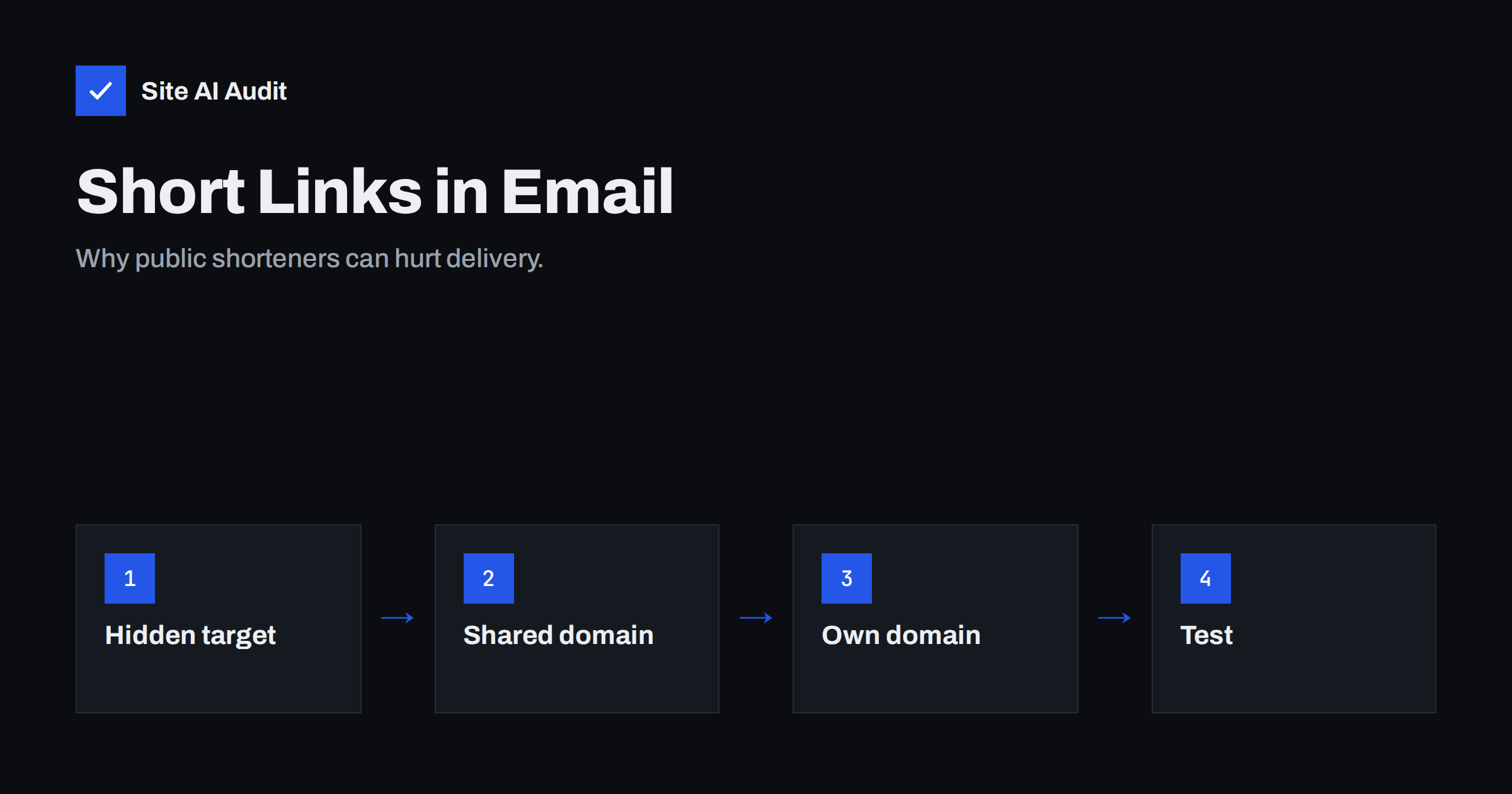
Short answer: Public URL shorteners hide where a link goes, and the same short domains are used by spammers and phishers. Mail filters know this, so a message with a generic short link is more likely to be treated as suspicious. Use the full address of a page on your own domain, or a short link on a domain that you own, and the problem largely disappears.
Why people shorten links in email
Short links look tidy. They take little room in a plain text message, they are easy to read aloud, and some tools offer click counts. In the early days of text messages and social posts with strict length limits, they were close to essential. In an e-mail there is no such limit, and the habit has little benefit while carrying real risk.
What goes wrong
The destination is hidden
A filter that wants to judge a message reads the links in it. A full address shows a domain and a path, and the filter can look up the reputation of that domain. A short link shows only the shortener’s own domain. The filter must either follow the redirect, which costs time and may be blocked, or guess. Messages that hide their destinations look similar to those that have something to hide.
The domain is shared
Free shortening services serve millions of people. Some of them use the same short domain to send spam, scams or malware. When that domain gains a bad reputation, every message that carries one of its links inherits some of the doubt, including yours. You cannot control or repair a reputation that belongs to someone else.
Links can change after sending
Most shorteners let the owner change the destination later. A safe link can be switched to a harmful one after the message passes the filter. For this reason, many security systems treat generic shorteners with extra caution, and some corporate gateways block them entirely.
Readers cannot check them
People are taught to hover over a link to see where it goes. A short link shows nothing useful. A careful reader who has been warned about phishing may decide not to click, and that costs you visits.
What filters look at
Filters are not rule books that count single words. They weigh many signals together, such as the sender’s authentication, the reputation of the sending domain, the content, and the links. A short link rarely causes a block alone, but it can tip a message that is already borderline. If your domain is new, your authentication is incomplete or your list is old, the extra doubt matters more. See the guide on why emails go to spam for the full set of reasons.
Better options
- Use the full address. A clean, readable address on your own domain is the best choice. The article on SEO-friendly URL structure helps you keep addresses short and tidy in the first place.
- Use a branded short link. If you need short links for tracking, create them on a domain or subdomain that you own, so that the reputation is yours.
- Use a button or anchor text. In HTML e-mail, the visible text can be a friendly phrase while the link is the full address. Make sure the text does not show a different domain from the real link, because that looks like phishing.
- Shorten the path, not the domain. A simple page address such as /offer/ is easy to type and keeps your domain in view.
- Avoid mixing many different domains. A message that links to five unrelated domains looks scattered. Keep links on your own site.
If you must use a tracking domain
Email platforms rewrite links to count clicks. That is normal, but the tracking domain matters. Using the provider’s shared tracking domain means you share its reputation. Many providers allow a custom tracking domain, which is a subdomain of your own site that points to their system. The setup is described in the guide to links and tracking domains in e-mail. Make sure the certificate for that subdomain is valid, since a browser warning at the click destroys trust at once.
Check your messages before you send
- Open a test message and hover over every link. Does it show a domain that you recognise?
- Look for any public shortener among the links, including ones copied from social posts.
- Make sure the link text and the real address match in domain.
- Send a test to several mailbox providers and check where it lands, as shown in the guide to testing email deliverability.
- Confirm that SPF, DKIM and DMARC pass, because authentication matters more than any single link.
One more point concerns plain text. Some senders prefer plain text messages for their simple look, and in those messages every link is shown in full, which makes a short link even more noticeable. A long address full of tracking parameters looks untidy, so many senders reach for a shortener to hide it. The better answer is to reduce the parameters, keep the readable part of the address and let your sending platform add the rest in the background. A reader who sees a clean address on a familiar domain is much more likely to click, and a filter is much more likely to deliver the message.
If you manage campaigns for clients, put this rule in your checklist: no public shortener in any message, and no link that the recipient cannot read. It is easy to enforce, it costs nothing and it removes one avoidable doubt from every send. Add a quick look at the final preview before each campaign goes out, and ask a colleague to hover over the main links as well.
Short links in text messages and social posts
E-mail is not the only place where short links cause trouble. Text messages sent in bulk are filtered by mobile carriers, and many carriers treat generic shorteners as a sign of spam, because scam messages use them heavily. Social networks also expand and scan short links, and some warn the reader before opening them. If you promote the same page in several channels, a single branded short domain gives you consistent tracking without the doubt. Keep that domain for your own content only, and do not let others create links on it, because an open shortener quickly becomes a tool for abuse and ruins the reputation you wanted to protect.
Common mistakes
- Copying a short link from a social post into a newsletter. The link was fine for that post but carries the shortener’s reputation into your message.
- Showing one domain and linking to another. Link text that reads like a website address while the real link goes elsewhere is a classic phishing pattern.
- Forgetting the certificate. A custom tracking or short domain without a valid certificate shows a browser warning at the click.
- Letting old campaign links expire. If you retire a short link, people who open an old message land on an error page. Redirect old links to a useful page instead.
- Changing destinations quietly. Re-pointing a short link after the message was sent can look like the bait-and-switch that filters watch for. Create a new link when the page changes in a way readers did not expect.
Treat link choice as part of the same discipline as your sending setup. A clean domain, correct authentication and honest links belong together, and each helps the others. When a campaign underperforms, review them in that order before blaming the subject line.
How Site AI Audit helps
Site AI Audit does not read the content of your e-mails or check the links in a newsletter. It checks the setup behind your domain: SPF and its lookup limit, DKIM signatures, DMARC policy and MX records, together with the SSL certificate that your own site and any branded link domain depend on. The first check is free, covers up to 50 pages and needs no sign-up. You can run a free check of your website or look at the plans for monitoring that alerts you when a record breaks.
Related reading
- Links in Emails: Tracking Domains, Shorteners and Deliverability
- Why Are My Emails Going to Spam? 12 Causes and Fixes
- Lookalike Domains and Typosquatting: How to Protect Your Brand
- SPF vs DKIM vs DMARC: What Each One Does and Why You Need All
The bottom line
A short link saves a few characters and costs trust. Keep links on a domain that you own, use the full address or a branded short link, and let readers and filters see where each link goes. Combined with proper authentication, this keeps your messages from looking like the ones that spammers send.
FAQ
Are all link shorteners bad for email?
Public, shared shorteners carry the most risk. A short link on a domain that you own and have set up properly is much safer, because the reputation belongs to you.
Will one short link send my message to spam?
Rarely on its own. It adds doubt, and doubt matters when other signals are weak, such as new domains or missing authentication.
Is link tracking the same as shortening?
Not exactly. Tracking rewrites links so that clicks can be counted, and it is normal. The key is to use a custom tracking domain that belongs to you.
Should I use short links in text messages instead?
The same concerns apply. Carriers and filters also treat generic shorteners with suspicion, so a branded domain is a better choice.
What about links in my email signature?
Use full addresses on your own domain there as well. A signature appears in every message, so a poor link has a wide effect.