 ENEnglish
 LTLietuviškai
 DEDeutsch
 FRFrançais
 RUРусский
 ESEspañol
 PLPolski
 ITItaliano
 UKУкраїнська
 CSČeština
 PTPortuguês
 JA日本語
JA日本語 LVLatviešu valoda
 ETEesti
 HUMagyar
 IDBahasa Indonesia
 TRTürkçe
 HIहिन्दी
 ELΕλληνικά
 ARالعربية
 THไทย
THไทย VITiếng Việt
 RORomână
 MSBahasa Melayu
 BNবাংলা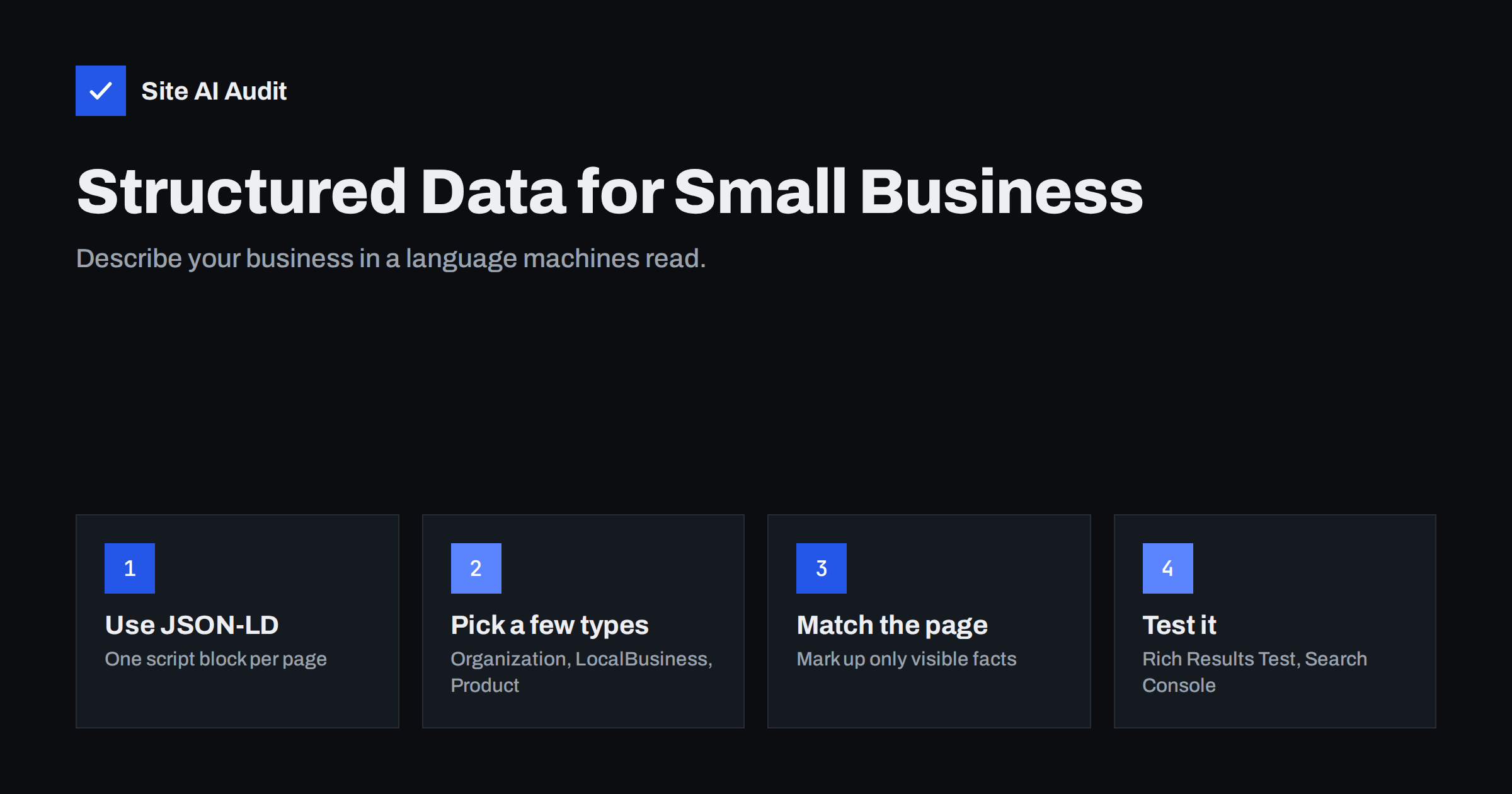
Short answer: Structured data is code, usually in JSON-LD format using the Schema.org vocabulary, that describes the facts on a page in a way machines can read: your business name, address, opening hours, products, prices, articles or FAQs. It helps search engines understand your content and can make pages eligible for rich results, but it does not guarantee them or directly raise rankings. Most small business sites need only a few types, and the markup must always match what is visible on the page.
What structured data is
A web page is written for people. Search engines can read the text, but they have to infer what it means: is “Mon–Fri 8–18” opening hours or a delivery schedule? Is “€49” the price of a product or of shipping? Structured data removes the guesswork by labelling facts explicitly.
The labels come from Schema.org, a shared vocabulary supported by the major search engines. It defines types such as LocalBusiness, Produit, Article and FAQPage, each with properties such as name, address, openingHours or price.
There are three formats for adding it to a page: JSON-LD, Microdata and RDFa. JSON-LD is the one Google recommends and the easiest to manage, because it sits in a single <script type="application/ld+json"> block rather than being woven through the HTML. A simplified example for a bakery:
{"@context": "https://schema.org", "@type": "Bakery", "name": "Rosa's Bakery", "telephone": "+44 117 000 0000", "address": {"@type": "PostalAddress", "streetAddress": "12 Market Street", "addressLocality": "Bristol", "postalCode": "BS1 1AA", "addressCountry": "GB"}, "openingHours": "Mo-Sa 07:00-17:00"}
What structured data does and does not do
Structured data has two main benefits:
- Understanding. It helps search engines connect your pages to real-world entities: your business, its location, its products. That supports accurate information in search features and knowledge panels, and gives AI-driven answer engines clean facts to work with.
- Rich result eligibility. Some types make a page eligible for enhanced displays in search results, such as product prices and availability, review stars, event dates, recipe details or breadcrumb paths. The search gallery in Google’s documentation lists the currently supported rich result types.
It is equally important to know the limits:
- Structured data is not a direct ranking factor. It helps understanding and presentation, not position.
- Eligibility is not a guarantee. Google decides whether to show a rich result based on quality, relevance and the search.
- Supported types change. Google has reduced some rich results over time; for example, FAQ rich results are now shown only for a limited set of authoritative sites. The markup can still help understanding even when no visual enhancement appears.
Which types matter for small businesses
Most small business websites can cover the essentials with a handful of types:
| Type | Where to use it | Key properties |
|---|---|---|
| Organization | Home page or about page | name, url, logo, contactPoint, sameAs (social profiles) |
| LocalBusiness (or a subtype such as Dentist, Plumber, Restaurant) | Home page, contact or location pages | name, address, telephone, openingHoursSpecification, geo, priceRange |
| Product with Offer | Product pages | name, image, description, sku, brand, offers (price, priceCurrency, availability) |
| Article or BlogPosting | Blog posts and guides | headline, author, datePublished, dateModified, image |
| BreadcrumbList | Any page with breadcrumbs | itemListElement with name and URL for each level |
| FAQPage | Pages with a visible question-and-answer section | mainEntity with Question and acceptedAnswer |
| Event | Pages for workshops, concerts, classes | name, startDate, location, offers |
Choose the most specific LocalBusiness subtype that fits, such as AccountingService, HairSalon or AutoRepair. If none fits, the general LocalBusiness type is fine.
The golden rule: mark up only what is visible
Structured data must describe the content that users can see on the page. Google’s guidelines are strict on this. Violations can make the markup ignored and, in serious cases, lead to a manual action that removes rich results for the site.
Practical implications:
- Do not add review stars in markup if the page shows no reviews, and never mark up reviews you wrote yourself about your own business.
- Do not mark up a price that differs from the one on the page, or availability that is not true.
- Do not add FAQPage markup for questions that are not visibly answered on the page.
- Do not mark up content that is hidden from users.
- Keep the business name, address and phone in markup identical to what is shown on the site and on your business profiles.
If the page changes, the markup must change with it. That is why generated markup, produced automatically from the same data the page displays, is safer than hand-written blocks that are forgotten when prices or hours change.
How to add structured data
There are three common routes, depending on your platform:
- Built-in platform features. Many e-commerce platforms and themes already output Product, Offer and BreadcrumbList markup. Check before adding anything, to avoid duplicates.
- SEO plugins. In WordPress, SEO plugins typically add Organization or LocalBusiness, Article and BreadcrumbList markup from settings you fill in once. Some offer blocks for FAQ or how-to content that generate matching markup.
- Manual JSON-LD. For small sites or custom needs, you can add a JSON-LD script block to the page head or body through the theme, a header-code setting or your CMS. Keep it simple and accurate.
Whatever route you take, avoid having two sources output the same type with different values, such as a theme and a plugin each declaring a different business name. Conflicting markup is one of the most common problems found in audits.
How to test structured data
- Rich Results Test. Google’s tool shows which rich result types a page is eligible for and lists errors and warnings. Errors mean the markup cannot be used for that feature; warnings mean optional properties are missing.
- Schema Markup Validator. The validator at validator.schema.org checks the markup against the full Schema.org vocabulary, including types Google does not use for rich results.
- Search Console enhancement reports. After Google crawls your pages, reports for products, breadcrumbs, FAQs and other types show valid items and errors across the whole site.
- View the source. Search the page HTML for
application/ld+jsonto see what is actually output, and how many blocks there are.
Test a representative page of each template, such as one product, one article and the home page, rather than every page. Problems are usually template-wide.
Common structured data mistakes
- Marking up content not visible on the page, especially reviews and FAQs.
- Outdated prices, stock status or opening hours in markup.
- Missing required properties, such as
offersornamefor products. - Duplicate or conflicting blocks from theme, plugins and manual code.
- Invalid JSON, for example a missing comma or quote, which makes the whole block unreadable.
- Using a generic type such as
ThingorWebPagewhere a specific type exists. - Adding markup to every page, including irrelevant ones, instead of the pages it describes.
A simple starting plan
If you have never added structured data, this order keeps the effort small and the risk low:
- Check what already exists. Run your home page, one product or service page and one article through the Rich Results Test. Your theme or platform may already output more than you expect.
- Add business details once. Fill in the organisation or local business settings in your SEO plugin or platform: official name, logo, address, phone, opening hours and social profiles.
- Enable breadcrumbs. If your site shows breadcrumbs, make sure BreadcrumbList markup is generated with them.
- Cover your main template. For a shop, that is Product with Offer; for a content site, Article; for a service firm, the LocalBusiness data on contact and location pages.
- Review after changes. When you change prices, hours or address, check that the markup changed too.
Where it fits among your priorities
Structured data is a useful refinement, not a foundation. If your pages are not indexed, have duplicate titles or broken links, fix those first. Once the basics are in place, adding accurate Organization or LocalBusiness markup on the home page, Product markup on product pages and BreadcrumbList site-wide is a solid, low-risk step for most small businesses.
How Site AI Audit helps with the foundations
Site AI Audit focuses on the foundations that structured data depends on: whether pages can be found and indexed, whether titles, descriptions, headings and alt texts are in order, and whether links and redirects work. Its report ranks findings by impact so you know what to fix before adding refinements. Run a free check to see where your site stands.
Related reading
- SEO Audit Checklist for Small Business Websites
- Heading Tags for SEO: How to Use H1, H2 and H3 Properly
- Canonical Tags Explained: How to Handle Duplicate URLs
The bottom line
Structured data labels the facts on your pages so search engines can understand them precisely and, for some types, show richer results. Use JSON-LD, choose a few relevant types such as LocalBusiness, Product, Article and BreadcrumbList, mark up only what visitors can see, keep it in sync with the page, and test it. Treat it as a refinement once your technical and on-page basics are sound.
FAQ
Does structured data improve rankings?
Not directly. It helps search engines understand your content and can make pages eligible for rich results, which may improve how your listing looks. Rankings depend on many other factors.
What is the best format for structured data?
JSON-LD is recommended by Google and is the easiest to maintain, because it sits in one script block separate from the visible HTML.
Do I need a developer to add structured data?
Not always. Many platforms and SEO plugins add common types automatically. Custom types or complex pages may need a developer or careful manual editing.
Why are my rich results not showing?
Valid markup makes a page eligible, but Google decides whether to show rich results for each search. Check for errors in the Rich Results Test and Search Console, and make sure the markup matches visible content.
Can wrong structured data hurt my site?
Misleading markup, such as fake reviews or hidden content, can lead to a manual action that removes rich results. Honest markup with minor errors is usually just ignored.


