 ENEnglish
 LTLietuviškai
 DEDeutsch
 FRFrançais
 RUРусский
 ESEspañol
 PLPolski
 ITItaliano
 UKУкраїнська
 CSČeština
 PTPortuguês
 JA日本語
JA日本語 LVLatviešu valoda
 ETEesti
 HUMagyar
 IDBahasa Indonesia
 TRTürkçe
 HIहिन्दी
 ELΕλληνικά
 ARالعربية
 THไทย
THไทย VITiếng Việt
 RORomână
 MSBahasa Melayu
 BNবাংলা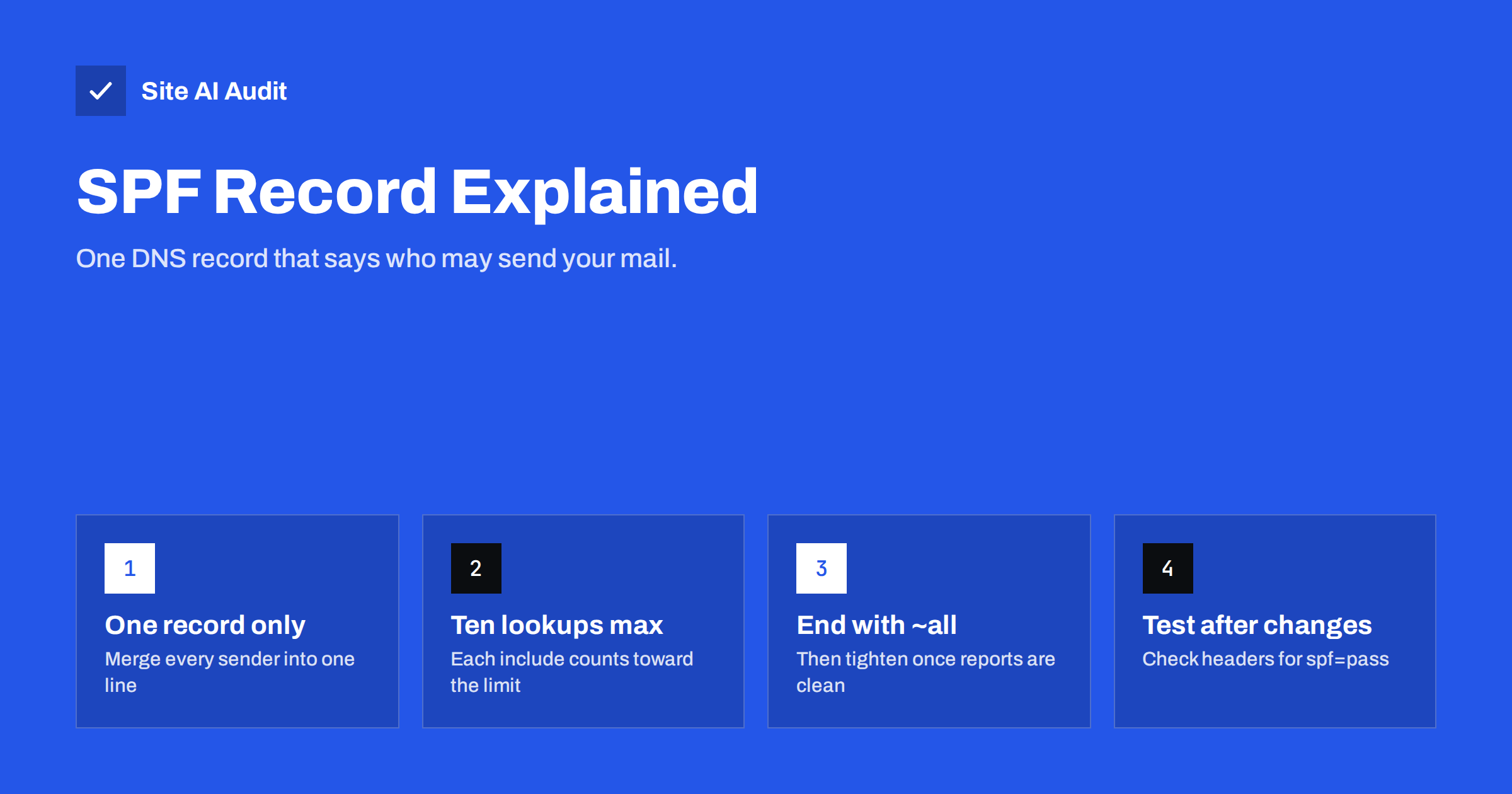
Short answer: An SPF record is a single DNS TXT record on your domain that lists which servers are allowed to send e-mail using your domain name. Receiving mail servers compare the server that delivered a message with that list and treat unlisted senders with suspicion. A correct record starts with v=spf1, includes every service that sends mail for you, stays within ten DNS lookups and ends with ~all or -all.
What SPF is and why it exists
E-mail was designed at a time when every server trusted every other server. The protocol that moves mail between servers (SMTP) lets the sender write any address in the “from” fields, and nothing in the original design checks it. That is why spam and phishing could impersonate any domain for decades.
Sender Policy Framework, defined in RFC 7208, is one of the fixes. It lets a domain owner publish a list of approved sending servers in DNS. When a message arrives, the receiving server looks up the SPF record of the domain used in the envelope sender (also called the Return-Path or MAIL FROM address) and checks whether the connecting IP address is on the list.
SPF alone does not decide whether a message lands in the inbox. It is one signal among many. But a missing or broken SPF record is one of the most common reasons why legitimate business mail ends up in spam, and large mailbox providers now expect every sender to have at least SPF or DKIM in place, and bulk senders to have both.
How an SPF check works, step by step
- Your mail service connects to the recipient’s server and announces the envelope sender, for example
[email protected]. - The receiving server reads the domain part (
yourdomain.com) and requests its TXT records from DNS. - It finds the record that starts with
v=spf1and evaluates the mechanisms from left to right. - If the connecting IP address matches a mechanism, the result is whatever qualifier that mechanism has, usually “pass”.
- If nothing matches, the final
allmechanism decides:-allgives “fail”,~allgives “softfail”,?allgives “neutral”. - The result is recorded in the message headers as
Received-SPFor insideAuthentication-Results, and the receiving server’s filters use it together with other signals.
An important detail: SPF checks the envelope sender, not the “From” address a person sees in their mail program. Many newsletter and helpdesk platforms use their own bounce domain in the envelope, so their mail can pass SPF for their domain without saying anything about yours. That gap is what DMARC alignment later closes.
The parts of an SPF record
A typical record for a small business might look like this:
v=spf1 include:_spf.google.com include:servers.mcsv.net ip4:203.0.113.25 ~all
Each piece has a job:
v=spf1is the version tag. It must come first, exactly like this.include:pulls in another domain’s SPF record. Mail providers and marketing platforms publish their sending ranges this way, so you do not have to list their IP addresses yourself.ip4:andip6:list specific addresses or ranges, such as your own mail server or an office firewall that relays mail.aandmxauthorise the IP addresses behind the domain’s A or MX records. They are convenient but each costs a DNS lookup, and they often authorise more than intended, such as a web server that should never send mail.redirect=replaces the whole policy with another domain’s record. It is useful when many domains share one policy.allwith a qualifier is the catch-all at the end. It tells receivers what to think about everything not listed.
Qualifiers can be placed in front of any mechanism: + (pass, the default), - (fail), ~ (softfail) and ? (neutral). In practice you will only see them on all.
How to build your SPF record
The hard part of SPF is not the syntax. It is knowing every system that sends mail with your domain. Work through this list before you touch DNS:
- Your mailbox provider. Google Workspace, Microsoft 365, Zoho or your hosting company’s mail server. Each documents its own include value.
- Your website. Contact forms, WooCommerce order e-mails and password resets may go out directly from the web server. If they do, either authorise that server or, better, route the mail through an authenticated SMTP service.
- Marketing tools. Newsletter platforms, CRM systems and automation tools.
- Business software. Invoicing, booking, helpdesk and accounting systems that send mail “as” you.
- Devices. Scanners, alarm systems and on-premise servers that send notifications.
For each sender, check its documentation. Many modern platforms do not need to be in your SPF record at all, because they use their own bounce domain and sign with DKIM for your domain instead. Adding them anyway wastes lookups.
Then combine everything into one record, publish it as a TXT record at the root of the domain (often written as @ in DNS panels), and wait for the TTL to pass before testing.
The ten-lookup limit and other hard rules
SPF has a few rules that are strict, and breaking them does not produce a warning. It produces a “permerror”, which many receivers treat like a failure.
- Only one SPF record per domain. If two TXT records start with
v=spf1, the result is a permanent error. This happens often when a second service’s setup guide says “add this SPF record” and someone adds it instead of merging it. - At most ten DNS lookups. Every
include,a,mx,ptr,existsandredirectcosts one, and includes inside includes count too. A record that looks short can exceed the limit because one provider’s include expands into several more. - At most two “void” lookups. Lookups that return no data count against a separate limit of two, so an include pointing to a domain that no longer exists can break the record.
- Record length. A single TXT string is limited to 255 characters. Longer records must be split into several quoted strings in the same record, which most DNS panels handle automatically. Very long records are a sign of a design problem anyway.
- Avoid
ptr. The standard itself discourages it because it is slow and unreliable.
~all or -all: which ending to use
| Ending | Result for unlisted senders | When to use it |
|---|---|---|
~all | Softfail: suspicious, usually accepted but scored | Safe default, especially while DMARC is being rolled out |
-all | Fail: some receivers reject the message outright | When you are sure the list is complete |
?all | Neutral: no opinion | Rarely useful; offers almost no protection |
+all | Pass for everyone | Never. It authorises the whole internet |
Once DMARC is enforcing a policy, the difference between ~all and -all matters less, because DMARC decides what happens to unauthenticated mail. Many experienced administrators keep ~all for that reason: a hard fail at the SPF stage can cause rejections before DKIM gets a chance to rescue a forwarded message.
Common SPF mistakes that send mail to spam
- Two SPF records after adding a new service. Merge them into one.
- Forgotten senders, typically the website or an invoicing tool, which then fail SPF.
- Too many lookups because every tool ever tried is still included. Remove services you no longer use.
- Typos such as
v=spf1include:without a space,ip4:with a hostname instead of an address, or a curly quote pasted from a document. - SPF published on the wrong name, such as
wwwinstead of the root domain, or only on the root when the mail uses a subdomain. - Using the old “SPF” record type. The dedicated SPF DNS type was deprecated; publish SPF as TXT.
- No record on domains that never send mail. Parked domains should publish
v=spf1 -allso nobody can pass SPF with them.
How to test your SPF record
After publishing, check it three ways:
- Look it up. Run
dig TXT yourdomain.com +shortornslookup -type=TXT yourdomain.comand make sure exactly one line starts withv=spf1. - Count the lookups. An SPF checker that expands includes shows the total. Keep a margin below ten, because providers sometimes add nested includes.
- Send a real message. Send from each service to a Gmail or Outlook mailbox, open the original message and find
spf=passin the Authentication-Results header. Do this for the website forms too, not only for your mailbox.
Site AI Audit includes SPF in its e-mail checks: the report shows whether a record exists, whether it is valid and whether it stays within the lookup limit, alongside DKIM, DMARC and MX results. It is a quick way to see the state of a domain from the outside, and paid plans re-check it on a schedule so a broken record is caught early. You can run a free check of your domain to see where you stand.
Related reading
- Email Setup for a New Business Domain: Get It Right on Day One
- SPF Record Examples for Common Small Business Setups
- SPF Softfail vs Hardfail: Should You Use ~all or -all?
The bottom line
SPF is a short DNS record with outsized impact. Publish exactly one record, include every service that genuinely sends mail with your domain, stay under ten lookups, end with ~all or -all, and verify the result in real message headers. Then add DKIM and DMARC, because SPF is only the first of the three checks mailbox providers expect.
FAQ
Do I need an SPF record if I use Gmail or Outlook for business?
Yes. Google Workspace and Microsoft 365 both ask you to publish an SPF record that includes their servers. Without it, messages from your own mailboxes can fail authentication and be filtered, especially by other providers.
Can I have two SPF records for two services?
No. A domain must publish only one SPF record, and two records cause a permanent error that many receivers treat as a failure. Merge both services into a single record with two include mechanisms.
How long does an SPF change take to work?
It depends on the TTL of the old record, which is often between five minutes and a few hours. Receivers that cached the old record keep using it until the TTL expires, so test again after that period.
Does SPF stop people from spoofing my domain?
Only partly. SPF checks the envelope sender, not the visible From address, so a spoofer can pass SPF with their own domain while showing yours. DMARC is what connects the checks to the visible address and tells receivers to reject spoofed mail.
What does SPF permerror mean?
A permerror means the record could not be evaluated because it breaks the rules. The usual causes are two SPF records, more than ten DNS lookups, or a syntax error. Fix the record itself; waiting will not help.


