 ENEnglish
 LTLietuviškai
 DEDeutsch
 FRFrançais
 RUРусский
 ESEspañol
 PLPolski
 ITItaliano
 UKУкраїнська
 CSČeština
 PTPortuguês
 JA日本語
JA日本語 LVLatviešu valoda
 ETEesti
 HUMagyar
 IDBahasa Indonesia
 TRTürkçe
 HIहिन्दी
 ELΕλληνικά
 ARالعربية
 THไทย
THไทย VITiếng Việt
 RORomână
 MSBahasa Melayu
 BNবাংলা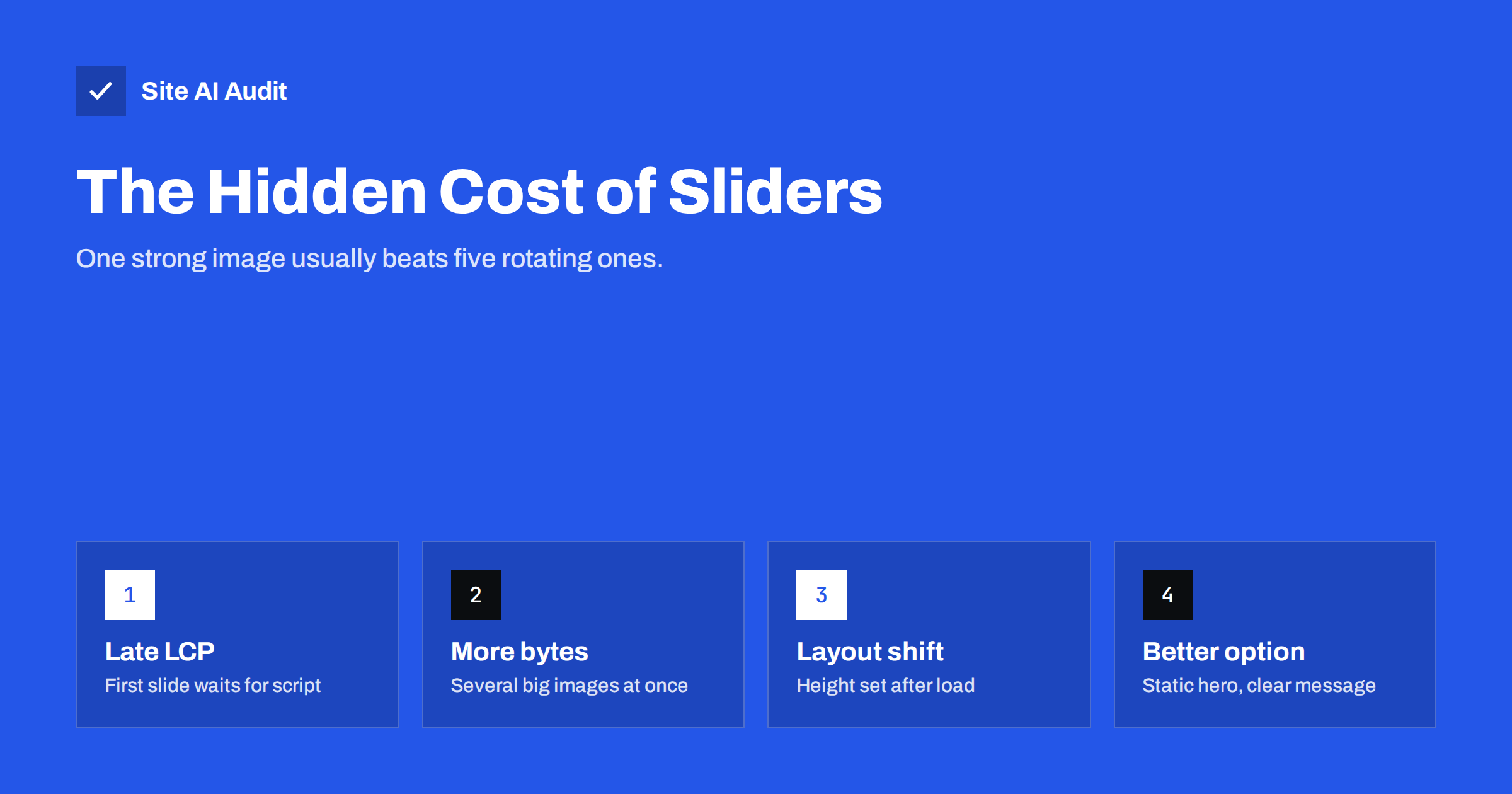
Short answer: Hero sliders and carousels often slow pages down because the first slide may not display until a JavaScript library loads and runs, several large images download at once, the slider’s height is sometimes set only after scripts run (causing layout shift), and autoplay animations keep the main thread busy. Replacing a hero slider with a single optimised image and a clear headline is usually the fastest option. If you keep a slider, render the first slide in plain HTML, load it with high priority, lazy-load the other slides, reserve its height and avoid heavy slider plugins.
For more than a decade, the rotating hero slider has been a default feature of business website themes. It solves a political problem, since every department gets its message at the top of the home page, but it rarely solves a user problem. From a performance point of view, it is one of the most expensive elements you can put in the most important part of the page. That does not mean every carousel must go, but it does mean the decision deserves some thought.
Why sliders hurt Largest Contentful Paint
The hero area is usually where the Largest Contentful Paint element lives. With a static image, the browser finds the image in the HTML and downloads it immediately. With many sliders, the sequence is different:
- The HTML arrives, but the slide images are hidden or marked up in a way the browser does not treat as immediately visible.
- The browser downloads the slider’s CSS and JavaScript, and often a library it depends on.
- The script runs, calculates sizes, decides which slide to show and only then reveals the first image.
- Only now can the LCP element paint.
Some slider plugins also lazy-load every slide including the first, or set images as CSS backgrounds that the browser discovers late. Each of these adds delay directly to LCP.
More bytes, competing for bandwidth
A five-slide hero can mean five full-width images. If the slider loads all of them upfront, they compete for bandwidth with the first slide, the stylesheets and the fonts. On a mobile connection, the first slide may arrive noticeably later than a single image would. Many visitors never see slides three to five, but they still pay for them.
Layout shift and animation costs
- Layout shift: sliders that calculate their height with JavaScript often render at zero or a default height first, then expand, pushing everything below down. That shows up in Cumulative Layout Shift.
- Main-thread work: autoplaying transitions, parallax effects and animated captions run code at regular intervals. On slower phones this competes with the visitor’s taps and can hurt Interaction to Next Paint.
- Script weight: full-featured slider plugins can load large amounts of JavaScript and CSS on every page, even where no slider appears.
The user experience case against auto-rotating sliders
Usability practitioners have long been sceptical of auto-rotating carousels. Rotating messages can be missed, move before the visitor finishes reading, and are easily ignored because they resemble banner advertising. Auto-rotation can also be a problem for accessibility: content that moves automatically should be pausable, and focus handling in carousels is frequently broken for keyboard and screen-reader users. A single, clear message with a clear next step often communicates better.
Option 1: Replace the slider with a static hero
This is the fastest and usually the most effective option:
- One high-quality image, compressed and served as WebP or AVIF, with responsive sizes.
- No lazy loading on it;
fetchpriority="high"added. - A headline, a short supporting sentence and one primary button.
- Other messages moved into sections further down the page, where visitors who scroll will actually read them.
If stakeholders worry about losing visibility for their messages, a row of three cards directly below the hero shows several messages at once without animation or scripts.
Option 2: Keep a carousel, but make it light
Sometimes a carousel is justified, for example for product images, portfolio work or testimonials further down the page. Make it as cheap as possible:
- Render the first slide in plain HTML as a normal image, visible without JavaScript.
- Load the first slide eagerly with high fetch priority if it is above the fold, and lazy-load the rest.
- Reserve the height with width and height attributes or CSS
aspect-ratioso nothing jumps. - Use a lightweight component, or CSS scroll snapping, which gives swipeable carousels with little or no JavaScript.
- Disable autoplay, or at least provide a visible pause control.
- Load the slider script only on pages that use it.
Option 3: Move the carousel down the page
A carousel below the fold does not affect LCP at all if its images are lazy-loaded and its script is deferred. Testimonial and logo carousels usually belong there anyway. Keep the top of the page static and fast, and let the carousel load when the visitor scrolls toward it.
Slider vs static hero at a glance
| Typical hero slider | Static hero | |
|---|---|---|
| Images loaded at start | Often several | One |
| JavaScript needed to show content | Often yes | No |
| Risk of layout shift | Higher | Low with dimensions set |
| Main-thread work while idle | Autoplay animations | None |
| Message clarity | Split across slides | One focused message |
| Accessibility effort | Needs careful work | Straightforward |
Having the conversation with stakeholders
The hardest part of removing a slider is rarely technical. Sliders often exist because several people want their message at the top of the home page, and a rotating banner seemed like a fair compromise. Replacing it means deciding which message matters most, which is a business decision, not a developer’s. A few approaches make that conversation easier. Show the before-and-after measurements from a staging test, so the cost is concrete. If your analytics tool records clicks, show how often each slide is actually clicked; later slides typically get far less attention simply because fewer people see them. Offer a fair alternative: one primary message in the hero, chosen for the current season or campaign, and the other messages as clearly visible cards directly below. Agree to review the choice after a month using the same analytics. Most teams accept this once they see that no message disappears, and that the page becomes faster and clearer at the same time.
Sliders on WordPress themes
Many commercial WordPress themes include a slider plugin bundled with the theme, and the demo content often uses it on the home page. Even after you stop using the slider, the plugin may keep loading its scripts and styles on every page. If you remove the slider from the home page, also deactivate the slider plugin, or check its settings for an option to load assets only on pages that contain a slider. Then clear all caches and confirm in the Network panel that the slider files are gone. Keep a backup of the slider content in case you want to reuse the images elsewhere.
How to test the impact on your site
- Run PageSpeed Insights on mobile and check which element is the LCP element. If it is a slide image, note its timing and the LCP breakdown.
- Look for “layout shift culprits” pointing to the slider container.
- In the Network panel, check how many slide images load before you interact.
- On staging, replace the slider with a static version of the first slide and test again. The difference is the slider’s cost.
This before-and-after comparison is also the best argument when you need to convince colleagues or a client to drop the slider.
How Site AI Audit helps
Site AI Audit runs Google PageSpeed for mobile in every check and reports LCP, CLS and page weight, so a heavy or late-loading hero slider shows up in the speed findings with a plain-language fix, such as compressing the hero image and loading it first. Findings are ranked by impact alongside SEO, security and e-mail issues. Run a free check of your home page.
Related reading
- How to Improve Largest Contentful Paint (LCP) on Any Website
- How to Fix Cumulative Layout Shift (CLS) on Your Website
- Lazy Loading Images: When It Helps and When It Hurts
- Are Page Builders Slowing Down Your WordPress Website?
The bottom line
Hero sliders put scripts, multiple images and animation in the most performance-critical part of the page. A single optimised image with a clear message is almost always faster and often communicates better. If you keep a carousel, render the first slide as plain HTML, load it first, lazy-load the rest, reserve the space and keep the script light.
FAQ
Do sliders slow down websites?
Often, yes. Many sliders load several large images and a JavaScript library before showing the first slide, which delays Largest Contentful Paint. They can also cause layout shift and ongoing main-thread work from animations.
What should I use instead of a homepage slider?
A static hero with one optimised image, a headline and a clear call to action is usually faster and clearer. Other messages can be presented as cards or sections below the hero.
How can I make a slider faster?
Render the first slide in plain HTML, load it eagerly with high fetch priority, lazy-load other slides, reserve the slider’s height, disable autoplay and load the slider script only where it is used. Lightweight or CSS-based carousels help too.
Are carousels bad for accessibility?
They can be, especially when they rotate automatically without a pause control or handle keyboard focus poorly. Accessible carousels are possible but need careful implementation and testing.
Is a carousel lower on the page a problem?
Much less so. If its images are lazy-loaded and its script is deferred, a carousel below the fold has little effect on loading metrics. Reserve its space to avoid layout shift as it loads.


