 ENEnglish
 LTLietuviškai
 DEDeutsch
 FRFrançais
 RUРусский
 ESEspañol
 PLPolski
 ITItaliano
 UKУкраїнська
 CSČeština
 PTPortuguês
 JA日本語
 LVLatviešu valoda
 ETEesti
 HUMagyar
 IDBahasa Indonesia
 TRTürkçe
 HIहिन्दी
 ELΕλληνικά
 ARالعربية
 THไทย
 VITiếng Việt
 RORomână
 MSBahasa Melayu
 BNবাংলা
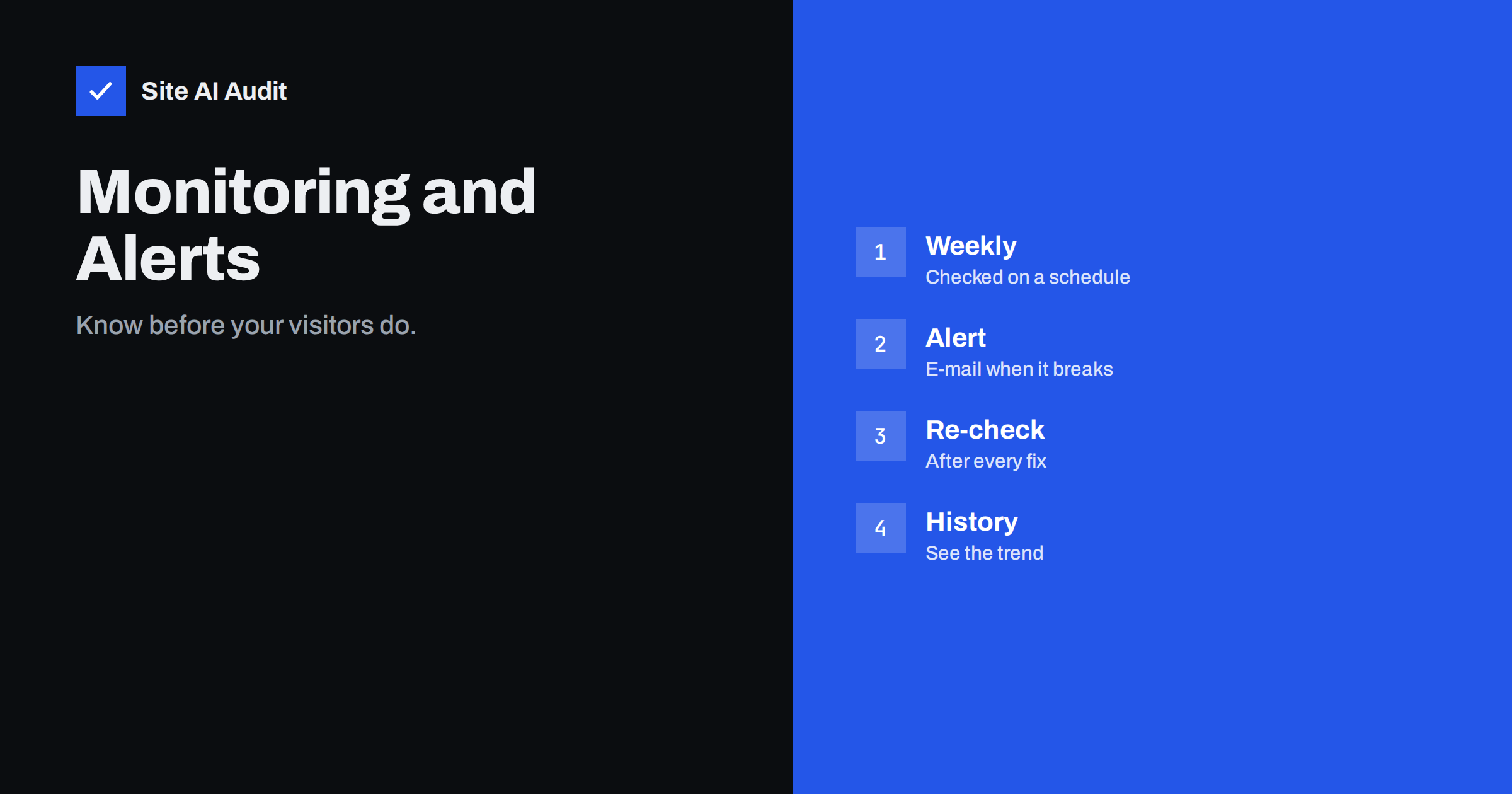
Short answer: A free Site AI Audit check shows where your website stands today. The paid plans keep watching after that: Monitor checks one website every week and sends e-mail alerts when something breaks, Business adds daily SSL and e-mail checks, alerts to your team and report history, and every paid plan includes unlimited re-checks. This article explains how that works in practice and which plan fits which situation.
Why one check is not enough
A website changes all the time, even when nobody touches it. A certificate approaches its expiry date. A plugin update changes a title template. A redirect added during a redesign breaks a page. Someone edits the DNS records for e-mail and the SPF record stops matching. None of these shows up on the day of the change, and many are noticed only when a visitor sees a browser warning or when customers say that your messages do not arrive.
A single audit is a photograph. It is accurate for the moment it is taken. Monitoring is a film, and it is the film that shows you that something has changed for the worse. That is the point of the paid plans: they check again on a schedule and tell you when something breaks, so you do not have to remember to look.
What the paid plans add
According to the pricing page, the free check covers one check per website, up to 50 pages, all findings and scores, and full details for the top three issues. It does not include re-checks, monitoring or alerts. The paid plans add the following:
- Monitor (€9 a month). One website with up to 1,000 pages, a full report with every detail and affected page, unlimited re-checks, one background check at once, weekly monitoring, e-mail alerts when something breaks and a PDF report.
- Business (€29 a month). Five websites with up to 10,000 pages, everything in Monitor, two background checks at once, daily SSL and e-mail checks, alerts to your team, and report history and trends.
- Agency (€79 a month). 25 websites, everything in Business, ten background checks at once, reports with your logo, an embeddable audit form for lead generation and priority support. The article on Site AI Audit for agencies covers that plan.
Prices are in euros without VAT. Yearly billing gives two months free, and you can cancel at any time.
What alerts are for
The pricing page describes the purpose of the alerts in one sentence: to tell you as soon as something breaks, such as an expiring certificate, a broken page or e-mail that starts landing in spam. These three examples cover three of the most costly surprises for a small business.
- An expiring SSL certificate. When it expires, browsers show a full-page warning, and most visitors leave. An alert gives you time to renew or to repair a failed automatic renewal. The guide to SSL certificate monitoring explains why expiries still happen even with automatic renewal.
- A broken page. A page that returns an error, or a link to a page that no longer exists, costs you visitors and trust. Finding it by yourself can take weeks. See the article on finding and fixing broken links.
- E-mail that lands in spam. A damaged SPF, DKIM or DMARC record can quietly send your messages to spam folders. Customers do not tell you, they simply do not answer. The article on why e-mails go to spam lists the common reasons.
How the weekly cycle works
With Monitor, your website is checked once a week. Each run repeats the same steps as the first check: connection and SSL, robots.txt and sitemap, crawling the pages, e-mail authentication and Google PageSpeed, and ends with a report. The check runs in the background, so you do not need to be there. Compare the new report with the earlier one, and you can see what is better, what is worse and what has appeared for the first time.
If something breaks, you receive an e-mail alert. The alert is short and tells you what to look at, so that you can open the report, read the finding and the how-to-fix text, and act. Business adds daily checks for SSL and e-mail, which are the two areas where a surprise can hurt most and quickest, and lets alerts go to your team, not just one person.
Re-checks: the feedback loop
Alerts tell you about new problems. Re-checks tell you whether your fixes worked. Every paid plan includes unlimited re-checks, so you can fix a finding and run the check again straight away instead of waiting for next week. This changes how you work: instead of changing ten things and hoping, you make a change, test it and see the finding go away. If you want to see how to read the result, the article on reading your Site AI Audit report explains the score and the labels.
Historique des rapports et tendances
The Business plan includes report history and trends. A single report says where you are, and a history says where you are going. A score that slowly falls over three months, with a few more findings each time, shows that something in your process creates problems, for example new pages published without descriptions. A score that rises after each release shows that your work pays off. The Monitor and Business plans also include a PDF report, which is handy for sending to a manager, a client or a developer.
Which plan fits whom
- A single company site or blog: Monitor is built for exactly this, one website watched every week.
- A business with a shop, a blog and a few other sites: Business covers five websites and checks SSL and e-mail daily.
- An agency or freelancer: Agency covers 25 websites and adds your logo, so reports can go to clients.
- Someone who only wants to know where they stand: the free check is enough, and you can upgrade later when you need re-checks or alerts.
Getting the most out of monitoring
- Run the first check and fix the critical findings before you rely on alerts, so that the alerts show only new problems.
- Use an e-mail address that someone reads every day, and tell your team where alerts go.
- Decide who acts on each type of alert: your host for SSL, your developer for broken pages, your e-mail provider for mail records.
- After each website change, run a re-check, not only a weekly one.
- Keep the reports. They are a record of what you fixed and when.
A typical week with monitoring
Imagine a small company with one website and a shop. On Monday morning the weekly check runs in the background. Nobody notices, because nothing is wrong, and the report simply joins the history. In the middle of the month, the company changes hosting. The new server serves the site correctly, but the automatic certificate renewal was not moved, and the certificate now has only a few days left. At the next weekly check the problem appears, an alert arrives by e-mail, and the administrator fixes the renewal the same afternoon. Without monitoring, the first sign would have been a browser warning for every visitor, perhaps on a weekend.
A month later, an editor deletes an old page without adding a redirect. Internal links to it now lead to an error. The next check lists the broken page, and the editor fixes the links before search engines drop the page or customers complain. These are small events, but each one costs money if it lasts for weeks. Monitoring shortens that time from weeks to days.
What monitoring does not replace
- Your own judgement. The report tells you what is wrong. Someone still has to decide and act.
- Checks of private areas. The audit looks at the public side of the website, the same as a search engine does.
- Backups and security tools. Monitoring is an early warning, not a repair or a firewall. See the guide to website backup strategy.
Used together with good habits, such as updating software regularly and testing changes before they go live, monitoring gives you a calm way to stay on top of a website that changes constantly.
Try it on your website
Start with the free check to see your score and your top issues. Run a free check of your website, and when you want weekly monitoring, alerts and re-checks, compare the options on the pricing page. A free account keeps your reports in one place, and upgrading later takes one click.
Related reading
- SSL Certificate Monitoring: How to Never Miss an Expiry Again
- Website Uptime Monitoring: How to Know Your Site Is Down First
- Website Speed Monitoring: Catch Slowdowns Before Customers Do
- How Often Should You Audit Your Website’s SEO?
The bottom line
A check shows today, monitoring shows change. Weekly checks, alerts and unlimited re-checks catch expiring certificates, broken pages and failing e-mail records early, and let you prove that fixes worked. Pick the plan that matches the number of websites you look after.
FAQ
Does the free check include monitoring?
No. The free check is one check per website with the score, all findings and full details for the top three issues. Monitoring and alerts come with the paid plans.
How often is my website checked on Monitor?
Weekly. On Business, SSL and e-mail are checked daily, according to the pricing page.
Can I re-check after I fix something?
Yes. All paid plans include unlimited re-checks, so you can test again straight after a change.
Que se passe-t-il quand je clique sur « Mettre à niveau » ?
You sign in or create a free account, choose monthly or yearly billing and a payment method. Card and PayPal activate the plan at once, and bank transfers as soon as the payment arrives.
Can I cancel or change my plan?
Yes, at any time. Your reports stay in your account even if you go back to the free plan.


