 ENEnglish
 LTLietuviškai
 DEDeutsch
 FRFrançais
 RUРусский
 ESEspañol
 PLPolski
 ITItaliano
 UKУкраїнська
 CSČeština
 PTPortuguês
 JA日本語
JA日本語 LVLatviešu valoda
 ETEesti
 HUMagyar
 IDBahasa Indonesia
 TRTürkçe
 HIहिन्दी
 ELΕλληνικά
 ARالعربية
 THไทย
THไทย VITiếng Việt
 RORomână
 MSBahasa Melayu
 BNবাংলা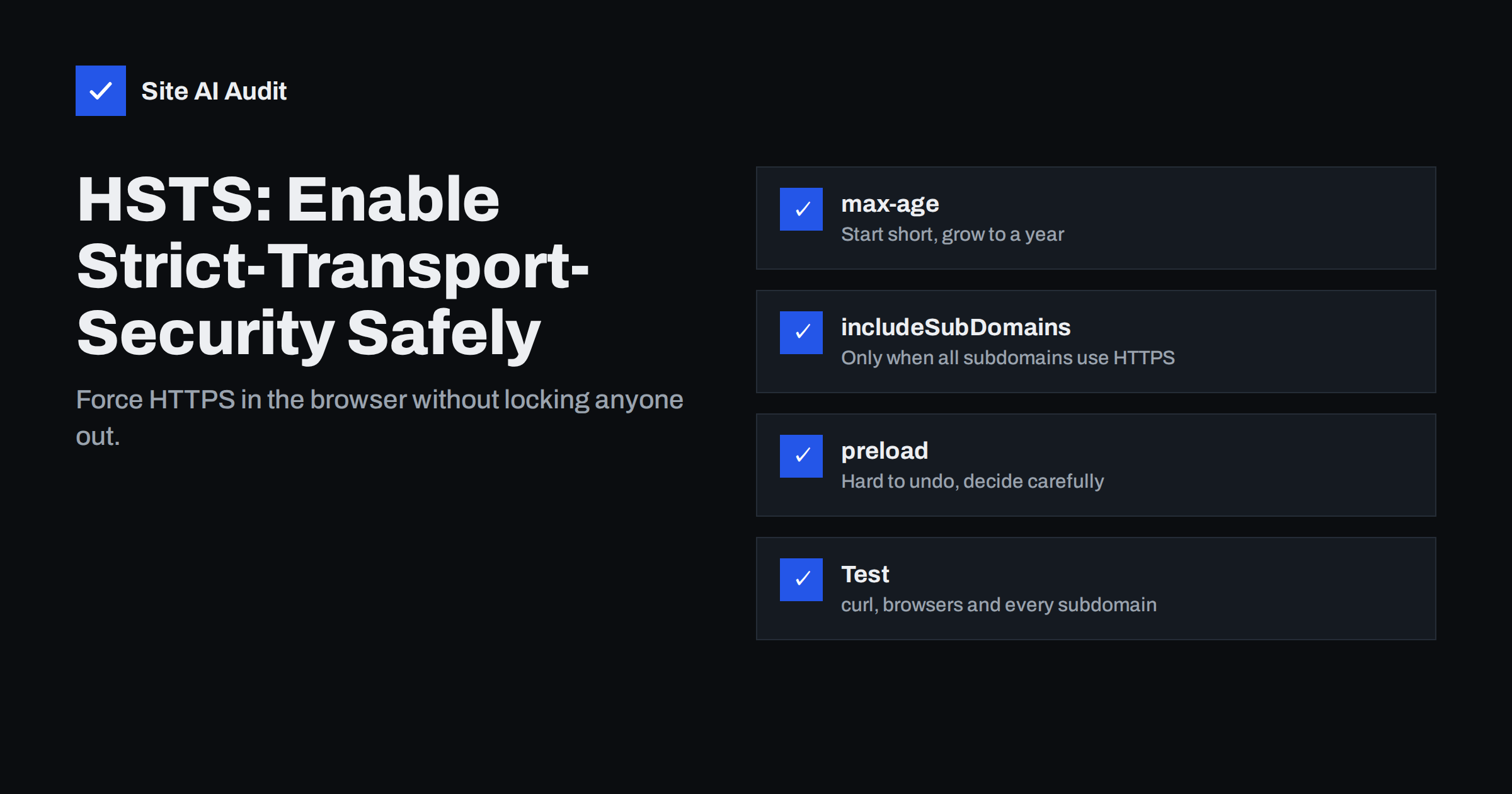
Short answer: HSTS (HTTP Strict Transport Security) is a response header that tells browsers to connect to your domain only over HTTPS for a given time. Once a browser has seen it, it upgrades every http:// link automatically and refuses to let visitors click through certificate errors. Enable it only after HTTPS works everywhere, start with a short max-age, increase it to at least one year, and add includeSubDomains or preload only when every subdomain is ready for HTTPS permanently.
HSTS is one of the simplest and most effective security headers, and also one of the few that can lock people out of parts of your site if you enable it carelessly. The header itself is a single line. The planning around it – which subdomains exist, which ones still use HTTP, how long you want browsers to remember the rule – is what makes the difference between a quiet security win and a support headache. This guide explains the header, its options, and a safe rollout plan.
What problem HSTS solves
A normal HTTPS setup still starts with an insecure moment. When a visitor types example.com into the address bar, clicks an old http:// link, or opens a bookmark, the browser first sends a plain HTTP request. Your server answers with a redirect to HTTPS, and from then on everything is encrypted.
That first request is the weak spot. On an untrusted network – a café Wi-Fi, a hotel, a compromised router – an attacker can intercept it and never pass on the redirect. The visitor keeps talking to the attacker over HTTP, while the attacker talks to your real site over HTTPS. This is called SSL stripping, and to the visitor the page looks normal apart from a missing padlock that few people notice.
HSTS closes the gap. After the browser has received the header once over a valid HTTPS connection, it remembers that your domain must use HTTPS. From then on it rewrites any http:// request to https:// internally, before anything is sent over the network. There is no insecure first request to intercept.
HSTS has a second effect that is easy to overlook: when the certificate is invalid, the browser shows an error page without the usual “proceed anyway” option. That protects visitors from clicking through attacks, but it also means a certificate problem becomes a hard outage for returning visitors.
The header and its three options
A complete HSTS header looks like this:
Strict-Transport-Security: max-age=31536000; includeSubDomains; preload- max-age – how many seconds the browser should remember the rule. 31536000 is one year. Each time the browser sees the header again, the countdown restarts. Setting
max-age=0tells browsers to forget the rule. - includeSubDomains – applies the rule to every subdomain as well:
www,shop,mail,dev,intranetand any you may create in the future. - preload – signals that you want the domain included in the HSTS preload list built into browsers. The directive alone does nothing; you must also submit the domain to the list.
Browsers only accept the header over HTTPS with a valid certificate. If you send it over plain HTTP, it is ignored, which is by design: otherwise an attacker could inject it.
Before you enable HSTS: a readiness checklist
Go through these points first. Each “no” is a reason to wait.
- The certificate is valid and renews automatically for every name you use.
- All HTTP requests redirect to HTTPS with a permanent redirect.
- No page has mixed content that would break when HTTP is impossible.
- You have a list of all subdomains, including ones used by other teams or services (for example a helpdesk, an e-mail marketing tracking domain or an old landing page host).
- You know who monitors certificate expiry, because with HSTS an expired certificate cannot be bypassed.
The subdomain inventory is where most surprises hide. Search your DNS zone for every A, AAAA and CNAME record and open each hostname over HTTPS. Anything that fails is a problem for includeSubDomains.
A safe rollout plan
| Stage | Header value | How long |
|---|---|---|
| 1. Test | max-age=300 | A day or two; confirm nothing breaks |
| 2. Short | max-age=86400 | About a week |
| 3. Medium | max-age=2592000 (30 days) | A few weeks |
| 4. Long | max-age=31536000 (1 year) | Permanent setting |
| 5. Subdomains (optional) | add includeSubDomains, start short again | After the subdomain inventory is clean |
| 6. Preload (optional) | max-age=63072000; includeSubDomains; preload | Only if you are sure HTTPS is permanent for everything |
The step-by-step approach matters because a mistake with a long max-age cannot be reversed quickly. Browsers that already stored a one-year rule will keep enforcing it until it expires or until they see max-age=0 – and they can only see that if they can reach the site over HTTPS.
How to add the header
Apache
Header always set Strict-Transport-Security "max-age=31536000"Place it in the HTTPS virtual host (port 443) or in .htaccess; the mod_headers module must be enabled. The word always makes Apache send the header on error pages and redirects too.
Nginx
add_header Strict-Transport-Security "max-age=31536000" always;Put it in the HTTPS server block. Be careful: if a location block contains its own add_header lines, Nginx drops the server-level ones for that location, so the HSTS header silently disappears on those URLs.
CDN, hosting panel or CMS
Many CDNs and some hosting panels offer an HSTS switch with a choice of max-age and subdomain options. Security plugins for CMS platforms often add it too. Use one method only, otherwise you may send two conflicting headers.
The HSTS preload list: benefits and risks
Without preloading, HSTS protects visitors only after their first successful HTTPS visit. The preload list removes even that gap: major browsers ship with a built-in list of domains that must always use HTTPS. The official submission site at hstspreload.org lists the requirements, which currently include a valid certificate, a redirect from HTTP to HTTPS on the same host, HTTPS on all subdomains, and a header on the base domain with at least one year max-age, includeSubDomains and preload.
The risk is permanence. Removal from the list is possible but takes a long time to reach all browser versions, and during that time any subdomain without HTTPS is unreachable. Preloading suits banks, shops, SaaS applications and organisations with full control over their domain. For a small business site with subdomains managed by different providers, a normal one-year HSTS header without preload is usually the better balance.
Common HSTS mistakes
- Enabling includeSubDomains too early, which makes an HTTP-only intranet page, test server or third-party hosted subdomain unreachable for everyone who visited the main site.
- Sending the header only on the home page or only on some locations because of server configuration inheritance.
- Setting HSTS on www only while the bare domain redirects over HTTP, so the first request remains unprotected.
- Forgetting certificate monitoring. With HSTS, an expired certificate is an outage with no workaround for visitors.
- Testing only in your own browser, which may already have cached an older rule. Use curl or a fresh browser profile.
How to test HSTS
Check the header with curl -sI https://example.com | grep -i strict, repeat for www, a deep page and a static file. In Chrome, you can inspect and delete a domain’s stored HSTS rule at chrome://net-internals/#hsts, which is useful when testing. Finally, open your site with http:// in a browser that has visited it before and confirm in the Network tab that the request is upgraded internally (shown as a 307 Internal Redirect) rather than sent over the network.
How Site AI Audit checks HSTS
Site AI Audit checks your SSL certificate, the HTTP to HTTPS redirect and your security headers, including Strict-Transport-Security, in one report. A missing or weak header is shown with a plain-language explanation and the fix. Because HSTS makes certificate expiry more serious, the monitoring on paid plans – with alerts when a certificate is close to expiring – is a natural companion to it. Check your site for free.
Related reading
- HTTP Security Headers Explained: What Each One Does
- How to Redirect HTTP to HTTPS the Right Way (Without Loops)
- SSL Certificate Expired: What Happens and How to Fix It Fast
The bottom line
HSTS removes the last insecure request between a visitor and your HTTPS site. It is a single header, but it is also a promise that your domain will always work over HTTPS. Make sure the certificate, redirect and subdomains are ready, roll out with a short max-age first, grow it to a year, and treat includeSubDomains and preload as deliberate decisions rather than defaults.
FAQ
Is HSTS necessary if I already redirect HTTP to HTTPS?
Yes. The redirect still starts with an unencrypted request that can be intercepted. HSTS makes the browser skip that request entirely on later visits, so the redirect is no longer the weak point.
What max-age should I use for HSTS?
One year (31536000 seconds) is the common recommendation for a stable site and the minimum for the preload list. Start with a few minutes or a day while testing, then increase it in steps.
Can I turn HSTS off after enabling it?
Yes, by sending the header with max-age=0 over HTTPS. Browsers forget the rule when they next receive it, but visitors who do not return keep the old rule until their stored max-age runs out.
Should I submit my site to the HSTS preload list?
Only if every current and future subdomain will always support HTTPS and you control all of them. Removal from the list is slow, so for many small business sites a normal one-year header is the safer choice.
Does HSTS affect performance?
Slightly in your favour. Returning visitors who type the address without https:// skip the network redirect, because the browser upgrades the request internally.


