ENEnglish
 LTLietuviškai
 DEDeutsch
 FRFrançais
 RUРусский
 ESEspañol
 PLPolski
 ITItaliano
 UKУкраїнська
 CSČeština
 PTPortuguês
 JA日本語
JA日本語 LVLatviešu valoda
 ETEesti
 HUMagyar
 IDBahasa Indonesia
 TRTürkçe
 HIहिन्दी
 ELΕλληνικά
 ARالعربية
 THไทย
THไทย VITiếng Việt
 RORomână
 MSBahasa Melayu
 BNবাংলা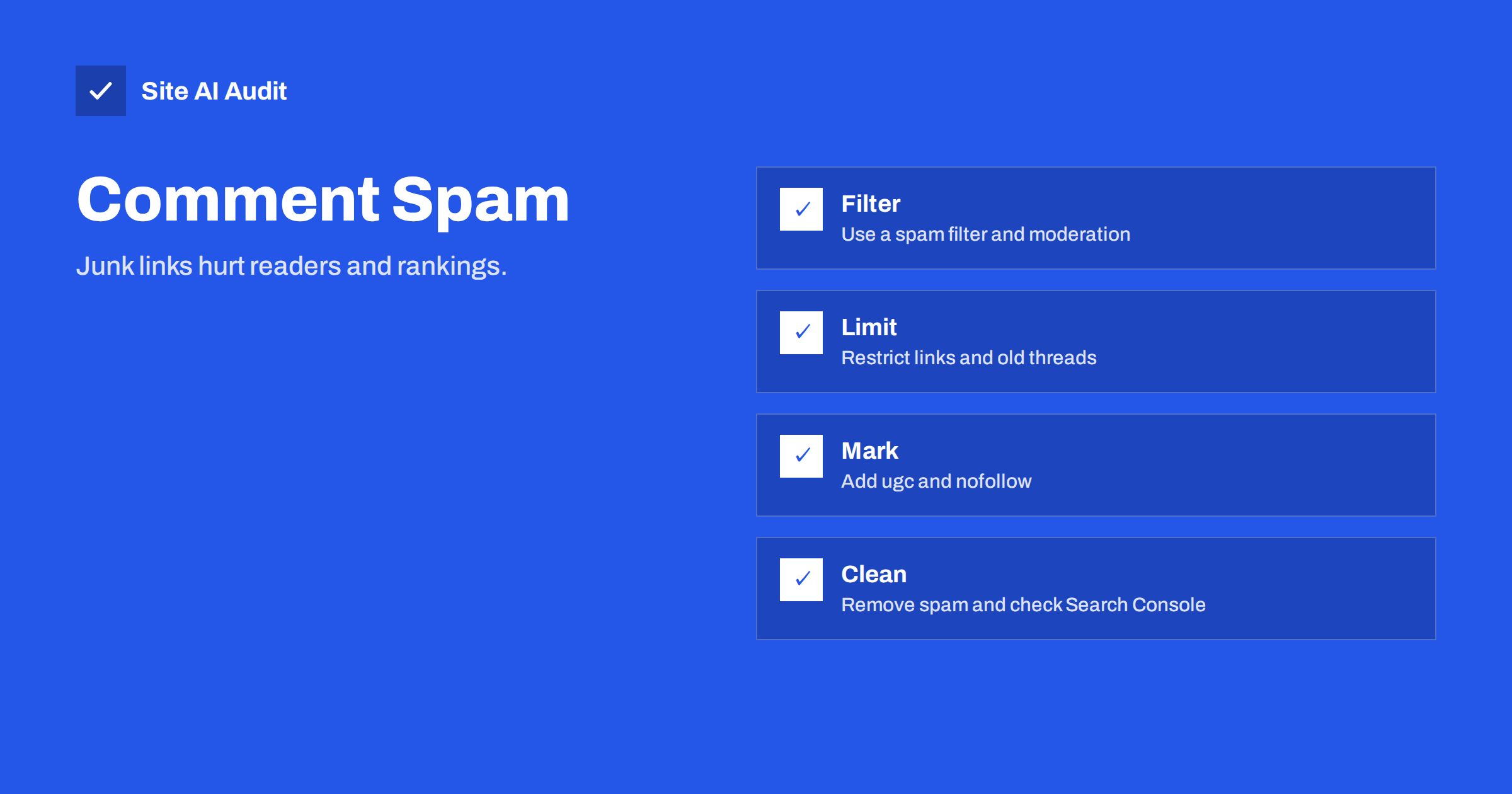
Short answer: Blog comment spam is automated or manual commenting whose real purpose is to place links to other sites. Left alone, it fills your pages with irrelevant text and outbound links, harms readers and can lead Google to apply a manual action for user-generated spam. Protect your blog with a spam filter, moderation, a limit on links, link attributes such as ugc and nofollow, closed comments on old posts and regular clean-ups, and check Search Console for warnings.
What comment spam looks like
Most comment spam is easy to recognise once you look at it. Typical messages praise the article in vague words, such as “great post, very useful,” and add a name that is really a keyword or a link to a commercial site. Others contain a long list of links to casino, pharmacy, loan or adult pages, text in an unrelated language or a chunk of sentences copied from elsewhere.
Not all of it is clumsy. Some spammers write short comments that sound relevant, rely on a real-looking name and wait for a busy moderator to approve them. A few use paid people rather than robots. In every case, the aim is to get a link on your page, because they hope the link brings visitors or passes some ranking value.
Why it matters for SEO
Search engines judge a page by everything on it, including the comments that visitors can read. Spam affects your site in several ways.
- Low-quality content. Dozens of junk comments dilute a good article and can make the page look like a link dump.
- Outbound links to bad places. Links to spam sites on your pages harm trust and may make it look as if you endorse them.
- User-generated spam actions. Google can apply a manual action when it finds a lot of spam posted by users, such as comments or forum posts. It may then demote affected pages or the whole site. The guide to manual actions in Search Console shows how to recognise one.
- Weaker user experience. Readers who see junk lose confidence and leave. Spam links can also lead them to harmful pages.
- Wasted resources. Thousands of spam comments fill the database, slow the admin screen and add load to the server.
- Hidden or injected links. Sometimes spam uses tricks to hide links from visitors, which is a bigger warning sign, as in the Japanese keyword hack.
Most platforms add a nofollow attribute to comment links by default, which tells search engines not to pass credit. This lowers the benefit to spammers, but it does not remove the harm to quality and reputation.
Step 1: Turn on filtering and moderation
- Use a spam filter. Services such as Akismet, built into or available for most WordPress sites, check each comment against a large database and put suspicious ones aside.
- Hold new commenters for approval. A rule that the first comment from a person needs approval catches most abuse. Allow later comments automatically from approved people.
- Hold comments with links. Set the number of links that sends a comment to the moderation queue. One or two is a sensible limit.
- Use a word list. Add terms that you never want in comments, such as pharmacy names or gambling words, to the held or blocked list.
- Review regularly. Empty the spam folder and moderate the queue on a schedule, so that approved spam does not stay on the page for months.
Step 2: Make spamming harder
- Require a name and e-mail address, and consider removing the website field, which is where many spammers put their link.
- Add a challenge. A honeypot field that people never see, a simple question or a modern captcha stops many bots. Compare the options in captcha options compared.
- Close comments on old posts. Spammers love forgotten articles that nobody moderates. Closing comments after a number of days, for example sixty or ninety, removes a large target.
- Limit the rate. Block many comments from the same address in a short time. See rate limiting explained.
- Disable trackbacks and pingbacks if you do not use them, because they are an old channel for spam.
- Protect other forms too. The same bots attack contact and sign-up forms; the tips in contact form spam protection apply.
Step 3: Mark user links correctly
When comments are allowed to contain links, tell search engines that you did not place them yourself. The recommended attribute for links in user-generated content is ugc, often written together with nofollow. WordPress adds nofollow to links in comments by default, and many themes and plugins also support ugc. The article on nofollow, sponsored and ugc links explains each value.
Check a live comment in the page source to confirm that the attribute is present, because some themes or custom comment systems remove it. If your site uses a third-party comment service loaded by script, read its documentation or test how it renders links.
Step 4: Clean up existing spam
- Back up the site and database first. Bulk deletion cannot be undone.
- Delete the spam folder and bulk-delete obvious junk from the approved list. Sort by author, link or date to find patterns.
- Look for spam users and posts. If registration is open, spammers may have created accounts or even posted pages. Review users and any recent content you did not write.
- Search your site in Google. Use the site operator with typical spam words to see whether junk pages or comments were indexed; the method is described in the site search operator guide.
- Remove or noindex worthless pages that were created by spammers, and let search engines recrawl.
- Check for a compromise. If strange pages or links appear that you cannot explain, follow hacked website recovery steps.
Should you keep comments at all?
Comments can add value: questions that reveal what readers need, extra tips and a sense of community. They also cost time. Be honest about how much attention you can give. If you do not read comments, they are not helping you, and they are a risk. A quiet company blog may be better off with comments closed and a clear contact route or a link to social channels for discussion.
A middle path is to keep comments open only on selected posts, such as guides that attract genuine questions, and to close them everywhere else. Another path is to replace the comment form with a short contact link, which also lets you answer privately. Whatever you choose, state the rules briefly, for example that off-topic or promotional comments will be removed.
Keep one more point in mind: legitimate comments deserve a reply. A blog where questions are answered quickly attracts honest readers and makes spam stand out. If you do allow comments, set aside a few minutes each week to approve real ones, answer questions and delete junk in one pass. That small routine keeps the conversation useful and shows visitors, and search engines, that the page is looked after by a real person.
Check Search Console and monitor
Verify the site in Search Console, as in setting up Google Search Console, and watch for security and manual action messages. A user-generated spam notice names affected pages. After you clean them, you can ask for a review and explain what you did. Also keep an eye on the number of comments awaiting moderation, on sudden jumps in outbound links and on unusual traffic to old posts. A rise in spam is often the first sign that bots have found a weakness.
How Site AI Audit helps
Site AI Audit does not moderate comments or remove spam. It checks the health of your pages, including titles, headings, broken links, redirects, robots.txt and noindex rules, speed, SSL, security headers and exposed software versions, and explains findings in plain words ranked by impact. The first check is free, covers up to 50 pages and needs no sign-up. You can run a free check of your website or see the plans for regular monitoring.
Related reading
- Link Attributes on Your Site: nofollow, sponsored and ugc
- Outbound Links: Do Links to Other Websites Help or Hurt SEO?
- Contact Form Spam: How to Stop Bots Without Losing Leads
- WordPress Security Checklist: 20 Steps That Actually Matter
The bottom line
Comment spam is more than an annoyance. It lowers the quality of your pages, sends readers to bad sites and can lead to a manual action. Use a filter and moderation, make bots work harder, mark user links with ugc and nofollow, close old threads and clean up regularly. If comments are not giving you value, close them and spend the time on content that readers can trust.
FAQ
Do nofollow comment links stop the SEO damage?
They stop most of the link value from passing, but they do not remove junk text, bad outbound links or the risk of a user-generated spam action. Moderation is still needed.
Can spam comments get my site penalised?
Yes. If a large amount of user-generated spam is found, Google can apply a manual action to pages or the site. Cleaning the spam and requesting a review is the usual route.
Is it better to turn comments off?
If you cannot moderate them, yes. Comments that nobody reads or controls bring more risk than benefit. Keep them only where they add real value.
Should I remove the website field from the comment form?
It often helps. That field is a favourite place for spam links, and removing it discourages many spammers without bothering honest commenters much.
How often should I clean the comment queue?
Check it at least weekly on an active blog, and set up e-mail alerts for new comments awaiting approval so that nothing sits for months.