 ENEnglish
 LTLietuviškai
 DEDeutsch
 FRFrançais
 RUРусский
 ESEspañol
 PLPolski
 ITItaliano
 UKУкраїнська
 CSČeština
 PTPortuguês
 JA日本語
 LVLatviešu valoda
 ETEesti
 HUMagyar
 IDBahasa Indonesia
 TRTürkçe
 HIहिन्दी
 ELΕλληνικά
 ARالعربية
 THไทย
 VITiếng Việt
 RORomână
 MSBahasa Melayu
 BNবাংলা
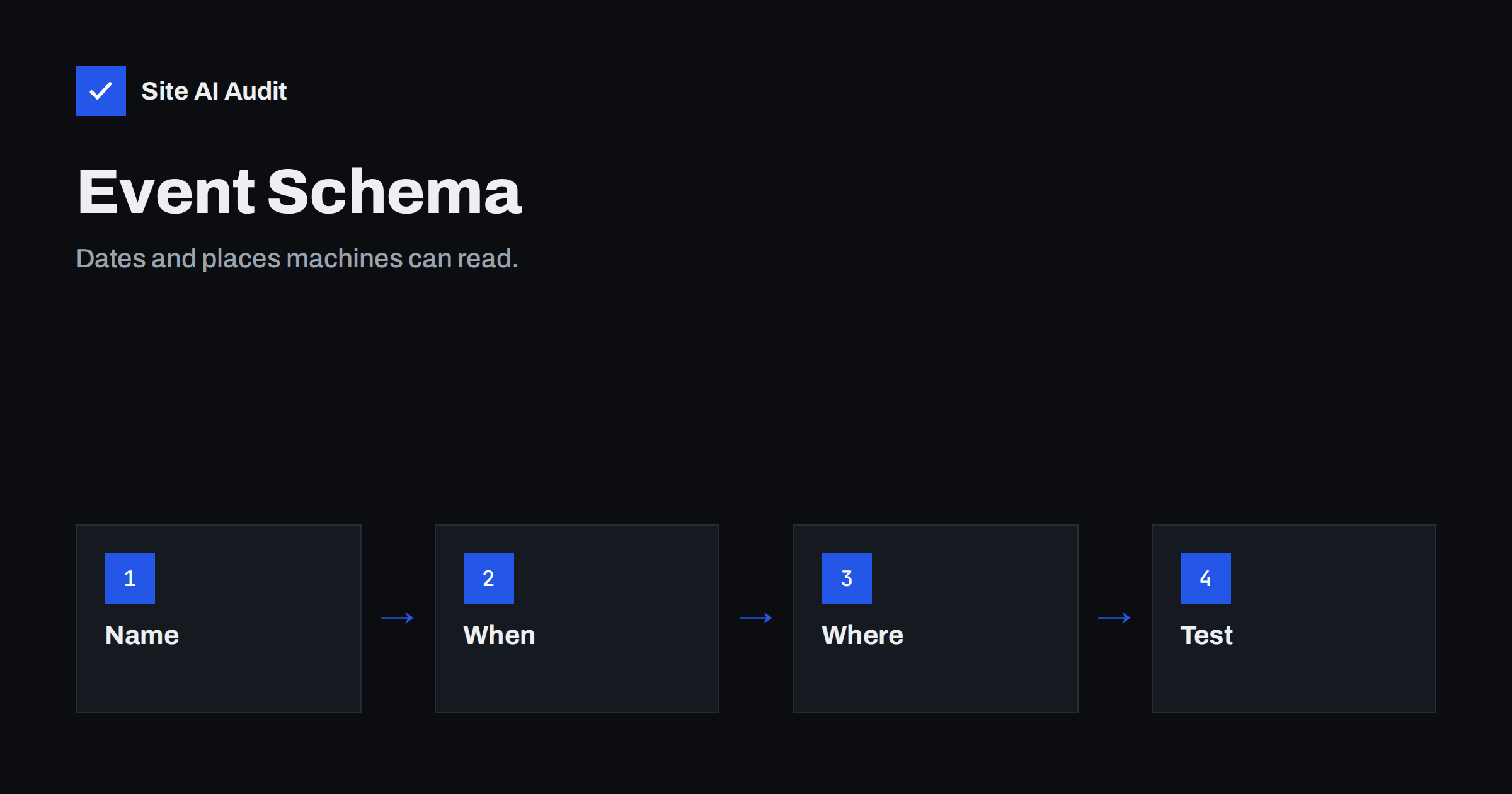
Short answer: Event structured data is a block of code on an event page that states the name, date, place, organiser and tickets in a form that search engines can read. It can make the event eligible for richer display in search results, but it does not guarantee a special result. Add it with JSON-LD, use the exact details that visitors see on the page and test it before and after publishing.
What event schema is
Structured data is a standard vocabulary, maintained at schema.org, for describing things on a web page. Search engines read it to understand the content more precisely than from text alone. An Event type describes something that happens at a time and place: a concert, a workshop, a market day, a webinar. The markup does not change how the page looks. It is a second, machine-readable description beside the visible one.
For a business, the reward is clearer understanding and, where supported, a chance of enhanced results. For visitors, accurate dates and places mean fewer mistakes. The article on structured data for small businesses gives the wider picture, and this guide focuses on events.
Who should use it
- Venues and organisers with public events, such as theatres, clubs and festivals.
- Training providers and clinics with scheduled courses or open days.
- Shops and restaurants with tastings, launches or live music nights.
- Online event hosts with webinars and live streams.
It is not meant for ordinary business hours, regular appointments with individual clients or promotions that are not events. Google’s guidelines say that the markup must describe real events that people can attend, and that the page must show the same information.
The fields that matter
A good event markup is short and accurate. These are the main properties.
- name. The event title, as shown on the page.
- startDate. The start date and time in a standard format, including the time zone offset. Add
endDatewhen it is known. - eventAttendanceMode. Whether the event is offline, online or a mix.
- eventStatus. Scheduled, cancelled, postponed, moved online or rescheduled. Keep this up to date.
- location. For an in-person event, a
Placewith the name and a full address. For an online event, aVirtualLocationwith the web address. - image. One or more images related to the event.
- description. A short description that matches the page.
- offers. The tickets: price, currency, availability and the address where tickets can be bought. Use it only when tickets exist, and set a price of zero for free events.
- organizer and performer. Who runs the event and who appears.
Check Google’s current documentation to see which fields are required and which are recommended, because these lists can change.
A simple JSON-LD example
JSON-LD is placed in a script block in the page. The following shows the shape, with made-up details:
{"@context":"https://schema.org","@type":"Event","name":"Spring Garden Workshop","startDate":"2026-04-18T10:00:00+03:00","eventStatus":"https://schema.org/EventScheduled","eventAttendanceMode":"https://schema.org/OfflineEventAttendanceMode","location":{"@type":"Place","name":"Green Hall","address":"1 Park Street, Vilnius"},"offers":{"@type":"Offer","price":"15","priceCurrency":"EUR","availability":"https://schema.org/InStock","url":"https://example.com/tickets"}}
Replace the example with your own values and keep the dates in the right format. Many content management systems and SEO plugins can generate this for you, but check the result, since plugins sometimes fill in default values that do not fit.
Rules to follow
- Match the visible page. If the markup says 10:00 and the page says 11:00, search engines may ignore it, and it counts as misleading.
- One event per page, or clearly separate items. A page that lists many events needs markup for each, or each event should have its own page. See the guide on FAQ schema for a similar rule about marking up only what is visible.
- Do not mark up past or fake events. Remove or update old events, and mark cancelled ones as cancelled.
- Use real tickets. Do not add offers to free events with a made-up price, and do not mark up general product sales as events.
- Keep the page indexable. If the page is blocked by robots.txt or noindex, the markup cannot help. See the noindex guide.
How to test and monitor
- Before publishing, paste the code or the page address into Google’s Rich Results Test and the Schema Markup Validator. Fix errors and read the warnings.
- After the page is live, request indexing in Search Console with the URL Inspection tool, as described in the guide to URL inspection.
- Check the enhancements and structured data reports in Search Console for errors that appear across many pages. The article on structured data errors explains how to read them.
- When an event changes date, place or status, update both the visible text and the markup on the same day.
Common mistakes
- Missing time zone offset, so the time is read incorrectly.
- A start date in the past for a recurring event that was copied from last year.
- Marking up regular opening hours or a sale as an event.
- Two events with the same name and date on different pages without a clear difference.
- Forgetting to mark a cancelled event as cancelled, which leaves visitors confused.
Local events and your wider presence
For a local business, event markup works best together with consistent business details. Use the same name, address and phone number on the event page as on the rest of the site, and keep your listings aligned. The guide to local citations explains why consistency matters. Remember also to link events from your main navigation or an events page, so that visitors and crawlers can find them easily, as covered in internal linking.
Writing event pages that earn the click
Markup supports the page, but the page itself must be useful. A good event page puts the essentials near the top: what the event is, the date and time, the place, the price and a clear button or link for tickets or registration. Below that, give details that help a person decide: who it is for, what to bring, how long it lasts, where to park or how to join online, and what happens if the weather is bad or the event is cancelled. Use a descriptive title, such as “Spring Garden Workshop in Vilnius, 18 April”, rather than a vague name, so that the title tag and the heading both carry the topic, the date and the place. The guide to title tags shows how to keep them clear and short.
Recurring events and archives
If you run the same event every month, avoid creating a new page for each date with almost the same text. A better pattern is one main page for the series that explains the event in depth, and a list of upcoming dates, each marked up as an event with its own start date and ticket link. When a date has passed, remove it from the list or move it to an archive. If old event pages hold useful content, such as a report with photos, keep them but state clearly that the event has happened and link to the next one. This keeps visitors from booking something that no longer exists and avoids a pile of thin, outdated pages, a problem described in the article on thin content.
Online events and time zones
For online events, state the time zone in the visible text and in the markup. A webinar at 15:00 means different things in different countries. Use the offset in the start date, mention the zone name on the page and offer a calendar link if you can. Give the web address of the event page, not only the login page of your streaming tool, as the location. If the event has both an in-person and an online option, mark the attendance mode as mixed and include both a place and a virtual location. After the event, if you publish a recording, change the page text so that it is clear whether people can still register or only watch the replay.
How Site AI Audit helps
Site AI Audit does not validate event markup field by field, so use Google’s testing tools for that. It checks the basics that decide whether an event page can be found and shown at all: titles and descriptions, headings, broken links, redirects, noindex rules, your sitemap and robots.txt, with speed, SSL and email checks alongside. The free check covers up to 50 pages and needs no sign-up. You can run a free check of your website or see the plans for re-checks after you update your pages.
Related reading
- Structured Data for Small Business Websites: A Beginner Guide
- Structured Data Errors in Search Console: How to Fix Them
- Organization Schema: Tell Search Engines Who You Are
- URL Inspection Tool in Search Console: How to Use It
The bottom line
Event markup is a small addition with a clear purpose: tell search engines accurately what, when and where. Keep it identical to the visible page, test it, update it when plans change and remove it when the event is over. Accuracy matters more than any extra property.
FAQ
Does event schema improve rankings?
Not directly. It helps search engines understand the page and may make it eligible for enhanced display, but it is not a ranking boost on its own.
Is JSON-LD better than other formats?
Google recommends JSON-LD because it is easy to add and keep separate from the visible content. Other formats exist but are harder to maintain.
What should I do when an event is cancelled?
Keep the page, change the visible text and set the event status to cancelled in the markup. Do not delete the page without a reason, since people may still search for it.
Can I mark up a recurring weekly class?
You can mark up individual dates as separate events when they are real, scheduled sessions. Avoid markup that suggests events that are not specifically planned.
Do I need a plugin?
No, but a plugin can save time. Whether you use one or write the code yourself, test the result with Google’s tools.


