 ENEnglish
 LTLietuviškai
 DEDeutsch
 FRFrançais
 RUРусский
 ESEspañol
 PLPolski
 ITItaliano
 UKУкраїнська
 CSČeština
 PTPortuguês
 JA日本語
JA日本語 LVLatviešu valoda
 ETEesti
 HUMagyar
 IDBahasa Indonesia
 TRTürkçe
 HIहिन्दी
 ELΕλληνικά
 ARالعربية
 THไทย
THไทย VITiếng Việt
 RORomână
 MSBahasa Melayu
 BNবাংলা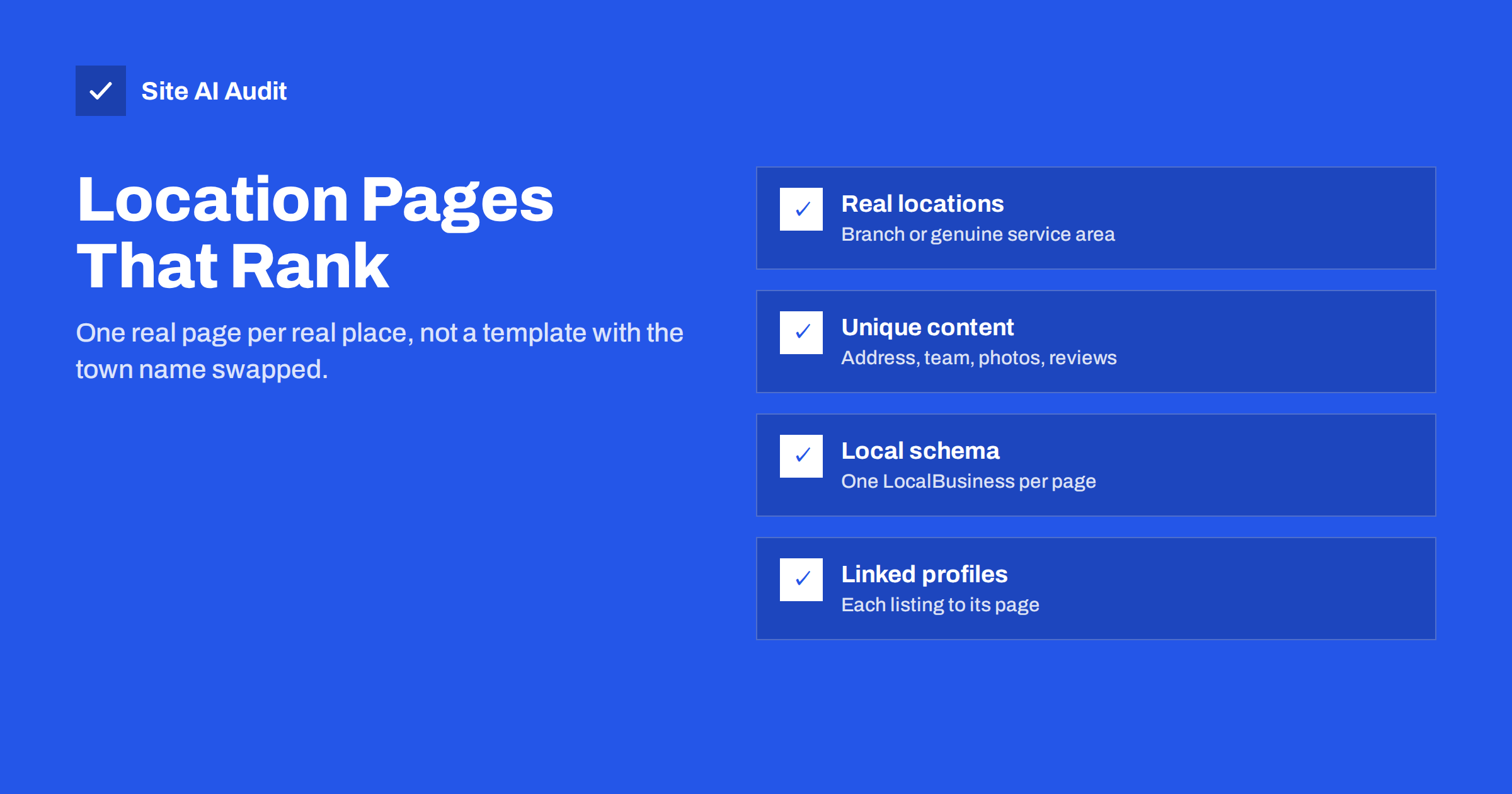
Short answer: A location page is a page on your website for one specific branch or service area, with the details a local customer needs: address or area served, opening hours, contact details, services offered there, directions, local photos and reviews. Location pages work when each one describes a real place with genuinely different information. They fail, and can break Google’s spam policies, when a business creates dozens of near-identical pages with only the town name changed.
Who needs location pages
Not every local business needs them. The answer depends on how you serve customers.
- Multi-location businesses with several branches, shops, clinics or offices should have one page per physical location. This is the clearest case.
- Service-area businesses, such as plumbers, cleaners or builders who travel to customers, may benefit from a few area pages when they genuinely serve distinct areas with different information: a separate team, local projects, different response times or specific regulations.
- Single-location businesses serving one town usually do not need location pages at all. The home page, contact page and service pages can carry the local information. Our local SEO basics guide covers that setup.
The test is simple: would a customer in that location find information on the page that is different from what is on your other pages? If the only difference is the place name, the page is not worth creating.
What makes a location page useful
A strong location page answers the questions a nearby customer has before calling or visiting. Include as many of these as genuinely apply:
- The full name, address and phone number of the location, written exactly as on your business profile.
- Opening hours, including holiday hours and any differences from other branches.
- An embedded map or clear directions, parking information and public transport options.
- Services available at this location, especially if they differ from other branches.
- The local team: names, photos and roles of people customers will meet.
- Photos of the actual premises, inside and outside, so visitors recognise it when they arrive.
- Reviews or testimonials from customers of that location, if you have permission to show them.
- Local projects or examples of work in the area, for service-area businesses.
- Answers to questions specific to the location, such as accessibility or appointment rules.
Much of this is information only you have, which is exactly why it makes each page unique and useful.
A practical way to write these pages is to ask the staff at each location which questions customers ask most often on the phone, and answer them on the page. One branch may constantly hear “Is there parking?”, another “Do you take walk-ins?” or “Can you reach the villages north of town on the same day?”. Those answers are specific, helpful and naturally different from branch to branch. They also tend to contain the words local customers use when they search, without any need to repeat the town name artificially. Review the pages once or twice a year with the same people, because hours, teams and services change more often than websites do.
Doorway pages: the line you should not cross
Google’s spam policies describe “doorway abuse”: creating many pages that target similar searches, such as “plumber in [town]” for many towns, that lead users to essentially the same content. Such pages can be demoted or removed from results.
Typical signs of doorway-style location pages:
- Dozens or hundreds of pages generated from one template, with only the town name swapped.
- Pages for places where the business has no presence and does no particular work.
- Text that says nothing specific, such as “We are the best plumber in [town] and serve all of [town]”.
- Pages not linked from the main navigation or any location hub, only listed in the sitemap.
Even when such pages are not treated as spam, they are usually thin and nearly duplicate, which wastes crawling and confuses search engines about which page to show. The guides on thin content and duplicate content explain why that hurts the whole site.
Structure and URLs
A clear structure helps visitors and search engines find the right location.
- Create a location hub. One page, for example
/locations/, lists all branches with addresses and links. Link it from the main menu or footer. - Use simple, consistent URLs, such as
/locations/leeds/and/locations/york/. Avoid long parameter-based addresses from store-locator plugins. See our guide to SEO-friendly URL structure. - Keep services and locations separate unless there is real demand and distinct content for combinations. “Boiler repair in Leeds” as a page makes sense only if that branch offers something specific about it.
- Make every location page crawlable through normal HTML links, not only through a JavaScript map or search box.
Titles, headings and on-page basics
Each location page needs its own title and H1 that name the business, the service and the place. For example:
- Title:
Physiotherapy Clinic in York – Smith Health - H1:
Smith Health physiotherapy clinic, York city centre
Write a unique meta description for each, mentioning something specific such as the street, opening hours or parking. Use descriptive alt text for location photos. Link from each location page to the relevant service pages, and from service pages back to the locations that offer them. Our guide to service pages that get found shows how the two page types support each other.
Structured data and business profiles
Location pages are the natural home for local structured data and the natural destination for your business listings.
- LocalBusiness structured data. Add JSON-LD with the specific subtype if one fits (for example Dentist or Restaurant), name, address, phone, geo-coordinates, opening hours and URL of that page. Use one LocalBusiness entity per location page, not all branches on every page. The structured data beginner guide has examples.
- Google Business Profile. Each branch with its own profile should link to its own location page, not to the home page. That connects the listing with a page that matches its address and hours.
- Consistent details. Name, address and phone should match exactly across the location page, the business profile and major directories. Small differences, such as an old phone number, create doubt.
Common location page mistakes
| Mistake | Problem | Better approach |
|---|---|---|
| Same text on every page, town name swapped | Thin, duplicate, possibly doorway | Unique details for each real location |
| Pages for towns you do not serve | Misleading, doorway risk | Only real branches and service areas |
| Business profile links to home page | Weak connection to the location | Link each profile to its own page |
| All branches in one schema block everywhere | Confusing entity data | One LocalBusiness per location page |
| Location pages only reachable through a map widget | Hard to crawl | HTML links from a location hub |
| Closed branches left online | Wrong information, frustrated visitors | Redirect to the nearest branch or mark closed |
Opening, moving and closing locations
Location pages change with the business, and the changes are easy to get wrong.
- New branch. Publish the page before opening, with the planned date, and link it from the hub. Create or update the business profile at the same time.
- Moved branch. Keep the same URL if the town is the same and update the address everywhere at once. If the URL changes, use a 301 redirect.
- Closed branch. If customers are served by another branch nearby, redirect the old page there with a 301 and explain the change on the new page. If there is no replacement, remove the page and return a 404 or 410, and mark the business profile as closed.
- Temporary closure. Keep the page, state the closure and the reopening date clearly, and update opening hours on the profile.
How Site AI Audit helps
Site AI Audit crawls your site the way search engines do and reports duplicate titles and descriptions, heading and alt text issues, broken links, redirects and indexing rules, along with speed, SSL, security headers and e-mail authentication. When location pages are built from one template, duplicate titles are often the first warning sign, and the report ranks them by impact. You can start with a free website check.
Related reading
- Homepage SEO: What Your Home Page Needs to Be Found
- Keyword Cannibalization: When Your Own Pages Compete
- Internal Linking for SEO: A Practical Guide for Small Sites
The bottom line
Location pages help local customers and search engines only when each page describes a real place with real, specific information. Build one page per branch or genuine service area, give it unique details, local structured data and a link from its business profile, and connect all of them through a location hub. Skip the template pages for every nearby town; they add risk without adding value.
KKK
Do I need a separate page for each location?
If you have several physical branches, yes: one page per branch is the clearest setup. A single-location business usually does not need location pages at all.
Are city pages for a service-area business spam?
Not automatically. They become a problem when many near-identical pages differ only in the town name. A few pages with genuinely different local information are fine.
How much unique content does a location page need?
There is no word count rule. It needs enough specific information, such as address, hours, team, photos, services and reviews, that a local customer finds it genuinely useful.
Should my Google Business Profile link to the location page?
Yes. For multi-location businesses, each profile should link to the page for that specific branch, whose address and opening hours match the listing.
What should I do with the page of a closed branch?
Redirect it with a 301 to the nearest open branch if one serves the same customers. Otherwise remove it and return a 404 or 410, and mark the business profile as closed.


