ENEnglish
 LTLietuviškai
 DEDeutsch
 FRFrançais
 RUРусский
 ESEspañol
 PLPolski
 ITItaliano
 UKУкраїнська
 CSČeština
 PTPortuguês
 JA日本語
JA日本語 LVLatviešu valoda
 ETEesti
 HUMagyar
 IDBahasa Indonesia
 TRTürkçe
 HIहिन्दी
 ELΕλληνικά
 ARالعربية
 THไทย
THไทย VITiếng Việt
 RORomână
 MSBahasa Melayu
 BNবাংলা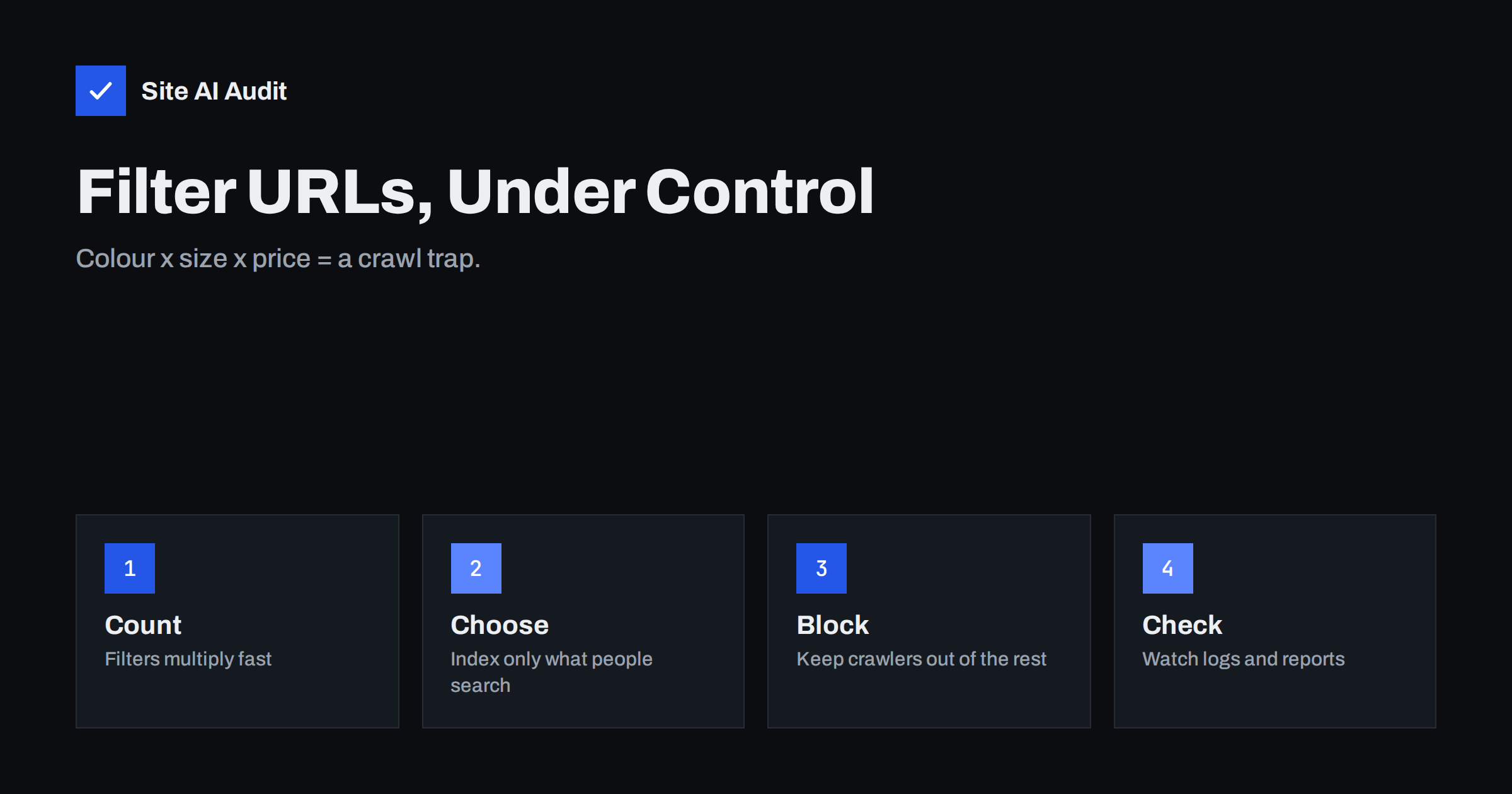
Short answer: Faceted navigation is the set of filters on a category page, such as colour, size, brand and price. Each combination can create its own URL, so a shop with a few hundred products can end up with many thousands of near-identical pages. To avoid SEO problems, decide which filter pages have real search demand and make them clean, indexable pages, then stop crawlers from wasting time on the rest with robots.txt rules, careful internal linking and canonical tags.
What faceted navigation is
A facet is a way to narrow a list. On a clothing shop you may filter shoes by size, colour, brand, price range, material and rating. Visitors love it, because they can find what they need in a few clicks. For a website it creates a technical puzzle: a filter usually changes the URL, for example /shoes/?colour=black&size=42, and many filters can be combined.
The same happens outside shops. Job boards, real estate portals, directories, travel sites and event calendars all have filters that produce huge numbers of URLs. The pages are useful to visitors, but most of them show nearly the same content as the main category page in a different order or subset.
Why filter URLs cause problems
The trouble is simple arithmetic. Five colours, eight sizes, six brands and four price bands already give 960 combinations, and every extra filter multiplies that number again. Add sorting options, pagination and tracking parameters, and a modest shop can expose millions of URLs. This causes three kinds of damage:
- Wasted crawling. Search engine bots spend their time on endless variations and visit important pages less often. See our explanation of crawl budget.
- Duplicate and thin content. Many filter pages are almost the same as each other, which dilutes signals and leads to Google choosing a different page than you intended. Read about fixing duplicate content.
- Empty and broken pages. Some combinations return no products. If the server answers with a normal 200 status and an empty list, search engines may treat them as soft 404 errors.
Server load matters too. Filtered pages are often not cached well and run heavy database queries, so a crawler working through them can slow the shop for real customers.
Step 1: decide which filter pages deserve to rank
Not all filter pages are traps. Some match exactly what people search for: “black running shoes”, “women’s waterproof jackets”, “2 bedroom apartments in a particular city”. These deserve to be real landing pages with their own URL, title, heading, introduction and internal links.
A practical way to decide:
- List the filter combinations that real shoppers search for, using Search Console queries, keyword research and your site’s own search data.
- Keep combinations of one filter, or at most two, that show a healthy number of products and have search demand.
- Treat the rest, including long combinations, price sliders, sorting and view options, as pages that should not be indexed.
Our guide to category page SEO for shops explains how to make the pages you keep worth ranking.
Step 2: give the keepers clean URLs
For filter pages that should rank, avoid messy parameter strings. A static-looking path such as /shoes/black/ is easier to read, link and share than /shoes/?f1=7&f2=3. Whichever style you use, keep these rules:
- Use one fixed order of parameters, so that
colour=black&size=42andsize=42&colour=blackcannot both exist. - Give each indexable page a unique title, heading and a short descriptive text.
- Add the page to your XML sitemap and link to it from the main category.
- Set a self-referencing canonical tag.
Our article about URL parameters shows how to keep them under control.
Step 3: keep crawlers away from the rest
You have several tools, and each does something different:
| Tool | What it does | Watch out for |
|---|---|---|
| robots.txt Disallow | Stops compliant bots from crawling matching URLs | Blocked URLs can still be indexed without content if other sites link to them |
| noindex meta tag | Tells search engines not to keep the page in the index | The page must be crawled to see the tag, so it does not save crawl effort |
| Canonical tag | Suggests the main version of near-duplicate pages | It is a hint, and the page still gets crawled |
| No crawlable link | Filters applied by script or form do not create URLs to follow | Needs careful implementation so that users and keepers still work |
For large sites, the cleanest result usually comes from a combination: do not link to unwanted filter combinations in the first place, block the parameter patterns in robots.txt, and use canonical tags on any that remain reachable. Be careful with the order of work. If you add noindex to a page and also block it in robots.txt, the bot cannot see the tag. Our comparison of robots.txt and noindex explains when to use which. Google also describes these options in its documentation on managing faceted navigation URLs.
Handle empty results and sorting properly
If a combination returns no products, return a 404 status instead of a 200 page that says “no results”, and avoid linking to empty combinations. Sorting and view options such as “sort by price” or “show 48 per page” change only the order of the same items, so they should never become indexable pages. Most shops block them by parameter name in robots.txt and point canonical tags to the default view.
Pagination within filtered results adds another layer. Follow the same approach as for ordinary categories, which is described in our guide to pagination best practices.
Common mistakes with faceted navigation
The same errors appear on many shops, and most can be found in an hour:
- Canonical pointing to the wrong page. A canonical tag that sends every filter page to the home page, or to a page with different content, is ignored or causes confusion. Point filter pages to the closest matching category.
- Blocking too much. A broad robots.txt rule on a parameter that also carries pagination or product variants can hide products from crawlers. Test each rule on real URLs before publishing it.
- Linking everywhere. Showing “related filters” or tag clouds on every page multiplies the number of internal links to combinations nobody searches for.
- Mixed signals. Listing a filter URL in the sitemap while it carries a noindex tag tells search engines two opposite things. Keep the sitemap limited to pages you want indexed.
- Forgetting redirects. When you move from parameter URLs to clean paths, redirect the old addresses so that links and bookmarks keep working. Avoid long redirect chains during the change.
Treat the clean-up as a project with a baseline. Record how many URLs are indexed and how often Googlebot visits the category pages before you start, so you can see the improvement afterwards.
Check that it works
After changes, confirm the effect rather than assuming it:
- In Search Console, watch the Pages report for “Duplicate, Google chose different canonical page”, “Crawled, currently not indexed” and “Indexed, though blocked by robots.txt”. The numbers should move in the right direction over several weeks.
- Look at the Crawl stats report and your server logs. If bots still spend most requests on parameter URLs, a rule is missing.
- Run a site search such as
site:example.com inurl:colour=to see whether filter URLs still appear in results. - Crawl the site yourself, and compare the number of URLs found with the number of pages you actually want indexed.
How Site AI Audit helps
Site AI Audit crawls up to 50 pages on its free check and reports SEO basics that filter pages tend to break: pages that share the same title, pages hidden with noindex, a robots.txt that blocks too much, missing sitemaps, broken links and redirects. It does not analyse faceted navigation rules on its own, so use the findings as a starting point and confirm the details in Search Console and your logs. You can run a free check, and the pricing page lists plans that crawl more pages and allow re-checks after each fix.
Related reading
- Canonical Tags Explained: How to Handle Duplicate URLs
- Product Page SEO: A Checklist for Online Shops
- How to Speed Up a Slow WooCommerce Store Without Breaking It
- Keyword Cannibalization: When Your Own Pages Compete
The bottom line
Filters are good for visitors and dangerous for crawlers when left unmanaged. Pick the few filter pages that match real searches and build them properly. Keep everything else out of crawlers’ way, return honest status codes for empty results and verify the outcome in Search Console and in your logs.
KKK
Should I add noindex to every filter page?
Not to every one. Filter pages that match real searches can be valuable landing pages. Use noindex or blocking for the long tail of combinations, sorting and view options that offer no unique value.
Is a canonical tag enough to control filter URLs?
Usually not on its own. A canonical tag is a hint, and the pages are still crawled. Combine it with careful linking and robots.txt rules for parameter patterns that should never be crawled.
Can I use robots.txt and noindex on the same page?
It does not work well. If robots.txt blocks a page, the crawler cannot read the noindex tag. Choose the approach that fits: block crawling, or allow crawling and use noindex.
Do filters built with JavaScript avoid the problem?
They can, if the filter does not create links to new URLs that bots can follow. Search engines can render JavaScript, so test with Google’s tools before relying on this.
How many filter pages should be indexed?
Only those that have search demand, show enough products and offer something different from the parent category. For many shops this is a small fraction of all possible combinations.