 ENEnglish
 LTLietuviškai
 DEDeutsch
 FRFrançais
 RUРусский
 ESEspañol
 PLPolski
 ITItaliano
 UKУкраїнська
 CSČeština
 PTPortuguês
 JA日本語
 LVLatviešu valoda
 ETEesti
 HUMagyar
 IDBahasa Indonesia
 TRTürkçe
 HIहिन्दी
 ELΕλληνικά
 ARالعربية
 THไทย
 VITiếng Việt
 RORomână
 MSBahasa Melayu
 BNবাংলা
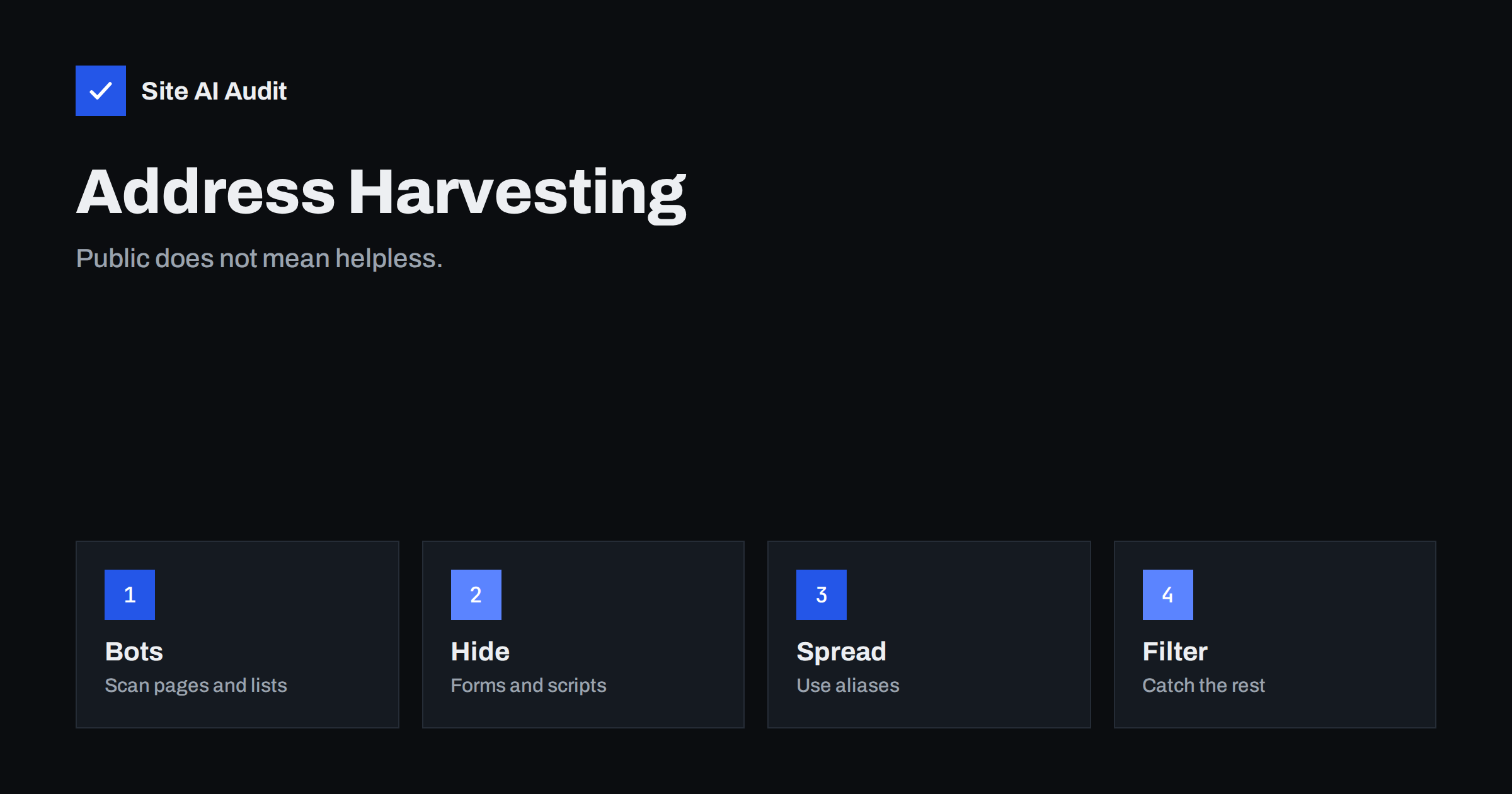
Short answer: Automated programs scan websites, directories and leaked files for anything that looks like an email address, and then use or sell what they find. You cannot make a public address completely safe, but you can make harvesting harder, spread the risk across aliases and put strong filtering and authentication behind the mailbox. The aim is a business address that stays open to customers without drowning in spam.
What harvesting is
Harvesting means collecting email addresses in bulk, without the owner’s knowledge. A harvester can be a simple script that downloads pages and searches the text for the shape of an address, with letters, an at sign and a domain. It can follow links through a whole site, so that every page is covered within minutes. The lists that result are sold, traded and used for spam, phishing and fraud.
Harvesting is not the only way spammers get addresses. They also guess them, buy them from data breaches and add them from sign-up forms that were abused. But published addresses are the easiest to collect, so they are the first target.
Where harvesters find addresses
- Your own pages. The contact page, the footer, staff pages, press releases, PDF files, event pages and the text of blog posts.
- Mailto links. A clickable link that opens the visitor’s mail program includes the address in plain code.
- Page source and scripts. Addresses in comments, structured data and configuration files that are loaded by the page. Structured data for a business, as in organization schema, publishes the address in a form that is easy for machines to read.
- Domain registration records. Some registrars still show contact details publicly unless privacy is turned on.
- Directories and listings. Business directories, association lists and conference programmes.
- Forums, comments and social profiles. Addresses typed by staff or customers.
- Old or exposed files. Documents, backups and exports left on a server. See exposed backup files.
- Breaches and leaks. Customer and staff addresses from another service that was compromised.
- Guessing. Common names such as info, sales and the first name followed by the surname, tried against your domain. The problem is worse if the server accepts mail for every address, as explained in the article on catch-all addresses.
Why it matters
Every harvested address becomes a target for several kinds of unwanted mail. Ordinary spam fills the inbox and hides real messages. Phishing messages pretend to come from a supplier, a boss or a bank, and are aimed at people whose names appear on your site. Fake invoices, as discussed in invoice fraud by email, are often sent to the addresses on a contact page. Harvested names can also help attackers to impersonate your own staff. A flood of unwanted mail can also push a real message out of sight, with a cost in missed enquiries.
Option 1: Replace the address with a contact form
A form lets visitors write to you without ever seeing an address. It is the most effective way to keep the address out of harvesters’ reach, and it is familiar to visitors. It has costs, though.
- Forms attract spam of their own, so they need protection. See how to stop contact form spam and the comparison of CAPTCHA options.
- Some visitors prefer to use their own mail program, and some want a record of what they sent.
- Forms must be set up so that mail is delivered reliably, with authenticated sending. See contact form emails from your own domain.
- A badly built form can be abused to send spam. See email header injection.
A good compromise is to offer a form as the main route and a way to reach you by phone or post for those who need it.
Option 2: Hide the address from simple bots
If you must show an address, several techniques make life harder for basic harvesters. None is perfect, and each has trade-offs.
- Assemble it with JavaScript. The page code holds the address in pieces, and a script puts it together in the browser. Simple scrapers that do not run scripts will not see it. Smarter ones do. Visitors with scripts disabled see nothing, so provide a fallback.
- Write it in words. “name at example dot com” is readable by people and by assistive tools, but harvesters know this pattern and many convert it. It also forces visitors to retype.
- Use character codes. Replacing letters with HTML entities hides the text from the simplest patterns, but most modern harvesters decode them.
- Show it as an image. Machines struggle to read it, but screen reader users cannot, and the address cannot be copied. This is poor for accessibility. See the overlap described in accessibility and SEO.
- Use CSS tricks, such as writing the address backwards and reversing it on screen. It breaks copy and paste and some tools, and offers little protection.
The honest view is that these tricks stop the laziest scripts and little else. Use them as a layer, not as a promise.
Option 3: Use many addresses, not one
Do not publish personal addresses of staff when a role address will do. Use separate aliases for separate purposes, such as sales, support, jobs and press. Each alias forwards to the people who handle it, and you can change or close one without losing the others. The guide to aliases, shared mailboxes and groups explains the differences.
- If one alias starts to receive a lot of spam, replace it, and keep the others.
- Use a different alias on each website, directory or event listing. If spam arrives at one of them, you know where it leaked.
- Keep the standard role addresses working, such as postmaster and abuse, as described in postmaster and abuse mailboxes.
- Avoid publishing the address of a person who handles payments or passwords.
Option 4: Protect the mailbox behind it
Because some addresses will always leak, the mail system must be ready for the result.
- Use a good spam filter at the server or the provider, and train it with real examples.
- Do not accept mail for unknown addresses. Turn off a catch-all, so that guessed names bounce at once.
- Publish SPF, DKIM and DMARC, so that others cannot easily send mail that pretends to come from your domain. See how to stop email spoofing.
- Train people. Staff whose names are public should know the signs of phishing and of fake invoices.
- Use two-step sign-in on mail accounts, so that a stolen password is not enough.
- Keep your own domain safe from abuse, as explained in what to do about a compromised email account.
How to see whether your address is being harvested
Signs include a sudden rise in spam to one specific address, spam that uses the name from your site’s team page, and mail to addresses that you never created, which suggests guessing. Check your web logs for visitors that load many pages quickly and request only text. The guide to bad bots and aggressive crawlers shows how to control them, and rate limiting slows scraping in general.
A quick checklist
- Search your own site and its PDFs for addresses that you did not mean to publish, such as staff or old mailboxes.
- Replace personal addresses on public pages with role aliases.
- Turn on privacy for your domain registration, where it is available.
- Check that your server rejects mail for addresses that do not exist.
- Check your SPF, DKIM and DMARC records, and move toward a strict DMARC policy.
- Set up a way to reach you that does not depend on one address, such as a form and a phone number.
- Review the setup after any redesign, since new templates often bring back old addresses in the footer or in structured data.
Doing these seven things takes less than a day, and they remove most of the avoidable exposure. The rest is a matter of watching the inbox and acting when the pattern changes.
How Site AI Audit helps
Site AI Audit does not scan your pages for exposed addresses and cannot judge your spam filter. It checks what stands behind your mail: SPF with its lookup limit, DKIM signatures, your DMARC policy and your MX records. These protect your domain name from being faked, which is the damage that follows many harvests. The free check covers up to 50 pages and needs no sign-up. You can run a free check of your website or see the plans for weekly monitoring and alerts.
Related reading
- Contact Form Spam: How to Stop Bots Without Losing Leads
- Catch-All Email Addresses: Pros, Cons and the Spam Problem
- Email Aliases, Shared Mailboxes and Groups: What to Use
- Email Spoofing: How to Stop People Sending Mail as Your Domain
The bottom line
If an address is on the web, assume that it will be collected. Offer a form as the main route, hide the address from simple bots where you must show it, spread contact across role aliases and make the mail system strong enough to handle what leaks. That keeps your business reachable and your inbox usable.
KKK
Does hiding my email address work?
It stops simple scripts and not determined ones. Treat it as one layer, together with aliases, filtering and authentication.
Is a contact form better than showing an address?
It is better against harvesting, but forms need spam protection and reliable delivery. Many sites use a form as the main route and offer a phone number as a second one.
Should I use an image of my email address?
Usually not. It cannot be read by screen readers or copied, which harms accessibility, and modern tools can read text from images.
Can harvesting hurt my deliverability?
Indirectly. Spam sent in your name, or to your users, can damage trust in your domain. Authentication and monitoring reduce this risk.
What is the safest address to publish?
A role address that forwards to several people, such as sales or info, which you can replace if it is overwhelmed, and not a personal address.


