ENEnglish
 LTLietuviškai
 DEDeutsch
 FRFrançais
 RUРусский
 ESEspañol
 PLPolski
 ITItaliano
 UKУкраїнська
 CSČeština
 PTPortuguês
 JA日本語
JA日本語 LVLatviešu valoda
 ETEesti
 HUMagyar
 IDBahasa Indonesia
 TRTürkçe
 HIहिन्दी
 ELΕλληνικά
 ARالعربية
 THไทย
THไทย VITiếng Việt
 RORomână
 MSBahasa Melayu
 BNবাংলা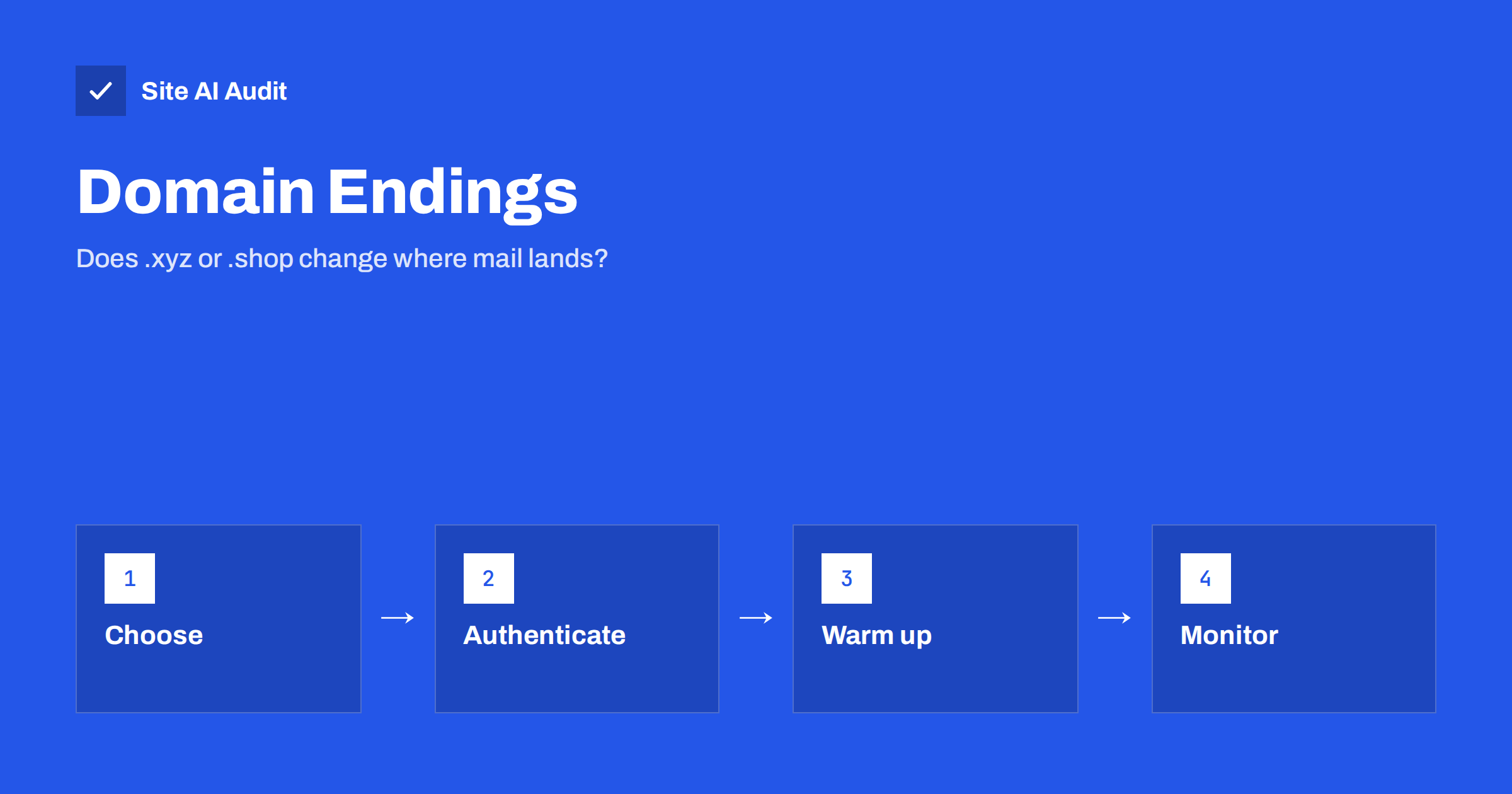
Short answer: The ending of your domain, such as .com, .net, a country code or a newer extension like .xyz or .shop, is not a rule that decides whether your email is delivered. Mailbox providers judge your sending behaviour, authentication and history. But some endings are used for abuse far more often than others, so filters and blocklists may treat them with more suspicion, and a brand-new domain starts with no reputation at all. A familiar ending plus clean authentication and careful warm-up removes most of the risk.
What a TLD is and why people ask
The top-level domain, or TLD, is the last part of a domain name: the “.com” in example.com. There are classic endings such as .com, .org and .net, country endings such as .lt or .de, and hundreds of newer ones such as .shop, .online, .xyz or .biz. Some are very cheap, and a few are sold for less than a coffee in the first year.
Owners naturally ask whether using such an ending will send their email to the spam folder. The honest answer has two sides. There is no filter that says “reject everything from .shop”. But there is also a real pattern that is worth knowing about.
What mailbox providers actually judge
Large providers such as Gmail, Outlook and Yahoo build a picture from many signals. The domain ending is at most a small part of it. The big signals are these:
- Authentication. Valid SPF, DKIM and DMARC, with a domain that lines up in all three. See SPF, DKIM and DMARC compared.
- Sender reputation. How recipients react to your messages: complaints, deletions without reading, replies, and clicks on the unsubscribe link. The difference between domain and address history is explained in domain reputation versus IP reputation.
- Content and links. Whether the message and the sites it points to look legitimate.
- List quality. Bounces, invalid addresses and spam traps, covered in what spam traps are.
- Volume and consistency. Sudden jumps in sending from an unknown source look suspicious.
If these are strong, an unusual ending rarely stops you. If they are weak, even a .com address will end up in spam.
Why some endings are treated with more caution
Spammers and phishers like cheap, easy-to-register domains because they can buy many and throw them away. Security researchers and blocklist operators publish statistics on which endings have the highest share of abusive registrations, and these lists change from year to year. As a result:
- Some filters add a small penalty, or apply stricter checks, to endings with a bad record.
- Some organisations block or quarantine mail from certain endings by their own policy, especially companies that do not expect correspondents there.
- A cheap ending is more likely to share a neighbourhood with abusive domains, and a blocklist entry for one of them can have a broader effect than it would for a .com.
This is a statistical risk, not a verdict on you. A genuine shop on a newer ending can send mail without trouble. But you do start with a handicap, and a mistake costs more.
What the evidence suggests
Because the rules of each provider are private, nobody outside can state exactly how much weight an ending carries. What is visible are patterns. Reports from security companies repeatedly show that a small number of cheap endings account for a large share of phishing and spam domains. Filtering vendors react to what they see: if almost all new domains on an ending are abusive, a filter will learn to be cautious about the whole group. When that ending later becomes more respectable, the caution fades slowly, because reputations lag behind reality.
For a legitimate sender, the lesson is practical rather than dramatic. You are not blocked, but you are judged against a background of other people’s behaviour, and you cannot see the scoring. Your best response is to remove every avoidable doubt: authenticated mail, a real postal and contact identity in the footer, honest unsubscribe links and a steady, modest sending pattern.
New domains start from zero
A separate issue often gets blamed on the extension: the age of the domain. Providers and filtering services pay extra attention to domains that were registered only days or weeks ago, because abusive campaigns use fresh domains constantly. A new domain has no history, good or bad. Whatever its ending, send slowly at first, as the guide to warming up a new email domain explains.
The same applies if you register a lookalike or a spare domain for a project. Do not use it for bulk mail on the first day. And if you hold domains that you do not use for email at all, protect them with the records shown in protecting parked domains from email abuse.
How to choose a domain ending
- Choose by audience first. If your customers are in one country, that country’s ending, or .com, is familiar and trusted. People are also less likely to mistype it.
- Prefer an established ending for your main business address. This is the one that customers, suppliers and banks will see for years.
- If you want a newer ending for the brand, consider sending e-mail from a more conventional domain, or at least test carefully before relying on it.
- Check the history. A domain that was owned before may carry a bad past. Look it up in a blocklist checker before you buy and again before you send.
- Avoid free subdomains and shared hosts that you do not control, because you inherit the reputation of everyone else on them.
If you must keep a cheap ending, accept a longer warm-up and tighter list discipline.
What to do if you already use an unusual ending
Switching all your e-mail to another domain is a large step and rarely needed. Start by making your current setup as strong as possible.
- Publish SPF, DKIM and a DMARC record and read the reports. If you are starting from the beginning, follow the new business email setup guide.
- Check whether your domain or sending address appears on any list, using the steps in how to check and clear blocklists.
- Send real, expected messages to engaged recipients, and keep complaint levels low. The checklist in email deliverability checklist covers the rest.
- Tell important contacts, such as new customers, to add your address to their contacts or safe sender list during the first weeks.
- Use a dedicated subdomain for bulk or marketing mail so that a problem there cannot damage your main correspondence.
Signs that the ending is part of the problem
- Mail reaches Gmail and Yahoo normally but is blocked by smaller company servers that publish stricter policies.
- Bounce messages mention a policy, a block on the sending domain, or “domain not allowed” rather than a bad address.
- You are listed on a domain blocklist even though you have never sent bulk mail.
- Delivery improves immediately when the same message is sent from another domain with the same setup.
In those cases, ask the recipient’s administrator whether they can allow your domain, and read the exact bounce text, as described in email bounce codes explained.
One last practical point concerns the address people see. Customers judge a sender by the visible domain as well as by filters. A short, familiar ending in the sender address makes a message look ordinary, and ordinary is exactly what you want in the inbox. Whatever ending you choose, use the same domain consistently in the website, invoices and mail, so that recipients and providers learn to associate it with legitimate, expected messages.
How Site AI Audit helps
Site AI Audit does not judge your domain ending or look up blocklists. What it checks is the part you control for e-mail: SPF with its lookup limit, DKIM signatures, the DMARC policy and MX records, next to SEO, speed, SSL and security headers. The first check is free, covers up to 50 pages and needs no sign-up. You can run a free check of your website or see the plans for weekly monitoring.
Related reading
- Domain Reputation vs IP Reputation in Email: What Counts
- How to Warm Up a New Email Domain or IP Address Safely
- Email Blocklists: How to Check Your Domain and Get Delisted
- Email Setup for a New Business Domain: Get It Right on Day One
The bottom line
A cheap or unusual domain ending does not doom your email, and a .com does not guarantee delivery. Filters care most about authentication, behaviour and history. Still, some endings carry a worse reputation, and a new domain has none, so the safe path is a familiar ending for your main address, correct SPF, DKIM and DMARC, a slow warm-up and regular checks. Do those things and your choice of ending becomes a small detail.
KKK
Will an .xyz or .shop domain always go to spam?
No. There is no blanket rule. Mail from these endings can be delivered well when it is authenticated and wanted. They do carry more risk because abusers use them often, so be careful with setup and volume.
Is .com better for email than a country ending?
Neither is better in itself. A country ending is usually trusted by local recipients. What matters is the reputation of your own domain and your sending practices.
Should I change my domain to improve deliverability?
Only as a last resort. First fix authentication, list quality and content, and check for blocklists. Changing domains means starting reputation from zero and updating every place the old address appears.
Does domain age matter for email?
Newly registered domains get extra scrutiny, because abusive campaigns use them. An older domain with a clean history is usually safer, but age alone does not make up for poor practices.
Can I use a different domain for newsletters?
Yes, and a subdomain of your main domain is a common choice. It separates the reputation of bulk mail from everyday correspondence while keeping your brand recognisable.