 ENEnglish
 LTLietuviškai
 DEDeutsch
 FRFrançais
 RUРусский
 ESEspañol
 PLPolski
 ITItaliano
 UKУкраїнська
 CSČeština
 PTPortuguês
 JA日本語
JA日本語 LVLatviešu valoda
 ETEesti
 HUMagyar
 IDBahasa Indonesia
 TRTürkçe
 HIहिन्दी
 ELΕλληνικά
 ARالعربية
 THไทย
THไทย VITiếng Việt
 RORomână
 MSBahasa Melayu
 BNবাংলা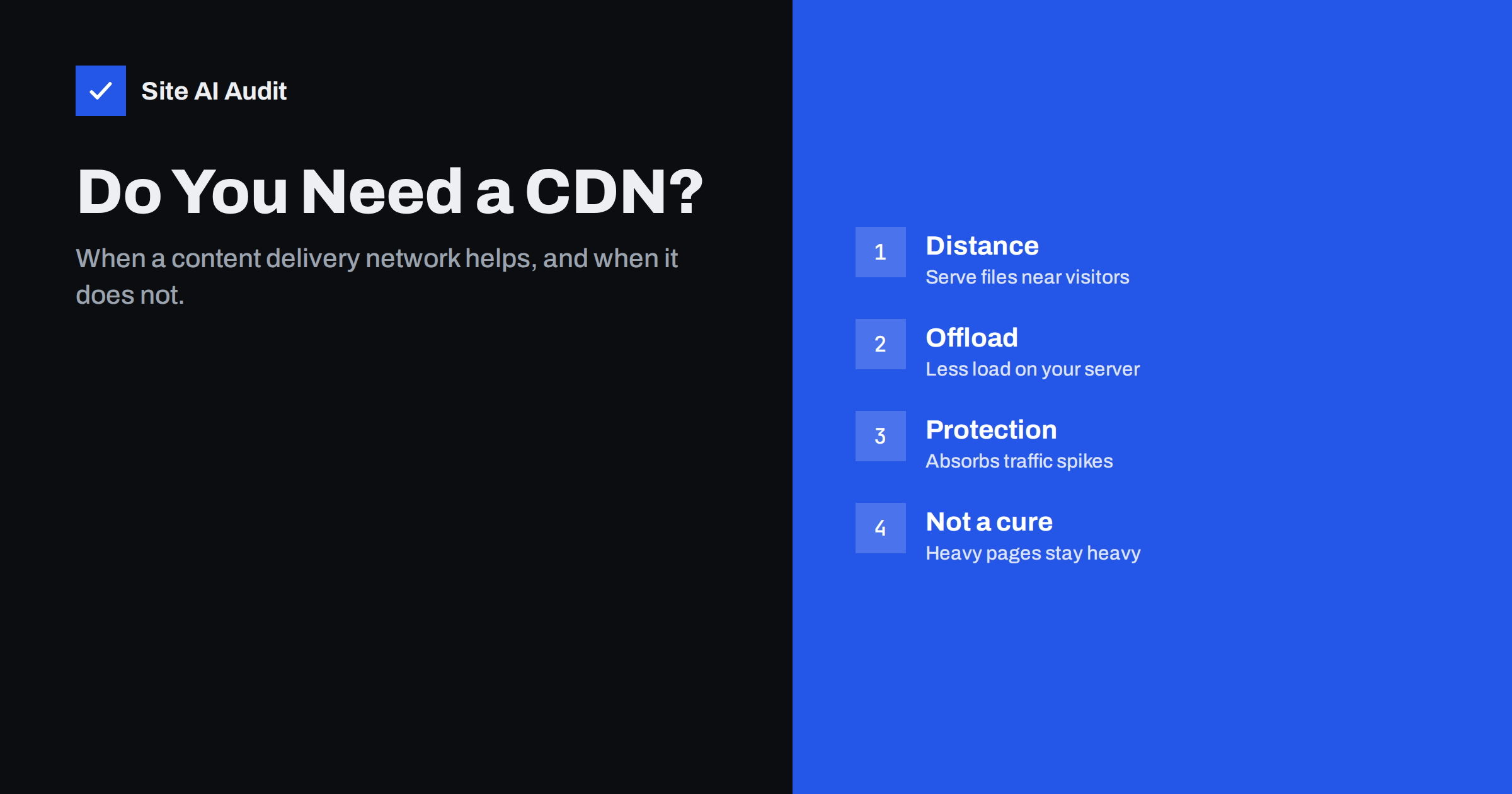
Short answer: A content delivery network (CDN) is a network of servers in many locations that store copies of your website’s files and deliver them from the location nearest to each visitor. You benefit most if your visitors are spread across countries or continents, if your server is far from your audience, or if you get traffic spikes. A local business whose visitors are close to a well-configured server gains less, and no CDN fixes oversized images, heavy JavaScript or a slow application on its own.
CDNs used to be a tool for large media companies. Today, several providers offer free or inexpensive plans, and many hosts include a CDN with one click. That makes the question less “can I afford a CDN?” and more “will it actually make my site faster, and what else does it change?” This guide explains what a CDN does in plain words, and how to decide whether yours needs one.
What a CDN actually does
Without a CDN, every visitor’s browser connects to your one origin server, wherever it is. If your server is in Frankfurt and a visitor is in Sydney, every request travels to the other side of the world and back. Physics sets a minimum delay on that trip, and it repeats for each new connection and for each file that is not cached.
With a CDN, your domain points to the CDN instead. The visitor connects to a nearby CDN location, often called an edge or point of presence. If that edge already has a copy of the requested file, it serves it immediately. If not, it fetches the file from your origin once, stores it, and serves it to the next visitors in that region.
That brings several benefits:
- Lower latency. The connection setup and file delivery happen over a short distance.
- Faster HTTPS setup. The TLS handshake is completed with the nearby edge, not the distant origin.
- Less load on your server. Most requests for images, CSS and JavaScript never reach your origin.
- Resilience to traffic spikes. A sudden burst of visitors is spread across the CDN’s infrastructure.
- Modern protocols and compression. Most CDNs support HTTP/2, HTTP/3 and Brotli compression even if your origin server does not.
What a CDN does not fix
A CDN delivers files faster, but it does not make them smaller or lighter to run. It will not help much if your main problems are:
- Oversized images. A 3 MB hero photo is still 3 MB, even from a nearby server (unless you also use the CDN’s image optimisation features).
- Heavy JavaScript. Scripts still have to be parsed and executed on the visitor’s device, which affects Interaction to Next Paint regardless of where they came from.
- Slow uncached pages. If HTML is not cached at the edge, every page request still goes to your origin and waits for it to generate the page.
- Third-party scripts. Analytics, chat and ad scripts load from their own servers, not yours.
- Layout shift. CLS is caused by how the page is built, not by delivery.
That is why it is worth measuring before adding a CDN. If your server responds quickly and your audience is nearby, the CDN’s effect on load time may be small compared to fixing images and scripts.
When a small business site benefits from a CDN
| Situation | CDN benefit |
|---|---|
| Visitors in many countries or continents | High |
| Server hosted far from your main audience | High |
| Traffic spikes from campaigns, media or seasonal sales | High |
| Many large images, downloads or videos | Medium to high |
| Weak or shared hosting that struggles with load | Medium, by offloading static files |
| Local audience, fast server nearby, light pages | Low |
| Mostly logged-in users with personalised pages | Low for HTML, useful for static files |
How to measure whether distance is your problem
Before deciding, check where the time actually goes. Open Chrome DevTools, select the HTML document in the Network panel and look at the Timing tab. If “Initial connection” and “SSL” take a noticeable share of the total and the “Waiting for server response” part is also long, distance and connection setup are costing you. Then test from another region: several free testing services let you choose the test location. If a page loads quickly from a city near your server but much more slowly from where many of your customers live, a CDN is likely to help. If the page is slow even from next door, fix the server and the page first, because a CDN will only make a slow site slow from more places. Your analytics tool shows which countries your visitors come from, which tells you which regions to test.
Static file CDN vs full-site CDN
There are two common ways to use a CDN:
- Static assets only. Images, CSS, JavaScript and fonts are served from a CDN hostname (often a subdomain), while HTML still comes from your server. This is simple and low-risk, but the first request for each page still travels to the origin.
- Full-site proxy. Your whole domain is routed through the CDN, which can cache static files and, with the right rules, HTML too. This offers the biggest speed and security benefits, but requires changing DNS and configuring what may and may not be cached.
Caching HTML at the edge gives the largest improvement in Time to First Byte for distant visitors, but it needs the same care as any page cache: exclude carts, checkouts, accounts and logged-in sessions, and make sure the CDN cache is purged when content changes.
Extra features that come with CDNs
Modern CDNs often bundle features beyond delivery. They can be valuable, but switch them on deliberately and test each one:
- Image optimisation: automatic resizing and conversion to WebP or AVIF.
- Minification and script optimisation: can conflict with your own optimisation plugins; enable in one place only.
- Web application firewall and DDoS protection: blocks common attacks before they reach your server.
- Free SSL certificates at the edge: make sure the connection from the CDN to your origin is also encrypted and validated.
- Analytics and logs: useful to see traffic, cache hit ratio and blocked requests.
How to set up a CDN without breaking things
- Measure first. Record Time to First Byte, LCP and total load for key pages, ideally from locations where your visitors are.
- Check what your host offers. A built-in CDN integration is often the simplest route.
- Start with static files. Make sure images, CSS and JavaScript are cached with long lifetimes and versioned URLs.
- Keep SSL strict. Configure the CDN to connect to your origin over HTTPS with certificate validation, not in a mode that leaves the origin connection unencrypted.
- Add HTML caching carefully, with exclusions for dynamic pages and a purge mechanism.
- Test key journeys: forms, logins, cart and checkout, and any area that depends on visitors’ IP addresses.
- Measure again from the same locations and compare.
Common CDN problems
- Visitors see old content because the CDN cached HTML and was not purged.
- Redirect loops caused by SSL mode mismatches between CDN and origin.
- Contact forms or logins failing because the server sees the CDN’s IP address instead of the visitor’s; the server must be configured to read the real client IP header.
- Double optimisation, where the CDN and a plugin both minify scripts and break something.
- Cache hit ratio is low because of cookies or query strings on every request.
How Site AI Audit helps
Site AI Audit checks your SSL certificate and how fast the server responds, then runs Google PageSpeed for mobile and measures compression and page weight. That combination shows whether distance and server response are really your bottleneck, or whether images and scripts matter more, before you add a CDN. It also checks the HTTP to HTTPS redirect, a common casualty of CDN setups. Run a free check before and after the change.
Related reading
- How to Reduce Server Response Time (TTFB) for Faster Pages
- Page Caching Explained: How to Speed Up a Dynamic Website
- Browser Caching Explained: How to Set Cache-Control Headers
- How to Redirect HTTP to HTTPS the Right Way (Without Loops)
The bottom line
A CDN shortens the distance between your files and your visitors and takes load off your server. It is a clear win for international audiences, distant hosting and traffic spikes, and a smaller win for local sites on fast servers. It does not replace fixing heavy pages. Measure first, start with static files, add HTML caching carefully and test the parts of your site that depend on sessions.
KKK
Does a CDN make every website faster?
Not always noticeably. It helps most when visitors are far from your server or when the server struggles with load. If your audience is local and your server is fast, the improvement may be small compared to optimising images and scripts.
Is a free CDN plan good enough for a small business?
For many small sites, free plans from reputable providers cover static file delivery, HTTPS and basic protection. Paid plans add features such as advanced image optimisation, more control over caching and support. Start with what solves your measured problem.
Can a CDN improve Core Web Vitals?
It can improve LCP by reducing server response time and download time, especially for distant visitors. It has little effect on CLS and INP, which depend on how the page is built and how much JavaScript runs. Combine a CDN with front-end fixes.
Will a CDN affect my SEO?
A correctly configured CDN does not harm SEO and can help through faster pages. Problems arise only from misconfiguration, such as blocking crawlers, serving stale content or causing redirect loops. Test crawling and redirects after setup.
Do I still need good hosting if I use a CDN?
Yes. Uncached pages, logged-in areas, carts and admin work still depend on your origin server. A CDN reduces the load on it but does not replace it. A slow origin will still show up on every cache miss.


