 ENEnglish
 LTLietuviškai
 DEDeutsch
 FRFrançais
 RUРусский
 ESEspañol
 PLPolski
 ITItaliano
 UKУкраїнська
 CSČeština
 PTPortuguês
 JA日本語
JA日本語 LVLatviešu valoda
 ETEesti
 HUMagyar
 IDBahasa Indonesia
 TRTürkçe
 HIहिन्दी
 ELΕλληνικά
 ARالعربية
 THไทย
THไทย VITiếng Việt
 RORomână
 MSBahasa Melayu
 BNবাংলা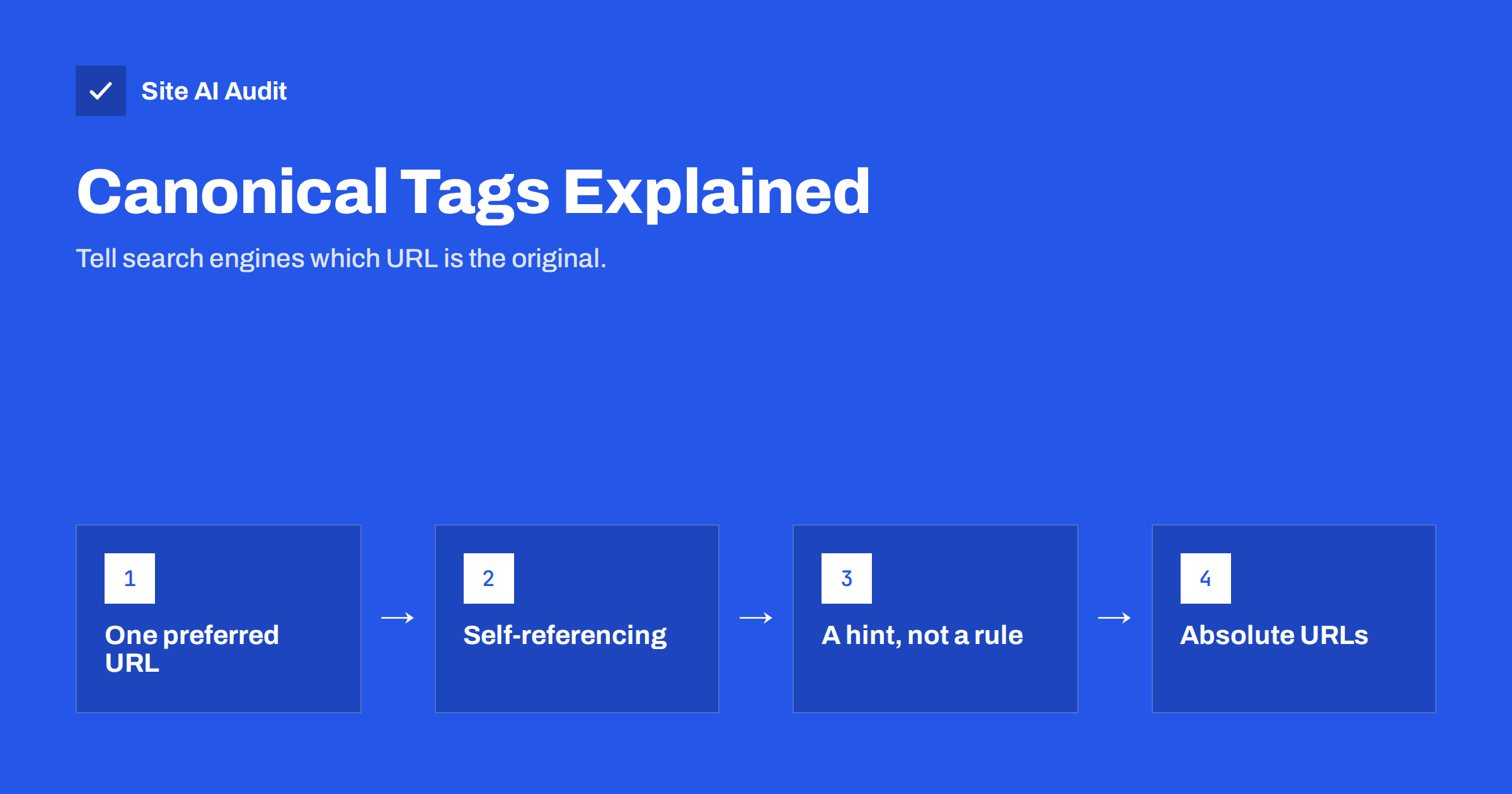
Short answer: A canonical tag is a line in the page head, <link rel="canonical" href="…">, that tells search engines which URL is the preferred version when the same or very similar content is available at several addresses. It consolidates signals onto one URL and helps the right version appear in results. Every indexable page should have a self-referencing canonical, duplicates should point to the original, and the canonical should always be a live, indexable, absolute URL.
Why duplicate URLs happen
Most duplicate content is not copied text. It is the same page reachable through different URLs, created by the way websites and platforms work. Some very common examples:
https://example.com/shoes/andhttps://example.com/shoes/?sort=pricehttps://example.com/shoes/andhttps://example.com/shoes/?utm_source=newsletterhttps://www.example.com/shoes/andhttps://example.com/shoes/- a product available at
/men/running-shoe-x/and at/sale/running-shoe-x/ - the same article under
/blog/article/and/category/news/article/ - printer-friendly versions, AMP versions or session IDs in URLs
To a person, these are all the same page. To a search engine, each URL is potentially a separate document. It has to decide which one to index and show, and it has to decide where to count links and other signals. Without guidance, it guesses. Usually the guess is reasonable, but sometimes the wrong URL appears in results, or signals are split across several versions.
What the canonical tag does
The canonical tag gives search engines your answer to the question “which URL is the real one?”. It is placed in the <head> of the page:
<link rel="canonical" href="https://example.com/shoes/">
Placed on /shoes/?sort=price, this tag says: “this is a version of /shoes/; please treat that one as the main page.” Search engines then generally index the canonical URL, show it in results and combine signals, such as links pointing to the variants, onto it.
The same instruction can be sent as an HTTP header, Link: <https://example.com/file.pdf>; rel="canonical", which is useful for PDFs and other non-HTML files.
It is important to understand that a canonical tag is a strong hint, not a command. Google’s documentation on consolidating duplicate URLs explains that it combines the canonical tag with other signals: redirects, internal links, sitemap entries, HTTPS and more. If those signals point elsewhere, Google may choose a different canonical than the one you declared. Search Console reports this as “Duplicate, Google chose different canonical than user”.
Self-referencing canonicals
Every indexable page should have a canonical tag that points to itself. It may look redundant, but it has real benefits:
- When someone links to the page with tracking parameters, the canonical tells search engines to ignore the parameters.
- If your content is copied or syndicated, a self-referencing canonical is a clear statement of the original URL.
- It removes ambiguity between HTTP and HTTPS, www and non-www, and trailing slash variants, as a backup to proper redirects.
Most modern CMS platforms and SEO plugins add self-referencing canonicals automatically. WordPress does so for single posts and pages out of the box, and SEO plugins extend it to archives and other page types.
Canonical vs redirect vs noindex
These three tools are often confused because they all deal with pages you do not want in search as separate results. They do different things:
| Tool | What visitors see | What search engines do | Use when |
|---|---|---|---|
| 301 redirect | They are sent to the new URL | Replace the old URL with the new one and pass signals | The old URL should no longer exist |
| Canonical tag | Both URLs keep working | Usually index the canonical and combine signals onto it | Variants must stay available, such as sorted or tracked URLs |
| Noindex | The page keeps working | Drop the page from results, without passing signals elsewhere | The page has no search value at all |
A useful rule of thumb: if visitors do not need the duplicate URL, redirect it. If they do, for filtering, tracking or navigation, keep it and add a canonical. Use noindex only for pages that should not appear in search in any form.
Do not combine noindex with a canonical pointing to another page. The two instructions contradict each other: one says “this is a copy of that page, merge them”, the other says “drop this page”. Pick one.
Common canonical mistakes
Canonical errors are frequent because they are invisible on the page and often generated by templates. The ones audits find most often:
- Every page canonicalised to the home page. A misconfigured theme or plugin outputs the home page URL as the canonical on all pages. Search engines may then ignore or drop the inner pages. This is one of the most damaging template bugs.
- Canonical pointing to a redirect or a 404. The declared original does not exist or moves elsewhere, which sends a broken signal.
- Canonical pointing to a noindex page. You ask search engines to index a page that you also told them not to index.
- Relative or malformed URLs.
href="/shoes/"is allowed but risky; a typo likehttps//example.combreaks it. Use full absolute URLs with the correct protocol and host. - Canonical to the wrong protocol or host. A site on HTTPS that declares HTTP canonicals, or a non-www site that declares www canonicals, left over from before a migration.
- Paginated pages all canonicalised to page one. Page 2 of a category is not a duplicate of page 1; it lists different products. Each paginated page should normally have a self-referencing canonical.
- Multiple canonical tags. A theme and a plugin each add one, sometimes with different URLs. Search engines may ignore both.
- Canonical in the body. A canonical tag placed outside the
<head>, often because of broken HTML earlier in the page, is ignored. - Cross-language canonicals. A French page canonicalised to its English version tells search engines the French page is a duplicate. Translations should have self-referencing canonicals and use hreflang to link languages.
How to check and fix canonicals
A practical workflow for small and medium sites:
- Spot-check key templates. View the source of the home page, a service or category page, a product and a blog post. Search for
rel="canonical". Each should point to its own clean, absolute URL. - Check a variant. Open a page with a parameter, such as
?utm_source=test, and confirm the canonical still points to the clean URL. - Crawl the site. A crawler lists canonicals for every page and highlights pages whose canonical points elsewhere, to redirects, to errors or to noindex pages.
- Review Search Console. In the page indexing report, look at “Duplicate without user-selected canonical” and “Duplicate, Google chose different canonical than user”. Inspect a few URLs to see which canonical Google selected and why.
- Align your signals. Make sure internal links, the sitemap and redirects all use the same preferred URLs as your canonicals. Consistency is what makes Google accept your choice.
- Fix at the template level. Canonical problems are almost always systematic, so fix the plugin setting or template rather than individual pages.
Canonicals in online shops
Shops create more duplicate URLs than any other kind of site, so canonical decisions matter most there. A few common cases:
- Products in several categories. Pick one clean product URL, ideally without the category path, and make all variants canonicalise to it. Many platforms, including Shopify, already do this.
- Colour and size variants. If variants share one page with a selector, the parameter URLs should canonicalise to the main product. If each variant has its own page with unique content and genuine search demand, such as a specific colour people search for, each can keep its own canonical.
- Filtered category pages. Sorting and most filter combinations should canonicalise to the unfiltered category. A small number of filters with real search demand, such as “waterproof hiking boots”, may deserve their own indexable page with unique content instead.
The key is to decide deliberately which URLs are meant to rank and let every other variant point to them.
Canonicals for syndicated and copied content
If your articles are republished on other websites, such as industry portals or partner blogs, ask the publisher to add a canonical tag pointing to your original. This tells search engines which version came first. Google notes that it may not always honour cross-domain canonicals for syndicated content, so asking the partner to add noindex to their copy is an alternative when showing your version matters most.
If you publish content that originally appeared elsewhere, the courtesy works in reverse: point your canonical to the original, or write a genuinely new version.
How Site AI Audit helps
Site AI Audit crawls your pages the way a search engine does and reports on titles, headings, links, redirects and indexing rules in its SEO section, explaining every finding in plain words with the pages affected. It is a quick way to see whether duplicate URLs and indexing signals on your site point in the same direction. Run a free check of up to 50 pages to get started.
Related reading
- The Noindex Tag: When to Use It and How to Check It
- 301 vs 302 Redirects: Which One to Use and When
- XML Sitemaps Explained: How to Create and Submit One
The bottom line
Canonical tags tell search engines which URL is the original when the same content lives at several addresses. Give every indexable page a self-referencing canonical, point true duplicates to the preferred version, and use absolute URLs to live, indexable pages. Keep internal links, sitemaps and redirects consistent with your canonicals, and use redirects instead when a duplicate URL does not need to exist at all.
KKK
Is a canonical tag a directive or a hint?
It is a strong hint. Search engines usually follow it, but they may choose a different canonical if other signals, such as internal links, sitemaps or redirects, point elsewhere.
Should every page have a canonical tag?
Every indexable page should have one pointing to itself. This protects against duplicates created by tracking parameters, alternate hostnames and copied content.
Can I canonicalise to a different domain?
Yes. Cross-domain canonicals are supported and are often used for syndicated content. Search engines treat them as a hint like any other canonical.
Should paginated pages point their canonical to page one?
Usually not. Page 2 and later list different items, so they are not duplicates of page 1. Give each paginated page a self-referencing canonical.
What happens if a page has two canonical tags?
If they conflict, search engines may ignore both and choose a canonical on their own. Make sure only one tag is output, usually by disabling the duplicate in the theme or plugin.


