 ENEnglish
 LTLietuviškai
 DEDeutsch
 FRFrançais
 RUРусский
 ESEspañol
 PLPolski
 ITItaliano
 UKУкраїнська
 CSČeština
 PTPortuguês
 JA日本語
 LVLatviešu valoda
 ETEesti
 HUMagyar
 IDBahasa Indonesia
 TRTürkçe
 HIहिन्दी
 ELΕλληνικά
 ARالعربية
 THไทย
 VITiếng Việt
 RORomână
 MSBahasa Melayu
 BNবাংলা
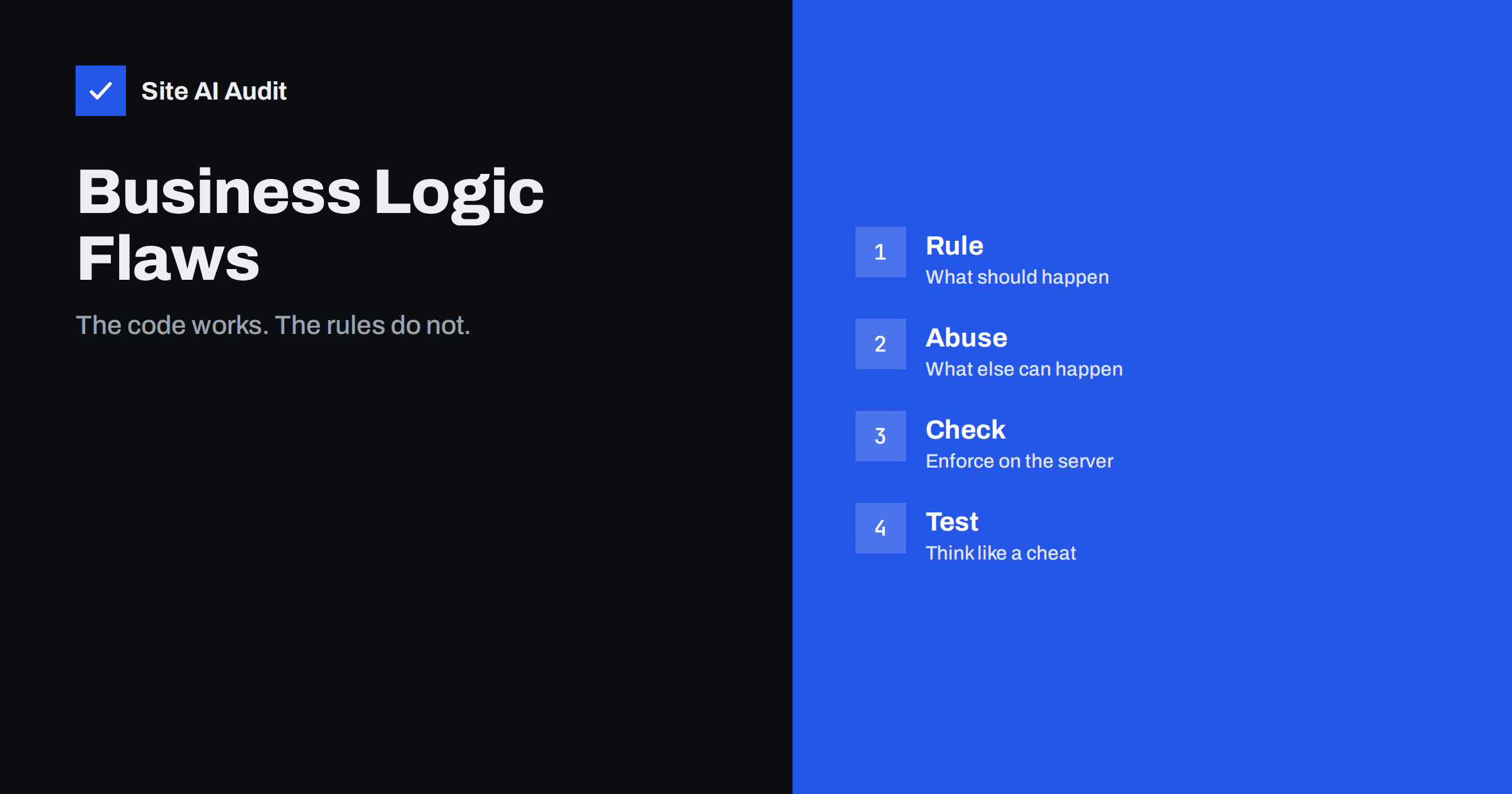
Short answer: A business logic vulnerability is a weakness in the rules of an application, not in its code libraries. The software does exactly what it was told, but the rules allow something that the owner never intended, such as a negative quantity, a coupon used twice or a step skipped in a checkout. Scanners rarely find them. You prevent them by writing down the rules, enforcing every rule on the server and testing unusual orders of actions.
What makes these flaws different
Most well-known web attacks, such as SQL injection or cross-site scripting, exploit a technical mistake in how input is handled. A scanner can send many test strings and spot a pattern. Business logic flaws are different. Every single request looks normal. The problem lies in what the application allows a user to do, and it differs from one site to the next.
Think of a shop with a rule that a customer gets 10% off when they enter a code. A technical test finds nothing wrong. But if the code can be applied five times, the total price falls to a fraction. No special characters were sent and no error appeared, so no automatic tool raised a flag. Only someone who understands the intended rule can see that the result is wrong.
Typical examples
- Negative or huge numbers. A quantity of -1 reduces the order total, or a transfer of a negative amount moves money the wrong way.
- Price and discount tampering. The price is sent from the browser in a hidden field, and the server believes it. Coupons can be stacked, reused or applied to items that were excluded.
- Skipped steps. A visitor jumps directly to the “order complete” page without paying, because the server does not check that the payment step happened.
- Race conditions. Two requests sent at the same moment both use a gift card with a balance for one purchase. The article on race conditions explains how timing creates such gaps.
- Trial and limit abuse. One person creates many free accounts to get unlimited free trials, or bypasses a limit on the number of free downloads.
- Role confusion. A user changes a field such as “role” in a request and becomes an administrator. See mass assignment.
- Weak password reset or verification flows. A reset link that works for any account, or a verification code that has no attempt limit. The guide to password reset flaws gives more cases.
Why they appear
These flaws are common because rules grow over time. A developer builds a coupon system for one campaign, another adds shipping rules, a third adds a loyalty scheme, and nobody tests every combination. Assumptions creep in: “users will always follow the buttons”, “the browser sends only what we show”, “nobody would try that”. Attackers, by contrast, are willing to try the odd thing, and automated scripts can try thousands of variations.
Another cause is trust in the client. If checks run only in the browser, for example a script that limits a quantity to ten, a person can bypass them by sending the request directly. The browser is on the visitor’s side of the fence. Everything it sends must be treated as untrusted input.
How to find them in your own site
- Write down the rules. List what should be true: a coupon works once per customer, an order must be paid before it ships, a user can see only their own invoices.
- Ask “what if” for every rule. What if the number is zero, negative or very large? What if the step is skipped, repeated or done in another order? What if two requests arrive at once?
- Look at the requests, not the screens. Browser developer tools show what is sent. Check which values come from the client, such as price, user number or role.
- Test with two accounts. Try to open or change the other account’s data by changing an identifier. This is the check described in the article on broken access control.
- Review logs for odd patterns. Many failed coupon attempts, repeated refunds or orders with a zero total deserve a look.
How to prevent them
- Enforce rules on the server. Recalculate prices, totals and permissions from your own database. Do not trust values from the browser.
- Use state checks. An order moves through defined states: created, paid, shipped. Reject any action that does not fit the current state.
- Limit quantities and rates. Cap numbers, attempts and actions per account and per time. See rate limiting.
- Make sensitive actions atomic. Use database transactions and locks so that two simultaneous requests cannot both succeed when only one should.
- Validate everything, including “impossible” values. Reject negatives, zeros and overflow where they make no sense, and use allow lists for fields such as status.
- Add logging and alerts. Record business events such as refunds, large discounts and role changes. The guide to security logging shows what to track.
- Review changes for rule impact. When you add a promotion or feature, ask how it interacts with the existing rules, not only whether it works alone.
Testing and responsibility
Because scanners cannot understand your rules, testing these flaws needs a person who knows the process. Small teams can do a simple review: choose the three most valuable actions on the site, such as payment, account access and data export, and walk through each one trying to misuse it. Larger projects may hire a security tester for a limited review. Only test systems that you own or have written permission to test, and use a copy of the site where possible, so that real customers and real money are not affected. The article on the difference between a scan and a penetration test explains what each type can and cannot find.
What to do if you find one
Fix the rule on the server first, then check the data for earlier misuse. Look for orders with unusual totals, accounts with unexpected roles or repeated use of one coupon. If customers could have been harmed, follow the steps in the guide to responding to a data breach. Add a test so that the same mistake does not come back after a future change.
A worked example: the coupon that worked too well
A small online shop runs a welcome offer: enter the code WELCOME10 and receive ten percent off. The developer checks that the code reduces the total and that an expired code is rejected, and everything works. A customer then notices that the code field remains open after the first use, so she enters the code three more times. The shop applies it every time, and the order total drops by almost a third. Nothing crashed, no log shows an error, and the payment provider receives a smaller amount without complaint.
The fix is not complicated. The server should store which codes have been applied to the basket, accept each code once per order and once per customer if the campaign says so, and recalculate the total from the list of items and valid discounts every time. The lesson is general. The flaw lived in a rule that nobody had written down, which is why it was never tested.
Rules worth writing down for every site
- Who may see, change or delete each type of record, and how the server decides.
- Which steps of a process must be completed, and in which order, before the next one is allowed.
- The maximum and minimum values for amounts, quantities and dates.
- How often one account or address may repeat an action such as login, reset, order or download.
- What happens to money, stock or points when an action is cancelled or repeated.
Even a short list like this, kept next to the code, turns vague assumptions into tests. When a new feature is added, the list shows which rules it touches. Over time, it becomes the most valuable security document on the project, because it describes how the business is meant to work, which no automated tool can know.
How Site AI Audit helps
Site AI Audit does not test your checkout or your application rules, and it does not log in, so it cannot find a logic flaw. It checks the public basics around them: the SSL certificate, the redirect from HTTP to HTTPS, security headers and exposed software versions, along with speed and email setup. Fix those basics so that attackers have fewer easy options, and run your own rule review for the logic. The free check covers up to 50 pages and needs no sign-up. You can run a free check of your website or see the plans for re-checks and monitoring.
Related reading
- IDOR Vulnerability Explained: Broken Access Control Basics
- Race Conditions in Web Apps: Double Clicks That Break Rules
- Mass Assignment Vulnerabilities: When Forms Set Too Much
- Website Security Audit Checklist: What to Check and in What Order
The bottom line
Logic flaws come from rules that nobody tested against clever misuse. Write the rules down, enforce them on the server, limit what any one account can do and test unusual paths through your most valuable actions. The effort is modest, and it closes weaknesses that no scanner will ever report.
KKK
Can a scanner find business logic flaws?
Rarely. Scanners look for known technical patterns. Logic flaws depend on the meaning of your rules, so a person who understands the process must test them.
Are small websites at risk?
Yes, if they take payments, offer discounts, hold accounts or limit free use. Even a simple booking form can be abused if it has no limits.
Is client-side validation enough?
No. It improves the experience for honest users, but it can be bypassed. Every rule must also be checked on the server.
How is this different from a software bug?
A bug is code that does not do what it should. A logic flaw is code that does exactly what it was told, while the told rules are incomplete or too generous.
Where should I start?
Pick the action that earns or protects the most, list its rules and try to break each one on a test copy. Fix what you find and repeat for the next action.


