ENEnglish
 LTLietuviškai
 DEDeutsch
 FRFrançais
 RUРусский
 ESEspañol
 PLPolski
 ITItaliano
 UKУкраїнська
 CSČeština
 PTPortuguês
 JA日本語
JA日本語 LVLatviešu valoda
 ETEesti
 HUMagyar
 IDBahasa Indonesia
 TRTürkçe
 HIहिन्दी
 ELΕλληνικά
 ARالعربية
 THไทย
THไทย VITiếng Việt
 RORomână
 MSBahasa Melayu
 BNবাংলা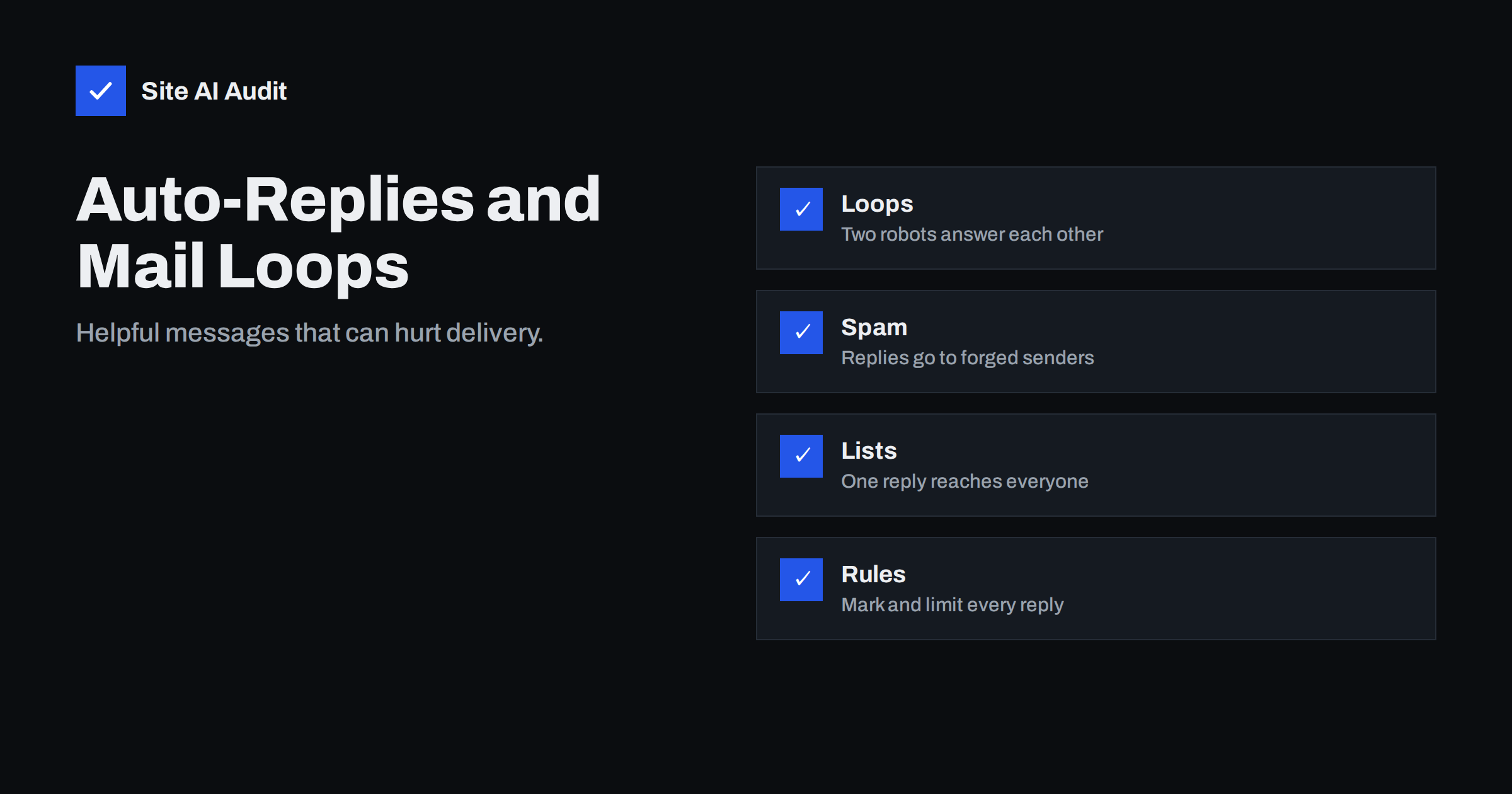
Short answer: Out-of-office messages and auto-responders are safe when they follow a few rules: send them only to the real sender, mark them as automatic, reply once per sender in a period, and never answer mailing lists, bulk mail, bounces or other automatic messages. When these rules are ignored, auto-replies can create endless loops, flood mailing lists and send backscatter to people whose addresses were forged, which damages your sending reputation and can get your server blocked.
What an auto-reply is
An auto-reply is a message that your mail system sends without a person writing it. The best-known example is the out-of-office message: “I am away until Monday, contact my colleague”. Others are the confirmation that a support form was received, a shop’s “we got your message” email and a vacation responder in a mailbox.
These messages are useful and expected. The trouble starts because an automatic system answers another message without understanding it. If that message came from another automatic system, from a mailing list, from a spammer or from a forged address, the reply goes to the wrong place or starts a conversation between machines.
How mail loops start
A loop needs two parties that both reply automatically. Imagine two employees on holiday with out-of-office on. A customer writes to employee A and copies employee B. Employee A’s system replies to everyone it sees, including B. B’s system answers A’s reply. A answers B again. Without protection, hundreds of messages can flow in minutes, filling mailboxes and slowing the server.
Other common triggers are:
- a contact form that sends a confirmation from an address which itself auto-replies,
- a support desk that sends an acknowledgement to a shared mailbox that also acknowledges,
- a forwarding rule that sends a copy of a message back to the original mailbox,
- a “no reply” address that is not really silent and returns an automatic error.
Mail servers set a hop limit, which stops a message that has passed through too many servers, but a loop inside one organisation can still do harm before it is cut. A badly chosen sender address makes it worse; see our article on the no-reply address.
Why auto-replies can hurt deliverability
Receiving mail systems judge your server by what it sends. Three behaviours of badly configured auto-replies stand out.
Replies to forged senders. Spammers forge the From address of innocent people. If your system sends an out-of-office reply to every incoming spam message, it sends it to the forged address. The victim receives an unwanted message from you. This is a form of backscatter, and it can lead to your server being listed on blocklists. Read more in our guide to backscatter and bounces.
Replies to mailing lists. One answer to a list message can reach every subscriber, or irritate the list owner, who may unsubscribe the address and report it. Several lists also fail DMARC checks in other ways; see why mailing lists break DMARC.
High volume of automatic mail. A sudden burst of automatic messages looks like abnormal sending and can trigger rate limits at the receiver. Our article on sending limits and throttling explains how those limits work.
The rules a safe auto-reply follows
The email standards describe good behaviour for automatic responses, and mainstream mail systems follow most of it. If you configure your own responder or choose a plugin, check the following.
- Mark the message as automatic. A header called Auto-Submitted with the value auto-replied tells other systems not to answer. Some systems also add Precedence: bulk or an X-Auto-Response-Suppress header, which Microsoft products respect.
- Send it to the envelope sender. Replies should go to the address in the Return-Path, not to a Reply-To or a list of recipients in the message. The Return-Path is the hidden envelope sender that receiving servers record for bounces, and it is the safe place for automatic replies to go.
- Never answer an empty sender. Bounces and many notifications use a null return path. Replying to them is a classic cause of loops.
- Skip anything automatic. Do not answer messages that carry an Auto-Submitted header, a list header, a bulk precedence or that come from addresses such as postmaster, mailer-daemon or noreply.
- Reply once per sender. Remember who received your message and send the next one only after a period, for example once every several days.
- Do not answer suspected spam. If your filter marked the message as spam, a reply only confirms that the address exists.
- Keep it short and plain. No attachments, no tracking images and no marketing content. An out-of-office message is a service message, not a campaign.
Setting up a vacation reply the right way
In Google Workspace and Microsoft 365, the built-in vacation and automatic reply tools follow most of these rules. Both let you limit replies to people in your contacts or in your organisation, which is a good way to reduce the chance of answering strangers and forged messages. Set an end date so that the reply switches off by itself.
With a hosting mailbox or a webmail panel, check the options. Choose the setting that replies once per sender, and avoid rules that reply to every message. If your plan allows, exclude mailing lists.
For shared mailboxes such as info@ or support@, a short acknowledgement can be helpful, but send it from the ticket system, not from the mailbox itself, and make sure the system ignores its own messages.
Auto-replies from forms and shops
Confirmation emails after a form or an order are also auto-replies. Send them from an address on your own domain, authenticated with SPF, DKIM and DMARC, and use a real reply address when you want customers to answer. Our guide to contact form emails from your own domain covers the setup. Do not send the confirmation to the address entered on the form without any check: spammers use forms to make your server send mail to victims. A captcha or a rate limit reduces this risk; see contact form spam protection.
A short example of a safe policy
A small company with five employees wants a consistent approach. The owner sets three simple rules and writes them down.
- Out-of-office messages are allowed only with an end date, only for people in the contact list or the same organisation, and only once per sender.
- The shared info@ address does not send replies at all. The contact form shows a confirmation on the page and sends one acknowledgement from the ticket system.
- When someone leaves the company, the mailbox is forwarded or closed, not left with an old holiday message that answers every sender for months.
These rules take minutes to apply, and they remove the three most common causes of trouble: replies to strangers, replies from shared addresses and replies that never stop. Review the policy once a year, and again when you change mail provider, because defaults differ between systems. Share the written policy with whoever manages your website, your shop and your support desk, since each of them may add an automatic message that nobody else knows about.
How to find out whether you have a problem
- Check the sent folder or server log for bursts of identical short messages.
- Search the headers of your auto-replies for Auto-Submitted. If it is missing, ask your provider to enable it.
- Look for unexpected bounce messages to your mailbox: these often show that your replies went to forged addresses.
- Check if your server or IP appears on a blocklist; our guide to blocklist checks and removal shows how.
- Send a test from a mailbox that already has an auto-reply and see how many messages come back.
What Site AI Audit can and cannot tell you
Site AI Audit checks the email records of your domain: SPF and its lookup limit, DKIM signatures, the DMARC policy and MX records. It does not look inside your mailboxes or test how your responders behave, so the checks above remain manual. Correct authentication records still matter, because receivers are much less forgiving of automatic mail from a domain without them. You can run a free check of your domain or see the plans.
Related reading
- Backscatter: Why You Get Bounces for Emails You Never Sent
- No-Reply Email Addresses: Why They Hurt Deliverability
- Contact Form Emails Not Arriving? Use Your Own Domain
- Email Sending Limits: Why Your Messages Get Throttled
The bottom line
Auto-replies should be quiet, rare and clearly marked. Reply once per real sender, to the envelope address only, never to bounces, lists or other automatic mail, and always include the Auto-Submitted header. Test your setup from a second mailbox, set an end date for out-of-office messages and keep your authentication records in order so that your automatic mail is trusted.
KKK
Why did my out-of-office reply go to spam?
Often because it was sent to a forged or unknown address, lacks authentication or looks like bulk mail. Limit replies to contacts and make sure your domain has valid SPF, DKIM and DMARC.
Should I send an out-of-office reply to every sender?
Not to everyone. Reply once to each real person, and avoid lists, bulk mail and messages marked as spam.
What is the Auto-Submitted header?
It is a header that marks a message as automatically generated. Other systems use it to avoid replying, which prevents loops.
Can an auto-reply get my server blacklisted?
Yes. If it sends mail to many forged addresses, recipients may report it as spam, and the server can be listed on blocklists.
Is a shared mailbox auto-reply a good idea?
Only through a ticketing system that ignores its own messages. A plain mailbox rule risks loops with other automatic senders.