ENEnglish
 LTLietuviškai
 DEDeutsch
 FRFrançais
 RUРусский
 ESEspañol
 PLPolski
 ITItaliano
 UKУкраїнська
 CSČeština
 PTPortuguês
 JA日本語
JA日本語 LVLatviešu valoda
 ETEesti
 HUMagyar
 IDBahasa Indonesia
 TRTürkçe
 HIहिन्दी
 ELΕλληνικά
 ARالعربية
 THไทย
THไทย VITiếng Việt
 RORomână
 MSBahasa Melayu
 BNবাংলা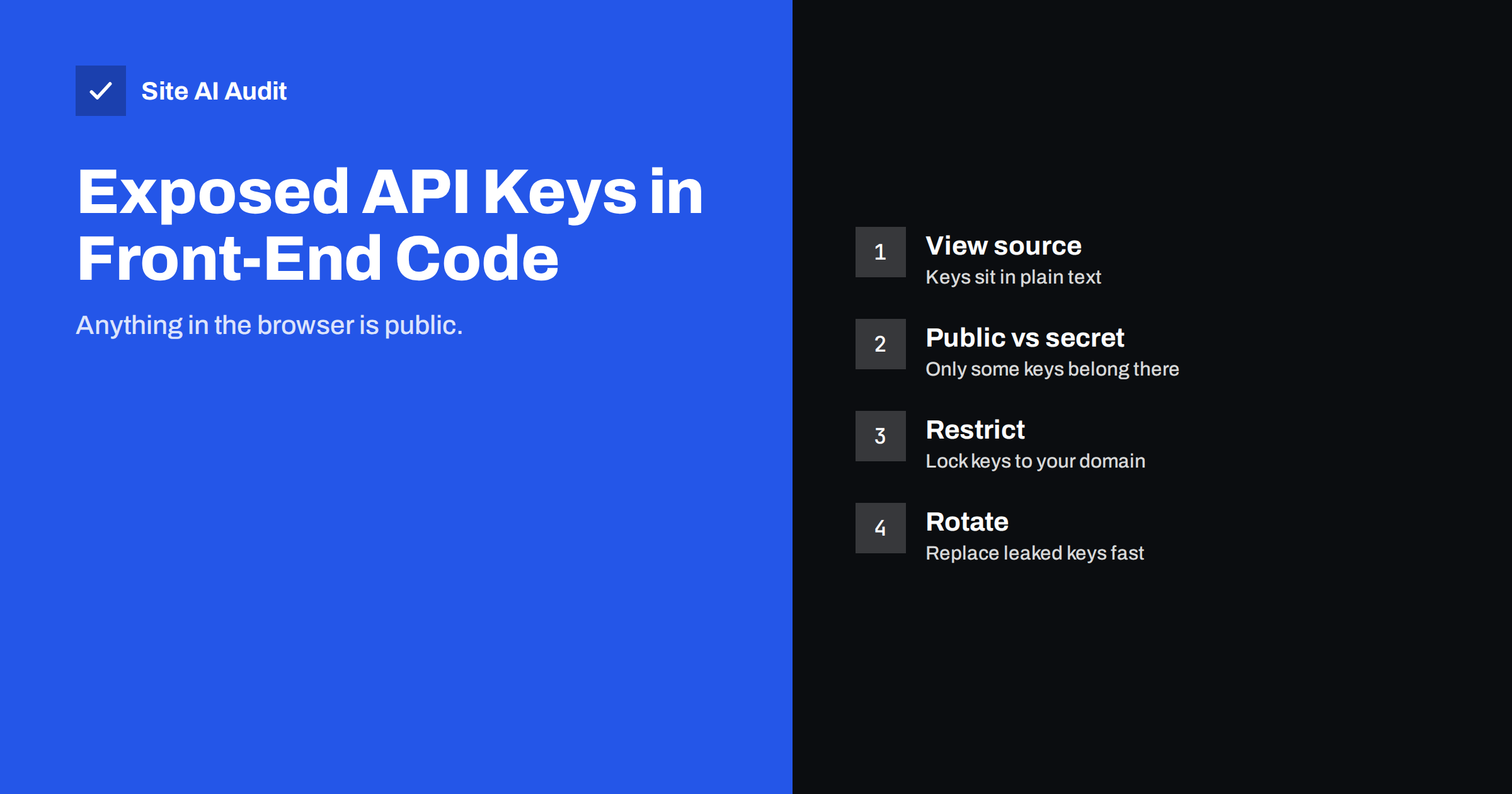
Short answer: Everything your website sends to the browser is public: HTML, JavaScript, JSON files and the responses of your own API. If a secret key for a payment provider, an email service, a map service or a database is in that code, anyone can copy it and use it on your account. Some keys are designed to be public and are safe to show when they are restricted to your domain. Secret keys never belong in the browser. Find them, move them to the server, restrict the public ones and rotate anything that has leaked.
Why front-end code is never private
When a visitor opens your page, the browser downloads the HTML, the scripts, the stylesheets and any data the page requests. Each of those files can be read with a right click and “view source”, through the developer tools or by downloading the address directly. Minifying or obfuscating JavaScript does not change this; it only makes the text harder to read for a human, and search tools find keys in it just the same.
Attackers do not even need to visit your site. Automated scanners crawl the web looking for strings that match the known formats of keys from popular services. Public code repositories are scanned within minutes of a commit. A key that lands in a public place should be treated as compromised from that moment.
Public keys versus secret keys
Many services issue two kinds of credentials, and the difference matters.
Public or publishable keys are meant to be used from the browser. Examples are keys that load a map, start a payment form, run analytics, send error reports or query a search index with read-only rights. They are designed to be visible, but they still need restrictions: limit them to your domain, to specific APIs and, where possible, to specific actions. Without restrictions, someone can use your public map key on their own site and run up your bill.
Secret keys give full or broad access to an account: creating charges, reading customer data, sending email, writing to a database or managing resources. They must only exist on your server, in an environment variable or a secrets manager, and never in code that the browser receives. If a secret key is in the front end, it is already leaked.
A quick test: imagine the key printed on a billboard. If the service’s documentation says that is acceptable with restrictions, it is a public key. If the thought makes you nervous, it is a secret.
Where leaked keys usually hide
- Inline scripts in the page template. A developer pastes a key into a script block to make an integration work quickly, and it stays there for years.
- Bundled JavaScript. Build tools that read environment variables often include any variable that matches a public prefix. A secret named with the wrong prefix ends up in the bundle.
- Configuration files served by the web server. A config.js or settings.json that the front end loads, or a .env file left in a public folder. Our guide on exposed .env, .git and backup files covers that case.
- Source maps. Files that help debugging can contain the original source, including comments with credentials.
- Theme and plugin settings printed into the page. Some CMS plugins output their settings as JavaScript variables for the front end, including fields that should have stayed private.
- Public code repositories. A key committed once remains in the history even after it is removed from the current files.
- Mobile apps and browser extensions. The same rule applies: anything shipped to the user can be extracted.
How to find exposed keys on your site
- Search the delivered code. Open the developer tools, go to the Sources or Debugger tab and search all files for words such as key, secret, token, password, api and bearer. Also search for the known prefixes of the services you use; most providers use recognisable formats.
- Check what the page requests. In the Network tab, look at requests to third-party APIs. The headers and query strings show which credentials the browser sends.
- Review your build output. Download the production JavaScript bundles and search them. Compare the list of variables your build injects with the list of secrets in your environment.
- Scan your repositories. Free secret-scanning tools can check a repository and its history for credential patterns. Many code hosting platforms run such scans automatically and warn you.
- Check the service dashboards. Providers show usage per key. Unexpected traffic, unfamiliar referrers or usage from other countries are signs that a key is in use elsewhere.
- Look at access logs. Requests for files such as config.js, .env or settings.json from unknown visitors suggest that scanners already found something. Our article on reading access logs shows what to look for.
How to fix a leaked key
Work in this order. Rotating first and cleaning later is the right way round, because the old key remains valid until you replace it.
- Rotate the key. Create a new one in the provider’s dashboard, update the server configuration, then revoke the old one. Check the provider’s logs for use of the old key before you revoke it, so you know what was accessed.
- Move the call to the server. If the browser needs the result of an API call that requires a secret, the browser should call your own server, and your server calls the provider with the secret. This small proxy endpoint is the standard pattern. Protect it with rate limits and, where appropriate, with authentication, so that it does not become a free relay for others.
- Restrict public keys. For keys that must stay in the front end, set referrer or domain restrictions, limit the APIs the key may call, set usage quotas and enable billing alerts.
- Remove the key from history. Deleting the line is not enough if the file is in a repository. Rewrite the history or, more simply, accept that the old key is public and rely on the rotation.
- Check for other damage. If the key gave access to data, review what could have been read and whether you need to notify anyone under privacy law. If it gave access to email sending, check for abuse and your sender reputation.
Preventing the next leak
Keep secrets out of the code base entirely. Use environment variables on the server or a secrets manager, and give each environment its own keys so that a leaked test key does not expose production. Name variables clearly: a prefix that marks a variable as public makes it obvious when something private is misnamed.
Add a secret scanner to your deployment process so that a build fails when a credential pattern appears in front-end files. Review third-party plugins and themes before installing them, and look at what they print into the page. For scripts you do load from other domains, use subresource integrity and a Content Security Policy to limit what a tampered script can do.
Finally, give keys the smallest permissions they need. A key that can only read a public dataset does little harm when it leaks. A key with full account access can empty a budget or expose customer records in an afternoon.
What about keys in WordPress and other CMS sites?
CMS platforms are common sources of leaks because plugins handle integrations for you and you may not know what they expose. Open your homepage source and search for the names of your integrations. Look at the settings pages of each plugin: fields labelled secret, private or server key should never be needed for a front-end feature. If a plugin asks for a secret key and then prints it into the page, replace the plugin or contact its developer.
Also protect the configuration files themselves. Server-side keys that live in wp-config.php or similar files are safe only while that file cannot be read from the web. Our article on wp-config.php security explains how to check that.
What Site AI Audit can and cannot tell you
Site AI Audit checks the security basics of your site: the SSL certificate and its expiry, the HTTP to HTTPS redirect, security headers and exposed software versions. It does not read your JavaScript for credentials, so finding leaked keys remains a manual check with the steps above. Its headers results help with the follow-up work, because a Content Security Policy limits what injected or tampered scripts can do. You can run a free check of your website or see the plans.
Related reading
- Exposed .env, .git and Backup Files: How to Find and Block Them
- Subresource Integrity: Protect Your Site From Tampered Scripts
- Website Access Offboarding: Remove Ex-Developers Safely
- Website Security Audit Checklist: What to Check and in What Order
The bottom line
Anything the browser receives is public. Public keys may live there with restrictions; secret keys may not. Search your delivered code and repositories for credentials, rotate anything that is exposed, move secret calls behind your own server and restrict the keys that must stay in the front end. A few minutes of checking prevents an expensive surprise.
KKK
Is it safe to put a map or analytics key in my page?
Usually yes, because those keys are designed for the browser. Restrict them to your domain and to the APIs you use, and set a usage alert so that abuse is noticed quickly.
Does minifying or obfuscating JavaScript protect a key?
No. The key is still in the file, and automated scanners find it regardless of formatting. Obfuscation only slows a human reader for a few minutes.
I removed the key from the code. Is that enough?
No. Anyone who saw it still has it, and copies may exist in caches and repository history. Create a new key and revoke the old one.
How can the browser use a service that needs a secret key?
Through your own server. The browser calls an endpoint on your site, your server adds the secret and calls the provider, then returns the result. Protect that endpoint against abuse.
How do I know whether a leaked key was used?
Check the provider’s dashboard and logs for usage, referrers and locations you do not recognise. Unexpected costs are another sign.