 ENEnglish
 LTLietuviškai
 DEDeutsch
 FRFrançais
 RUРусский
 ESEspañol
 PLPolski
 ITItaliano
 UKУкраїнська
 CSČeština
 PTPortuguês
 JA日本語
 LVLatviešu valoda
 ETEesti
 HUMagyar
 IDBahasa Indonesia
 TRTürkçe
 HIहिन्दी
 ELΕλληνικά
 ARالعربية
 THไทย
 VITiếng Việt
 RORomână
 MSBahasa Melayu
 BNবাংলা
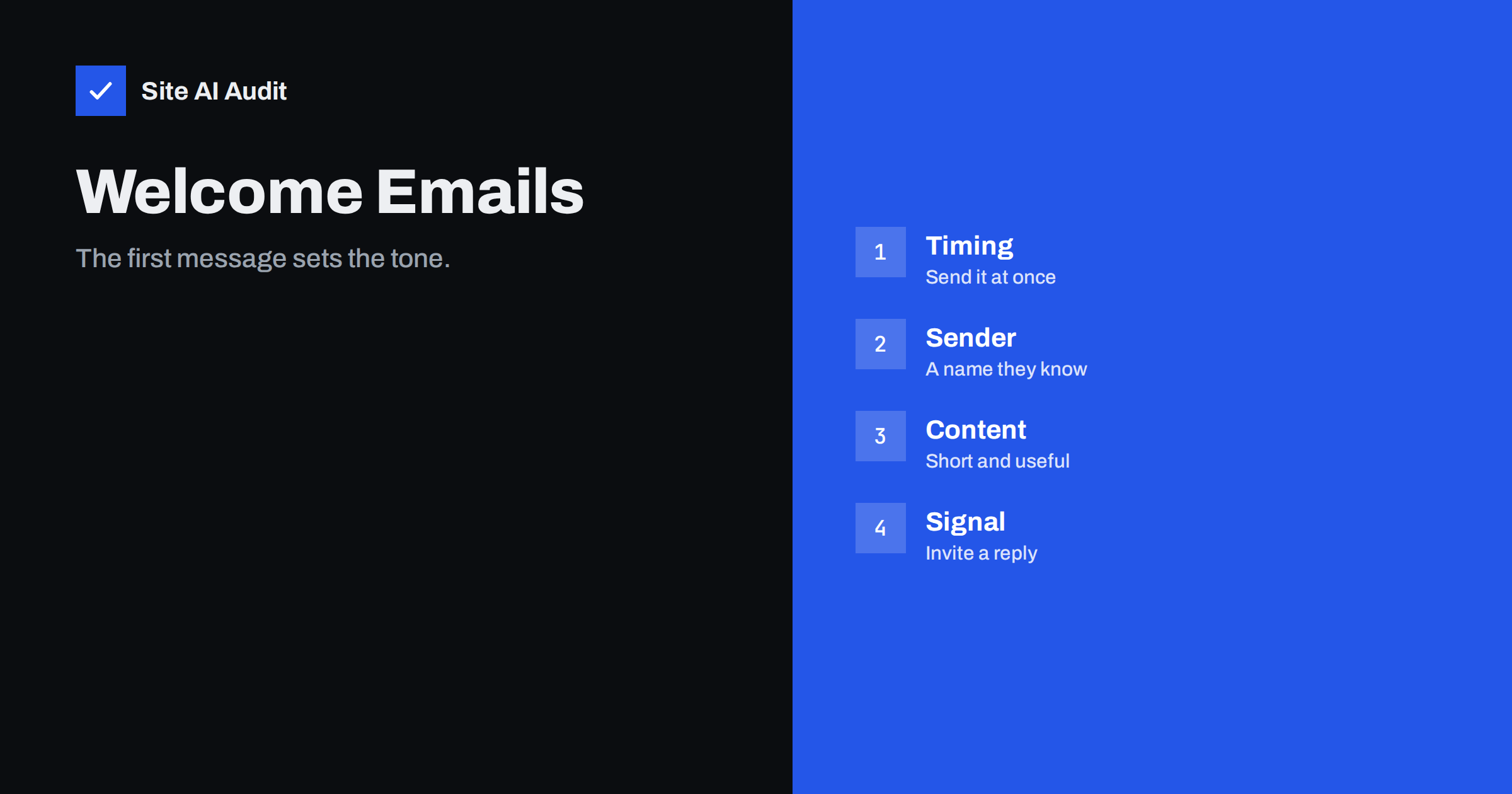
Short answer: A welcome email is the first message a new subscriber receives, and it is usually the one they expect and open most often. That makes it a strong early signal to mailbox providers. Send it immediately from a recognisable name, keep it short and plain, tell people what to expect and invite a reply. A good start makes every later message more likely to reach the inbox.
Why the first email matters
Mailbox providers decide where to put your messages by watching how people react to them. They look at whether messages are opened, read, replied to, moved to the junk folder or deleted without being opened. A new subscriber has no history with you, so the first messages carry extra weight. If the first email is expected and welcome, the signals are good. If it arrives late, looks suspicious or is ignored, the signals are weak from the start.
There is also a human reason. A person who has just signed up is at the peak of interest. They remember the form they filled in and are waiting for a reply. A prompt, clear welcome confirms that the sign-up worked and that the sender is real. A delay of a day or a message full of sales copy wastes that moment. The article on engagement and inbox placement explains how these signals add up over time.
Welcome email, confirmation email and receipt
These three messages are often mixed up, and each does a different job.
- Confirmation email. Used with double opt-in. It asks the person to click a link to confirm their address. Its only purpose is to prove that the address is real and wanted. See the comparison in double and single opt-in.
- Welcome email. Sent after sign-up, or after confirmation. It greets the person, sets expectations and may deliver whatever was promised, such as a guide or a discount code.
- Receipt or order email. A service message about a purchase. It has a different purpose and is usually sent through a separate stream, as the guide to transactional and marketing email explains.
Do not combine them. A confirmation email with a long sales pitch looks like spam, and a welcome email that tries to be a receipt confuses the reader.
Timing: send it at once
The best welcome email is sent within a minute or two of the sign-up. The recipient is still on your site or has just left it, and your message is the one they are waiting for. Set the email to be sent by an automation that is triggered by the sign-up event, not by a batch that runs once a day.
If you use double opt-in, send the welcome message right after confirmation. If the person has to wait for a manual step on your side, say so on the thank-you page, so that they know what will happen.
Sender name and address
People decide in a second whether to open an email, and the sender name is the main clue. Use the name they saw when they signed up: your brand or the name of a real person at your company. A change of name between the sign-up page and the inbox causes doubt. The article on from names and addresses gives practical rules.
- Use a real, monitored address. Avoid a no-reply sender, which tells the reader that you do not want to hear from them and removes a signal that helps deliverability. See why in the guide to no-reply addresses.
- Send from a domain you own and that has SPF, DKIM and DMARC set up correctly. The guide to SPF, DKIM and DMARC explains what each does.
- Keep the sender stable. Use the same name and address for the welcome message and for later newsletters, so that the reader recognises them.
What to put in the message
A good welcome email is short, simple and useful. A reader should understand in a few seconds who you are, why they are receiving the message and what comes next.
- A clear subject line. Say “Welcome to” followed by your name, or name what you promised, such as “Your checklist is inside”. Avoid capital letters, excess punctuation and promises that you cannot keep. The guide to subject lines and preheaders has more advice.
- A greeting and a thank-you. One or two sentences.
- What they asked for. If you promised a download or a code, put it first and make it easy to find.
- What to expect. How often you will write and what the messages will contain. Do not promise a frequency that you will not keep.
- One simple next step. A single link or a question. Too many buttons dilute the message.
- An easy way to reply. Ask a short question that is easy to answer, such as what the reader hopes to learn.
- A visible unsubscribe link and your contact details. A marketing message needs them, and they build trust.
Technical choices that help delivery
- Keep the weight low. A few lines of text with a light design are enough. Large images and heavy HTML slow loading and can look like a promotion. Read about the risks in the article on image-only emails.
- Avoid attachments. Attachments in a first message to a new contact raise suspicion. Link to a file on your site instead. See attachments and deliverability.
- Use links on your own domain. Shortened or odd tracking links can trigger filters. The article on links in emails explains the details.
- Include a plain text version alongside the HTML one.
- Check the list-unsubscribe header if you send marketing mail, as described in one-click unsubscribe.
- Test before you launch. Send the welcome email to test accounts at the main mailbox providers and see where it lands. Use the checks from the guide to testing email deliverability.
Help it reach the inbox
Many welcome emails land in the promotions tab or in spam, simply because the recipient has never heard from the address. You can reduce the risk with a gentle request on your thank-you page and in the message: ask people to add your address to their contacts or to reply. Do not make it sound like a trick. The guide to asking subscribers to add you to contacts explains what helps and what does not.
A reply is the strongest positive signal a recipient can give, so a question that invites an answer is worth more than a clever design. Read the replies, answer them and treat them as the start of a conversation.
Measure how the welcome email performs
Once the message is live, check that it does its job. A few simple measures are enough, and none of them needs special software if your email service shows basic reports.
- Delivery and bounce rate. A high bounce rate on the welcome email means that bad addresses reach your list, often through typos in the sign-up form. Add address checks to the form, as suggested in the guide to validating addresses on sign-up forms.
- Opens, with care. Some mail apps load images automatically, which inflates open counts. The article on Apple Mail Privacy Protection explains why open rates mislead. Treat the number as a rough guide.
- Clicks and replies. These are more reliable signs of interest than opens.
- Unsubscribes and complaints. If many people leave after the first message, the promise at sign-up and the content of the email do not match.
- Placement tests. Send the email to a few test addresses every month and note whether it lands in the inbox, in a tab or in spam.
Change one thing at a time, such as the subject line or the sender name, and compare results over a few weeks. Small changes are easier to understand than a full redesign, and a steady habit of checking matters more than any single test.
Finally, keep the message accurate. If your offer, your frequency or your company name changes, update the welcome email on the same day. An email that describes an old promise damages the trust that it was meant to build.
How Site AI Audit helps
Site AI Audit cannot see inside your email service, so it cannot judge the wording of your welcome message. It checks the public records that decide whether the message is trusted: SPF with its lookup limit, DKIM signatures, your DMARC policy and your MX records. If your sign-up form lives on your website, the report also covers the SSL certificate, the redirect from HTTP to HTTPS and security headers on those pages. The free check covers up to 50 pages and needs no sign-up. You can run a free check of your website or see the plans for weekly monitoring and alerts.
Related reading
- Double Opt-In vs Single Opt-In: Which Is Better for Your List?
- From Name and Address: Email Sender Details That Build Trust
- How to Warm Up a New Email Domain or IP Address Safely
- How to Test Email Deliverability Before You Hit Send
The bottom line
The welcome email is the cheapest chance you have to prove that you are a sender worth trusting. Send it at once, from a name that people know, with a short and useful message and an easy way to reply. Make sure that your authentication is correct, and test the message before it goes live.
FAQ
How soon should a welcome email be sent?
Within a minute or two of sign-up, or right after confirmation if you use double opt-in. A late welcome loses the moment of highest interest.
Should a welcome email include a discount?
It can, if you promised one at sign-up. Put it clearly in the message, but do not fill the email with promotions. A short, useful message works better than a long offer.
Is a welcome email a marketing message?
Usually yes, if it promotes your business, so it needs an unsubscribe link and your contact details. A pure confirmation message is treated differently, but keep it plain.
Why does my welcome email go to spam?
Common causes are missing authentication, a no-reply sender, heavy images, a new domain with no history and links that look suspicious. Check your records and test with a few mailboxes.
Should I send more than one welcome email?
A short series of two or three messages over a week is common, if each one is useful. Stop the series for people who unsubscribe or complain.


