ENEnglish
 LTLietuviškai
 DEDeutsch
 FRFrançais
 RUРусский
 ESEspañol
 PLPolski
 ITItaliano
 UKУкраїнська
 CSČeština
 PTPortuguês
 JA日本語
 LVLatviešu valoda
 ETEesti
 HUMagyar
 IDBahasa Indonesia
 TRTürkçe
 HIहिन्दी
 ELΕλληνικά
 ARالعربية
 THไทย
 VITiếng Việt
 RORomână
 MSBahasa Melayu
 BNবাংলা
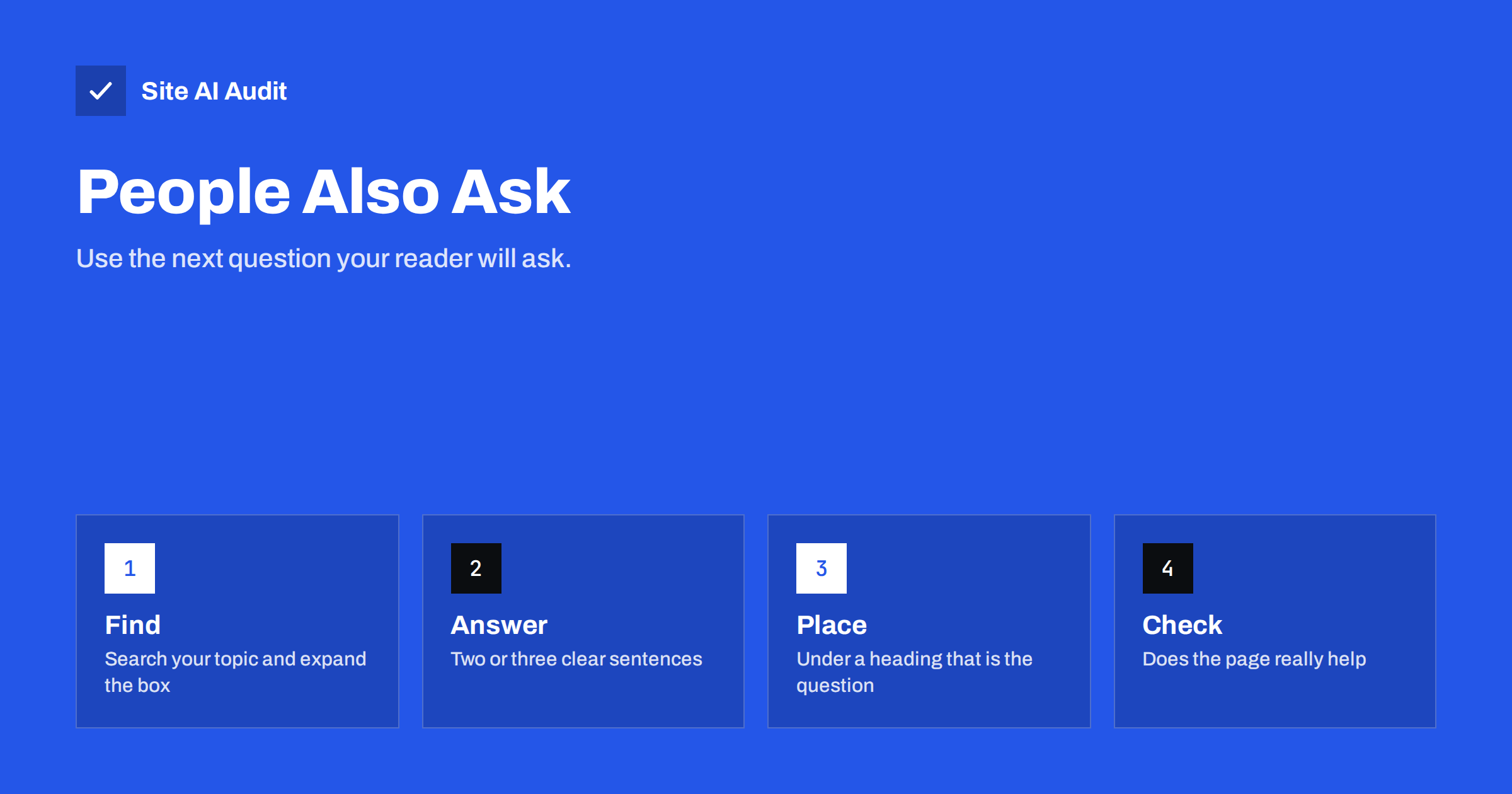
Short answer: People Also Ask is a box in Google results that lists related questions, each of which opens into a short answer taken from a web page. You cannot buy a place in it or switch it on with markup. What you can do is use the questions as research: find the ones that match your topic, answer them clearly under headings on your pages, and make sure the page is genuinely useful. That helps visitors first, and sometimes earns a place in the box.
What People Also Ask is
When you search for something, Google often shows a block with the heading “People also ask”. It contains a few questions. Click one and it expands to show a short answer, a link to the source page and often more questions underneath. The list can grow as you keep opening items, because Google adds further questions that follow from the one you chose.
The box reflects what searchers want to know next. A person who searches for a topic often has several smaller questions behind the main one: what it costs, how long it takes, what the risks are and how to do it. The box turns those hidden questions into visible ones, and that makes it a free source of ideas. It is a close cousin of the featured snippet, which also shows an extracted answer, but it works as a list of questions and not as one answer at the top.
Why it matters for a small site
Two reasons make it worth your time. First, the questions show the language of real searchers. The wording is often different from what an expert would use, and matching that wording helps your page connect with the person who is reading. Second, answering related questions makes a page more complete. A page that deals with the main question and the next four questions is more useful than one that touches only the first.
Be realistic about the effect. You cannot know in advance whether your page will be chosen, the boxes change over time and between searchers, and many users get their answer without clicking, a trend discussed in the article on zero-click searches. Think of People Also Ask as a way to improve content, not as a ranking target of its own.
How to find the questions
You do not need a paid tool to start. A simple routine produces a good list for each topic.
- Search your main phrase in a private window, so that your own history has less influence, and note the questions in the box.
- Expand several questions. Each click reveals new ones. Write them down until the new items become repetitive.
- Look at the related searches at the bottom of the results page for more wording.
- Check Search Console. The performance report shows the queries that already bring visitors. Questions that begin with how, why, what or can are a natural starting point, as shown in the guide to the Search Console performance report.
- Ask your customers. Emails, support chats and calls often contain the same questions in plain words.
Group the questions by topic. Some belong on the page you are writing. Some deserve their own page. The test is the search intent described in the guide to search intent: if two questions want different kinds of answers, they need different pages.
How to write the answers
Google picks passages that answer a question directly. You can make that easy by writing in a clear pattern, which also helps human readers who skim.
- Use the question as a heading. A heading such as “How long does it take to move a website?” tells both people and search engines what the section answers.
- Answer in the first sentences. Give the direct answer in two or three sentences, then explain.
- Keep the answer self-contained. It should make sense without the text around it.
- Be accurate and specific. Include numbers, steps or conditions where they matter.
- Use lists for steps and short paragraphs for definitions.
- Add depth after the short answer for readers who want more, with examples and links to related pages.
This approach matches the way the articles on this blog are built, with a short answer first and the detail afterwards. Avoid padding the page with dozens of unrelated questions. A page that stays on topic is stronger than one that tries to collect every question in the box.
Where to place the questions on the page
For a guide or article, the main question is the page title, and the related questions become headings in a logical order. For a service or product page, a short block of questions near the end works well, and it can answer doubts that stop people from buying. Do not hide answers behind elements that are hard to read or reach. The article on tabs and accordions explains how hidden content is treated, and the safe choice is to keep key answers visible.
Link between related answers. If one question leads naturally to another, point to the page that covers it, using the habits described in the internal linking guide. This keeps visitors on your site and shows search engines how your topics connect.
What about FAQ markup?
Many people ask whether adding FAQ structured data will put them in the box. It will not. The box is built from page text, and the markup does not control it. Google has also limited the display of FAQ rich results to a small group of sites, so for most websites the markup no longer produces an enhanced listing. It remains valid and harmless when the questions and answers are visible on the page, and other tools may read it, but do not add it in the hope of winning a place. The article on FAQ schema covers what it still does.
Common mistakes
- Copying the questions without adding value. If your answer is the same as everyone else’s, there is no reason to choose it.
- Writing for the box instead of the reader. Stiff text stuffed with question phrases reads badly.
- Answering with a long introduction. The answer should come first.
- Ignoring the source of the question. A question from a shopper needs a different answer from one asked by a technician.
- Measuring success by one box. Track visits, clicks and enquiries instead, as the boxes shift from day to day.
A simple workflow for one page
The following routine takes about an hour for a single important page and can be repeated for others.
- Choose the page that already brings some visitors but could answer more of the follow-up questions.
- Collect five to eight related questions from the search results, Search Console and customer messages.
- Remove the questions that do not fit. A question that needs a different page, or that has nothing to do with the topic, does not belong here.
- Write a short, direct answer for each remaining question, under a heading that uses the question in natural words.
- Add one detail that others usually leave out, such as a real price range, a typical time, a warning or a short example from your own work.
- Link to a deeper page for questions that deserve a full guide.
- Check the result as a reader. Does the page still flow from beginning to end, or does it read like a list of disconnected answers?
After a few weeks, look at the page in Search Console. If impressions for question-style searches have risen, the page is being shown for more of them. If clicks have not followed, review the title and the description, because a result that answers the question in the snippet may not give people a reason to click. Aim to promise more depth than the short answer provides, without misleading anyone.
How Site AI Audit helps
Site AI Audit does not track People Also Ask boxes. It checks the foundation that makes your answers findable: titles and descriptions, headings, alt texts, broken links, redirects, your sitemap, robots.txt and noindex tags. Clear headings and working links make answers easier to read and to extract. The free check covers up to 50 pages and needs no sign-up. You can run a free check of your website or see the plans for weekly monitoring and alerts.
Related reading
- Featured Snippets: How to Format Content Google Can Quote
- Search Intent Explained: Match Your Pages to What People Want
- FAQ Schema: What Google Still Shows and How to Add It
- Heading Tags for SEO: How to Use H1, H2 and H3 Properly
The bottom line
People Also Ask is best used as a map of what your audience wants to know. Collect the questions, answer the relevant ones clearly under honest headings, link them together and keep the page useful from start to finish. You cannot force a place in the box, but a page that answers real questions well tends to do better everywhere.
FAQ
Can I add markup to appear in People Also Ask?
No. The box is built from the text of pages, and no markup guarantees a place. Write clear answers under question headings instead.
How long should an answer be?
Give the direct answer in about two to three sentences, then add detail below for readers who want it. There is no exact length rule.
Does People Also Ask give me more traffic?
It can send some visitors, but many people read the answer and leave. Treat it as a bonus and measure real visits and enquiries.
Do the questions change?
Yes. The box differs by search, location and time, and new questions appear as you expand it. Check again from time to time.
Should each question have its own page?
Only when the questions need different kinds of answers. Related questions that share the same intent fit well on one page.