ENEnglish
 LTLietuviškai
 DEDeutsch
 FRFrançais
 RUРусский
 ESEspañol
 PLPolski
 ITItaliano
 UKУкраїнська
 CSČeština
 PTPortuguês
 JA日本語
JA日本語 LVLatviešu valoda
 ETEesti
 HUMagyar
 IDBahasa Indonesia
 TRTürkçe
 HIहिन्दी
 ELΕλληνικά
 ARالعربية
 THไทย
THไทย VITiếng Việt
 RORomână
 MSBahasa Melayu
 BNবাংলা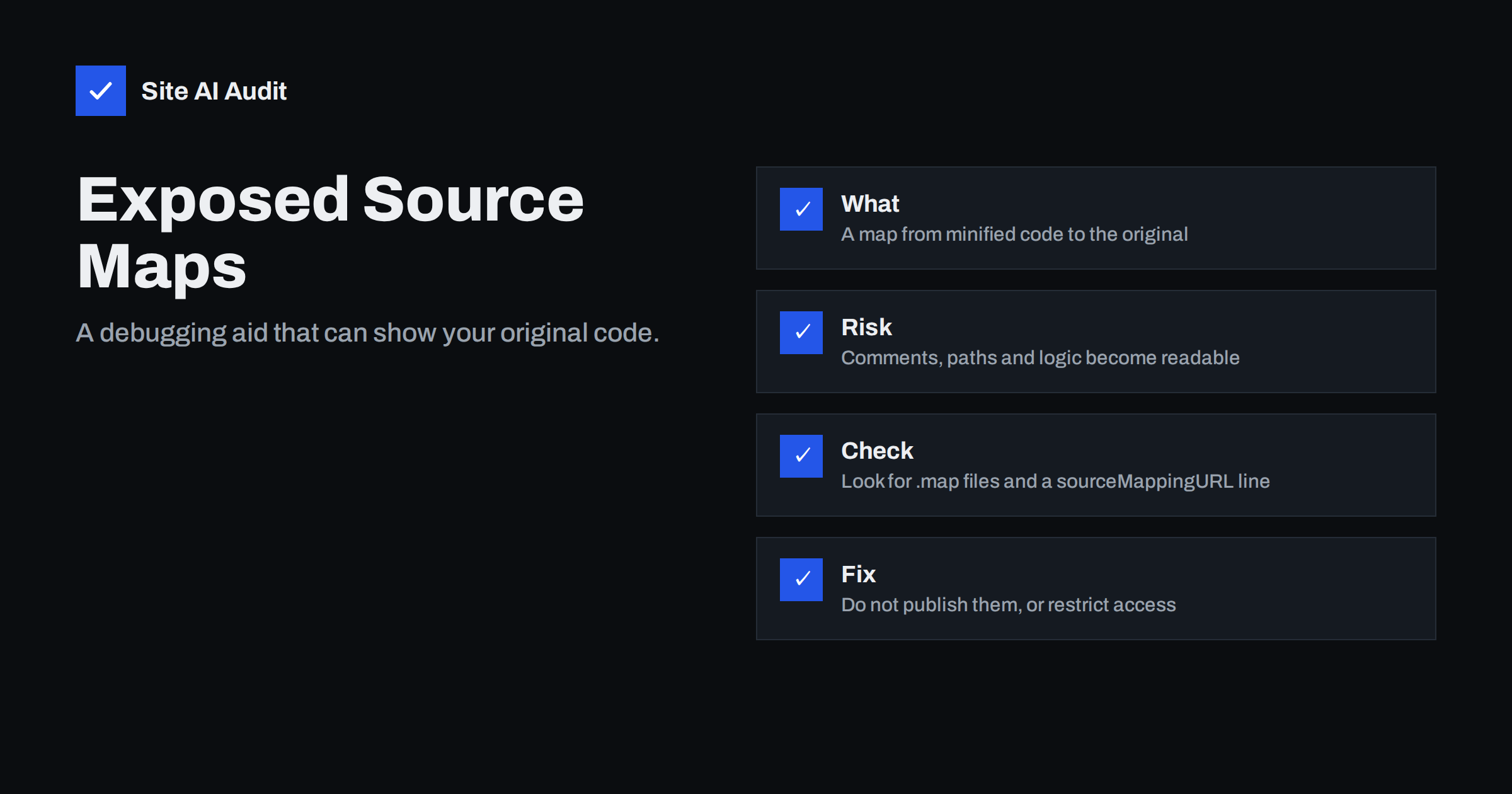
Short answer: A source map is a file that links the compressed JavaScript your visitors download back to the readable original code. If you publish it on your live site, anyone can rebuild your source files, including comments, file names and internal logic. It is not a vulnerability by itself, but it makes every other weakness easier to find. Keep source maps off the public server, or serve them only to people who need them.
What a source map is
Modern websites rarely ship the JavaScript that developers write. A build tool combines many files, removes spaces and comments and shortens variable names, so that the result loads faster. The outcome is a single dense file in which every name looks like “a” or “t”. It is nearly impossible to debug.
A source map solves this for developers. It is a separate file, usually ending in .map, that records how each part of the compressed file corresponds to the original code. When the browser developer tools find the map, they show the original files with their real names, so a developer can set breakpoints and read errors in a human way.
The compressed file points to its map with a comment on the last line, often written as sourceMappingURL. Browsers read that line only when developer tools are open, so ordinary visitors never notice it. But the line and the file are visible to anyone who looks, and the map file can be requested directly by a normal web request.
What a public source map exposes
A map file can contain the complete original source text of every file in the bundle. That usually means much more than a visitor can learn from the minified code.
- Readable logic. The structure of the application, how forms are validated, how requests are built and which endpoints exist.
- Developer comments. Notes such as “temporary fix” or “remove before launch” that were removed from the compressed file but are kept in the map.
- Internal paths and names. Folder structures, project names, and sometimes the name of a developer’s computer account.
- Unused and hidden features. Code for admin screens, test routes or features that are switched off for ordinary users.
- Left-over secrets. Keys, tokens or addresses that a developer pasted into the code and forgot. They are exposed anyway in the compressed file, but the map makes them easier to spot.
Source code for a front-end is not secret in the first place, because the browser must receive it to run it. The point is that readable code takes an attacker minutes to study, while compressed code takes much longer. It also lowers the effort needed to copy your work.
Why this matters for security
Attackers look for the easiest route in. Reading original source shows them how the site talks to its server, which parameters are accepted and which checks only run in the browser. Any security rule that exists only in front-end code is already weak, and a source map makes that obvious.
The risk is greatest when the code holds sensitive items. The article on API keys exposed in front-end JavaScript explains why a key in a browser file must be treated as public. If you find a key in a map, rotate it, even if you believe that nobody has looked.
There is also a commercial side. Competitors can read your interface code, price logic and tracking, and for a paid product the readable source makes copying simple. For a plain brochure website the risk is low. For a web application with logins, payments or customer data it is worth closing the gap.
How to check your own site
You can test this in a few minutes without special tools.
- Open your website in a browser, view the page source and look for the main script files in the page, which usually end in .js.
- Open one of those script files in a new tab and scroll to the very end. If the last line has a sourceMappingURL comment, a map is declared.
- Add .map to the script address and open it. If the browser downloads or shows a large block of JSON that mentions “sources” and “sourcesContent”, the map is public.
- Repeat for the two or three largest scripts, including any from your theme or plugins.
The developer tools show the same result: open the Sources panel and, if the original file tree appears with readable names, the maps are loaded. Be aware that WordPress themes and plugins sometimes ship their own .map files in their folders. They are harmless in many cases because the original code is open source, but they still add files that nobody needs on a live site.
How to fix it
The right fix depends on how your site is built, but the principle is the same: do not publish maps that the public does not need.
- Turn off public map output in production. Most build tools have a setting to skip source maps in the production build or to generate them as a separate artefact that is not deployed to the web folder.
- Remove the reference line. If you keep the map file elsewhere, also remove the sourceMappingURL comment from the script, so browsers do not ask for a file that does not exist.
- Upload maps privately to your error tracking service. Many teams need maps to read error reports. Tools for this accept maps by upload, so they never have to be public.
- Restrict access if you must host them. Put them behind a login, an IP restriction or a rule that serves them only to your office network.
- Delete files that are already there. Remove old .map files from the web folder, including those left from past builds and from a staging copy.
After the change, request a former map address again and confirm that the server returns a 404 or 403, not the file. If you use a cache or a CDN, clear it, so the old map is not served from a copy. For broader hygiene, see exposed .env, .git and backup files.
What does not help
Some teams hope that renaming the file or using an unusual folder is enough. It is not. A map is referenced by the script itself, so any visitor can find it. Hiding the directory listing helps only a little, as explained in disabling directory listing.
Minifying code is also not protection. It makes files smaller, which is good for speed, and our guide to minifying CSS and JavaScript covers that, but it is not a way to keep logic private. Treat everything that reaches the browser as public. Put real secrets and real checks on the server side.
Who should worry most
Not every site faces the same level of risk. A small brochure site with a few lines of custom script has little to hide, and a stray map there is more of a tidiness issue than a danger. Web shops, booking systems, customer portals and any site with a login deserve more care, because their front-end code describes how the application works and which requests the server accepts.
The same applies if you pay a developer to build a custom interface. You own that work, and publishing readable source makes it easy for others to copy it. A short conversation about build settings at the start of a project is far easier than cleaning up after launch. Ask the developer which files are deployed and keep the answer in your project notes.
A simple release habit
Add one line to your deployment checklist: “no source maps in the public folder”. If you hire a freelancer or an agency, ask for it in writing and test the result yourself with the steps above. The check takes five minutes and prevents a class of leaks that is easy to forget. It fits well next to the other items in the website security audit checklist.
Also consider debug code. Build modes that print detailed errors or expose test routes often travel together with maps, so review those at the same time using debug mode and exposed error messages.
How Site AI Audit helps
Site AI Audit does not open your script files or read source maps. It checks the outside of your website for related basics: SSL certificate and expiry, the HTTP to HTTPS redirect, security headers and exposed software versions, along with SEO, speed and e-mail authentication. The first check is free, covers up to 50 pages and needs no sign-up. You can run a free check of your website or see the plans, where weekly monitoring flags changes.
Related reading
- Exposed API Keys in Front-End Code: How to Find and Fix Them
- Exposed .env, .git and Backup Files: How to Find and Block Them
- Exposed Error Messages and Debug Mode: Hide Them Now
- Minifying CSS and JavaScript: What It Really Saves You
The bottom line
A public source map turns compressed code back into readable source, with comments, paths and hidden features included. It does not break your site, but it helps anyone who wants to study it. Check your main scripts, stop publishing maps in production, keep them for private error tracking and treat everything in the browser as public.
FAQ
Are source maps a vulnerability?
Not by themselves. They expose information that makes other weaknesses easier to find, so they are a hardening issue, especially for web applications.
Can visitors see source maps in their browser?
Only when they open developer tools, but the map file can be requested by anyone who knows its address, and the script points to it.
Do I need source maps to debug production errors?
You need them privately. Upload them to your error tracking tool or keep them on an internal server, and do not publish them with the site.
Is it a problem on a small WordPress site?
Often the risk is low, since most theme and plugin code is already public. Still, remove stray map files and check any custom scripts.
How do I confirm the fix worked?
Request the old map address again. It should return a 404 or 403 status, and the end of the script should no longer mention a map.