 ENEnglish
 LTLietuviškai
 DEDeutsch
 FRFrançais
 RUРусский
 ESEspañol
 PLPolski
 ITItaliano
 UKУкраїнська
 CSČeština
 PTPortuguês
 JA日本語
JA日本語 LVLatviešu valoda
 ETEesti
 HUMagyar
 IDBahasa Indonesia
 TRTürkçe
 HIहिन्दी
 ELΕλληνικά
 ARالعربية
 THไทย
THไทย VITiếng Việt
 RORomână
 MSBahasa Melayu
 BNবাংলা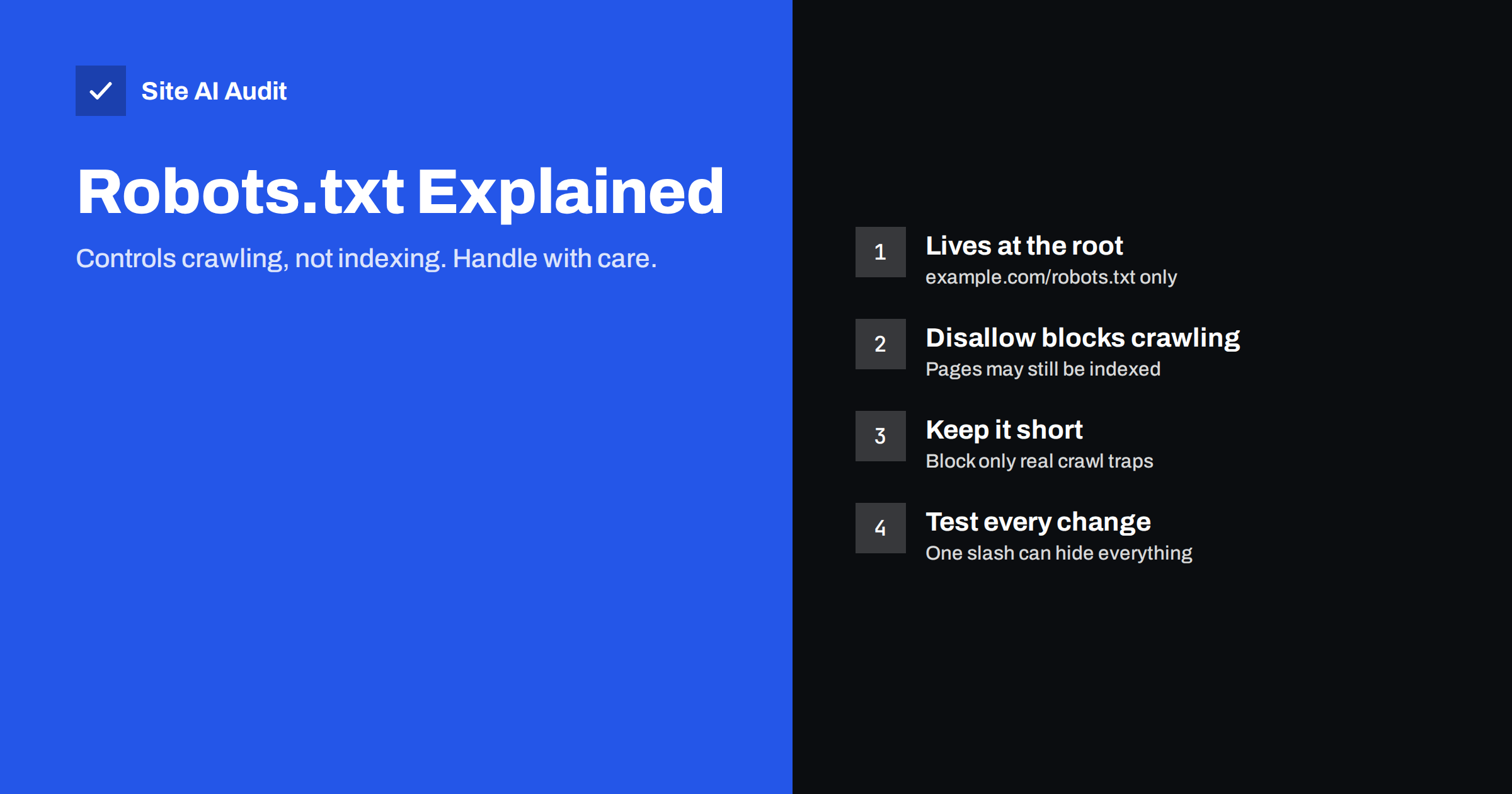
Short answer: Robots.txt is a plain text file at the root of your domain that tells search engine crawlers which paths they may and may not request. It controls crawling, not indexing: a blocked page can still appear in search results if other pages link to it. Most small websites need only a short robots.txt that allows everything important, blocks a few crawl traps, and points to the XML sitemap.
What robots.txt is
Robots.txt is one of the oldest conventions on the web. When a well-behaved crawler, such as Googlebot or Bingbot, visits a website, it first requests https://example.com/robots.txt. The file contains simple rules that say which parts of the site the crawler should stay away from. The format was standardised in 2022 as the Robots Exclusion Protocol in RFC 9309.
A few basic facts are worth knowing before touching the file:
- It must be at the root of the host:
example.com/robots.txt. A file atexample.com/blog/robots.txtis ignored. - Each subdomain needs its own file. Rules on
www.example.comdo not apply toshop.example.com. - It is a request, not a lock. Reputable search engines follow it; malicious bots can ignore it.
- It is public. Anyone can read it, so it should never list secret paths you want to hide.
If the file does not exist and the server returns a 404, crawlers assume everything is allowed. That is perfectly fine for many small sites.
How robots.txt rules work
The file is made of groups. Each group starts with one or more User-agent lines naming the crawler, followed by Allow and Disallow rules. A simple example:
User-agent: *
Disallow: /cart/
Disallow: /search
Allow: /
Sitemap: https://example.com/sitemap.xml
Here is what each part means:
User-agent: *applies the group to all crawlers. You can also target a specific crawler by name, such asUser-agent: Googlebot.Disallow: /cart/asks crawlers not to request any URL whose path starts with/cart/.Allow: /explicitly allows everything else. It is optional, because anything not disallowed is allowed.Sitemap:gives the full URL of your XML sitemap. It can appear anywhere in the file and is read by all major search engines.
Rules match from the start of the path and are case-sensitive: /Cart/ and /cart/ are different. Major search engines also support two wildcards: * matches any sequence of characters, and $ marks the end of the URL. For example, Disallow: /*?sort= blocks any URL containing a sort parameter, and Disallow: /*.pdf$ blocks URLs ending in .pdf.
When several rules match the same URL, Google follows the most specific one, meaning the rule with the longest matching path. If an Allow and a Disallow rule are equally specific, the less restrictive Allow wins.
A crawler follows only the most specific group that names it. If you add a group for Googlebot, Googlebot will ignore the * group entirely, so any rules you want it to follow must be repeated there.
Crawling vs indexing: the most important distinction
This is where most confusion comes from. Robots.txt tells crawlers not to fetch a page. It does not tell search engines not to show it.
If a disallowed page is linked from other pages or other websites, search engines can still list its URL in results, usually with no description, because they know the page exists but were not allowed to read it. In Search Console, this appears as “Indexed, though blocked by robots.txt”.
To keep a page out of search results, use a noindex meta tag or HTTP header instead, and make sure the page is not blocked in robots.txt. If crawlers cannot fetch the page, they never see the noindex instruction. This combination, blocking a page in robots.txt and adding noindex, is a classic mistake that keeps unwanted pages in the index for months.
For truly private content, neither tool is enough. Use a login or password protection.
What to block and what never to block
Good candidates for Disallow rules are areas that waste crawl effort and have no search value:
- internal search result pages, such as
/searchor/?s=; - cart, checkout and account areas;
- endless combinations of filter and sort parameters on shop category pages;
- admin areas, such as
/wp-admin/, while keeping/wp-admin/admin-ajax.phpallowed on WordPress, because some themes load content through it; - printer-friendly or session-based duplicate URLs.
Things you should never block:
- CSS and JavaScript files. Search engines render pages like a browser. If they cannot load your styles and scripts, they may see a broken page and misjudge its layout and mobile-friendliness.
- Images you want in image search.
- Pages you want to remove from the index with noindex, for the reason explained above.
- Your whole site, unless it is a staging or development copy.
Safe robots.txt examples
A typical small business site. Most brochure sites need nothing more than this:
User-agent: *
Disallow:
Sitemap: https://example.com/sitemap.xml
An empty Disallow: means nothing is blocked.
A WordPress site. WordPress serves a similar default automatically:
User-agent: *
Disallow: /wp-admin/
Allow: /wp-admin/admin-ajax.php
Sitemap: https://example.com/wp-sitemap.xml
An online shop with filters. Block the crawl traps, keep product and category pages open:
User-agent: *
Disallow: /cart/
Disallow: /checkout/
Disallow: /my-account/
Disallow: /*?orderby=
Disallow: /*?filter_
Sitemap: https://example.com/sitemap_index.xml
Adjust the paths to what your platform actually uses. Copying rules from another site without checking your own URLs is how accidental blocks happen.
Common robots.txt mistakes
Robots.txt problems are rare but can be severe. The most common ones found in audits:
Disallow: /left on a live site. Developers often block the staging site with this rule, and it is copied to production at launch. One line hides the entire website from search engines.- WordPress “Discourage search engines” left on. This setting adds a noindex to pages, and in older versions also changed robots.txt. Check it under Settings, Reading after every launch.
- Blocking CSS and JavaScript folders. Old advice suggested blocking theme or plugin directories. Today it prevents proper rendering.
- Using robots.txt to remove pages from search. It does not work reliably; use noindex.
- Wrong location or file name.
Robots.txtwith a capital letter, or a file in a subfolder, is not read. - Server errors. If requests for robots.txt return a 5xx error for a long time, search engines may stop crawling the site altogether as a precaution.
- Listing private paths. Writing
Disallow: /secret-client-files/tells everyone exactly where to look.
How search engines read and cache the file
A few details explain why changes to robots.txt do not always take effect immediately:
- Caching. Google generally caches robots.txt for up to 24 hours. A rule you remove this morning may still be applied until the file is fetched again. Search Console lets you request a fresh fetch after an urgent fix.
- Status codes matter. A 404 for robots.txt means “no restrictions”. A 5xx error means “the server has a problem”, and crawlers become cautious. If the error lasts, Google may treat the site as fully disallowed for a while.
- Size limit. Google reads the first 500 kibibytes of the file and ignores the rest. A normal robots.txt is a few hundred bytes, so this only matters when the file has been generated badly.
- Unsupported rules. Google ignores
Crawl-delayandNoindexlines in robots.txt. Some other search engines still honourCrawl-delay, but for Google the crawl rate adjusts automatically based on how quickly your server responds. - Redirects. If robots.txt redirects, for example from HTTP to HTTPS, crawlers follow a limited number of redirects. Keep the file directly available on the final host.
These details are rarely a problem on their own, but they explain why a site sometimes looks blocked in reports for a day after the file has already been fixed.
How to test changes safely
Because one wrong character can have big effects, treat robots.txt changes with care:
- Before editing, save a copy of the current file.
- Make one change at a time and write down why.
- After publishing, open
/robots.txtin a browser to confirm the live file is what you expect. Caching or a plugin may serve something different from what you uploaded. - In Google Search Console, the robots.txt report shows which version Google last fetched and flags parsing problems. Use the URL Inspection tool to check whether a specific important page is allowed.
- Crawl the site after the change to confirm that key pages are still reachable.
How Site AI Audit checks robots.txt
Site AI Audit reads robots.txt and the sitemap in the first seconds of every check, before crawling your pages, and its SEO section covers robots.txt, sitemaps and noindex rules. It points out rules that keep important pages out of search and explains the fix in plain words. Its own crawler, SiteAuditBot, follows your robots.txt rules and makes at most about three requests per second. Run a free check to see how your file is read.
Related reading
- XML Sitemaps Explained: How to Create and Submit One
- How to Find and Fix Broken Links on Your Website
The bottom line
Robots.txt is a small file with a big lever. Keep it short, block only real crawl traps such as internal search, carts and endless filters, never block CSS or JavaScript, and add your sitemap URL. Remember that it controls crawling, not indexing: to keep a page out of search, use noindex and let crawlers see it. Check the live file after every launch and every change.
FAQ
Does every website need a robots.txt file?
No. If the file is missing, crawlers assume everything is allowed. Having one is still useful, because it is a standard place to list your sitemap and to block crawl traps.
Can robots.txt remove a page from Google?
Not reliably. It stops crawling, but the URL can still be indexed if other pages link to it. Use a noindex tag and allow crawling so search engines can see it.
How do I check my robots.txt?
Open yourdomain.com/robots.txt in a browser to see the live file. Google Search Console shows the version Google fetched and any errors, and the URL Inspection tool tells you whether a specific page is blocked.
What does “Disallow: /” mean?
It blocks compliant crawlers from the entire site. It is useful on staging copies but disastrous on a live website, where it prevents search engines from reading any page.
Can I block AI crawlers with robots.txt?
You can add groups for specific crawler user agents that their operators publish, and reputable operators say they respect them. Rules only work for crawlers that choose to follow robots.txt.


