ENEnglish
 LTLietuviškai
 DEDeutsch
 FRFrançais
 RUРусский
 ESEspañol
 PLPolski
 ITItaliano
 UKУкраїнська
 CSČeština
 PTPortuguês
 JA日本語
JA日本語 LVLatviešu valoda
 ETEesti
 HUMagyar
 IDBahasa Indonesia
 TRTürkçe
 HIहिन्दी
 ELΕλληνικά
 ARالعربية
 THไทย
THไทย VITiếng Việt
 RORomână
 MSBahasa Melayu
 BNবাংলা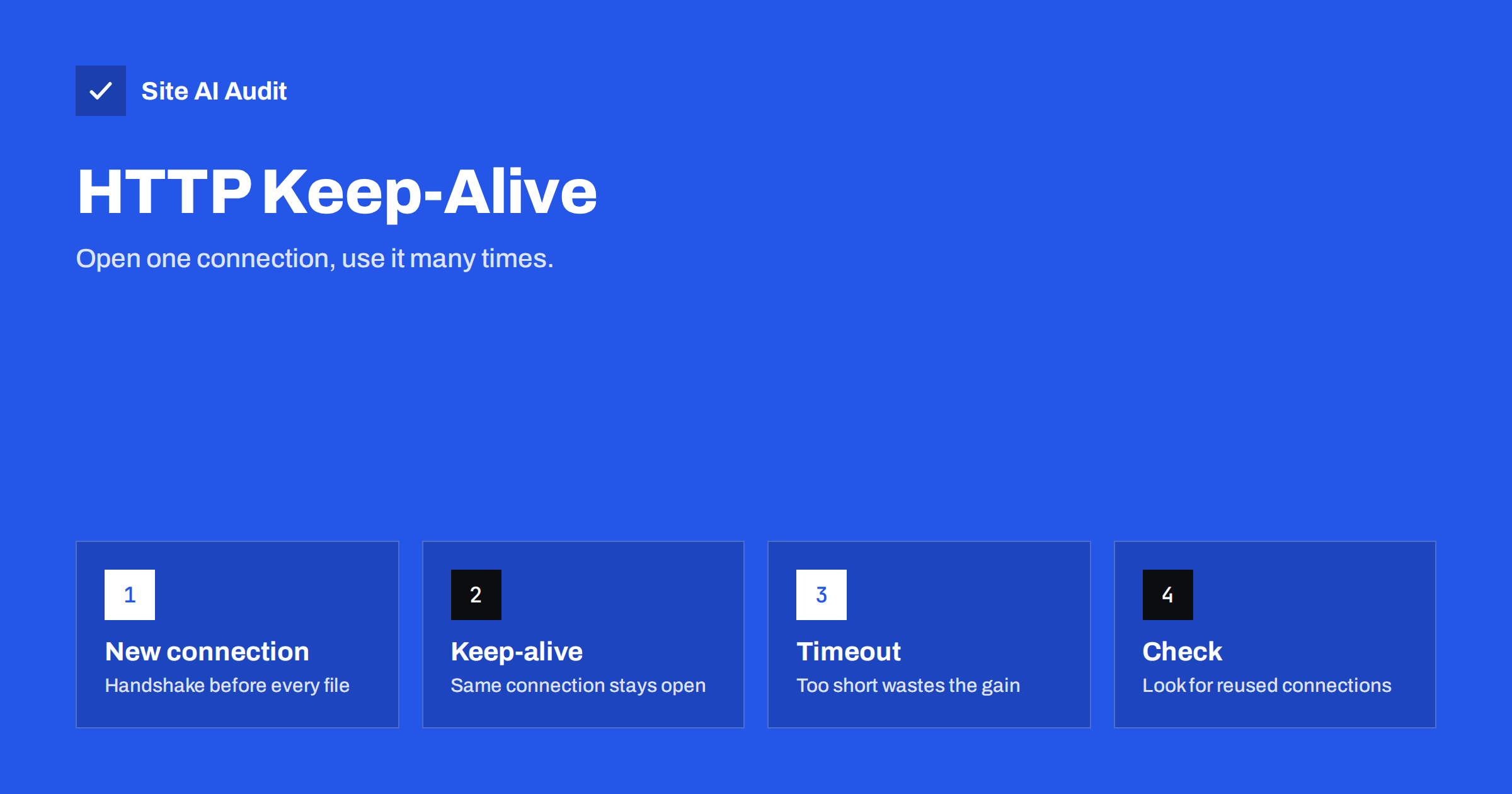
Short answer: HTTP keep-alive lets the browser and server reuse one connection for many requests instead of opening a new one for every file. Each new connection costs a TCP handshake and, on https, a TLS handshake, which add round trips before any data arrives. Keep-alive is on by default in modern servers, but short timeouts, disabled settings, proxies and many separate hostnames can cancel the benefit. Check your waterfall for reused connections and review the server timeout.
What a connection costs
Before a browser can ask for a page, it has to reach the server. On an https site, that takes several steps. First comes a DNS lookup to find the address. Then a TCP handshake, which needs one round trip between the visitor and the server. Then a TLS handshake, which agrees on encryption and takes one more round trip with TLS 1.3, or two with TLS 1.2. Only after all that does the first request travel.
A round trip is the time for a message to go to the server and the answer to come back. On a fast broadband line to a nearby server it may be 10 to 30 milliseconds. On mobile or to a distant region, 100 milliseconds or more is common. Two or three round trips before the first byte can easily cost a quarter of a second. If that price were paid for every image, script and stylesheet, pages would be very slow.
What keep-alive does
Keep-alive, also called a persistent connection, keeps the connection open after a response so that the next request can use it. The browser pays the setup cost once and then sends many requests over the same connection. In HTTP/1.1, persistent connections are the default; the server closes them only when it says so with a “Connection: close” header or when the idle timeout expires.
HTTP/2 goes further. It uses a single connection per hostname and sends many requests at once on it, a feature called multiplexing. This makes reuse even more important, because everything on that hostname depends on one connection. Our guide to HTTP/2 and HTTP/3 explains the differences in detail.
Why reuse sometimes fails
Many websites have keep-alive switched on in theory but lose much of the benefit in practice. These are the usual reasons.
- The idle timeout is too short. Apache has traditionally used a keep-alive timeout of only a few seconds, while nginx commonly defaults to around 75 seconds. A very short timeout closes the connection between page views, so every visit starts again from zero. The right value depends on traffic and memory.
- Keep-alive is disabled. Some configurations turn it off to save resources, or an old setting was copied from a different server.
- A limit on requests per connection. If the server closes the connection after a small number of requests, a page with many files needs several connections.
- A proxy or load balancer behaves differently. The connection between the visitor and the proxy may be reused while the connection behind it is not, or the other way around.
- Too many hostnames. Each hostname needs its own connection. A page that loads files from ten different domains opens ten connections, however well each one is configured. Reduce external hosts where you can, as described in our guide to third-party scripts.
- Old domain sharding. In the days of HTTP/1.1, sites split files across several hostnames to get more parallel connections. With HTTP/2 this hurts, because it prevents one connection from being reused.
- Errors and resets. A server that overloads, crashes a worker or uses an unstable network device can drop connections, forcing new ones.
How to check reuse in your waterfall
Run your page in a speed test tool that shows a request waterfall. Each row represents one file, and the coloured bars within it show the stages: DNS, connect, TLS, waiting and download. For a reused connection, the DNS, connect and TLS stages are absent. Our article on reading a waterfall chart explains the colours.
Check two things:
- The first request to your own domain should show the connection stages. All later requests to the same domain should not. If they do, the connection is not being reused.
- Count how many connection stages appear in total. Each one is a different hostname or a connection that was closed. The fewer you have, the better.
You can also look at the response headers in your browser developer tools. A “Connection: keep-alive” header in an HTTP/1.1 response shows that the server allows reuse, while “Connection: close” shows that it does not. With HTTP/2 the header is not used, because reuse is built in. Check the protocol column in the network panel to see which one you have.
An example of the difference
Suppose a page needs 40 files from your own domain, and each new connection would cost 120 milliseconds of setup on a mobile network. If the browser opened a separate connection for every file, even with six at a time, it would pay that price several times before the page is ready. With one reused connection, it pays once and then spends its time downloading.
Real browsers already limit the damage by opening a handful of parallel connections, and HTTP/2 combines requests on one. That is why the gain is not always dramatic in a lab test. It shows up most clearly on slow mobile networks, on distant visitors and on servers with a very short idle timeout, where every page view quietly starts from zero. When a visitor clicks to the next page a few seconds later, a connection that is still open saves the whole setup again.
This is also why a test that you run only once can mislead. Run it from a mobile profile, repeat it twice and compare the connection stages of the first and the second view. If the second view still shows full connection stages for your own domain, the server is closing connections too early or something between the visitor and the server is doing it.
How to configure it
If you manage your own server, review these settings. If you use shared hosting, ask your provider or check the control panel, since most managed hosts have sensible defaults.
- Apache: make sure KeepAlive is On. A KeepAliveTimeout of a few seconds is often enough for sites with moderate traffic, and a higher number of MaxKeepAliveRequests avoids closing too early. Busy servers must balance the timeout against memory, since each open connection holds a worker.
- nginx: keepalive_timeout and keepalive_requests control idle time and requests per connection. The defaults are usually good. For connections from nginx to a backend application, enable upstream keepalive so that the proxy reuses its own connections.
- Load balancers and CDNs: keep idle timeouts on the balancer longer than on the servers behind it, so that the balancer is not the one that closes connections unexpectedly.
- TLS: enable TLS 1.3 and session resumption, which make the unavoidable new connections cheaper. See our guide to enabling TLS 1.3.
Always change one setting at a time and measure the result. Very long timeouts on a small server can use all available memory under heavy traffic, which makes the site slower, not faster. For a comparison of servers and their defaults, see nginx, Apache and LiteSpeed compared.
Other ways to reduce connection cost
Keep-alive saves the cost of repeated connections but does not remove the first one. Combine it with other measures:
- use resource hints to open important third-party connections early; see preload, preconnect and prefetch,
- serve static files through a CDN close to the visitor,
- cut the number of requests and the number of hostnames, as covered in our guide to reducing HTTP requests,
- improve the server response time so that each reused request is answered quickly; see reducing server response time.
What Site AI Audit can and cannot tell you
Site AI Audit’s speed results include the Google PageSpeed score, LCP, CLS and INP, server response time and the compression and weight of your pages. It does not report whether individual connections were reused, so use a waterfall for that detail. If the response time is high on a page with little content, connection setup and server delay are the first things to examine. You can run a free check of your website or see the plans.
Related reading
- HTTP/2 vs HTTP/3: Do They Make Your Website Faster?
- TLS 1.3 Explained: Why It Is Faster and How to Enable It
- Too Many HTTP Requests? When It Still Matters for Speed
- How to Read a Waterfall Chart and Find What Slows Your Page
The bottom line
Every new connection costs round trips, so reusing connections is one of the cheapest speed improvements available. Keep keep-alive enabled, choose a sensible idle timeout, avoid needless hostnames and check the waterfall to confirm that later requests skip the connection stages. Combine this with TLS 1.3 and a CDN for the best effect.
FAQ
Is keep-alive enabled by default?
In HTTP/1.1 it is the default behaviour, and most servers enable it. Check your configuration and timeout, because the defaults vary.
Does HTTP/2 make keep-alive unnecessary?
No. HTTP/2 relies on a long-lived connection and multiplexes requests over it, so connection reuse matters even more.
Can keep-alive slow down my server?
If timeouts are very long on a small server, idle connections can use up memory or workers. Choose a moderate timeout and monitor.
How do I see if connections are reused?
Use a request waterfall. Reused connections show no connect or TLS stage for later requests to the same hostname.
Do I need to change anything on shared hosting?
Usually not. Hosts normally configure it well. If your waterfall shows new connections for every file, ask the provider.