 ENEnglish
 LTLietuviškai
 DEDeutsch
 FRFrançais
 RUРусский
 ESEspañol
 PLPolski
 ITItaliano
 UKУкраїнська
 CSČeština
 PTPortuguês
 JA日本語
JA日本語 LVLatviešu valoda
 ETEesti
 HUMagyar
 IDBahasa Indonesia
 TRTürkçe
 HIहिन्दी
 ELΕλληνικά
 ARالعربية
 THไทย
THไทย VITiếng Việt
 RORomână
 MSBahasa Melayu
 BNবাংলা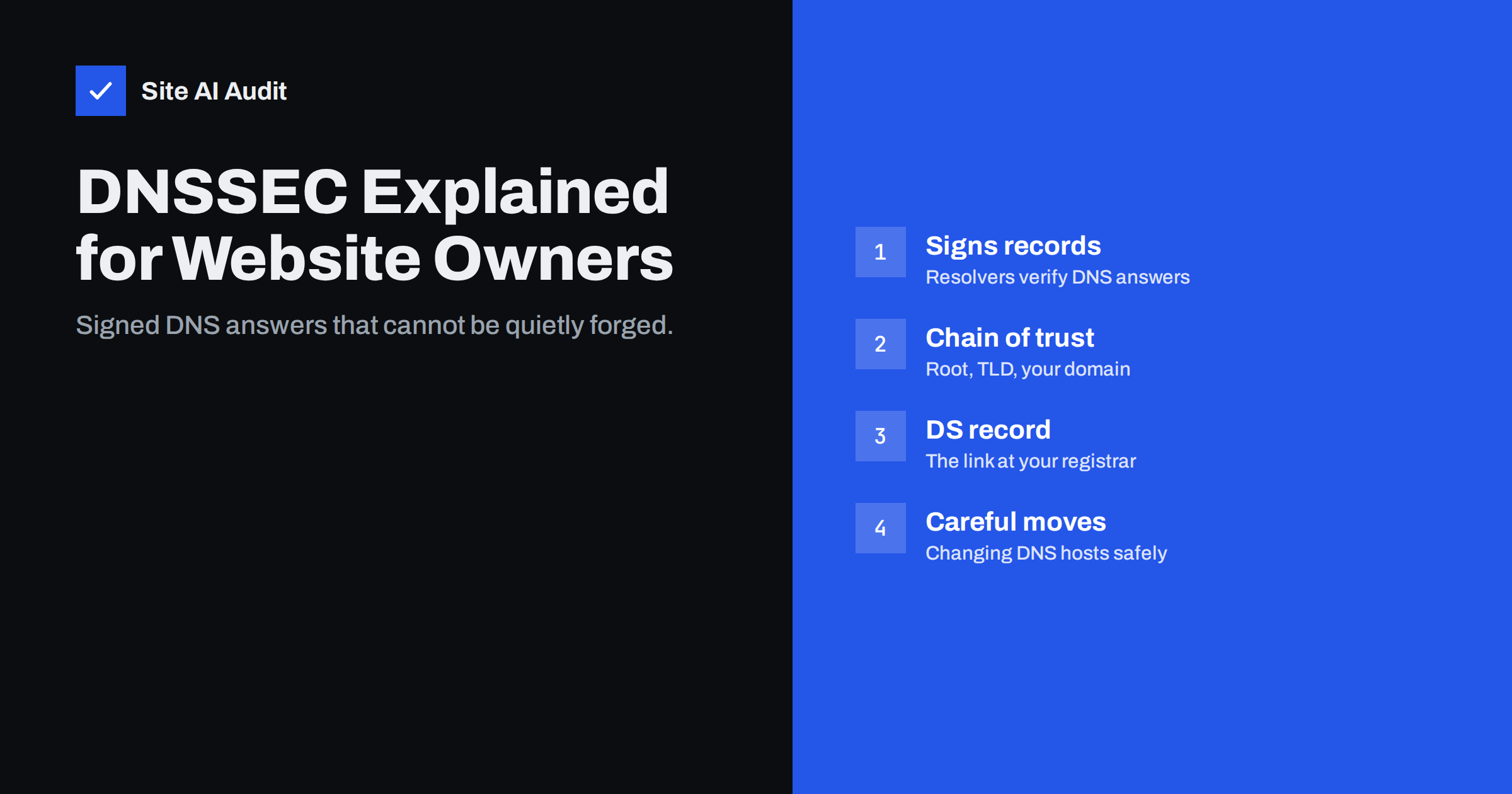
Short answer: DNSSEC (Domain Name System Security Extensions) adds digital signatures to your domain’s DNS records, so validating resolvers can check that an answer really comes from your DNS provider and was not forged or altered. It protects against DNS spoofing and cache poisoning, which could otherwise send visitors or e-mail to an attacker’s server. Enabling it is usually a few clicks when your DNS host and registrar both support it. The main risk is breaking your domain during DNS provider changes, so follow the provider’s steps carefully.
DNS is the internet’s address book: it turns example.com into the IP addresses of your web and mail servers. The original DNS design has no way to prove that an answer is genuine. For decades, that weakness has allowed attackers in certain positions to forge answers and redirect traffic. DNSSEC fixes that by adding signatures. It is not new, but adoption among business domains remains uneven, partly because owners are unsure whether it is worth the effort. This guide explains how DNSSEC works in plain terms, what it does and does not protect, and how to enable it safely.
The problem DNSSEC solves
When a visitor types your domain, their device asks a recursive resolver – usually run by their internet provider, company or a public DNS service – which in turn asks the authoritative servers for your domain. Resolvers cache answers to speed things up. Without DNSSEC, a resolver has limited ability to tell whether an answer is authentic. Attacks that exploit this include:
- Cache poisoning, where an attacker tricks a resolver into caching a fake answer, so everyone using that resolver is sent to the wrong IP address.
- On-path manipulation, where someone on the network path, such as a compromised router or a hostile Wi-Fi network, answers DNS queries with forged data.
The consequences can be serious: visitors reach a fake copy of your site, e-mail for your domain is delivered to an attacker’s mail server, or certificate validation by some authorities is misled into issuing a certificate for your domain to the attacker.
How DNSSEC works, in plain words
DNSSEC does not encrypt DNS. It signs it. The key ideas:
- Your zone is signed. Your DNS provider creates cryptographic keys for your domain and adds signatures (RRSIG records) to your DNS records.
- Public keys are published in your zone as DNSKEY records, so resolvers can check the signatures.
- A DS record links your domain to its parent. Your registrar publishes a DS (Delegation Signer) record in the top-level domain’s zone – for example
.com– containing a fingerprint of your key. - A chain of trust reaches the root. The top-level domain is signed by the DNS root, whose key is built into validating resolvers. A resolver can therefore verify each step from the root down to your records.
If any signature is wrong or missing where it should exist, a validating resolver refuses the answer rather than passing on possibly forged data.
What DNSSEC protects – and what it does not
| DNSSEC protects against | DNSSEC does not protect against |
|---|---|
| Forged DNS answers from resolvers or the network | An attacker logging in to your registrar or DNS account and changing records |
| Cache poisoning of validating resolvers | Hacked web servers, malware or phishing on lookalike domains |
| Silent redirection of web or mail traffic via DNS spoofing | Privacy of DNS queries (DNSSEC does not encrypt) |
| Some attacks on certificate issuance that rely on DNS | Clients using resolvers that do not validate |
The first row of the right column deserves emphasis: if someone gains access to the account where your DNS is managed, DNSSEC will happily sign their changes. Account security – strong passwords, two-factor authentication, registrar lock – is at least as important.
Should you enable it?
For most businesses, yes, if your DNS provider and registrar support it with automatic key management. Many large public resolvers validate DNSSEC, so signed domains are protected for a large share of users, and it is increasingly expected for public sector and financial organisations. The effort is small with modern providers, and the main cost is a little more care when moving DNS.
Situations where you might wait: your DNS provider does not support DNSSEC or requires manual key management you cannot maintain; you are about to migrate DNS providers (enable it after the move); or your domain’s registrar does not support adding DS records for your top-level domain.
How to enable DNSSEC
- Check support at your DNS host and your registrar. If they are the same company, enabling it may be a single switch.
- Turn on signing at the DNS host. The provider generates keys and signs your zone. It will show you the DS record details (key tag, algorithm, digest type and digest).
- Add the DS record at the registrar, if the DNS host does not do it automatically. Some combinations support automatic DS publication.
- Wait for propagation, typically from minutes to a day depending on the top-level domain.
- Verify with an online DNSSEC analyser or with
dig +dnssec example.com– look for thead(authenticated data) flag when querying a validating resolver, and check that no errors are reported across the chain.
Avoiding the classic DNSSEC outage
The most common DNSSEC problem is self-inflicted: moving DNS to a new provider while the old DS record is still at the registrar. The new provider’s zone is unsigned or signed with different keys, the DS record no longer matches, and validating resolvers treat the whole domain as bogus. Websites and e-mail become unreachable for many users. To move safely:
- either disable DNSSEC first – remove the DS record at the registrar, wait for the record’s cache time (TTL) to expire, then move DNS, then re-enable DNSSEC at the new provider;
- or follow a documented key-rollover migration if both providers support it, which avoids a period without DNSSEC.
Never delete the signed zone or change nameservers while a DS record pointing to old keys is still published. Also keep the registrar’s contact e-mail current, because some registrars notify you about DS or key issues there.
What a DNSSEC failure looks like in practice
DNSSEC failures are confusing because they affect people unevenly. Visitors whose resolver validates DNSSEC get a DNS error – in Chrome typically DNS_PROBE_FINISHED_NXDOMAIN or a similar “site can’t be reached” message – as if the domain did not exist. Visitors using a resolver that does not validate see the site normally. E-mail from servers that validate may bounce or be delayed while other mail arrives fine. Your own office network may happen to work, so the problem looks like it affects “only some customers”.
If you see this pattern shortly after a DNS change, check DNSSEC first. An online DNSSEC analyser will show whether the DS record at the registrar matches the keys your DNS provider currently publishes, and where in the chain validation breaks. Querying a validating public resolver with dig and comparing the result with a query that disables validation (+cd) confirms it: if the answer only appears with validation disabled, DNSSEC is the cause. The fix is usually to correct or remove the outdated DS record at the registrar and wait for caches to expire.
DNSSEC and your other domain protections
DNSSEC works best as part of a set. Secure the registrar and DNS accounts with two-factor authentication and enable a registrar lock so nameservers cannot be changed without extra verification. A CAA record limits which certificate authorities may issue certificates for your domain, and DNSSEC makes CAA lookups harder to spoof. On the e-mail side, SPF, DKIM and DMARC records benefit from signed DNS, and standards such as DANE for mail servers depend on DNSSEC. The ICANN explanation of DNSSEC gives useful background on why the chain of trust matters.
How Site AI Audit helps
Site AI Audit checks the parts of your domain’s security that visitors and mail servers depend on every day: a valid SSL certificate with a working HTTPS redirect, security headers, exposed software versions, and e-mail authentication records (SPF, DKIM, DMARC and MX). Each finding is explained in plain words, and paid plans monitor the site and e-mail setup with alerts. Run a free check of your domain.
Related reading
- CAA Records Explained: Control Who Can Issue Your Certificates
- Website Security for Small Businesses: Where to Start
- CDN SSL Modes Explained: Flexible vs Full vs Full (Strict)
The bottom line
DNSSEC signs your DNS so validating resolvers can reject forged answers, protecting visitors and e-mail from being silently redirected. With a DNS host and registrar that support it, enabling it takes minutes. Protect the accounts that control your DNS just as carefully, and plan DNS provider changes so an outdated DS record never takes your domain offline.
FAQ
Does DNSSEC encrypt my DNS traffic?
No. DNSSEC adds signatures to prove answers are authentic but leaves them readable. Encryption of DNS queries is handled by other technologies such as DNS over HTTPS or DNS over TLS.
Can DNSSEC slow down my website?
The effect is negligible for visitors. DNS answers become slightly larger and resolvers do a little extra work, but results are cached, so page loading is not noticeably affected.
What happens if DNSSEC is misconfigured?
Validating resolvers treat the domain’s answers as invalid and return errors, so your website and e-mail become unreachable for their users. That is why DS records must always match the keys used by your current DNS provider.
Do I need DNSSEC if I use a CDN?
The CDN protects traffic after the visitor finds it, but DNS is what points visitors to the CDN. DNSSEC protects that step, so it is still useful, and many CDN DNS services support it.
How do I check if my domain uses DNSSEC?
Use an online DNSSEC analyser or run dig with the +dnssec option. You should see DNSKEY and RRSIG records for your domain and a matching DS record in the parent zone, with no validation errors.


