 ENEnglish
 LTLietuviškai
 DEDeutsch
 FRFrançais
 RUРусский
 ESEspañol
 PLPolski
 ITItaliano
 UKУкраїнська
 CSČeština
 PTPortuguês
 JA日本語
JA日本語 LVLatviešu valoda
 ETEesti
 HUMagyar
 IDBahasa Indonesia
 TRTürkçe
 HIहिन्दी
 ELΕλληνικά
 ARالعربية
 THไทย
THไทย VITiếng Việt
 RORomână
 MSBahasa Melayu
 BNবাংলা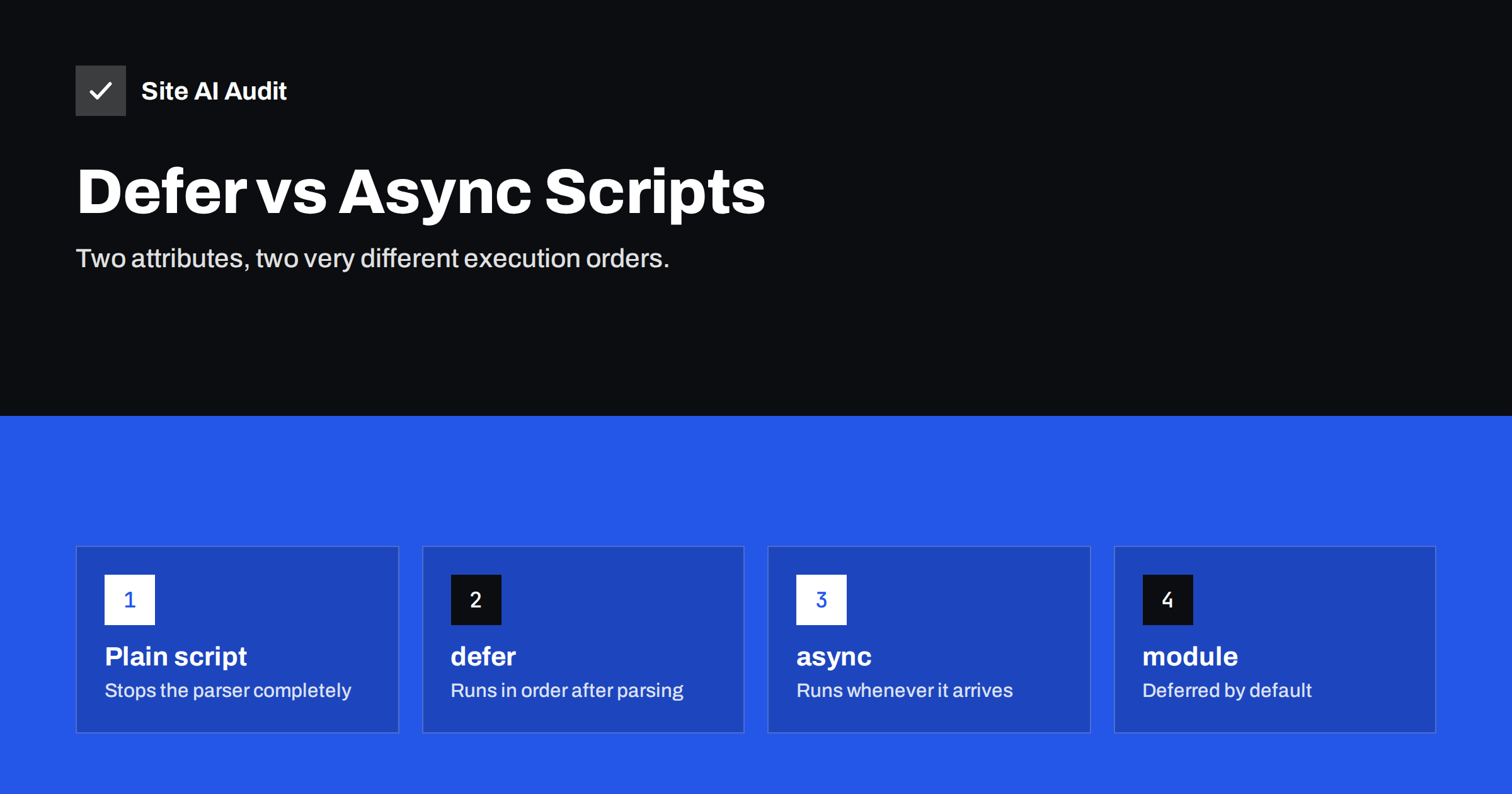
Short answer: Both defer and async let the browser download a script without pausing HTML parsing. A deferred script runs after the HTML has been parsed, in the order the scripts appear, just before the DOMContentLoaded event. An async script runs as soon as it finishes downloading, in no guaranteed order, possibly interrupting parsing. Use defer for most site scripts, especially ones that depend on each other or on the page structure, and async for independent scripts such as analytics.
Two small attributes on the <script> tag decide whether a page appears quickly or stares at visitors with a blank screen while scripts download. They are among the cheapest speed fixes available, but they also cause many “the menu stopped working” support tickets when applied carelessly. Understanding exactly what each attribute does takes five minutes and saves hours of debugging.
What happens with a plain script tag
When the browser’s HTML parser meets <script src="app.js"></script> without attributes, it stops. It downloads the file, executes it, and only then continues parsing the rest of the HTML. The reason is historical: a script might call document.write and insert new HTML at that exact position, so the parser cannot safely continue without running it.
Modern browsers soften this slightly with a preload scanner that looks ahead and starts downloading other resources early, but the parser itself still waits, and nothing below the script can be rendered until it has run. A few such scripts in the head, each from a different server, can add seconds of delay on a mobile connection.
How defer works
With <script src="app.js" defer></script>, the browser:
- starts downloading the script in parallel while continuing to parse the HTML;
- waits until the whole document has been parsed;
- executes deferred scripts in the order they appear in the document;
- then fires the
DOMContentLoadedevent.
Because execution happens after parsing, deferred scripts can safely access any element on the page. Because order is preserved, a deferred library such as jQuery will run before a deferred script that depends on it, as long as it appears first. The defer attribute only works for external scripts with a src; it is ignored on inline scripts.
How async works
With <script src="analytics.js" async></script>, the browser:
- starts downloading the script in parallel while continuing to parse;
- executes it as soon as the download completes, pausing parsing briefly if parsing is still going on;
- makes no promise about order relative to other scripts or to
DOMContentLoaded.
Async suits scripts that are self-contained: they do not depend on other scripts, nothing depends on them, and they do not need the full page to exist when they run. Analytics, some advertising tags and independent widgets fit this pattern. Many third-party vendors provide their snippets with async already set.
Side-by-side comparison
| No attribute | defer | async | type=”module” | |
|---|---|---|---|---|
| Blocks HTML parsing while downloading | Yes | No | No | No |
| When it executes | Immediately | After parsing | As soon as downloaded | After parsing (unless async) |
| Order preserved | Yes | Yes | No | Yes |
| Can rely on full DOM | Only elements above it | Yes | Not guaranteed | Yes |
| Typical use | Tiny critical inline code | Site scripts, libraries and their plugins | Analytics, independent tags | Modern application code |
Which to use for common scripts
- Theme and site scripts (menus, sliders, accordions):
defer. - Libraries and scripts that depend on them:
deferon all of them, in the right order. - Analytics:
async, as vendors usually recommend. - Chat widgets and feedback tools:
asyncordefer, and consider loading them later still, after the page is interactive. - Consent management: follow the vendor’s guidance; some must run before other tags to block them until consent is given.
- A/B testing tools that change visible content: these are often loaded synchronously to avoid flicker, which is why they can be costly. Weigh their value against the delay.
- Tiny inline scripts that set a class or configuration: leave them inline; they are cheap.
Common mistakes and how to avoid them
- Inline code calling a deferred library. An inline
jQuery(function(){...})placed in the body runs immediately and fails if jQuery is deferred. Move the code into a deferred file, or wrap it to run onDOMContentLoaded. - Async on dependent scripts. Making both a library and its plugin async creates a race; sometimes the plugin runs first and throws an error. Use defer for both.
- Using both attributes. If a script has both
asyncanddefer, modern browsers treat it as async. Pick one deliberately. - Assuming defer means “late”. Deferred scripts still run before
DOMContentLoadedand still use the main thread. Heavy deferred scripts can hurt Interaction to Next Paint if visitors try to tap during their execution. - Forgetting
document.write. Old scripts that use it break when deferred or async. Replace or remove them. - Not clearing caches. Optimisation plugins and CDNs may serve old HTML with the previous script tags; clear all caches before testing.
A worked example
Imagine a small company site whose head contains four external scripts without attributes: jQuery, a slider plugin that depends on jQuery, the theme’s main script that handles the mobile menu, and an analytics tag. Further down, the footer contains an inline snippet that starts the slider with a jQuery call. On a phone, the browser must download and run all four files before it can show the first heading.
A safe rewrite looks like this. jQuery, the slider plugin and the theme script all get defer, in that order, so they download in parallel and run in sequence once the HTML is parsed. The analytics tag gets async, because nothing depends on it. The inline slider snippet is wrapped in a DOMContentLoaded listener, which fires only after the deferred scripts have run, so jQuery exists when the snippet needs it. Nothing is removed, no functionality changes, and the head no longer blocks the first paint. The next step, if the slider only appears on the home page, would be to stop loading its script elsewhere.
Going further: loading after interaction and dynamic imports
Defer and async solve the blocking problem, but the code still runs early in the visit. For heavy features that most visitors do not use immediately, you can go further:
- Dynamic
import()loads a module only when needed, for example when the user opens a product configurator. - Interaction-triggered loading starts a script when the user scrolls, moves the mouse or taps for the first time. Useful for chat widgets, but exclude anything the first tap needs.
- Idle loading with
requestIdleCallbackstarts non-urgent scripts when the browser has nothing else to do. - Facades show a lightweight placeholder instead of an embed and load the real thing on click.
How to apply defer and async on WordPress
Since WordPress 6.3, developers can register scripts with a loading strategy of defer or async through the script registration API, and WordPress respects dependencies when doing so. Many themes and plugins now use it. For older code, caching and optimisation plugins offer settings to defer scripts, usually with exclusion lists. Whatever method you use, test the menu on mobile, sliders, forms, cookie consent and the checkout afterwards.
How to check your result
- View the page source and confirm the attributes on each script tag.
- Open the browser console and reload: errors like “jQuery is not defined” point to ordering problems.
- Run PageSpeed Insights and check that scripts no longer appear under render-blocking requests.
- Compare First Contentful Paint and LCP before and after in the lab results.
How Site AI Audit helps
Site AI Audit includes Google PageSpeed for mobile in every check, so render-blocking scripts and their effect on LCP and INP show up in the speed findings, together with server response time, compression and page weight. Each finding is explained in plain words with a concrete fix and ranked by impact. Check your site for free before and after you change your script loading.
Related reading
- How to Eliminate Render-Blocking Resources on Your Website
- How to Reduce Unused JavaScript and Speed Up Your Pages
- Interaction to Next Paint (INP): How to Fix Slow Interactions
The bottom line
Plain script tags stop the page; defer and async do not. Use defer for most scripts because it keeps order and runs after the page is parsed, and use async for independent tools like analytics. Watch for inline code that depends on deferred files, never make dependent scripts async, and test interactive features after every change.
FAQ
What is the difference between defer and async?
Both download scripts without blocking HTML parsing. Deferred scripts run after parsing, in document order. Async scripts run as soon as they are downloaded, in no guaranteed order.
Should I defer jQuery?
You can, as long as every script that depends on jQuery is also deferred and placed after it, and no inline code calls jQuery before it loads. Test carefully, because many older themes and plugins use inline jQuery code.
Does defer improve Core Web Vitals?
It usually improves First Contentful Paint and often Largest Contentful Paint by removing scripts from the critical rendering path. It does not reduce the amount of JavaScript executed, so it helps INP less. Removing or delaying heavy scripts helps INP more.
Can I use defer on inline scripts?
No, the defer attribute has no effect on inline scripts without a src attribute. If inline code must wait for the page, wrap it in a DOMContentLoaded event listener or move it into an external deferred file.
Are module scripts deferred automatically?
Yes. Scripts with type=”module” behave like deferred scripts by default: they download in parallel and run after parsing, in order. Adding async to a module script makes it run as soon as it is ready instead.


