ENEnglish
 LTLietuviškai
 DEDeutsch
 FRFrançais
 RUРусский
 ESEspañol
 PLPolski
 ITItaliano
 UKУкраїнська
 CSČeština
 PTPortuguês
 JA日本語
JA日本語 LVLatviešu valoda
 ETEesti
 HUMagyar
 IDBahasa Indonesia
 TRTürkçe
 HIहिन्दी
 ELΕλληνικά
 ARالعربية
 THไทย
THไทย VITiếng Việt
 RORomână
 MSBahasa Melayu
 BNবাংলা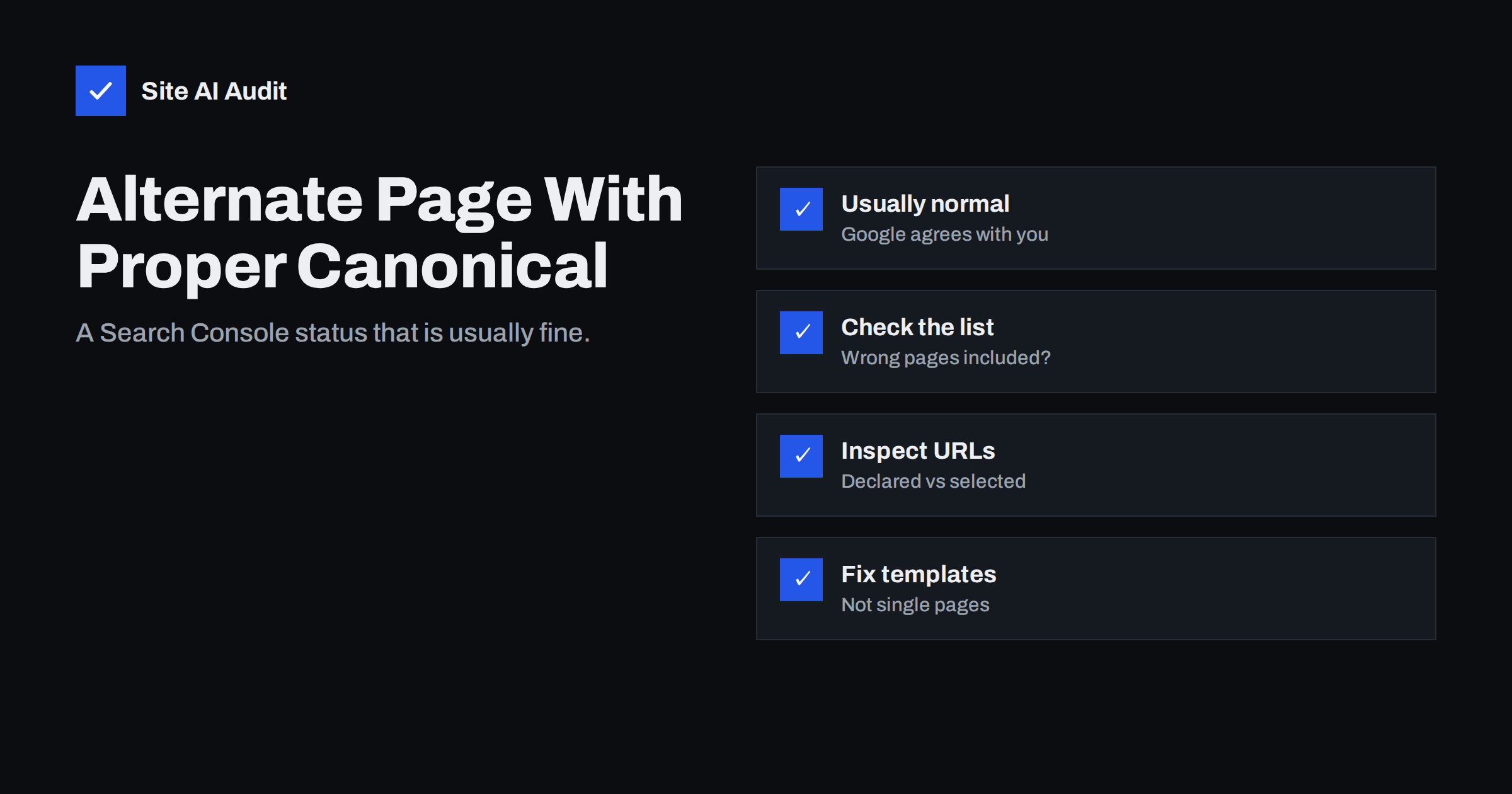
Short answer: “Alternate page with proper canonical tag” in Google Search Console means Google found a page whose canonical tag points to another URL, agreed with that choice and indexed the other URL instead. In most cases it is expected and needs no action: parameter URLs, tracking variants and duplicate paths are supposed to land here. It only becomes a problem when pages you want in search, such as unique products, articles or language versions, appear in this list.
Where you see this status
The status appears in Search Console’s Page indexing report (Indexing → Pages), in the section explaining why pages are not indexed. Seeing a page there sounds alarming, but the wording is precise: the page is an alternate of another page, it carries a proper canonical tag pointing to that other page, and Google respected it.
A canonical tag is a line in the page’s <head> such as <link rel="canonical" href="https://example.com/shoes/">. It tells search engines which URL is the main version when several URLs show the same or very similar content. Our guide to canonical tags explains the concept in full. When Google accepts your canonical, it indexes the main URL and lists the others as alternates. Signals such as links are generally consolidated on the canonical, so nothing is lost.
Pages that normally belong in this list
On a healthy site, the list usually contains URLs like these:
- Tracking and campaign parameters:
/page/?utm_source=newsletterpointing to/page/. - Sorting and filter variants:
/shoes/?sort=pricepointing to/shoes/. - AMP versions pointing to their regular pages, on sites that still use AMP.
- Separate mobile URLs such as
m.example.compages pointing to desktop equivalents, on older setups. - Print or share versions and URLs with session or reply parameters added by plugins.
- Alternative paths to the same product, for example the same item reachable under two categories.
If everything in the list is of this kind, the report is simply confirming that your canonical setup works. A growing number here is not a warning sign on its own; it often grows as Google discovers more parameter URLs from links and campaigns.
When the status points to a real problem
Look more carefully if the list includes pages that should rank on their own. Common problem patterns:
- All paginated pages canonicalised to page 1. Page 2, 3 and beyond list different products or articles. Pointing them all to page 1 can hide those items from discovery. Each page in a series should normally have a self-referencing canonical; see our guide to pagination and SEO.
- Product variants that deserve their own pages. If each colour or size has unique search demand and unique content, canonicalising all of them to one parent may hide what people search for.
- Language or country versions. Translated pages must each point to themselves, with hreflang connecting them. A canonical from the German page to the English page removes the German page from search.
- Template mistakes. A theme or plugin bug that sets the same canonical, often the home page, on every page will pull many unique URLs into this list.
- Staging or old domain canonicals. After a migration, canonicals that still point to old URLs send Google to pages you no longer want indexed.
In all of these cases Google is doing what you asked. The fix is to change what you ask.
How to review the list, step by step
- Open the report. In Search Console go to Indexing → Pages, scroll to “Why pages aren’t indexed” and click “Alternate page with proper canonical tag”.
- Scan the example URLs. Look for patterns rather than single URLs: parameters, folders, language prefixes, page numbers.
- Export the list. Use the export button and sort the URLs in a spreadsheet to group them by pattern.
- Classify each pattern. Mark it “expected” (parameters, duplicates) or “suspicious” (unique content, translations, paginated series).
- Inspect a sample. Paste suspicious URLs into the URL Inspection tool and compare “User-declared canonical” with “Google-selected canonical”.
- Find the source. Check the page source to see which plugin or template outputs the canonical, and whether there is more than one canonical tag.
Expect only examples, not a complete list: Search Console shows a sample of up to 1,000 URLs per status. That is enough to detect patterns, which is what matters.
Related Search Console statuses compared
Three statuses about canonicals are easy to confuse. The difference lies in who chose the canonical and whether Google agreed:
| Status | What happened | Typical action |
|---|---|---|
| Alternate page with proper canonical tag | You declared a canonical and Google agreed | Usually none; check for wrong pages |
| Duplicate without user-selected canonical | No canonical declared; Google chose one | Add canonical tags to duplicates |
| Duplicate, Google chose different canonical than user | You declared one canonical; Google picked another | Make signals consistent or merge pages |
The first is the healthiest of the three, because it shows your signals and Google’s view are aligned. The third deserves the most attention; our guide to fixing duplicate content covers how to make signals consistent.
How to fix a wrong canonical
- Use self-referencing canonicals on every unique page: the canonical should contain the page’s own clean URL.
- Fix it in the template or plugin, not page by page. If an SEO plugin and a theme both output a canonical, disable one of them so there is only one tag.
- Use absolute URLs with the correct protocol and host, matching your preferred version (https, www or non-www, trailing slash).
- Align other signals. Internal links, the XML sitemap, hreflang and redirects should all point to the canonical URL, not to alternates.
- Do not combine canonical with noindex on the same page; they send conflicting signals.
- Request reindexing of a few key URLs in URL Inspection after the fix, then let Google recrawl the rest in its normal rhythm.
Changes in this report take time. Google needs to recrawl affected pages, which can take days to weeks, so judge the trend over a month rather than day by day.
Where these URLs come from on typical platforms
Knowing the usual sources makes the review much faster. On most small business sites, alternate URLs are produced by a handful of features:
- Content management systems often expose the same post under several addresses: a short link with a numeric ID, a preview URL, a reply or comment parameter, and sometimes an attachment page for every uploaded image. A good SEO setup gives all of them a canonical to the main post.
- Online shops generate many variants: sorting, filtering, currency switches, “add to cart” parameters and products reachable through several category paths. Shop platforms usually canonicalise these automatically, which is why shops often have long lists in this report.
- Marketing tools add tracking parameters to links in emails, social posts and ads. When people share those links, Google discovers the tagged URLs and files them here.
- Site search and internal tools can expose result pages or calendar views with endless parameters. These are better kept out of crawling altogether, because even with a canonical Google still spends time fetching them.
If a pattern you see is not on this list and you cannot explain where it comes from, find the link that leads to it. A crawler that records the source page of each URL is the quickest way to trace it back to a menu, widget or plugin.
How Site AI Audit helps
Site AI Audit crawls up to 50 pages on the free check and lists everything that keeps pages out of search results, including indexing rules such as noindex, robots.txt and sitemap problems, broken links and redirects, together with titles, descriptions and headings. Each finding is ranked by impact and explained with a concrete fix, which helps you clean up the signals around your canonical URLs. You can check your site for free; paid plans with re-checks and monitoring are on the pricing page.
Related reading
- Crawled or Discovered, Currently Not Indexed: How to Fix It
- URL Parameters and SEO: Filters, Tracking and Crawl Waste
- Hreflang Explained: SEO Basics for Multilingual Websites
- Why Is My Page Not on Google? A Step-by-Step Checklist
The bottom line
“Alternate page with proper canonical tag” is Search Console telling you that Google followed your canonical instructions. For parameter URLs and true duplicates, that is exactly what you want, and no action is needed. Review the list for patterns, and act only when unique pages, translations or paginated series appear there, by fixing the canonical in the template and aligning links, sitemaps and hreflang with it.
FAQ
Is “Alternate page with proper canonical tag” an error?
No. It is an informational status showing that Google respected your canonical tag and indexed the main URL instead. It only signals a problem when pages that should appear in search on their own are in the list.
Should I click “Validate fix” for this status?
Not for expected URLs such as parameters or duplicates, because there is nothing to fix. Validation is only useful after you have corrected a real canonical mistake and want Google to recheck the affected pages.
Why is the number of alternate pages growing?
Google keeps discovering new URL variants through links, campaigns and parameters, and each one correctly pointing to a canonical is added here. A rising count is normal unless it includes pages that should be indexed.
Can a page with this status still rank?
The alternate URL itself is not shown in results; the canonical URL is shown instead. Signals pointing to the alternate are generally consolidated on the canonical, so ranking potential is not lost.
Should translated pages point their canonical to the main language?
No. Each language version should have a self-referencing canonical and be connected to the others with hreflang. Canonicalising translations to one language removes them from search in their own markets.