 ENEnglish
 LTLietuviškai
 DEDeutsch
 FRFrançais
 RUРусский
 ESEspañol
 PLPolski
 ITItaliano
 UKУкраїнська
 CSČeština
 PTPortuguês
 JA日本語
JA日本語 LVLatviešu valoda
 ETEesti
 HUMagyar
 IDBahasa Indonesia
 TRTürkçe
 HIहिन्दी
 ELΕλληνικά
 ARالعربية
 THไทย
THไทย VITiếng Việt
 RORomână
 MSBahasa Melayu
 BNবাংলা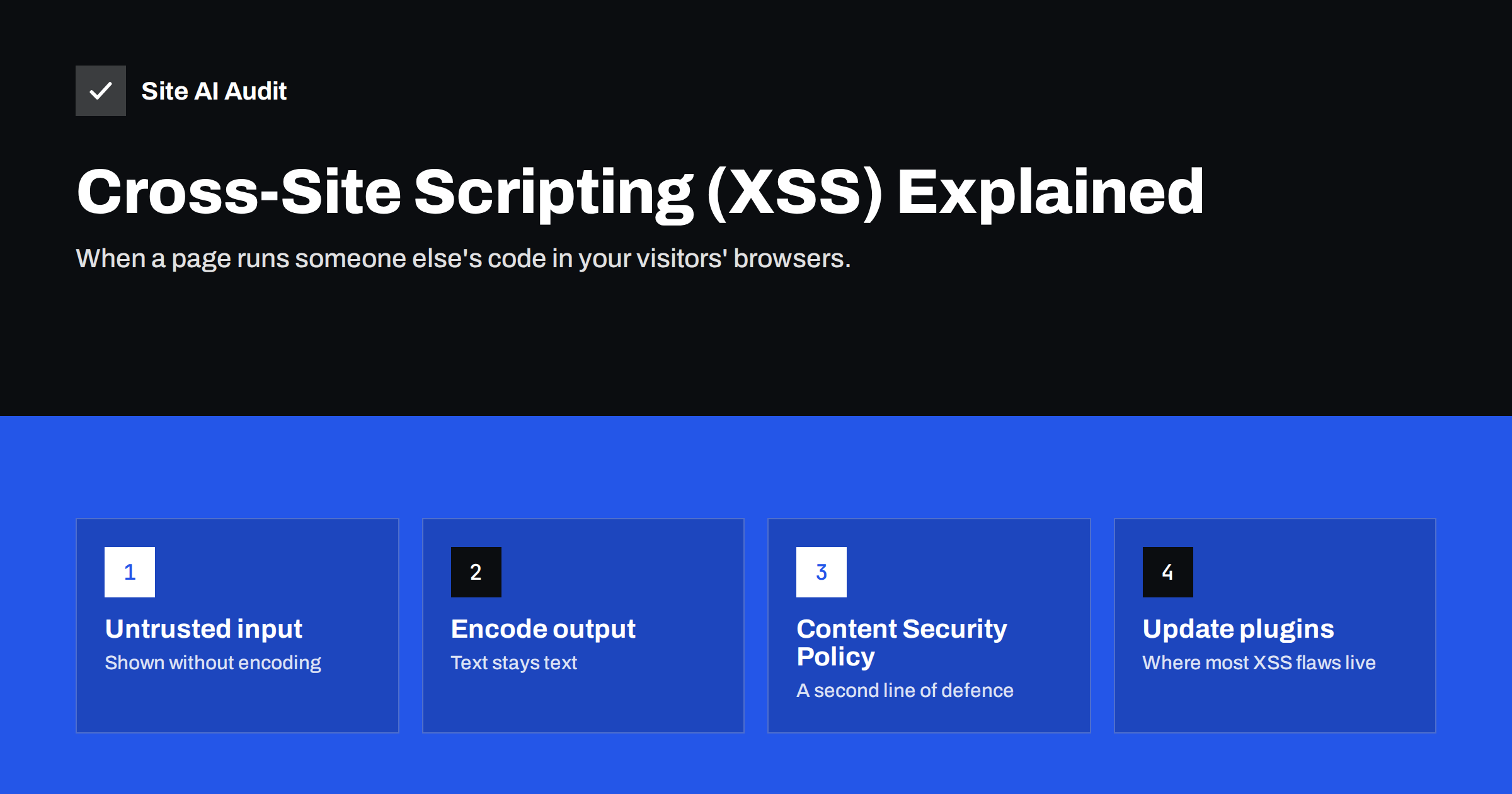
Short answer: Cross-site scripting (XSS) is a vulnerability in which a website includes untrusted input, such as a comment, a search term or a URL parameter, in a page without making it safe, so an attacker’s JavaScript runs in the visitor’s browser as if it came from your site. It can steal sessions, change page content or redirect visitors. It is prevented by encoding output correctly, validating input, using well-maintained software, adding a Content Security Policy and protecting cookies with the HttpOnly flag.
What cross-site scripting is
Browsers trust the code a website sends. Any JavaScript on your page runs with the same rights as your own scripts: it can read the page, change it, send requests on the visitor’s behalf and read cookies that are not specially protected. That trust is what makes interactive websites possible.
XSS abuses that trust. If a website takes text supplied by a user and places it into a page without handling it safely, an attacker can supply text that contains a script. When other people, or the same person, load the page, the browser cannot tell the difference between your code and the injected code, and runs both.
The OWASP description of XSS lists it among the most common web application flaws. It appears in custom code, in themes and plugins, and in any feature that displays user-supplied content: comments, reviews, search results, contact form confirmations, user profiles and admin screens.
The three main types of XSS
| Type | How the script gets in | Typical example |
|---|---|---|
| Stored (persistent) | Saved in the database and shown to everyone who views the page | A review or comment containing a script that runs for every visitor |
| Reflected | Sent in a link and immediately reflected back in the page | A search page that prints “Results for [your text]” without encoding |
| DOM-based | Handled unsafely by JavaScript in the browser, without the server being involved | A script that writes part of the URL into the page with innerHTML |
Stored XSS is usually the most dangerous, because a single successful injection affects every visitor, and if the injected content is shown in the admin area, it can target administrators. Reflected XSS needs the victim to click a crafted link, often sent by e-mail or chat. DOM-based XSS is increasingly common on sites with a lot of front-end JavaScript.
What attackers can do with XSS
Because the injected script runs as part of your site, the possibilities are broad:
- Hijack sessions. If session cookies can be read by JavaScript, the script can send them to the attacker, who can then act as the logged-in user.
- Act on behalf of the user. Even without stealing cookies, the script can submit forms, change settings or create accounts while the victim is logged in. If the victim is an administrator, that can mean a full site takeover.
- Change what visitors see. Fake login forms, fake payment fields, spam links or altered prices can be inserted into genuine pages.
- Redirect visitors. Visitors can be sent to phishing or malware sites, which can lead browsers and search engines to flag your domain.
- Skim data. On checkout pages, injected scripts can capture card details as they are typed.
The damage lands on your visitors and your reputation, even though the attacker’s server is somewhere else entirely.
XSS attacks are also hard to notice from the inside. The injected script may run only for logged-out visitors, only on mobile devices or only once per visitor, so the owner checking the site from the office sees nothing unusual while customers are being redirected.
How developers prevent XSS
The core rule is simple: treat everything that comes from users, URLs, cookies, APIs and the database as untrusted, and make it safe for the exact place where it is output. The OWASP XSS prevention cheat sheet describes the details. The main techniques:
- Context-aware output encoding. Text placed in HTML is encoded so that characters like
<and"are displayed instead of interpreted. Values placed in attributes, JavaScript, CSS or URLs need the encoding for that context. In WordPress, functions such asesc_html(),esc_attr()andesc_url()exist for exactly this. - Use templating that escapes by default. Modern template engines and front-end frameworks encode values automatically unless a developer explicitly turns it off. Every such exception deserves a review.
- Sanitise rich content. Where users may submit formatted HTML, such as in a review editor, use a proven sanitiser with an allow-list of safe tags and attributes, never a home-made filter.
- Avoid dangerous JavaScript patterns. Writing untrusted data with
innerHTML,document.writeorevalinvites DOM-based XSS. UsingtextContentfor text is safe. - Validate input. Reject values that do not fit the expected format, such as letters in a phone field. Validation reduces risk but does not replace output encoding.
Defences every site owner can add
Even without touching code, you can make XSS much less likely and less harmful:
- Update promptly. XSS is one of the most frequently disclosed flaw types in CMS plugins and themes. Our safe update strategy helps you apply fixes without breaking the site.
- Remove unused plugins and themes. Less code means fewer places for flaws to hide.
- Add a Content Security Policy. A CSP tells the browser which script sources are allowed. A strict policy blocks inline and unknown scripts, so many injected scripts simply do not run. Start with our Content Security Policy guide, preferably in report-only mode first.
- Protect cookies. Session cookies should carry the HttpOnly flag, so JavaScript cannot read them, plus Secure and an appropriate SameSite value. See our guide to secure cookie flags.
- Limit who can post HTML. In WordPress, only trusted administrators should have the ability to publish unfiltered HTML. Give editors and authors the roles they need, not more.
- Consider a web application firewall. A WAF can block many common attack strings. It is a useful safety net while waiting for a plugin fix, but not a substitute for the fix.
Third-party scripts: XSS by another route
Every external script you include, such as analytics, chat, ads or A/B testing tools, runs with the same power as an injected script. If that provider is compromised, or a script is loaded from a domain that expires and is registered by someone else, the effect is the same as XSS. Keep the list of third-party scripts short, remove tools you no longer use, and for static library files loaded from a CDN, use Subresource Integrity so the browser refuses a modified file. A Content Security Policy also limits which external domains may supply scripts.
Signs of an XSS problem
- Pop-ups, redirects or unfamiliar content appearing on pages you did not change, often only for some visitors.
- Strange script tags or encoded JavaScript inside comments, reviews, form entries or user profiles in the database.
- Browser or search engine warnings about deceptive or harmful content.
- New administrator accounts or changed settings that nobody on the team remembers making.
- Content Security Policy violation reports showing blocked inline scripts or unknown domains.
If you see these, treat the site as potentially compromised: update everything, remove injected content, change administrator passwords, end all active sessions and look for the vulnerable component. Our checklist of signs your website has been hacked covers the wider investigation.
Testing and reviews
Automated scanners can find some reflected XSS, but stored and DOM-based XSS often require manual testing by someone who understands the application. For custom features that handle user input, especially on sites with logins or payments, ask your developer about output encoding during code review, and consider an independent security test before launch. For standard CMS sites, keeping components updated and choosing well-maintained plugins covers most of the real-world risk.
How Site AI Audit helps
Site AI Audit checks your website from the outside and does not attack forms or try to inject code. Its security checks cover the protections visitors’ browsers rely on: the security headers that tell browsers how to handle your pages, the SSL certificate and HTTPS redirect, and exposed software versions that make it easier to find vulnerable plugins. Each finding is explained in plain words, ranked by impact, with how to fix it. You can run a free check of your website.
Related reading
- HTTP Security Headers Explained: What Each One Does
- Web Application Firewall (WAF): Does Your Website Need One?
- WordPress Security Checklist: 20 Steps That Actually Matter
The bottom line
Cross-site scripting happens when a website shows untrusted input as code instead of text, letting an attacker’s JavaScript run in your visitors’ browsers. Developers prevent it with context-aware output encoding, safe templates and careful JavaScript. Site owners reduce the risk by updating plugins and themes, removing unused code, adding a Content Security Policy, protecting cookies and keeping third-party scripts to a minimum.
FAQ
What is cross-site scripting in simple terms?
It is a flaw that lets an attacker put their own JavaScript into your web pages, for example through a comment or a link. The browser runs it as if it were your code.
What is the difference between XSS and SQL injection?
SQL injection targets the database on your server. XSS targets the visitor’s browser by injecting scripts into pages. Both come from treating untrusted input as code.
Does a Content Security Policy stop XSS?
A strict CSP blocks many injected scripts from running and greatly reduces the damage. It is a second line of defence; the underlying flaw still needs to be fixed.
Are WordPress sites vulnerable to XSS?
The WordPress core is well reviewed, but XSS flaws are regularly found in plugins and themes. Updating promptly and removing unused add-ons is the most effective protection.
How does HttpOnly help against XSS?
Cookies with the HttpOnly flag cannot be read by JavaScript, so an injected script cannot steal the session cookie. It limits one of the most harmful outcomes of XSS.


