 ENEnglish
 LTLietuviškai
 DEDeutsch
 FRFrançais
 RUРусский
 ESEspañol
 PLPolski
 ITItaliano
 UKУкраїнська
 CSČeština
 PTPortuguês
 JA日本語
JA日本語 LVLatviešu valoda
 ETEesti
 HUMagyar
 IDBahasa Indonesia
 TRTürkçe
 HIहिन्दी
 ELΕλληνικά
 ARالعربية
 THไทย
THไทย VITiếng Việt
 RORomână
 MSBahasa Melayu
 BNবাংলা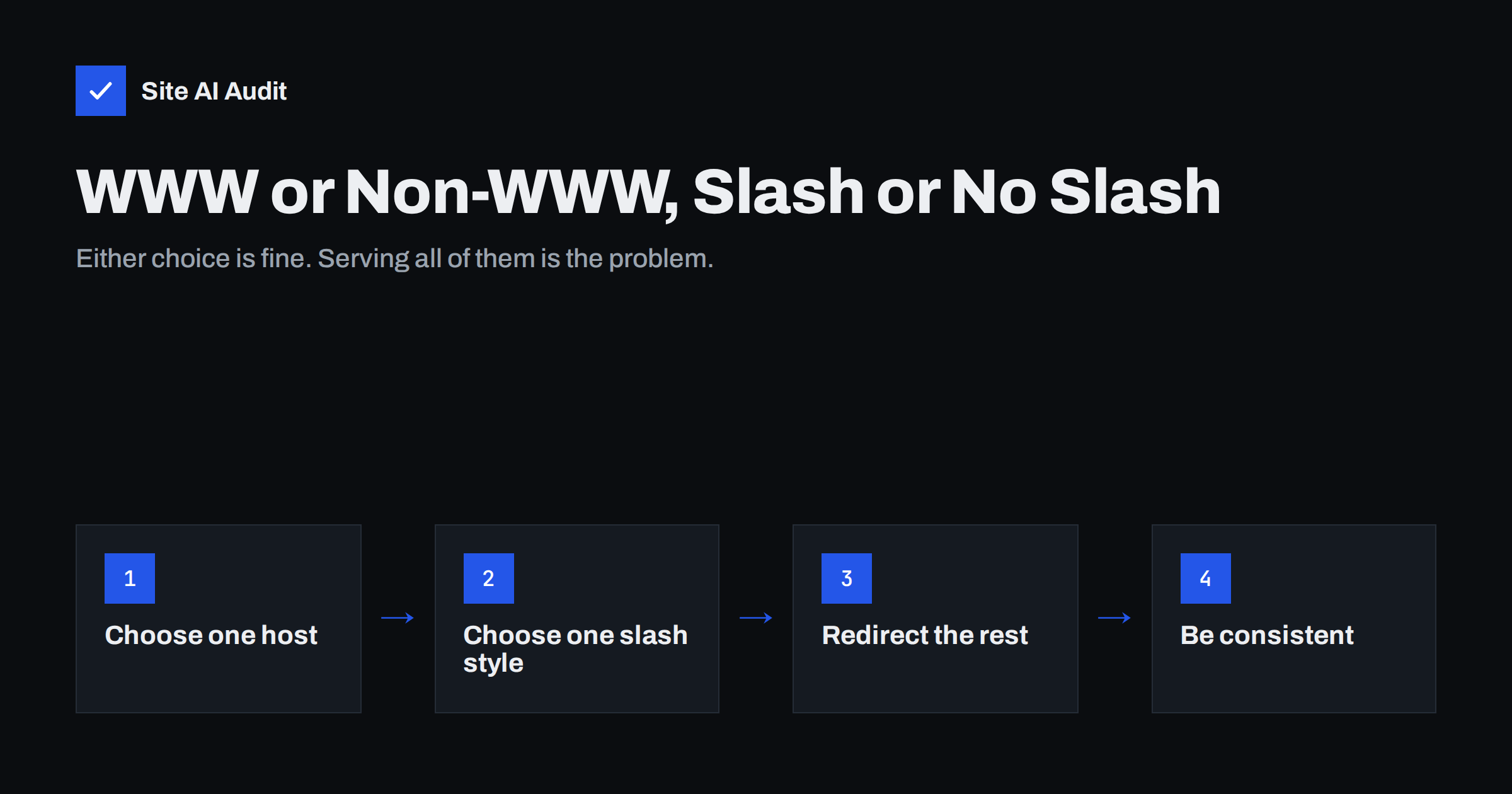
Short answer: For SEO it does not matter whether your site uses www or not, or whether page URLs end with a slash. What matters is that you choose one version and use it everywhere. Every other variant, such as http://, the other host name, or the other slash style, should answer with a single 301 redirect to the chosen version, and your internal links, sitemap and canonical tags should all use it. Serving the same page on several addresses splits signals and creates duplicate content.
Why one page can have many addresses
To a visitor, example.com/about and www.example.com/about/ look like the same page. To browsers and search engines they are different URLs, because the host name and path differ. A typical home page can be reached through at least four addresses:
http://example.com/http://www.example.com/https://example.com/https://www.example.com/
Inner pages double again if both /about and /about/ return the page. If the server answers all of them with status 200 instead of redirecting, search engines see several copies of each page. They usually pick one to show, but links, crawling and reporting are spread across the variants, and the version they pick may not be the one you want. Our guide to duplicate content explains the wider problem.
The problem is common because it is invisible. Nobody notices when both versions load, because the page looks identical. It usually becomes visible only in reports: the same page listed twice in analytics, backlinks split between two host names, or Search Console choosing a different canonical than the one you declared. By then the variants may have existed for years.
WWW vs non-WWW: the real differences
Neither version ranks better. Search engines treat them equally once one is chosen consistently. The differences are technical and practical:
| www.example.com | example.com (bare or apex domain) | |
|---|---|---|
| SEO | No advantage | No advantage |
| Looks | Longer, traditional | Shorter, modern |
| DNS | Can be a CNAME to a CDN or platform | Cannot be a standard CNAME; needs A records or a provider’s ALIAS or flattening feature |
| Cookies | Cookies can be kept to the www host | Cookies set for the bare domain may also be sent to all subdomains |
| Typing | Many people still type www | Shorter to type and print |
For most small businesses the choice comes down to preference and to what the hosting platform recommends. Some hosted platforms and CDNs work more smoothly with a www host because of the CNAME rule. If your site already uses one version, keep it: switching later means redirecting every URL and gains nothing for rankings.
Trailing slash or not
A trailing slash is the / at the end of a path, as in /services/. Historically it indicated a directory and no slash indicated a file, but modern websites generate pages dynamically, so both styles are just conventions. Google’s Search Central blog post “To slash or not to slash” explains that search engines treat the two as separate URLs and that either is fine, as long as you are consistent.
Two practical rules help:
- Follow your platform’s default. WordPress uses trailing slashes with most permalink settings, while many other platforms and frameworks use no slash. Fighting the default creates redirect rules you do not need.
- The root does not matter.
https://example.comandhttps://example.com/are the same request; browsers always send the slash for the root. The rule applies only to paths after the domain.
File URLs such as /sitemap.xml or /image.webp never get a trailing slash.
What you must avoid is a site where both styles return the page with status 200. That often happens after a platform change, when the new system uses a different convention from the old one and nobody adds redirects. Old links then point to the old style, new links to the new one, and both versions collect their own share of links and visits.
How to set up the redirects
Once you have chosen, for example, https://www.example.com/page/, every other variant should reach it in one step with a 301 permanent redirect:
http://example.com/page→https://www.example.com/page/http://www.example.com/page/→https://www.example.com/page/https://example.com/page/→https://www.example.com/page/https://www.example.com/page→https://www.example.com/page/
Where to configure it depends on your setup:
- WordPress redirects to the host and slash style set in its Site Address and permalink settings, as long as they are set correctly. The HTTP to HTTPS step is usually handled by the server or host.
- Apache uses rewrite rules in the virtual host or
.htaccess, checking the host and protocol and redirecting to the canonical host with a 301. - Nginx uses separate
serverblocks for the non-canonical host names and for port 80, each with areturn 301 https://www.example.com$request_uri;. - CDNs and hosted platforms usually offer a setting for the primary domain and handle the redirects for you.
The HTTPS part is covered in detail in our guide on redirecting HTTP to HTTPS the right way.
Avoid redirect chains
A common mistake is to fix each difference in a separate rule, so a request goes through several hops: http://example.com/page → https://example.com/page → https://www.example.com/page → https://www.example.com/page/. Every hop adds a round trip and slows the first visit, and long chains may not be followed completely by crawlers.
Order your rules so the first redirect goes straight to the final URL, including protocol, host and slash. Then test the result; our guide on finding redirect chains and loops shows how. If you use HSTS, the browser will upgrade to HTTPS internally, so the first hop from http:// disappears for returning visitors, as explained in our HSTS guide.
Make everything else consistent
Redirects handle visitors and old links. Everything you control should use the chosen version directly, so redirects are rarely needed:
- Internal links in menus, content and templates point to the final URL, with the right host and slash.
- Canonical tags on each page point to the chosen version of that page. See canonical tags explained.
- The XML sitemap lists only final URLs, never redirecting ones.
- Structured data, Open Graph URLs and hreflang use the same version.
- Google Search Console: a domain property covers all variants; if you use URL-prefix properties, add the chosen version.
- External profiles such as your business profile, social accounts and directory listings link to the chosen version.
Mixed signals, for example a sitemap with slashes and internal links without them, lead to unnecessary redirects and make it harder for search engines to understand which URL you prefer.
How to test your setup
Test all variants of the home page and of one inner page. In a terminal, curl -sI http://example.com/page shows the status code and the Location header of the first response. Repeat for each variant and check that:
- Every non-canonical variant returns 301 with a Location header pointing directly to the final URL.
- The final URL returns 200.
- There is no second redirect after the first one.
- Pages that should not exist still return 404, not a redirect to the home page.
Also test a URL with a query string, such as ?utm_source=test, to confirm that parameters survive the redirect, and a deep URL several levels down, because some rules only cover the home page.
Browser extensions that show redirect paths and online redirect checkers do the same job without a terminal. Retest after any change of host, CDN, SSL setup or CMS settings, because these are the moments when redirect rules break.
Changing your preferred version later
Sometimes a switch is justified, for example when moving to a platform that requires a www host. Treat it like a small migration: set up 301 redirects from every old URL to its new equivalent, update internal links, canonicals and the sitemap in the same release, and monitor Search Console for crawl errors in the following weeks. Temporary fluctuations in search traffic are possible while search engines process the change, so do not switch just for style.
How Site AI Audit helps
Site AI Audit checks the HTTP to HTTPS redirect as part of its security checks and reports redirects and broken links while it crawls your pages, along with titles, canonical-related duplicates, the sitemap and noindex rules. Each finding is explained in plain words, with the affected pages and how to fix it. You can run a free check of your website to see whether visitors and search engines reach one clean version of each page.
Related reading
- SEO-Friendly URLs: How to Structure Them the Right Way
- 301 or 302? Choosing the Right Redirect for Your Website
- Website Migration SEO: How to Move a Site Without Losing Traffic
The bottom line
WWW or bare domain, slash or no slash: none of these choices affects rankings on its own. What matters is choosing one version, redirecting every other variant to it in a single 301 hop, and using the chosen version consistently in links, canonicals and the sitemap. Test all variants after every infrastructure change.
FAQ
Is www or non-www better for SEO?
Neither. Search engines treat both equally. Pick one, redirect the other to it with a 301 and use the chosen version consistently.
Does a trailing slash matter for SEO?
Only for consistency. /page and /page/ are separate URLs, so choose one style, usually your CMS default, and redirect the other.
Is example.com the same as example.com/?
Yes. For the root of a domain the slash is always sent by the browser, so both are the same request. The trailing slash question applies only to paths after the domain.
Should I switch my site from www to non-www?
Usually not. There is no ranking benefit, and a switch requires redirecting every URL. Change only if your platform or infrastructure requires it.
How many redirects are acceptable?
Aim for one. Any non-canonical variant should go directly to the final URL in a single 301 redirect, without chains.


