 ENEnglish
 LTLietuviškai
 DEDeutsch
 FRFrançais
 RUРусский
 ESEspañol
 PLPolski
 ITItaliano
 UKУкраїнська
 CSČeština
 PTPortuguês
 JA日本語
JA日本語 LVLatviešu valoda
 ETEesti
 HUMagyar
 IDBahasa Indonesia
 TRTürkçe
 HIहिन्दी
 ELΕλληνικά
 ARالعربية
 THไทย
THไทย VITiếng Việt
 RORomână
 MSBahasa Melayu
 BNবাংলা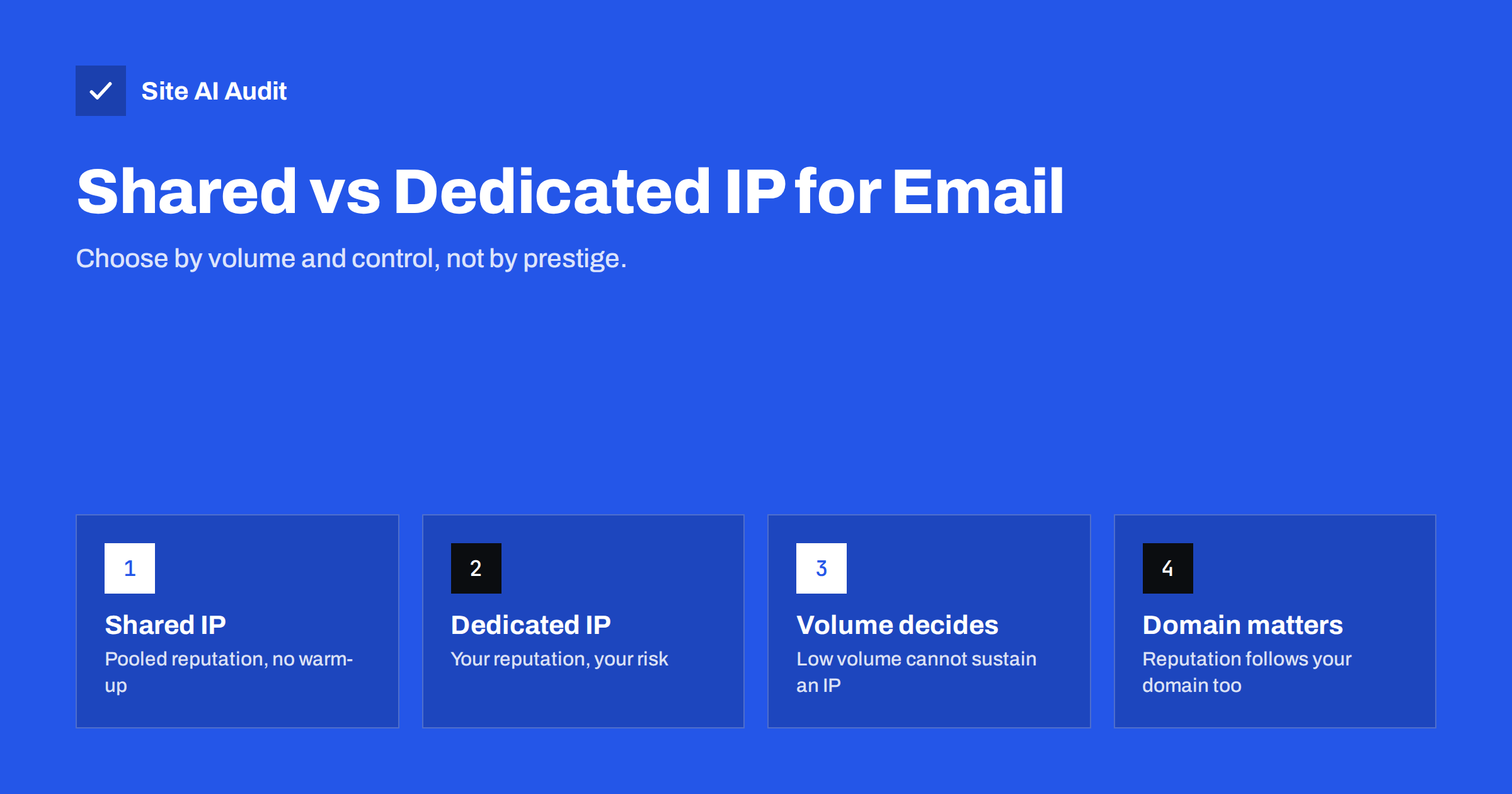
Short answer: A shared IP address sends mail for many customers of an e-mail service, and its reputation is managed by the provider. A dedicated IP sends only your mail, so its reputation depends entirely on you. Most small and mid-sized senders are better served by a well-managed shared pool, because a dedicated IP needs consistent, substantial volume to build and keep a reputation. Dedicated IPs make sense for high, steady volumes and when you need full control, and in every case your domain’s authentication and reputation matter at least as much as the IP.
What the choice actually means
When you send through an e-mail marketing platform or a transactional mail service, your messages leave from the provider’s servers. Each server connection comes from an IP address, and mailbox providers track the behaviour of every sending IP: how much it sends, how many recipients complain, how many messages go to non-existent addresses, whether it hits spam traps.
On a shared IP, your mail is mixed with that of other customers. The provider distributes customers across pools, monitors them and removes senders who damage reputation. On a dedicated IP, only your mail uses the address, so every signal is yours alone.
Mailbox providers have increasingly shifted weight from IP reputation to domain reputation, particularly for authenticated mail. That does not make the IP irrelevant, but it means the choice is less decisive than it was ten years ago. A dedicated IP will not rescue a domain with poor practices, and a shared IP will not ruin a domain with excellent ones.
It also helps to be clear about which mail the decision concerns. Staff mailboxes, marketing campaigns and automatic notifications often travel through different systems, and each may have a different IP setup. A business can reasonably use its mailbox provider’s infrastructure for everyday mail, a shared pool for newsletters and, later, a dedicated IP for high-volume transactional messages.
Shared IPs: advantages and risks
Advantages:
- No warm-up needed. The pool already has a sending history, so you can send your first campaign without gradually building an IP’s reputation.
- Volume is pooled. Mailbox providers see consistent traffic from the IP even if you send only once a month, which looks healthier than an IP that is silent for weeks and then spikes.
- Provider expertise. Reputable services actively police their shared pools, handle blocklist issues and maintain feedback loops.
- Lower cost. Shared sending is usually included in standard plans.
Risks:
- Neighbours. Another customer’s bad campaign can temporarily hurt the pool’s reputation before the provider reacts.
- Less visibility. You cannot see or control the IP’s full history.
- Pool quality varies by provider. Low-cost providers with lax onboarding tend to have weaker pools.
Dedicated IPs: advantages and risks
Advantages:
- Full control of reputation. Your results reflect only your own practices.
- Clear diagnostics. Data in tools such as Microsoft SNDS and blocklist lookups relate to your traffic only.
- Separation of streams. Large senders can use one IP for transactional mail and another for marketing, protecting critical mail from campaign problems.
- Allowlisting. Some corporate recipients prefer to allowlist a specific IP, which is only possible when it is yours.
Risks:
- Warm-up required. A new dedicated IP has no reputation and must be warmed gradually over weeks.
- Volume requirement. Without steady volume, mailbox providers have too little data, and irregular bursts look suspicious.
- No one to share the blame. A single bad list import can damage the IP, and recovery is your job.
- Extra cost and setup, including reverse DNS and sometimes separate configuration per IP.
A side-by-side comparison
| Factor | Shared IP | Dedicated IP |
|---|---|---|
| Best for | Low to moderate or irregular volume | High, consistent volume |
| Warm-up | Not needed | Needed, typically several weeks |
| Reputation control | Shared with the pool | Entirely yours |
| Impact of others | Possible | None |
| Diagnostics | Limited to your account data | Full IP-level data |
| Cost | Usually included | Usually an extra fee |
| Risk if your practices are poor | Provider may suspend you | IP reputation drops quickly |
How much volume justifies a dedicated IP?
There is no universal threshold, and providers publish different recommendations. As a rough orientation, many e-mail services suggest a dedicated IP only when you send large volumes, often tens of thousands of messages or more per week, spread consistently rather than in a single monthly blast. Below that, the IP sees too little traffic for mailbox providers to form a stable opinion.
Ask yourself three questions:
- Do we send enough mail every week to keep an IP busy?
- Is our list practice strong: confirmed opt-in, low complaint and bounce rates?
- Do we have someone who will monitor reputation and react to problems?
If any answer is “no”, a good shared pool is probably the better choice today.
Moving from shared to dedicated, or back
Needs change as a business grows. A company that started with a monthly newsletter may later send daily order notifications, abandoned-cart reminders and weekly promotions. Signs that a dedicated IP is worth evaluating include consistently high weekly volume, a stable and engaged list, recurring problems you cannot diagnose on a shared pool, and important corporate recipients who want to allowlist a fixed address.
If you move to a dedicated IP, plan it like any warm-up:
- Confirm that your domain is fully authenticated with aligned DKIM, so its reputation carries over.
- Ask the provider to set reverse DNS for the new IP and to confirm it is not on any blocklist.
- Start by sending a small share of your most engaged traffic through the new IP, leaving the rest on the shared pool.
- Increase the share step by step over several weeks while watching bounces, complaints and deferrals.
- Keep monitoring after the transition, because a dedicated IP’s reputation reacts quickly to changes in list quality.
Moving back to a shared pool is simpler, but it is worth asking why. If the dedicated IP suffered because of list problems, those problems will follow you to the shared pool, and a good provider will notice them there too. Changing infrastructure is never a substitute for cleaning the list.
Domain reputation: the part you always own
Whatever the IP setup, your domain carries its own reputation. That is why authentication matters in both cases:
- DKIM with your own domain attaches good sending history to you, not only to the provider’s IP.
- SPF must include the provider, whether shared or dedicated. With a dedicated IP, some providers suggest listing the IP directly.
- DMARC alignment ensures your domain is the one being judged.
- A custom bounce domain on a subdomain aligns SPF too, and keeps the envelope on your domain.
Moving from shared to dedicated IPs, or between providers, is much smoother when the domain already has a good, authenticated history, because mailbox providers recognise the domain even as the IP changes.
Other setups: your own server and business mailboxes
For everyday person-to-person mail on Google Workspace or Microsoft 365, the question does not arise: you use the provider’s infrastructure, which is shared at a huge scale and professionally managed. The choice becomes relevant for marketing and transactional platforms.
Running your own mail server gives you a dedicated IP by default, but with all the responsibilities: reverse DNS, TLS, blocklist monitoring, patching and abuse handling. For most small businesses, relaying outgoing mail through a reputable provider is the more reliable option.
Web hosting servers are a special case. A website sending mail directly from a shared hosting server uses an IP shared with every other site on that server, often without any e-mail-specific monitoring. That is the worst of both worlds, and a common reason for website mail landing in spam.
Checking the domain side
Whichever IP setup you choose, the domain records must be right. Site AI Audit checks SPF with its lookup limit, DKIM, DMARC and MX records and explains every finding in plain words, together with the website’s SSL, speed and SEO. A free check confirms the domain is ready; paid plans repeat the checks and alert you when something changes.
Related reading
- How to Warm Up a New Email Domain or IP Address Safely
- Reverse DNS and PTR Records for Email: What You Need to Know
- Email Blocklists: How to Check Your Domain and Get Delisted
The bottom line
Shared IPs suit most senders because they come with established reputation and need no warm-up. Dedicated IPs suit high, steady volumes and teams that can manage reputation actively. Either way, authenticate with your own domain, because domain reputation follows you whichever IPs your mail leaves from.
FAQ
Is a dedicated IP better for deliverability?
Not automatically. It gives you control, but it needs steady volume and good practices. For low or irregular volume, a well-managed shared pool often performs better.
Can other senders on a shared IP hurt my deliverability?
They can temporarily, which is why provider quality matters. Reputable providers monitor pools and remove problematic senders, and your own domain reputation also influences placement.
Do I need to warm up a dedicated IP?
Yes. A new dedicated IP has no history, so volume must be increased gradually over several weeks while monitoring bounces and complaints.
Should transactional and marketing mail use separate IPs?
For high volumes, separating them protects critical transactional mail from campaign problems. At lower volumes, separate subdomains and a provider’s separate shared pools achieve a similar effect.
Does domain reputation matter if I have a dedicated IP?
Yes. Mailbox providers evaluate both the IP and the authenticated domain, and domain reputation increasingly carries weight.
Is my own mail server a dedicated IP?
Yes, and it brings every responsibility of one: reverse DNS, TLS, blocklist monitoring and security. Many businesses relay through a provider instead.


