ENEnglish
 LTLietuviškai
 DEDeutsch
 FRFrançais
 RUРусский
 ESEspañol
 PLPolski
 ITItaliano
 UKУкраїнська
 CSČeština
 PTPortuguês
 JA日本語
JA日本語 LVLatviešu valoda
 ETEesti
 HUMagyar
 IDBahasa Indonesia
 TRTürkçe
 HIहिन्दी
 ELΕλληνικά
 ARالعربية
 THไทย
THไทย VITiếng Việt
 RORomână
 MSBahasa Melayu
 BNবাংলা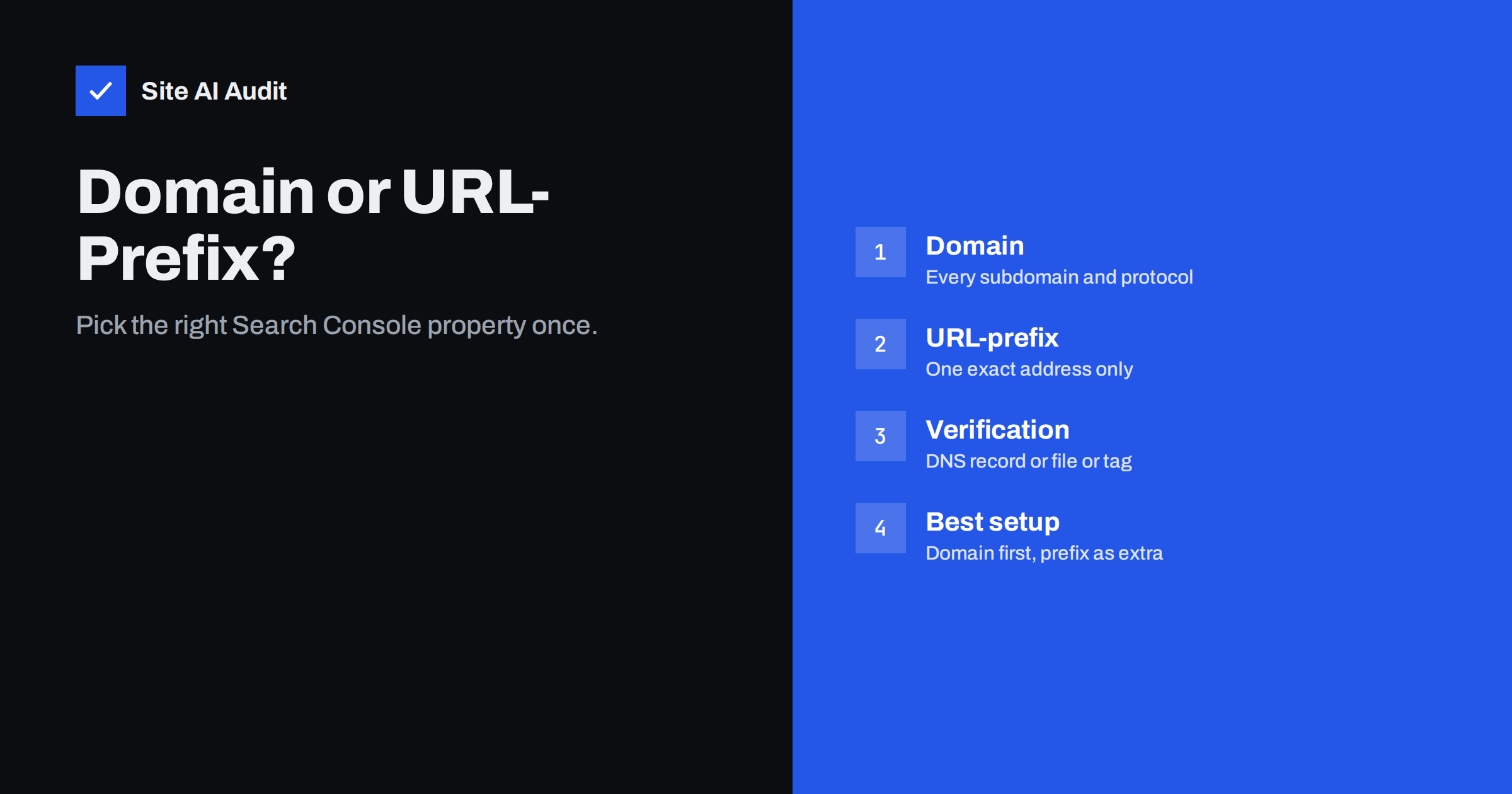
Short answer: A Domain property in Google Search Console covers every version of your website at once: http and https, www and non-www and every subdomain. It is verified with a DNS record. A URL-prefix property covers only the exact address you enter, including its protocol, and can be verified in several easier ways. For most websites the best choice is a Domain property for the full picture, plus a URL-prefix property only when you need a separate view of one section or when you cannot edit DNS.
Why Search Console asks you to choose
When you add a website to Google Search Console, the first screen offers two options. Many owners pick one at random, finish the setup and never think about it again. That works for a while, but the choice decides which data you see, which versions of your site are included and how easy it is to give other people access.
Search Console is the free tool where Google shows how your website appears in search. It reports clicks, impressions, indexing problems, sitemaps and security issues. Everything in it is attached to a property, so the property defines the boundaries of what you can see. If you want a refresher on the basics, our Search Console setup guide walks through the first steps.
What a Domain property covers
A Domain property is built around the registered domain name, for example example.com. It includes all of the following in one place:
- both http:// and https:// versions of every page,
- both example.com and www.example.com,
- every subdomain, such as blog.example.com, shop.example.com or m.example.com,
- any path under all of those hosts.
The practical benefit is that nothing is missed. If an old subdomain is still serving pages, or part of your site is still reachable on http, the data appears in the same report. That makes a Domain property the best tool for spotting forgotten or duplicate versions of a site. It also helps after a migration, because traffic and errors from the old and new setups sit side by side.
The cost is verification. A Domain property can only be verified by adding a DNS record, usually a TXT record, at your domain provider. If someone else manages your DNS, or you do not have access to the account where the domain is registered, this can take a few days of emails.
What a URL-prefix property covers
A URL-prefix property covers only addresses that begin with the exact text you enter. If you enter https://www.example.com/, it includes https://www.example.com/page/ and everything below it, but it does not include http://www.example.com/, https://example.com/ or https://blog.example.com/. Each of those would be a separate property.
This sounds like a limitation, but it is useful in two situations. First, you may want a clean view of one section only, for example https://www.example.com/blog/ for the content team, without the noise from the rest of the site. Second, URL-prefix properties offer more ways to verify ownership. Depending on the setup you can use:
- an HTML file uploaded to the root of the site,
- an HTML meta tag in the head of the home page,
- your existing Google Analytics tracking code,
- your Google Tag Manager container,
- a DNS record, as with a Domain property.
If you can edit your website but not your DNS, these methods are often the fastest route to working data.
Side-by-side comparison
The differences are easier to see when you list them one by one.
- Scope. Domain: all protocols, hosts and subdomains. URL-prefix: one exact prefix.
- Verification. Domain: DNS only. URL-prefix: file, meta tag, analytics, tag manager or DNS.
- Data. Domain: combined data for everything. URL-prefix: only that prefix, so numbers are lower and more focused.
- Best for. Domain: owners who want the complete view. URL-prefix: sections, separate teams and sites where DNS access is hard.
- Risk of gaps. Domain: low. URL-prefix: high if you enter the wrong version, for example http when the site runs on https.
Both property types show the same kinds of reports. Both keep roughly the same period of search data. The difference is what is included in the numbers, not how the reports look.
A common mistake: tracking the wrong version
The most frequent problem we see is a URL-prefix property for a version of the site that nobody uses. For example, an owner adds http://example.com/ years ago, then moves to https and www. The old property now shows almost no data, and the owner concludes that the website gets no search traffic. In reality the traffic is on a different property that was never added.
If your Search Console numbers look strangely low, check the property address first. Compare it with the address you see in the browser when you open your home page. They must match exactly, including the protocol and whether www is present. A Domain property avoids this problem completely, which is one more reason to prefer it.
Which one should you choose?
A simple decision rule works for most small websites.
- If you can add a DNS record, create a Domain property. It is the most complete option and protects you from version mix-ups.
- If you cannot edit DNS, create a URL-prefix property for the exact address your visitors see, and verify it with a file or meta tag. You can add a Domain property later.
- If you manage a large site, add URL-prefix properties for important sections in addition to the Domain property. A shop, a blog and a help centre are good candidates, because each team can then see its own numbers.
- If you run several subdomains for different products, consider one Domain property for the overview and a prefix property for each subdomain you report on separately.
Having more than one property for the same site is normal and free. The properties do not conflict, and data in one does not remove data from another.
Users, sitemaps and other practical details
Access is managed per property. An owner can add users with full or restricted permissions. If you work with an agency or a freelancer, giving access to a section-level property is a tidy way to limit what they can see. Remember to remove access when a project ends.
Sitemaps are also submitted per property. In a Domain property you can submit the sitemap for any host that belongs to the domain. In a URL-prefix property you can submit sitemaps that sit within that prefix. Our XML sitemap guide explains how to create the file you submit.
Some reports, such as the crawl statistics report, are available only for properties at the root level of a host. A prefix property for a deep folder will not show them. That is another reason to keep a root-level or Domain property alongside any section view. If you want to read that report, see our guide to the Search Console crawl stats report.
Finally, never delete the verification record or file after the property is set up. Google checks it from time to time, and removing it can cause the property to lose its verified status. Keep a note of how each property was verified, so that the next person in your team does not have to guess.
What Site AI Audit can and cannot tell you
Site AI Audit crawls up to 50 pages of your website the way a search engine does. It reports titles, descriptions, broken links, redirects, the XML sitemap and robots.txt status, and pages blocked by noindex. It does not log in to Search Console and cannot tell you which property you have or how it was verified. It does help with the symptoms behind a wrong choice: if your site answers on more than one version, the redirect checks show it. You can run a free check of your website or see the plans.
Related reading
- How to Set Up Google Search Console for a Small Business
- URL Inspection Tool in Search Console: How to Use It
- WWW or Non-WWW, Slash or No Slash: Pick One URL Version
- How to Read the Search Console Performance Report
The bottom line
A Domain property gives the complete picture of your website across protocols and subdomains, and it is the best default when you can add a DNS record. A URL-prefix property gives a narrow, focused view and easier verification. Use a Domain property first, add prefix properties for sections you report on separately, and always check that the address you track matches the address your visitors really use.
FAQ
Can I have both a Domain and a URL-prefix property?
Yes. Many sites use both. The Domain property shows everything, and prefix properties give focused views of single sections or hosts. They do not conflict with each other.
Can I switch from a URL-prefix property to a Domain property?
You cannot convert one into the other, but you can add a Domain property next to the existing one. Historical data stays in the old property, so keep it for reference.
Why are my Search Console numbers lower than expected?
The usual cause is a URL-prefix property for the wrong version of the site, for example http instead of https. Compare the property address with the address in your browser, or add a Domain property.
Do I need DNS access to use Search Console?
Not for a URL-prefix property, which can be verified with a file, a meta tag, analytics or tag manager. DNS access is required only for a Domain property.
Does the property type affect my rankings?
No. Properties only control what you see in the reports. They do not change how Google crawls, indexes or ranks your pages.